
Watercolor Photo Effect
The best 50 Watercolor Photo Effect AI tools - Free & Paid
Explore 50 AI for Watercolor Photo Effect
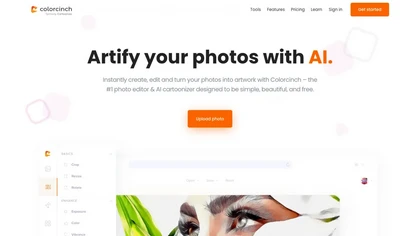
Colorcinch converts photos to cartoons, sketches, or paintings with one click, offers AI background removal, adjustable sliders, overlay effects, multi‑layer editing, high‑resolution export to JPG/PNG/PDF, all usable online/offline without login.
Free
- $8.99
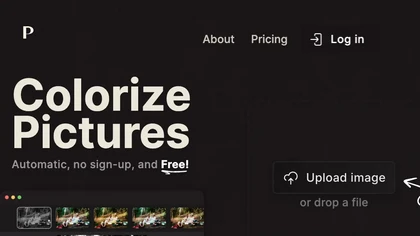
Palette automatically colorizes black‑and‑white images up to 5000 × 5000 px. Users upload single or multiple photos, choose from 150+ preset filters, and refine results with keyword‑driven adjustments to hue, saturation, and contrast. Ideal for photographers, designers, and archivists.
Free trial
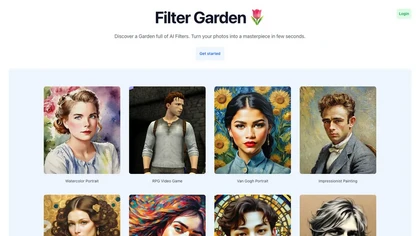
Filter Garden is an AI photo‑editing platform that applies artistic styles—Watercolor, Van Gogh, Impressionist, Pixel, Stained Glass—in a single click. It offers batch processing, real‑time previews, intensity adjustment, preset saving, and API integration.
Freemium
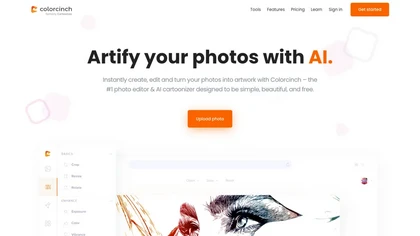
Colorcinch is an AI photo editor that instantly cartoonizes or sketches images and offers background removal, cropping, resizing, exposure and detail controls, file compression, and 400 DPI print‑ready export. Mobile app adds cartoonizing, background removal, and upscaling on the go.
Paid

PicWish AI Photo Editor automates image enhancement, background removal, and watermark deletion. It processes batches of up to 30 files, offering resizing, lighting, upscaling, AI Designer prompts, Face Cutout, and single‑click unblur/sharpen. Available on Windows, macOS, iOS, Android, and browser.
Subscription
- $9.99/mo
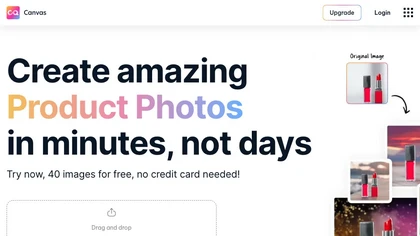
Magicstudio Canvas is an AI tool for quickly creating product photos with up to 40 free uploads in JPEG or PNG format. It offers intuitive, easy-to-use editing tools and features for profile pictures, removing backgrounds, and adding text.
Freemium
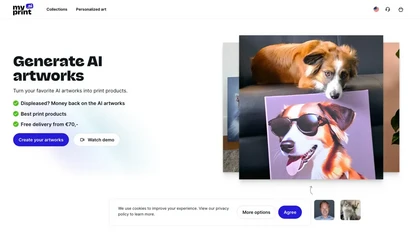
Upload at least ten photos to generate 100+ themed artworks per set. Choose styles such as watercolor, cyberpunk, graffiti, and receive 512 × 512 images, with optional 4K. Download instantly or print posters, mugs, and more worldwide.
Freemium
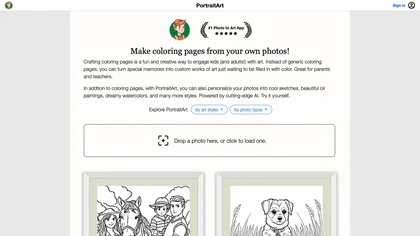
PortraitArt converts uploaded photos into custom coloring pages and diverse styles—oil, watercolor, sketch, cartoon, pop art, etc. It supports portraits, groups, pets, buildings, scenery, preserves composition, previews before download, and deletes images afterward.
Paid
- $7.99
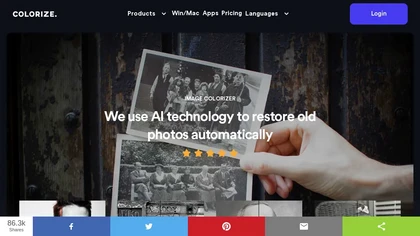
ImageColorizer automatically colorizes black‑and‑white photos, doubles resolution, removes scratches, deletes unwanted objects, and retouches portraits. It supports batch processing, delivering high‑quality, corrected images quickly for restorers and hobbyists and preserves surrounding detail.
Freemium
- $3.9/mo
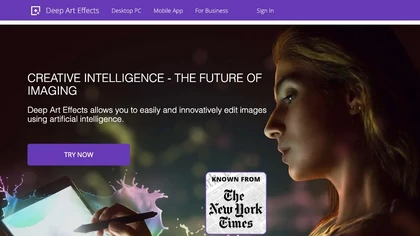
Deep Art AI transforms photos into artworks using style‑transfer algorithms, offering on‑device, privacy‑respecting editing across Windows, macOS, Linux, Android, and iOS. Features include up to 4× upscale, background removal, colorization, preset filters, batch processing, and an API for developers
Free trial
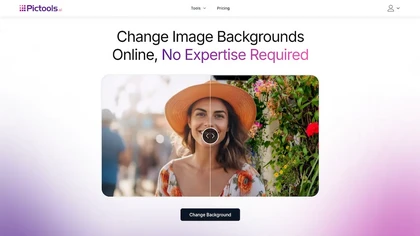
PicTools.AI is a web‑based photo editor that lets users upload images and apply changes via text prompts or over 100 one‑click AI filters—background removal, outfit changes, smile addition, restoration, and artistic styles—without design skills.
Subscription
- $23.4/mo

VSCO is a cross-platform photo and video editor combining 200+ presets, analog-style Film FX and precision exposure/color controls with AI-powered Remove and retouching, live in-app capture, clip-level video edits, and portfolio/workspace tools for creators.
Freemium
DeWatermark uses AI to remove watermarks, logos, text, emojis, and timestamps from photos, videos, PDFs, and images. It applies inpainting, offers a manual brush for edits, and batch processes up to 50 files on mobile and desktop.
Free
- $10/mo

PhotoToCartoon is an AI tool that converts photos into stylized artwork with over 38 preset effects like anime, oil painting, and Disney styles. It offers a simple three-step workflow to generate high-resolution, customizable art for creators and marketers.
Freemium
- $9.9

AI image enhancer that upscales up to 4×, removes noise, sharpens blur, and can enhance faces or colorize. Handles .png/.jpg/.webp/.tif/.bmp/.raw and outputs the same formats. Windows, macOS and Photoshop plugin supported.
Free trial

Get superior quality finished photos with perfect color rendition and fast delivery for radiant results.
Freemium
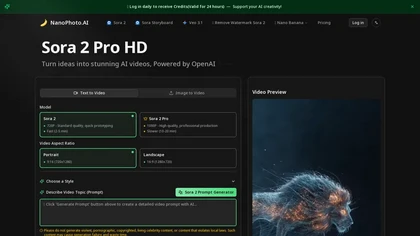
NanoPhoto.AI is an AI-powered media editor that simplifies generating and editing images and videos. It offers features like photo restoration and style changes, and supports batch processing for efficient workflows.
Free trial
- $15/mo
WatermarkRemover.io uses AI to erase watermarks from images, videos, and PDFs while preserving quality. It supports batch uploads, command‑line, web, API, and plugin integration for workflows, with secure, compliant data handling.
Subscription
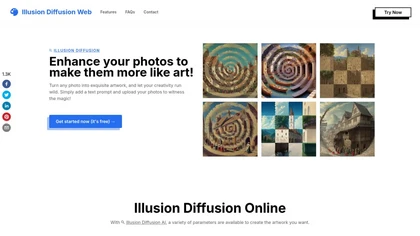
Illusion Diffusion converts uploaded photos into optical‑illusion artwork using Stable Diffusion and ControlNet. Users set prompts and Illusion Strength, adjust advanced controls, and select patterns to produce high‑quality, shareable visual transformations quickly.
Paid
PhotoRestore uses AI to repair scratches, fading, and stains in legacy photos, auto‑colorizes black‑and‑white images, sharpens and denoises for clarity, upscales 2‑4×, and removes backgrounds for clean cutouts, supporting common formats and album sharing.
Free

HitPaw FotorPea automatically enhances photos by applying AI models for sharpening, denoising, face and color correction. It unblurs images, upsizes to 4K/8K, restores old photos, removes backgrounds, and generates images from text prompts.
Free trial
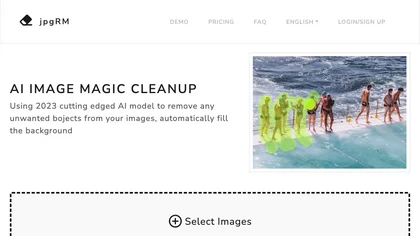
AI Image Magic Cleanup uses a 2026 GAN to automatically erase backgrounds or unwanted objects from photos. Users mark areas with a brush, then the tool refines and fills the space with matching background detail, delivering quick results on mobile.
Paid
Kolorize automatically colorizes grayscale, black‑and‑white, or sepia images in 3–8 seconds. It accepts JPEG, PNG, WebP, GIF, or AVIF up to 4096×4096 pixels, resamples larger files, outputs colorized JPGs, and deletes uploads after processing.
Freemium
Pixlr is a browser‑based photo editor that uses AI for background removal, generative fill, and object deletion. It offers cropping, color correction, collages, templates, and social media layouts across desktop, tablet, and mobile.
Free trial
- $1.99/mo

PhotoGrid is a browser‑based AI photo editor that offers one‑click enhancement, background removal, and upscaling. It lets users build collages from 20,000 templates, add stickers, text, custom backgrounds, and convert images into short video clips.
Subscription
- $2.83/mo
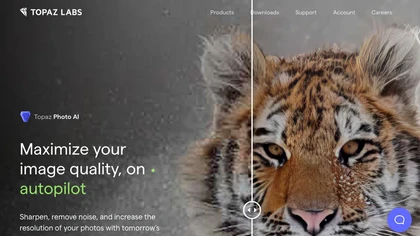
This tool uses deep learning to enhance photos by reducing noise, sharpening, upscaling, and recovering faces.
Paid
- $99
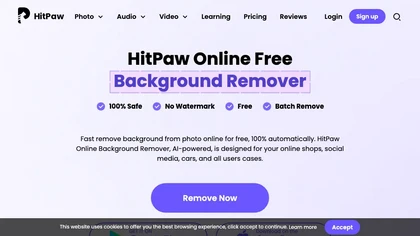
HitPaw Online Background Remover uses AI to delete backgrounds in seconds, supporting single or up to 50‑image batch uploads. It offers transparent, black, or template backgrounds, realistic shadows, and works on Windows, macOS, iOS, Android, and browsers.
Freemium
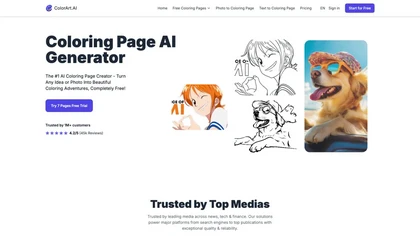
ColorArt.ai is an AI-powered tool that generates customizable coloring pages from photos and text prompts. It enhances image outlines for better quality, making it suitable for both individual and business use in creative activities.
Free trial
- $6.99/mo
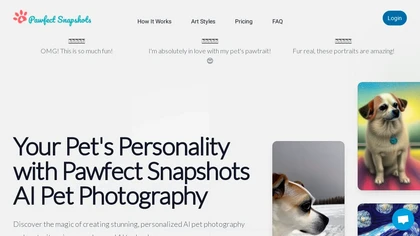
Pawfect Snapshots turns pet photos into personalized portraits. Upload 5–10 images, choose a style or custom prompt, and within minutes the tool trains a model to generate artistic renditions—watercolor, photo‑realistic, digital—ready for download or sharing.
Paid
- $4.99
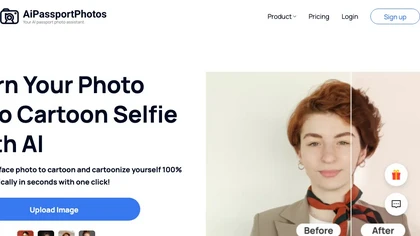
AiPassportPhotos transforms portrait photos into cartoon styles—sketch, 3D, manga—via one click. It also offers background removal, blur, face cutout, enhancement, colorization, and old‑photo restoration, all online with instant downloads. For mobile and desktop browsers, ensuring privacy with a dat
Free

Picture Drawing AI transforms photos into artistic drawings in various styles, including sketches and watercolors. Users can easily upload images and generate high-resolution outputs quickly, making it useful for artists and content creators seeking unique visuals.
Freemium
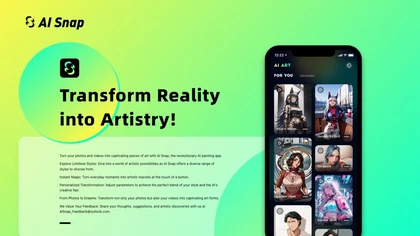
AI Snap applies AI painting techniques to photos and videos, offering a library of styles and one‑tap presets. Users can adjust brush detail, saturation, and composition for quick, on‑the‑fly visual enhancements.
Freemium
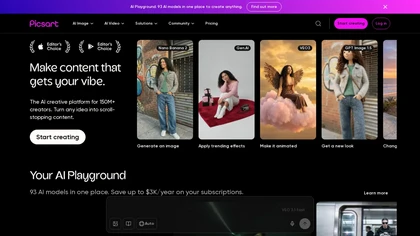
Picsart is a web and mobile photo editor and design app offering layers, filters, color correction, retouching, automatic background removal, collage and template tools, stickers and text overlays, basic social-video editing, and AI image generation with cross-device sync.
Freemium
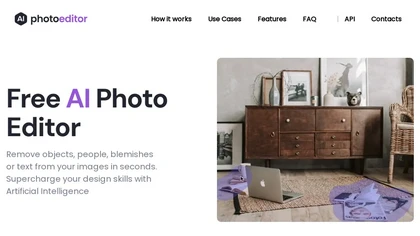
PhotoEditor.ai edits JPG, PNG, HEIC, and WEBP images up to 15 MB in a browser or mobile app. It offers portrait transformation, background removal, detail enhancement, and 4K upscaling, delivering instant downloads for photographers, marketers, and designers.
Paid

Vimi.art is an AI photo editor that transforms portraits, pets, and family moments into stylized art using themed filters and presets. It streamlines batch editing with consistent styles, delivering social-media-ready and print-formatted images.
Freemium
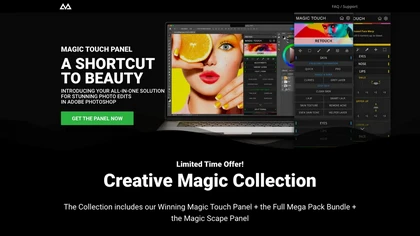
CreativeMagicPanel automates portrait retouching in Photoshop with AI face/body recognition. It offers 289+ features—skin smoothing, facial tweaks, color grading, overlays, quick presets, luminosity masks, and selection helpers—compatible with Photoshop CC 2023+ on Windows, macOS, and Apple Silicon.
Free
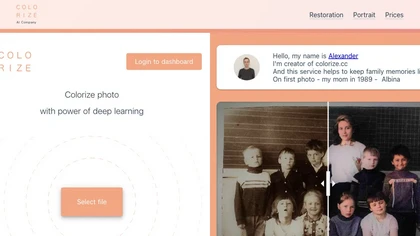
Colorize.cc is an AI tool that restores and enhances old photos, removes noise, and restores faces through colorization, photo restoration, and color portrait generation.
Usage based
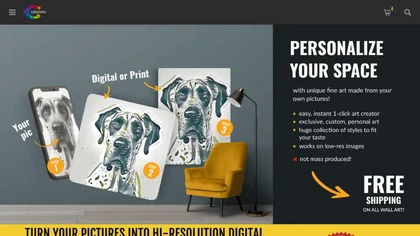
Coloromo transforms a single photo into thousands of high‑resolution artistic variations—neon, black & white, metallic, seasonal, etc.—through a simple three‑step workflow. Users can download or order prints on canvas, posters, wood, aluminum, and more.
Paid
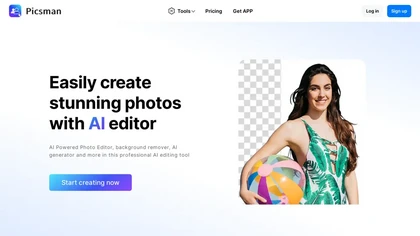
Picsman is an AI‑powered editor that removes or replaces backgrounds, ups image resolution, and applies styles like Ghibli or cartoon. It also offers text‑prompt editing, video generation, image extending, and watermark removal for quick, high‑definition results.
Free
- $5.99/mo
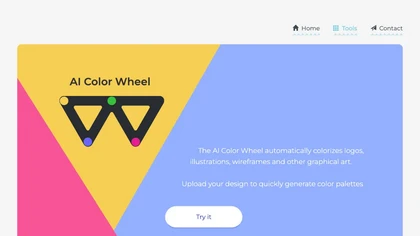
Color Wheel automatically colorizes grayscale flat graphics, generating thousands of palettes from one upload. Users tweak schemes and preview styles from Warhol to NES, saving locally with no registration for web and UI projects.
Free
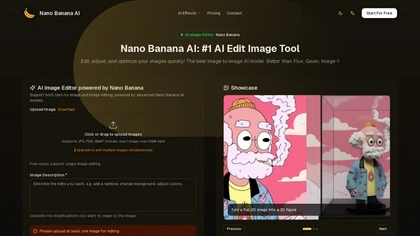
nanobanana.art is a web-based AI image editor that lets you enhance, restyle, or convert 2D images into 3D models using simple text prompts. It supports JPG, PNG, and WEBP formats for uploads up to 10MB.
Freemium

ImageToCartoon turns JPEG, PNG, or WebP photos into high‑resolution cartoon images directly in the browser. Users pick from 80+ styles—Ghibli, Pixar, anime, comics—to create avatars, prints, or pet illustrations, with royalty‑free commercial rights.
Free

Pixelied is an online photo editor and design suite that offers brightness, saturation, and filter tools, background removal, a 4 million‑photo library, vector editing, team collaboration, and pre‑made templates for quick resizing.
Freemium
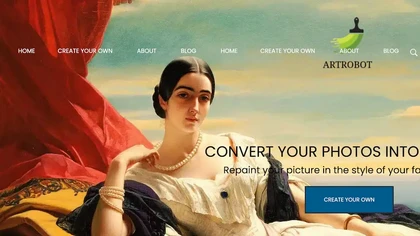
ArtRobot transforms photos into paintings or illustrations using over 150 neural‑network styles. Upload an image, pick a style, and receive an HD or 4K output in minutes—ideal for photographers, designers, and social‑media creators.
Free
Colorizethis.io is an AI image colorization tool that brings old black-and-white photos to life.
Free trial
HitPaw AI Photo Enhancer upsamples images up to 8×, removes blur and noise, sharpens detail, and restores color for JPG, PNG, and WebP files. Works on web, desktop, and mobile with batch processing, aiding photographers, designers, and archivists.
Freemium

AI Photo Studio automates e‑commerce image editing: background removal, resolution enhancement, lossless compression, profile passport creation, hairstyle preview, object cleanup, old‑photo restoration, colorization, AI fashion model generation, clothing recolor, background changes, and file convers
Free
jpgHD uses AI to perform lossless restoration of old, scratched photos, adding color, repairing damage, and providing Ultra Restore. It animates up to ten faces, offers 2×/4× super‑resolution, denoising, and high‑definition enhancement via web UI or REST API.
Paid

Webcam Effects Chrome Plugin provides browser-based virtual backgrounds, blur, and background replacement with images or video; records browser tabs or single sources; adds AI noise cancellation, smart auto-framing, picture-in-picture, emoji/Giphy, and custom layouts.
Freemium