
Screenshot To Code
The best 26 Screenshot To Code AI tools - Free & Paid
Explore 26 AI for Screenshot To Code
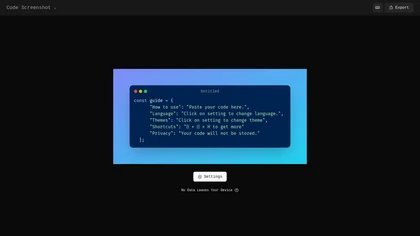
Code Screenshot allows developers to convert code snippets into visually appealing images with syntax highlighting for various languages. It features customizable themes, keyboard shortcuts for efficiency, and local storage for enhanced privacy in sensitive projects.
Freemium
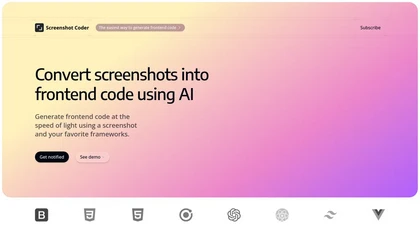
Screenshot Coder transforms visual mockups into production‑ready frontend code in seconds, supporting Tailwind CSS, Bootstrap, and React. It delivers responsive, clean UI code directly from screenshots, accelerating prototyping for designers and developers.
Free
Pixelcode is a Chrome extension that extracts code from screenshots, images, PDFs, and video frames, recognizes over 30 programming languages, preserves formatting, and copies snippets directly to the clipboard for use in any editor.
Free
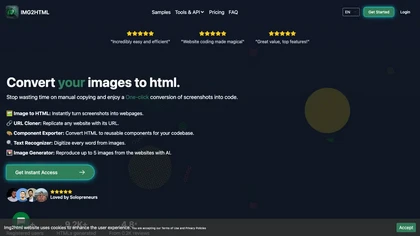
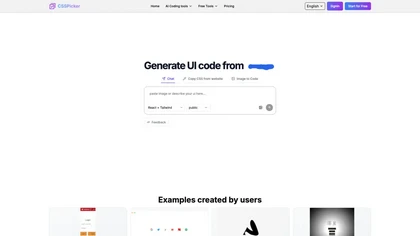
CSSPicker is an AI tool that transforms design screenshots into responsive HTML, CSS, or Tailwind code. With a real-time code editor and integration for frameworks like React, it aids both novice and experienced developers in UI coding tasks.
Free trial
- $30
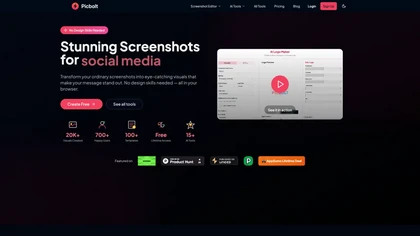
Picbolt is a screenshot editor that transforms screenshots into high-quality visuals with one-click presets, smart cropping, and customizable device mockups. It is ideal for educators, content creators, and small business owners, offering tools for annotations and workflow optimization.
Free trial
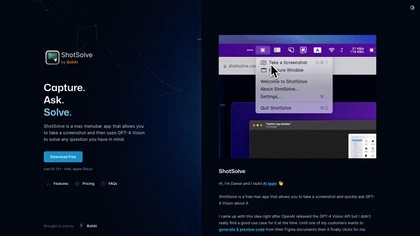
ShotSolve is a native macOS app that captures screenshots and uses GPT‑4o for instant queries. It offers a clean chat interface with themes, code styling, context controls, secure key storage, and configurable parameters for custom AI interactions.
Free
- $29/mo
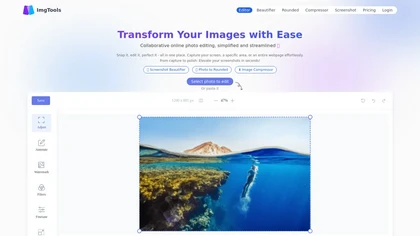
ImgTools is a versatile screenshot tool that simplifies capturing, editing, and enhancing images efficiently. It offers features like screenshot beautifier, advanced editing options, collaborative online editing, and customization tools to elevate your visuals effortlessly.
Freemium
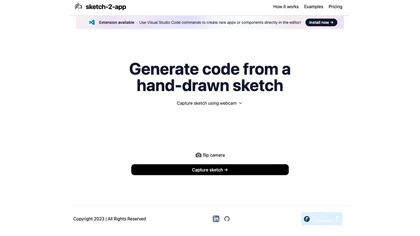
Sketch2App" is a Visual Studio Code extension AI tool that converts hand-drawn sketches into functional app components swiftly. Streamlining app development, it seamlessly translates sketches into code for efficient design realization.
Subscription
- $29/mo
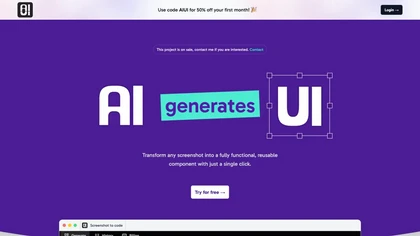
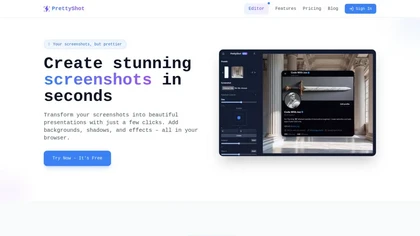
PrettyShot is a web-based tool that enhances standard screenshots by adding backgrounds, shadows, and effects, allowing users to create professional-quality visuals. It supports mockups with device frames and offers efficient preset slots for customization.
Free trial
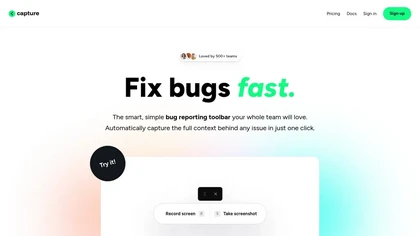
Capture.dev is a bug reporting tool that simplifies issue reporting with an intuitive toolbar, automatically captures context, and integrates with collaboration tools. It enhances communication and productivity by generating detailed bug reports and annotated playback for efficient resolution.
Free trial
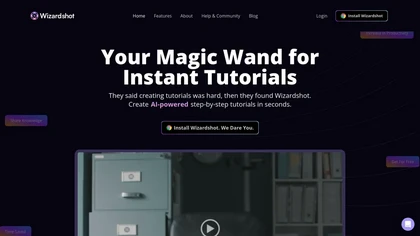
Wizardshot is a web app and Chrome extension that automatically converts screen recordings into structured, step‑by‑step tutorials. It exports to PDF/DOC, GIFs, embeds videos, supports team collaboration, role‑based access, blurs sensitive data, and provides analytics on usage and gaps.
Free
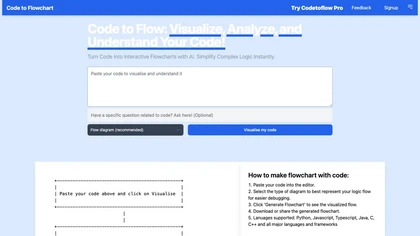
Code to Flowchart converts source code into interactive flowcharts, sequence, and class diagrams for Python, JavaScript, Java, C++, and TypeScript. It visualizes logic paths, loops, and conditionals, supports export to SVG/PNG/PDF, and prioritizes privacy with no code storage.
Subscription
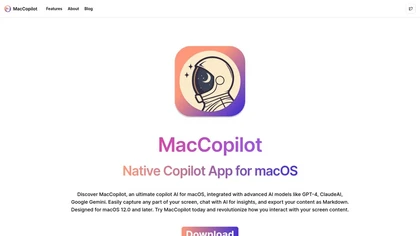
MacCopilot lets macOS users select any screen area, capture screenshots, and chat with AI models—GPT‑4o, Claude, Gemini, or local Ollama—to receive instant visual analysis, code reviews, design feedback, and contextual insights directly on‑screen. Hotkeys and history improve workflow.
Free

Jelli is a Chrome extension that captures screenshots with a hotkey and copies them to the clipboard. Users can annotate by drawing arrows or rectangles directly on the image, then paste into Slack, Jira, or documents.
Freemium
- $19.99/mo

SynthAnswer AI is a browser extension that converts screenshots (text, math, code, handwritten notes) into instant answers with step-by-step explanations and formatted solutions, delivering fast, cross-platform problem solving for students, researchers, and professionals with privacy controls.
Free trial
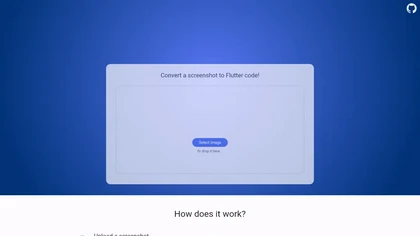
Pixel2Flutter is an AI-assisted migration tool that converts Google's Pixel UI components to Flutter widgets, simplifying the process of porting Android apps to iOS and web platforms while maintaining visual consistency.
Freemium
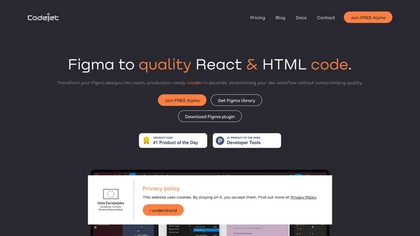
Codejet converts Figma design systems into production‑ready websites with one click. It offers a library of 100+ templates, AI‑generated responsive code, an integrated visual editor, and built‑in unit‑testing scaffolding for a seamless design‑to‑deployment workflow.
Freemium
- $39/mo

Shotva is an AI tool that transforms screenshots into polished images with customizable backgrounds, frames, and annotations. Its auto-styling feature analyzes content to create cohesive designs, while also streamlining ad creation with brand identity scraping.
Free
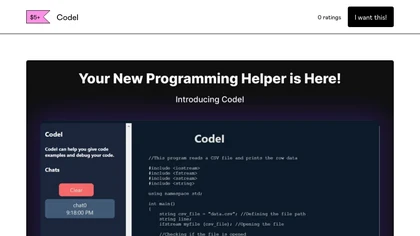
CodeI is an AI code assistant that delivers ready‑to‑use snippets for multiple languages and frameworks, offers debugging support, explains error messages with examples, tracks query history for quick reference, and helps developers understand and improve code quality.
Free
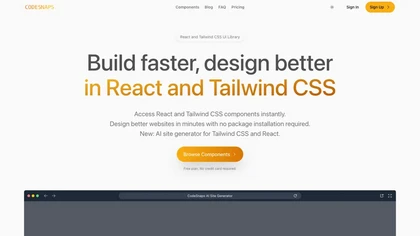
Codesnaps is a web tool for developers that provides ready-to-use UI components for React and Tailwind CSS, along with an AI site generator for quick website creation, enhancing efficiency in web design and development.
Free trial
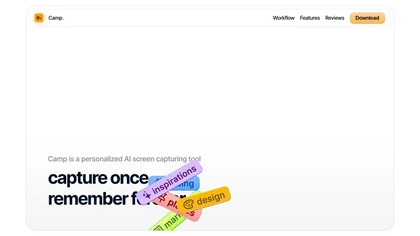
Camp is a macOS and iOS screen‑capture app that stores screenshots locally, auto‑tags and titles them, supports keyboard shortcuts, lets users annotate, search by keyword, and pin favorites for quick access.
Freemium
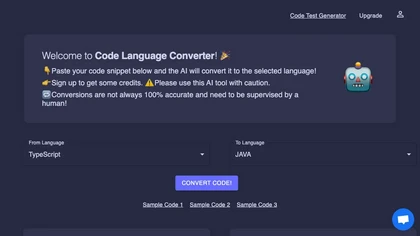
Code Converter is a web‑based tool that translates source code among 30+ programming languages. It offers an editor, instant conversion, preview, history with privacy controls, sample conversions, and quick links for popular language pairs.
Freemium
- $4.99/mo
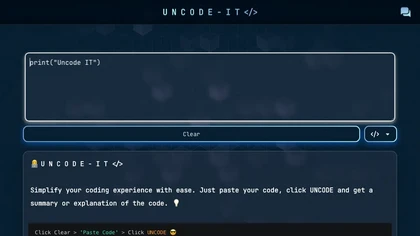
UNCODE‑IT lets you paste code into a web form, then GPT‑3 generates a concise plain‑language summary. Ideal for debugging, learning, and reviewing unfamiliar functions quickly. A Clear button resets the input for iterative analysis.
Freemium