
Old Movie Colorizer
The best 50 Old Movie Colorizer AI tools - Free & Paid
Explore 50 AI for Old Movie Colorizer
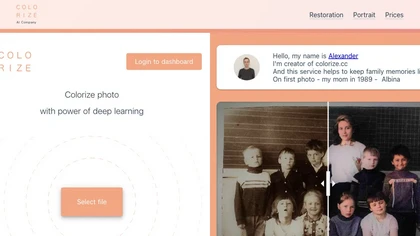
Colorize.cc is an AI tool that restores and enhances old photos, removes noise, and restores faces through colorization, photo restoration, and color portrait generation.
Usage based
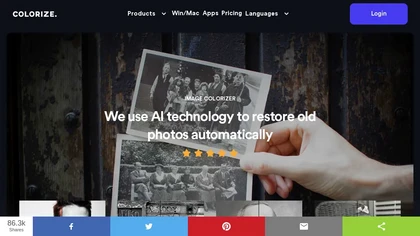
ImageColorizer automatically colorizes black‑and‑white photos, doubles resolution, removes scratches, deletes unwanted objects, and retouches portraits. It supports batch processing, delivering high‑quality, corrected images quickly for restorers and hobbyists and preserves surrounding detail.
Freemium
- $3.9/mo

Colorcinch is an AI photo editor that instantly cartoonizes or sketches images and offers background removal, cropping, resizing, exposure and detail controls, file compression, and 400 DPI print‑ready export. Mobile app adds cartoonizing, background removal, and upscaling on the go.
Paid
Kolorize automatically colorizes grayscale, black‑and‑white, or sepia images in 3–8 seconds. It accepts JPEG, PNG, WebP, GIF, or AVIF up to 4096×4096 pixels, resamples larger files, outputs colorized JPGs, and deletes uploads after processing.
Freemium

Colorcinch converts photos to cartoons, sketches, or paintings with one click, offers AI background removal, adjustable sliders, overlay effects, multi‑layer editing, high‑resolution export to JPG/PNG/PDF, all usable online/offline without login.
Free
- $8.99
Palette automatically colorizes black‑and‑white images up to 5000 × 5000 px. Users upload single or multiple photos, choose from 150+ preset filters, and refine results with keyword‑driven adjustments to hue, saturation, and contrast. Ideal for photographers, designers, and archivists.
Free trial
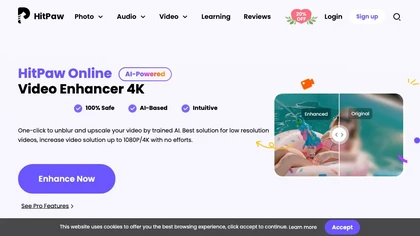
Upload video files (MP4, MOV, MKV, M4V, AVI) and apply AI models—Face, Animation, Denoise, Low‑Light, Colorize—to improve clarity, reduce noise, brighten dark scenes, or add color. Preview changes, upscale to 4K, then download without watermarks.
Paid
PhotoRestore uses AI to repair scratches, fading, and stains in legacy photos, auto‑colorizes black‑and‑white images, sharpens and denoises for clarity, upscales 2‑4×, and removes backgrounds for clean cutouts, supporting common formats and album sharing.
Free

AI image enhancer that upscales up to 4×, removes noise, sharpens blur, and can enhance faces or colorize. Handles .png/.jpg/.webp/.tif/.bmp/.raw and outputs the same formats. Windows, macOS and Photoshop plugin supported.
Free trial
Colorizethis.io is an AI image colorization tool that brings old black-and-white photos to life.
Free trial

VSCO is a cross-platform photo and video editor combining 200+ presets, analog-style Film FX and precision exposure/color controls with AI-powered Remove and retouching, live in-app capture, clip-level video edits, and portfolio/workspace tools for creators.
Freemium
jpgHD uses AI to perform lossless restoration of old, scratched photos, adding color, repairing damage, and providing Ultra Restore. It animates up to ten faces, offers 2×/4× super‑resolution, denoising, and high‑definition enhancement via web UI or REST API.
Paid
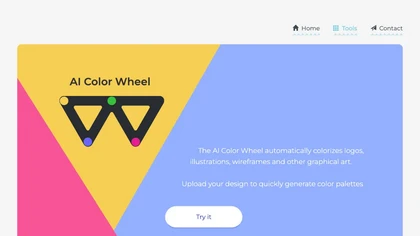
Color Wheel automatically colorizes grayscale flat graphics, generating thousands of palettes from one upload. Users tweak schemes and preview styles from Warhol to NES, saving locally with no registration for web and UI projects.
Free
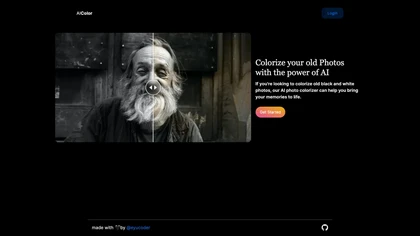
aicolor.art colorizes old black and white photographs, enhancing their visual experience with realistic colors. Users can relive cherished memories with heightened emotional resonance.
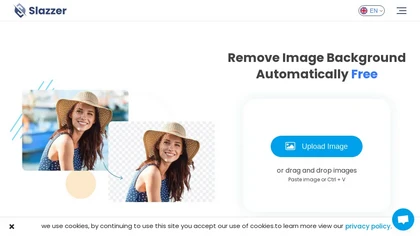
Slazzer: AI‑driven background removal that handles complex edges, offers upscale, shadow, sky replacement, and de‑oldifying. Available via web, desktop, mobile, API, and design‑software plugins for bulk processing, ideal for photographers, e‑commerce, marketers, and developers.
Paid
- $0.14

toona converts single images into anime videos, manga color pages, and 4K upscaled clips. It offers frame interpolation up to 240fps, background removal, and motion painting for backgrounds and hair. Web interface enables quick, high‑quality output.
Freemium
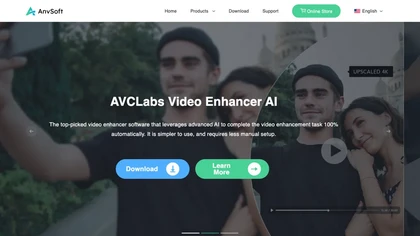
AVCLabs Video Enhancer AI uses deep learning to upscale, denoise, sharpen, colorize, and interpolate frames, automatically detecting and refining faces. It supports batch conversion, preview comparison, multiple formats, preserves frame rates, and leaves originals unaltered.
Free
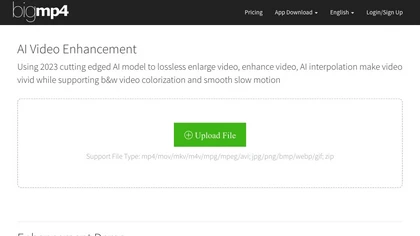
AI Video Enhancement enlarges and improves video/images with no quality loss, scaling to 2K/4K/8K, noise‑reducing, colorizing black‑and‑white, interpolating up to 240fps for smooth slow‑motion. Supports MP4, MOV, MKV, AVI, JPG, PNG, BMP, GIF, WEBP; batch ZIP; desktop for Mac/Windows.
Paid

HitPaw FotorPea automatically enhances photos by applying AI models for sharpening, denoising, face and color correction. It unblurs images, upsizes to 4K/8K, restores old photos, removes backgrounds, and generates images from text prompts.
Free trial

VidHex is an AI-powered video enhancement tool that upscales low-resolution footage to 4K/8K, restores quality, and colorizes black-and-white clips. It optimizes exposure, contrast, and noise reduction for creators, educators, and casual users.
Freemium
Face Photo Restorer uses AI to enhance and restore old or blurry face photos, supporting batch uploads. It outputs high‑resolution images with corrected color, reduced noise, and sharpened detail, and offers real‑time previews for comparison.
Freemium
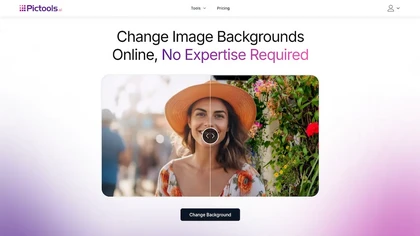
PicTools.AI is a web‑based photo editor that lets users upload images and apply changes via text prompts or over 100 one‑click AI filters—background removal, outfit changes, smile addition, restoration, and artistic styles—without design skills.
Subscription
- $23.4/mo
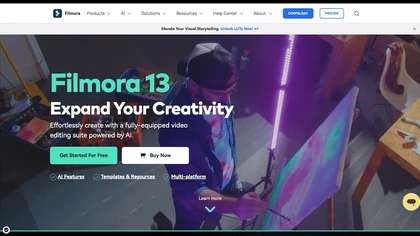
Wondershare Filmora is a cross‑platform video editor featuring AI tools like Video Extender, Image‑to‑Video, Text‑to‑Video, AI Music Generator, and AI Object Remover. It offers a timeline, dual‑timeline editing, motion‑path tools, AI‑assisted asset matching, GPU acceleration, and export presets for
Paid
Animate Old Photos is an online tool that transforms static images into animated videos using AI. Users can upload old photos, add captions, and create engaging animations to share cherished memories and storytelling elements.
Freemium
- $9.99

Remini is an AI photo enhancer that offers various tools to improve the quality of low-quality visuals and restore old photos with incredible detail.
Free
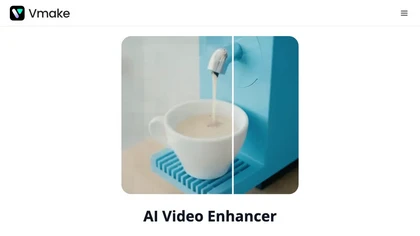
Vmake AI Video Enhancer upsamples MP4, MOV, AVI, etc. to 2K/4K/AI 4K+, removes artifacts, improves low‑light, reduces noise, and offers watermark/text removal, background elimination, and subtitle generation, giving creators, e‑commerce, and gamers sharper, cleaner videos.
Subscription
- $9.99/mo
Retouch4me is an AI retouching suite that functions as Photoshop plugins or standalone apps. It automates skin, eyes, hair, clothing, and background edits in real‑time, supports RAW and batch workflows, and offers video color grading with offline processing.
Paid
Toongineer Cartoonizer turns JPEG, PNG, or JPG photos into cartoon images with anime, Disney, Ghibli, or comics styles. It supports up to 2.8 MP, offers batch processing, real‑time previews, and quick upscaling via stable diffusion and AnimeGANv2.
Paid
- $4.95
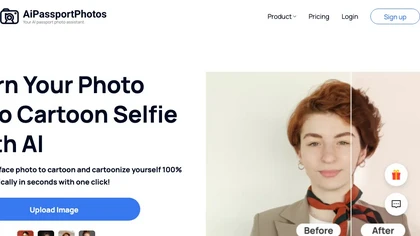
AiPassportPhotos transforms portrait photos into cartoon styles—sketch, 3D, manga—via one click. It also offers background removal, blur, face cutout, enhancement, colorization, and old‑photo restoration, all online with instant downloads. For mobile and desktop browsers, ensuring privacy with a dat
Free
Stylize uses AI to remove backgrounds, colorize black‑and‑white photos, upscale to 4× resolution, and apply style edits with a single click. Natural‑language prompts guide changes, enabling quick, polished results for photographers, creators, and archivists.
Freemium
- $2
HitPaw Video Enhancer is an AI-powered tool that upscales and enhances low-resolution videos to higher resolutions and improves video quality without losing it.
Free trial
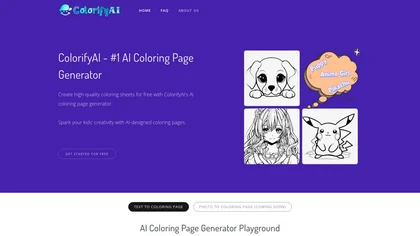
Colorify AI turns text prompts or uploaded photos into black‑and‑white coloring pages in under three seconds, offering seven art styles and multiple sizes. Users download PNG or PDF, keep a temporary history, and use files commercially without login.
Paid

ImageToCartoon turns JPEG, PNG, or WebP photos into high‑resolution cartoon images directly in the browser. Users pick from 80+ styles—Ghibli, Pixar, anime, comics—to create avatars, prints, or pet illustrations, with royalty‑free commercial rights.
Free

Picsman is an AI‑powered editor that removes or replaces backgrounds, ups image resolution, and applies styles like Ghibli or cartoon. It also offers text‑prompt editing, video generation, image extending, and watermark removal for quick, high‑definition results.
Free
- $5.99/mo

KomikoAI lets artists generate anime characters, colorize line art, simplify sketches, and remove backgrounds. It also offers animation tools, video conversion, frame interpolation, upscaling, template libraries, Ghibli and cyberpunk filters, and text‑to‑video/comic creation, powered by Gemini, GPT‑
Subscription
- $9.99/mo
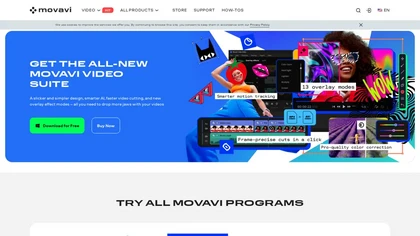
Movavi Video Editor is a desktop app for Mac and Windows that lets users trim, crop, color‑grade footage and add titles, overlays, and filters. AI features automate subtitles, noise suppression, and motion tracking. It includes a screen recorder for tutorials.
Paid
UniFab AI enhances video and audio with AI: upscales to 16K 120fps, denoises, colorizes black‑and‑white, sharpens faces, converts formats, upmixes to surround sound, removes vocals, and supports batch GPU‑accelerated processing for creators and archivists.
Paid
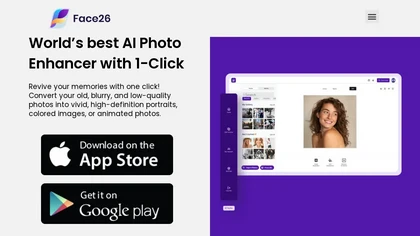
Face26 is an AI photo enhancer that improves image quality with denoising, color correction, upscaling, recoloring, and background removal. It supports photo‑realistic art, animated versions, and headshot creation, available on web and mobile.
Freemium
Deep Art AI transforms photos into artworks using style‑transfer algorithms, offering on‑device, privacy‑respecting editing across Windows, macOS, Linux, Android, and iOS. Features include up to 4× upscale, background removal, colorization, preset filters, batch processing, and an API for developers
Free trial
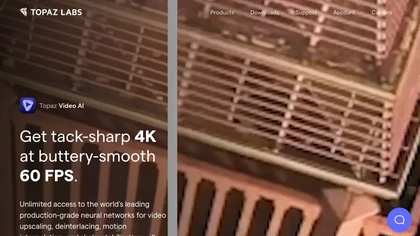
Topaz Video AI is a powerful video enhancement tool that uses AI models to upscale, deinterlace, stabilize, and interpolate frames for high-quality results.
Paid
- $99

The AI Lab provides an advanced tool with image and facial enhancements features such as photo colorization, object and background removal, cartoon creation, retouching portraits, adjusting facial expressions, and API and platform for developers.
Free
Facetune is an AI‑driven photo and video editor offering touch‑up, background removal, face and body reshaping, realistic makeup and hairstyle try‑on, background blur, and noise removal—enabling quick mobile edits for influencers, photographers, and stylists.
Subscription
- $25/mo

Kolors AI is a chat-driven design agent for high-resolution image and short-video generation and editing—text-to-image, image-to-image, background/object removal, retouching, expression and clothing changes, virtual try-on, poster layouts, and character-consistent assets for catalogs and ads.
Freemium
- $15
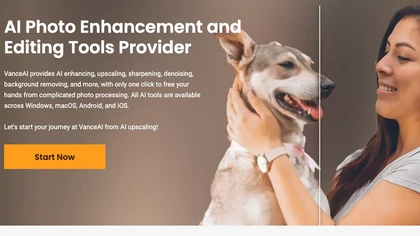
VanceAI offers AI‑driven image enhancement tools—upscaling, sharpening, denoising, background removal, restoration, and cartoonization. Supports batch processing and a Windows desktop app, enabling quick, detail‑preserving edits for photographers, designers, and e‑commerce sellers.
Free trial
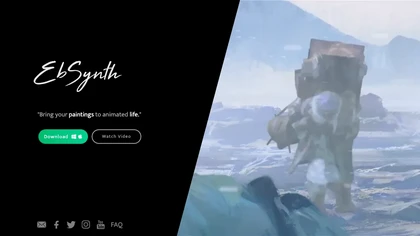
EbSynth propagates changes from a single keyframe to an entire video using texture synthesis, enabling hand‑drawn animation, retouching, colorization, and digital makeup without manual tracking. It supports desktop OS, MP4/PNG export, up to 4K, and offline command‑line processing.
Freemium
- $20/mo
Get superior quality finished photos with perfect color rendition and fast delivery for radiant results.
Freemium
Image to Image AI is a tool that intelligently edits and transforms your photos based on simple text prompts. It allows for complex alterations like style changes, object removal, and realistic detail enhancement while maintaining consistency.
Free trial
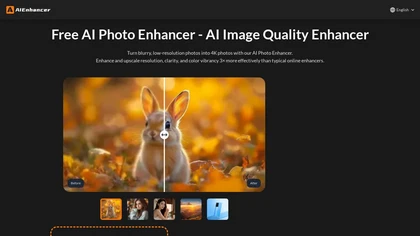
AIEnhancer.ai is a free online tool that instantly transforms blurry, low-quality images into high-resolution 4K photos. Simply upload your picture to apply AI-powered upscaling, noise reduction, and color correction, then preview and download the enhanced result.
Freemium
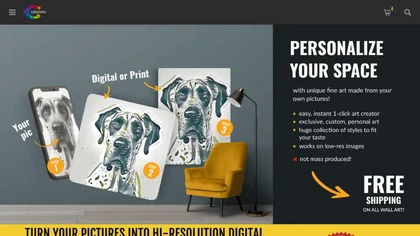
Coloromo transforms a single photo into thousands of high‑resolution artistic variations—neon, black & white, metallic, seasonal, etc.—through a simple three‑step workflow. Users can download or order prints on canvas, posters, wood, aluminum, and more.
Paid
remaker ai offers web and mobile AI image and video editing for creators and teams, including upscaling, background removal, object erasing, face swap, text-to-image, lip-sync, batch processing and templates for short-form social content.
Free trial