
Clearify Blurry Image
The best 50 Clearify Blurry Image AI tools - Free & Paid
Explore 50 AI for Clearify Blurry Image
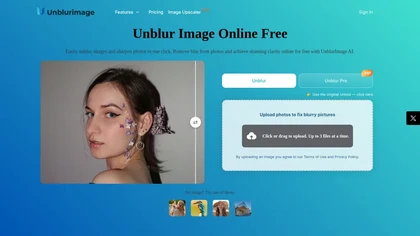
Unblur Image is an AI-powered tool that enhances blurry photos by removing motion blur, poor focus, and noise. It supports various formats, batch processing, and upscaling to 4K resolution for improved image quality and clarity.
Freemium

Clarity AI is an image upscaler and enhancer that restores high-resolution detail—up to 13,000 px from 64 px—offering adjustable detail, noise reduction, blur correction, artifact removal, style transfer, plus API and ComfyUI integration for workflows.
Freemium
Face Photo Restorer uses AI to enhance and restore old or blurry face photos, supporting batch uploads. It outputs high‑resolution images with corrected color, reduced noise, and sharpened detail, and offers real‑time previews for comparison.
Freemium
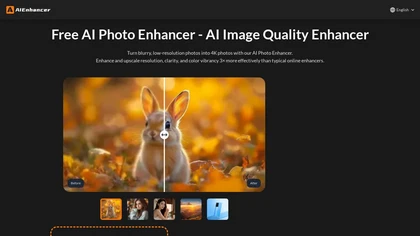
AIEnhancer.ai is a free online tool that instantly transforms blurry, low-quality images into high-resolution 4K photos. Simply upload your picture to apply AI-powered upscaling, noise reduction, and color correction, then preview and download the enhanced result.
Freemium

Unblur Image AI is a web-based tool that enhances blurry photos by restoring sharp details. With a user-friendly drag-and-drop interface, it supports multiple image formats to quickly improve clarity for various applications, from personal memories to marketing visuals.
Free
FixBlur restores photos by removing blur and enhancing details. It accepts standard image formats up to 2 MB, processes five images at once, and returns results in 5–10 seconds, with automatic deletion after an hour for privacy.
Free
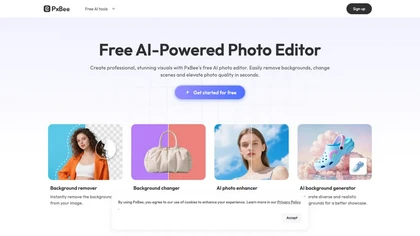
PxBee is an AI-powered photo editor that offers tools like background removal, blur fixing, noise reduction, and resolution upscaling. It also generates realistic backgrounds and works entirely in your browser with an intuitive interface.
Free

PicWish AI Photo Editor automates image enhancement, background removal, and watermark deletion. It processes batches of up to 30 files, offering resizing, lighting, upscaling, AI Designer prompts, Face Cutout, and single‑click unblur/sharpen. Available on Windows, macOS, iOS, Android, and browser.
Subscription
- $9.99/mo
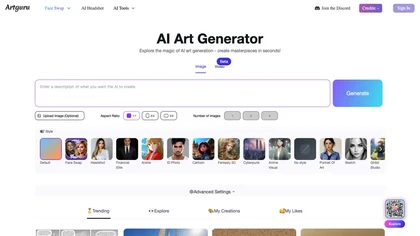
Artguru is a one‑click AI enhancer that sharpens photos, restores old or blurry images, upsamples videos to 8K, removes backgrounds, cleans scanned PDFs, and batch‑processes folders across phone and desktop for consistent, high‑quality media.
Freemium
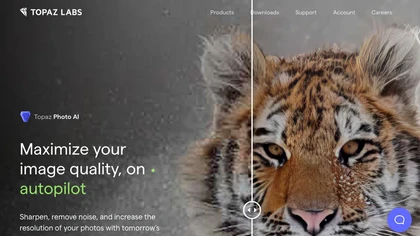
This tool uses deep learning to enhance photos by reducing noise, sharpening, upscaling, and recovering faces.
Paid
- $99
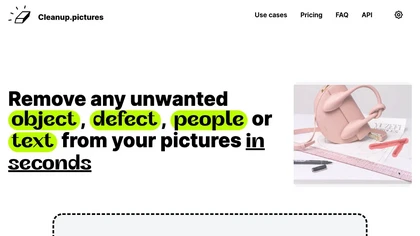
Cleanup.pictures is an AI-powered photo editing tool that allows users to remove objects, people, text, and defects from any picture with ease, highly valued by photographers, creative agencies, real estate professionals, and e-commerce businesses.
Free trail
Remove.bg automatically deletes image backgrounds, outputting white or transparent PNGs. It offers a web app, Photoshop plugin, mobile app, and API for single or bulk processing, with a brush tool for manual edits, aiding product shots, branding, and development.
Freemium
- $8.1/mo

HitPaw FotorPea automatically enhances photos by applying AI models for sharpening, denoising, face and color correction. It unblurs images, upsizes to 4K/8K, restores old photos, removes backgrounds, and generates images from text prompts.
Free trial

Lupa Upscaler is an AI tool that transforms low-resolution, blurry images into crisp 4K quality. It enhances details, reduces noise, and is ideal for restoring old photos and optimizing digital visuals.
Freemium
- $4.9/mo
Upscale.media is a browser-based AI upscaler that increases image and short-video resolution up to 2×/4×/8×, reconstructs detail, reduces noise/artifacts, and offers deblur, sharpen, colorisation, face restoration, batch processing and API access.
Freemium
- $0.02
Snapclear is a cross‑platform desktop app that removes backgrounds and upsizes images up to 4× offline, preserving privacy for photographers, designers, and e‑commerce merchants. It supports bulk processing and smart cropping across Windows, macOS, and Linux.
Freemium
- $2.99/mo
Clipdrop is an AI image editor that adjusts aspect ratios, extends boundaries, and adds background space while preserving detail. It offers background removal, object cleanup, relighting, universal resizing, upscale, and text‑to‑image generation for photographers and designers.
Freemium
- $15/mo
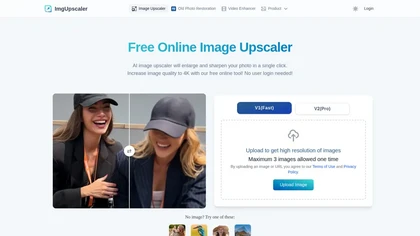
Imgupscaler is an AI tool for enhancing image quality by upscaling images to 4K resolution. It supports multiple formats and restores details while reducing noise, making it suitable for e-commerce, social media, and graphic design.
Freemium
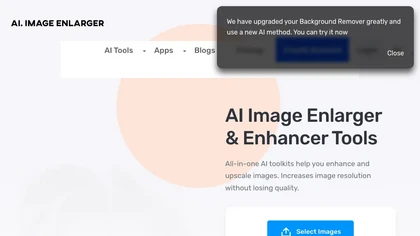
Imglarger is an image enhancer that upsamples photos up to 8×, supports batch processing, and offers background, object, and face retouch tools. It converts WebP, JPEG, PNG, SVG, JFIF formats and lets users adjust brightness, contrast, and saturation via web or mobile.
Freemium
Perfectly Clear Video automatically enhances each video frame, improving lighting, color balance, detail, and facial tones while correcting exposure. It offers SDKs, APIs, Docker, and CLI for integration across desktop, mobile, and cloud workflows.
Subscription
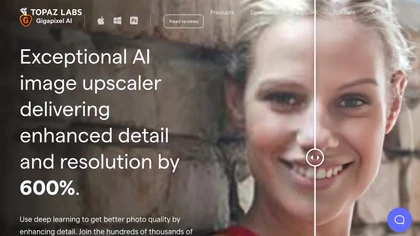
Gigapixel AI is a powerful image upscaling and detail enhancement tool that uses deep learning to increase image resolution up to 600%, improve print quality, restore old photos, and enhance natural details.
Free trial
- $99

PicFixer.ai is an AI-powered photo enhancer and headshot generator that transforms everyday selfies into professional-grade profile photos for LinkedIn, medical residency, real estate, and acting. It upscales images, corrects lighting and detail, and offers batch processing with industry-specific fo
Free trial
- $10

Enhancephoto.ai is a web-based AI tool that improves low-resolution images to high-quality versions up to 16k. It restores missing details without blurring and enables users to enhance three images simultaneously without registration.
Freemium
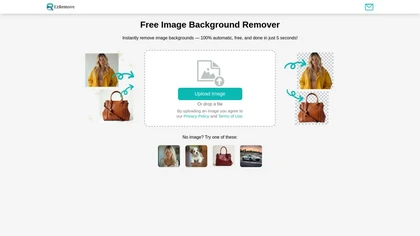
EzRemove.ai is an AI-powered tool that instantly removes image backgrounds in 5 seconds, delivering high-quality transparent PNGs with precision. It offers batch processing, customizable backgrounds, and basic editing features, ideal for ecommerce, design, and social media.
Free
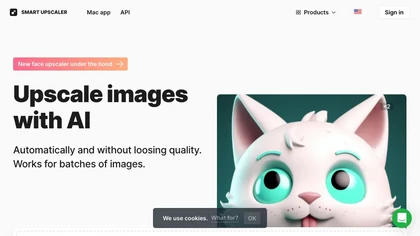
AI-driven image upscaler that enlarges photos to 7680 × 7680 px, supporting JPEG, PNG, WebP and up to 500 images per batch. It offers an API for sharpening, noise reduction, and a Mac app with background removal, photographers, designers, marketers, and social media managers.
Subscription
- $19.99/mo

Lensa is a mobile photo editor offering one‑tap facial retouching, detailed adjustment controls, background replace/blur, independent layer tuning, filters, effects, and borders for quick editing on iOS and Android.
Freemium
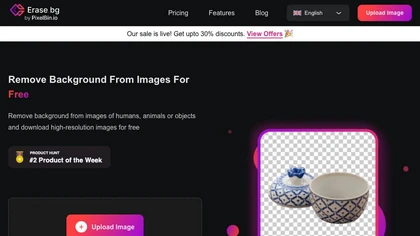
Erase.bg uses AI to remove backgrounds from PNG, JPG, JPEG, WEBP, and HEIC files. It supports batch processing, lets users replace backgrounds with colors or images, works on browser, iOS, Android, outputs PNG/JPEG, and clears data after use.
Freemium
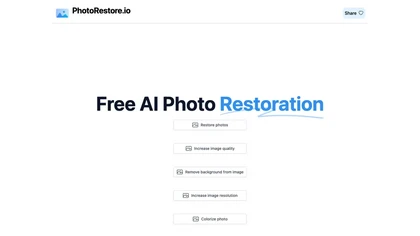
PhotoRestore uses AI to repair scratches, fading, and stains in legacy photos, auto‑colorizes black‑and‑white images, sharpens and denoises for clarity, upscales 2‑4×, and removes backgrounds for clean cutouts, supporting common formats and album sharing.
Free
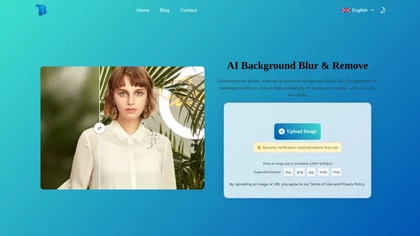
AI Background Blur & Remove allows users to effortlessly blur or remove backgrounds from images using AI technology. It supports formats like PNG, JPG, and WEBP, ensuring high-quality results for product photography, portraits, and social media content.
Free
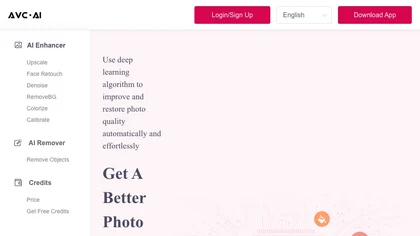
The AI tool is an online image enhancement platform that automatically improves the quality of images using deep learning algorithms, allowing users to upscale, denoise, restore, and refine faces in photos.
Subscription
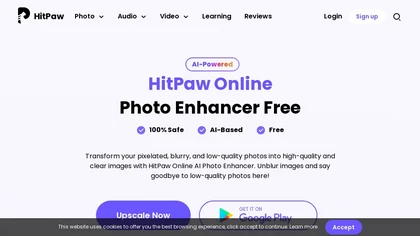
HitPaw AI Photo Enhancer upsamples images up to 8×, removes blur and noise, sharpens detail, and restores color for JPG, PNG, and WebP files. Works on web, desktop, and mobile with batch processing, aiding photographers, designers, and archivists.
Freemium
Lensa AI is a mobile photo editor that offers one‑tap portrait retouching, automatic background and object removal, adjustable background blur with bokeh, a variety of social‑media filters, stylized avatar generation, and high‑resolution exports for iOS and Android.
Free trial
Clipdrop uses deep learning to remove backgrounds, objects, and text, upscale images, adjust lighting, uncrop, and resize. It also offers text‑to‑image generation and an API for developers, supporting design, marketing, and app workflows.
Subscription

AI image enhancer that upscales up to 4×, removes noise, sharpens blur, and can enhance faces or colorize. Handles .png/.jpg/.webp/.tif/.bmp/.raw and outputs the same formats. Windows, macOS and Photoshop plugin supported.
Free trial
Deep‑Image.ai offers photo upscaling, denoising, sharpening, color and lighting adjustments. It removes backgrounds, adds virtual staging, creates business headshots, and delivers batch product‑photo presets, inpainting, and high‑resolution generative upscaling up to 300 MP.
Freemium
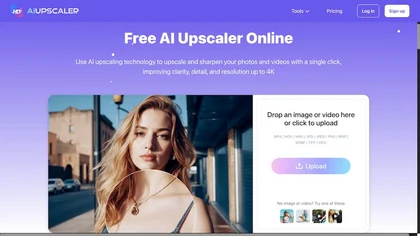
AIUpscaler.ai is a browser-based AI tool that instantly enhances photos and videos to HD or 4K resolution with one click. It upscales, sharpens, and restores detail directly in your browser while preserving colors and ensuring privacy.
Freemium

AI Background Remover deletes backgrounds from JPG, PNG, WebP images while preserving resolution, handling up to 500 at once. Users can replace with color, gallery, or upload; ideal for designers, marketers, and e‑commerce workflows.
Freemium
- $9
Pixflux.ai is a browser-based AI photo editing tool that improves image quality through features like background removal, watermark erasure, object removal, and enhancement, while also supporting batch processing and transparent background generation.
Freemium
LetsEnhance is an AI image editor that upscales up to 512 MP, sharpens, restores, and removes compression artifacts from JPG, PNG, or WebP files. It supports batch processing, high‑resolution outputs for prints and AI art, preserving natural texture without watermarks.
Freemium
- $0.75/mo
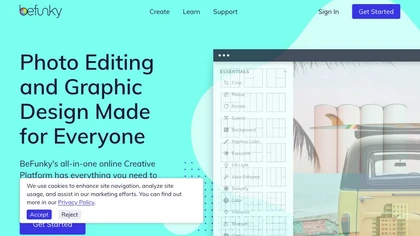
BeFunky is an online editor for photos, collages, and graphics. It offers crop, resize, blur, exposure, batch edits, AI background removal, object erasing, upscale, artistic filters, and drag‑and‑drop templates for banners, flyers, and social‑media posts.
Free

Mejorar Calidad de Imagen uses AI to enhance photo resolution up to 10 times, achieving high-quality 12K images. Users can easily upload images and select enhancement levels for professional-grade results, accessible on mobile devices.
Freemium
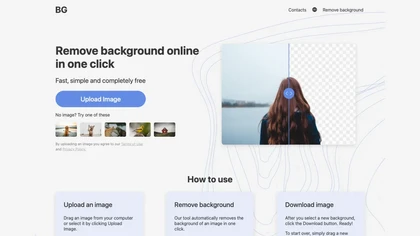
BG is an online AI background remover that deletes image backgrounds with a single click, supporting PNG/JPG of any size. It outputs high‑resolution transparent or custom‑colored images, works in-browser on PC and mobile, no installation required.
Free
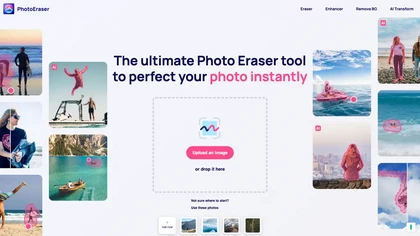
Photo Eraser uses AI to delete objects, people, backgrounds, or blemishes, replace skies, and swap faces. It supports HEIC, PNG, JPG, and offers automatic context‑aware erasing, cropping, and photo enhancement via a drag‑and‑drop interface.
Free
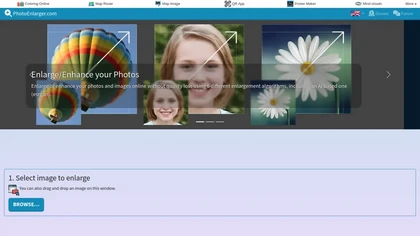
Upload or drag a photo, then upscale it with one of six algorithms—Magic Kernel Sharp, Lanczos 3, Hermite, or AI‑based ESRGAN—entirely client‑side for privacy. Crop as needed and download in JPG, PNG, or WebP.
Free
ArtEdge AI upscales and enhances photos to 4K, reducing blur and noise while restoring faces, logos and old or raw images. Server-side processing handles JPG, PNG and WebP up to 50 MB with fast drag-and-drop uploads.
Freemium
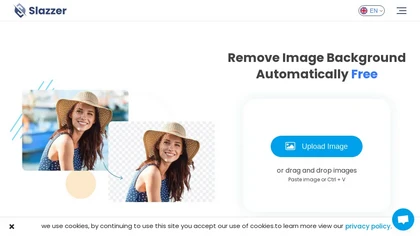
Slazzer: AI‑driven background removal that handles complex edges, offers upscale, shadow, sky replacement, and de‑oldifying. Available via web, desktop, mobile, API, and design‑software plugins for bulk processing, ideal for photographers, e‑commerce, marketers, and developers.
Paid
- $0.14
ObjectRemover uses AI to erase unwanted people, stickers, logos, text, and clutter from images. Drag‑and‑drop JPG, PNG, or WebP files up to 10 MB, preview edits, and download watermark‑free results in seconds with high‑quality output.
Free
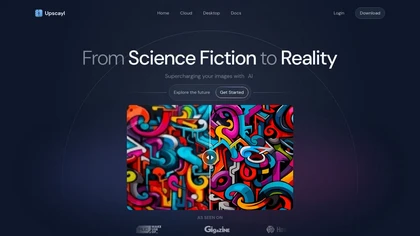
Upscayl is an open‑source AI upscaler that boosts images up to 16× with minimal detail loss. It supports batch processing, multiple model styles, local cross‑platform execution, and cloud sync for convenient, private, high‑quality image enhancement.
Freemium
- $24.99
Be My Eyes links blind and low‑vision users to volunteers worldwide via live video, offering instant visual help. Integrated AI provides automated image descriptions, supporting 180+ languages, smartglasses, and multi‑platform access for real‑time, free assistance.
Free
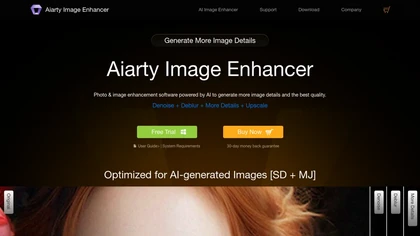
Aiarty is a desktop AI that locally enhances images and video—denoising, deblurring, upscaling to 4K–32K, HDR, batch processing, and precise matting for semi‑transparent elements—without cloud, preserving privacy. It runs on GPU, handling millions of images or 4K footage offline.
Paid