
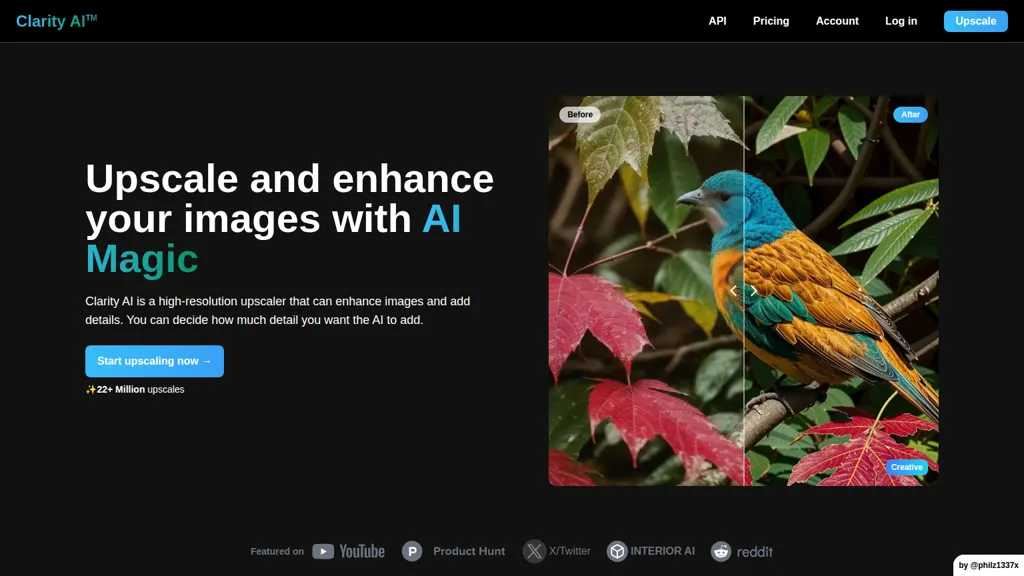
What is clarityai.co?
Clarity AI is an AI image upscaler and enhancer for high-resolution image restoration and detail recovery. It upscales images from a 64 px minimum to 13,000 px (about 176 megapixels) for large-format output and print. The tool offers adjustable detail levels, noise reduction, blur correction, and artifact removal to improve image clarity and fidelity.
Style transfer and image-styling options enable consistent visual results for illustrations, portraits, and creative assets. An API and a ComfyUI plugin support integration into workflows and applications. Use cases include landscape and portrait upscaling, illustration and anime enhancement, interior design visuals, product images for e-commerce, and prepress or retouching workflows.
clarityai.co pricing
Freemiumclarityai.co offers a free plan with paid upgrades available.
Verify on the official pricing page.
View plansclarityai.co's key features
-
Upscale images from 64px to 13,000px (up to 176 megapixels)
-
Enhance images by adding details, removing noise and blur, and fixing artifacts
-
Style transfer to apply different visual styles to images
-
API access and ComfyUI plugin for integration into applications
-
Adjustable detail level to control how much detail the AI adds
clarityai.co use cases
-
Restore old family photos, museum scans or low-res historical images into print-ready, high-resolution files up to 13,000 px using Clarity AI’s noise reduction, artifact removal and blur correction—no manual retouching required for high-quality archival prints
-
Prepare game concept art, posters and commercial illustrations for large-format printing or merchandising by upscaling originals with adjustable detail and optional style transfer, then automate the batch pipeline via Clarity AI’s API or ComfyUI integration for consistent, production-ready assets
-
Enhance anime frames, webtoon panels and digital illustrations by removing compression artifacts, reducing noise and intelligently upscaling while preserving artistic style—apply ComfyUI workflows or the API to batch-process assets for remasters, re-releases, or localization
clarityai.co user reviews
Would you recommend clarityai.co?
Who is clarityai.co for?
-
Digital artists
-
Photographers
-
Graphic designers
-
Content creators
-
Ai workflow developers
-
Video editors
-
Archivists
-
Marketing professionals
clarityai.co FAQ
Is clarityai.co free?
Partly. clarityai.co has a free plan with usage limits, and paid plans unlock the full feature set.
What are the best alternatives to clarityai.co?
The closest alternatives to clarityai.co are AIEnhancer.ai, Imgupscaler AI, EnhancePhoto AI, Upscale.media and Unblurimage AI. You can compare them side by side in the alternatives section further down this page.
Does clarityai.co have an API?
Yes. clarityai.co offers an API, so you can call it from your own applications instead of using the interface directly.


