
Browser Based Text Completion
The best 50 Browser Based Text Completion AI tools - Free & Paid
Explore 50 AI for Browser Based Text Completion
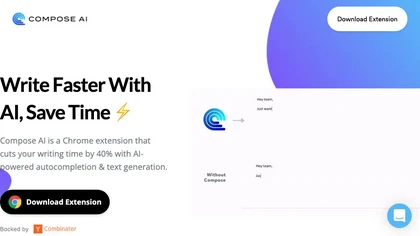
Compose AI is a Chrome extension that auto‑completes text in any web editor, learning the user’s style to suggest personalized phrases. It runs locally, preserves privacy, and cuts typing time for professionals, students, and creators.
Freemium
- $14.99/mo
Blackbox AI is an AI-powered tool for developers that searches and autocompletes code snippets across multiple programming languages and repositories, extracts code from videos and PDFs, and converts queries into code.
Free trial
- $5/mo

BrowserFly enhances web browsing by providing AI interactions within your browser. It offers automated summaries, optimized video searches, customizable chat prompts, and an automation agent mode for navigating websites and completing tasks efficiently.
Free trial
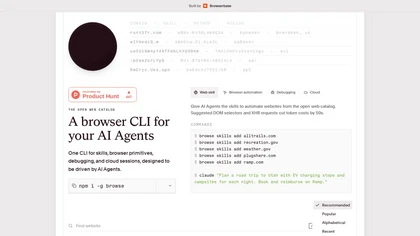
Browse.sh is a CLI tool for browser automation and AI agents, providing primitives like click, scroll, and type with accessibility-aware selectors for efficient web testing and data extraction. It also offers a searchable catalog of site-specific skills and structured APIs for platforms like Amazon,
Freemium

Browser Use is a web automation tool that facilitates human-like interactions on websites. It offers features like captcha bypassing, stealth mode for authentication, and supports multiple languages, making it ideal for web scraping and navigation tasks.
Subscription
- $500

LipSurf is a Chrome extension that lets users dictate text and control web pages via voice commands. It supports Gmail, Docs, Slack, and other sites, enabling hands‑free navigation, scrolling, clicking, and media control in multiple languages.
Free
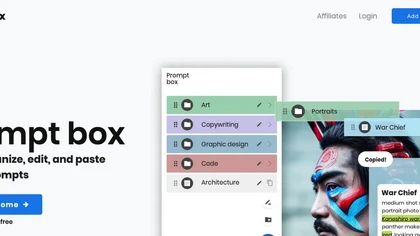
PromptBox is an AI‑driven platform that lets users create, store, and reuse text prompts across mobile and desktop with cloud sync and team collaboration. It offers unlimited prompt generation, tagging, and keyboard shortcut integration.
Free trial

BrowseGPT automates web browsing with a Chrome extension that uses GPT‑3 to interpret commands like CLICK, ENTER_TEXT, and NAVIGATE, logging actions and reasons for easy correction. It saves time for shoppers, researchers, and repetitive tasks.
Free
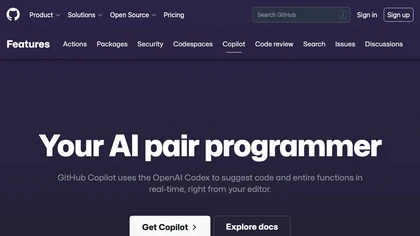
GitHub Copilot is an AI pair programmer that uses the OpenAI Codex to suggest code and entire functions in real-time.
Free trial

GPT‑Prompter is a Chrome extension that brings GPT‑3/4 and ChatGPT API directly into any webpage. It highlights selected text for instant explanations, supports pre‑made and custom prompts, and streamlines drafting for researchers, writers, and developers.
Free
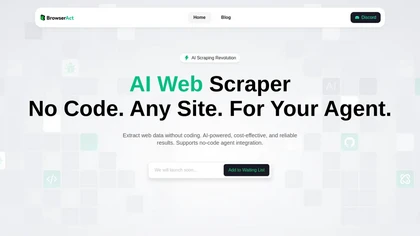
BrowserAct is an AI-powered no-code web scraper that extracts data using natural language commands and bypasses geo-blocks with residential IPs. It automates CAPTCHA solving, offers real-time monitoring, and stores data long-term with built-in ad-blocking.
Freemium

MaxAI is a Chrome/Edge extension and web app that adds an AI sidebar for instant on‑page queries, delivering responses with cited sources. It supports writing assistance, translation, and summarization of PDFs, videos, and images for research, coding, and marketing.
Subscription
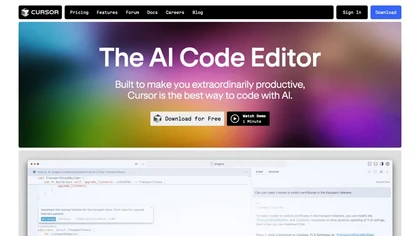
Cursor is an AI-powered code editor that utilizes natural language prompts for efficient coding. It streamlines workflows with features like predictive edits, one-click extensions, and privacy mode, enhancing developer productivity while maintaining a secure environment.
Freemium
- $20/mo

Speakflow is a web‑based teleprompter that lets users scroll scripts by voice or manually with real‑time speed control. It offers autosave editing, collaborative drafting, device‑synchronization, 1080p browser recording, and hardware compatibility.
Freemium

Replit is a collaborative browser-based IDE with AI-powered tools for software development, real-time multiplayer editing and deployment, templates and tutorials, and hosting and monetization options.
Subscription
Hackerman Text is a lightweight offline editor with zero‑latency AI completion from local or cloud models. It offers multi‑cursor editing, split views, detachable tabs, built‑in syntax highlighting, inline shell execution, Org‑mode, ripgrep search, and no telemetry or accounts.
Subscription
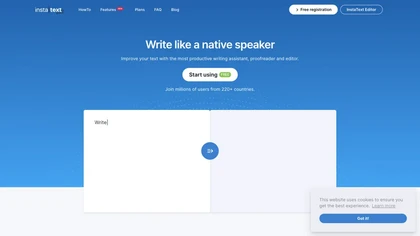
InstaText is an AI editing assistant that highlights suggestions for clarity, flow, word choice, and grammar. Users can accept or reject each change, select dialect, formality, or add custom terms. It works on Chrome, Gmail, Slack, Docs, Overleaf, and Word.
Paid
- $9.99/mo

You.com is an AI-based search engine that provides customized search results and summarizes web pages by categories, with Code Complete for technical information and shareable links.
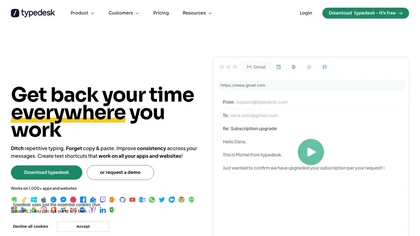
Typedesk is a cross‑platform text expander that creates shortcuts, dynamic variables, and AI‑generated prompts for consistent replies. It integrates with Gmail, Outlook, Slack, Teams, Zendesk, and more, offering shared, version‑controlled templates for emails, contracts, and support tickets.
Freemium

Clico is a browser extension that brings AI writing assistance directly into any text field on your current webpage. It can summarize content, draft replies, and rewrite text using the visible page as context, all without leaving your tab.
Free

YouTube sumamry chrome extension is a YouTube video summary tool developed by Glasp Inc., currently in beta testing and requires installation on Chrome or Safari browsers along with sign-up.
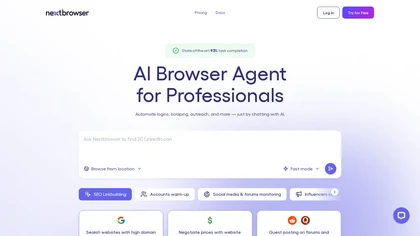
Nextbrowser is an AI-powered browser that automates complex online tasks like web scraping, social outreach, and account management. It operates in Fast or Smart modes, using geo-targeting and human-like interactions to streamline workflows.
Free trial
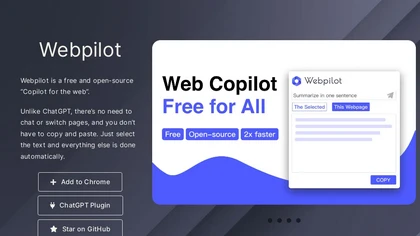
WebPilot is a GPT‑integrated browser extension that enables live web search and QA, delivering up‑to‑date answers from current pages. It supports 10,000‑word report generation, offers an embedding API, and is open source with community support.
Freemium
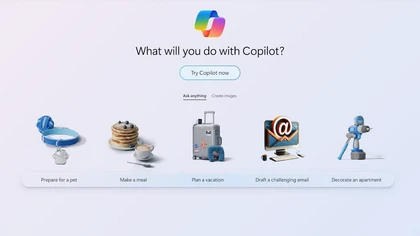
Copilot allows users to ask questions, receive complete answers, research topics, and create content.

Luigi's Box offers AI‑powered product search for e‑commerce platforms like Shopify and Magento, with real‑time autocomplete, typo correction, personalization, upsell recommendations, dynamic listings, and analytics tracking user behavior in multilingual stores.
Free trial
- $1.7

AI Text Generator creates original drafts, blog posts, emails, reports, and social captions from prompts, keywords or source text. Browser-based, it lets users set length, tone and audience, refine outputs, and copy or download results.
Freemium
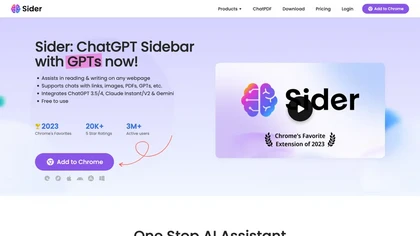
Sider AI is a browser extension that consolidates instant summarization, translation, and research tools in a side panel. Users compare AI model responses, receive on‑the‑fly explanations for highlighted text, extract OCR, and store snippets in a searchable knowledge base.
Free
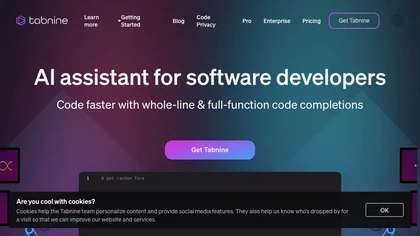
Tabnine AI Code Assistant delivers chat‑driven code completions and workflow automation, embedding enterprise architecture for contextual suggestions. With zero data retention, compliance checks, multi‑IDE support, and full audit trails, it enables secure, end‑to‑end coding for mission‑critical envi
Freemium

AIPex is an open-source, lightweight browser extension that embeds an AI assistant into existing browsers for inline search, content drafting, code help and workflow automation, offering toggle modes, language switching, tab/session integration and developer-friendly setup.
- $20/mo

Dex is a Chrome extension that turns your browser into an AI workspace, centralizing notes, tasks and context across tabs and apps, integrating Gmail, Calendar, Sheets and LinkedIn for meeting prep, lead extraction, analysis and personalized outreach.
Freemium
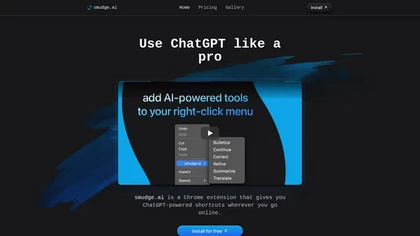
smudge.ai is a Chrome extension that adds AI commands to the right‑click menu for instant summarizing, proofreading, bullet‑pointing, and translating highlighted text. It handles up to 150k words, syncs across devices, and uses OpenAI without logging content.
Subscription
- $5/mo

Browser extension that displays conversational AI answers and multi-model comparisons alongside search results, integrates with GPT-4/Claude and major search engines, and adds YouTube summaries, PDF/image/OCR processing and content-generation tools for research and creation.
Free

Lightkey is an AI writing assistant for Windows that predicts words and sentences in real time, learns user style, supports over 60 domains, integrates with Office and browsers, offers dyslexia‑friendly and accessibility features, and keeps data on‑prem for privacy.
Freemium
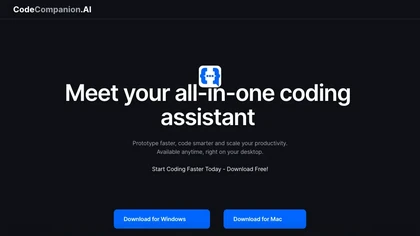
CodeCompanion scans entire codebases to locate relevant files, providing an integrated terminal, browser, and shell execution. It auto‑corrects console errors, supports semantic search and custom instructions, stores data locally, and runs on Mac and Windows.
Free
QuillBot is a writing and editing tool offering features such as paraphrasing, grammar and plagiarism checks, citation generation, and content creation assistance, all accessible through a Chrome extension or online platform.
Freemium
- $33/mo

JotBot is an AI document assistant that autocompletes text, identifies sources on the fly, and summarizes PDFs or websites inside a word processor. It drafts in your style, enables quick edits, and lets you chat for research or citations.
Free
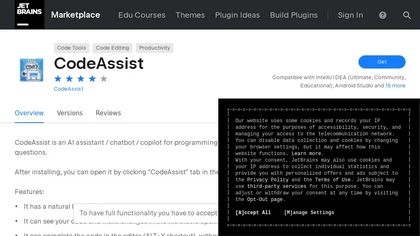
CodeAssist is an AI-powered IntelliJ IDE plugin that generates code and answers programming-related questions.
Free trial
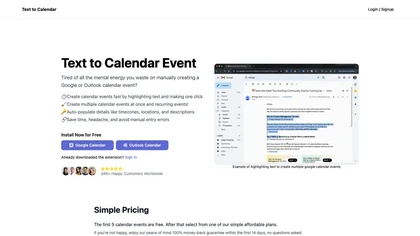
Text to Calendar is a browser extension that converts highlighted text into Google or Outlook events, supporting recurring series. It auto‑fills time, location, and description, letting users add events instantly without manual entry.
Paid

Coddy.Tech offers free interactive coding lessons across many languages and AI prompt engineering, featuring an in‑browser editor, streak tracking, achievements, AI debugging, a community leaderboard, and certificates for LinkedIn. It runs on iOS, Android, and web.
Free
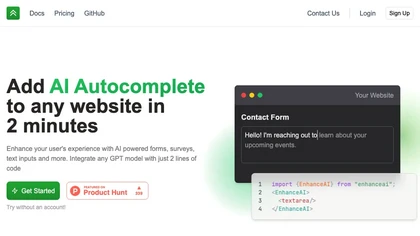
EnhanceAI embeds GPT‑4/3.5 into web forms, surveys, and inputs with just two lines of code, offering context‑aware prompts, speed controls, analytics, AI autocomplete, semantic search, custom chatbots, and compatibility with React, HTML, and no‑code platforms.
Freemium
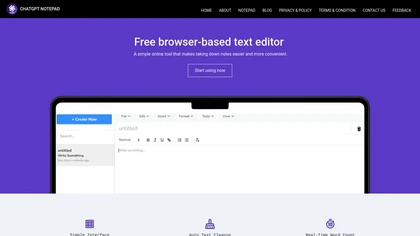
ChatGPT Notepad is a browser‑based plain‑text editor that lets users create, edit, and manage multiple notes without registration. It offers undo, redo, cut/copy/paste, find‑replace, spell check, real‑time word count, AI‑content cleanup, and .txt export, compatible with major browsers.
Free
BlabbyAI is a speech-to-text tool that integrates with over 50,000 websites. It converts your speech into accurately formatted text with automatic punctuation and support for 90+ languages.
Freemium
iAsk.Ai delivers instant, factual answers to natural‑language questions from authoritative web sources, and offers essay drafting, advanced grammar checks, academic summarization, PDF analysis, image generation, URL bullet‑point briefs, and one‑click grammar correction. Accessible via browser extens
Freemium
- $9.95/mo
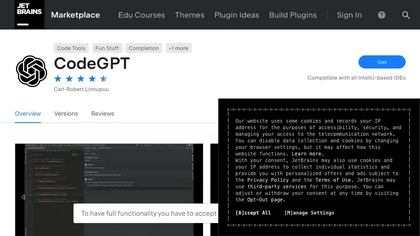
The CodeGPT IntelliJ IDE Plugin is an AI-driven coding tool that offers text completion, chat functionality, custom prompts and code actions, reviewing past conversations, restoring previous sessions, and privacy settings.

Kome is a browser extension that summarizes articles, news, videos, and PDFs for quick skimming. It bookmarks pages for easy retrieval, powers Smart Compose for emails and posts, and extracts emails and color palettes for designers.
Freemium
- $5.99/mo
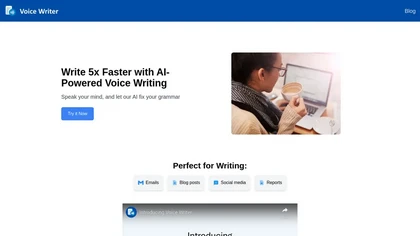
Voice Writer is a browser extension that transcribes speech to text in real time, automatically correcting grammar and adapting style. Supporting more than 30 languages, it works on any site with low latency and no account required.
Freemium
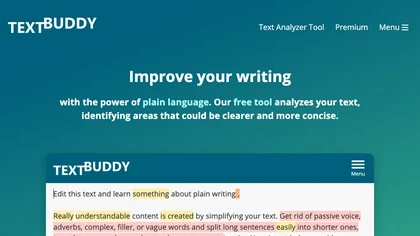
Textbuddy is an AI‑powered rewriter and plain‑English editor that flags long sentences, complex words, passive voice, and filler words, providing a readability score. It offers synonyms, CEFR language levels, keyword repetition stats, and supports over 50 languages.
Subscription

Fellou is a cognitive browser that enhances information accessibility with deep search capabilities, bulk actions, and cross-app integration. It offers a virtual workspace for task management and allows users to organize profiles for work, life, and entertainment.
Free
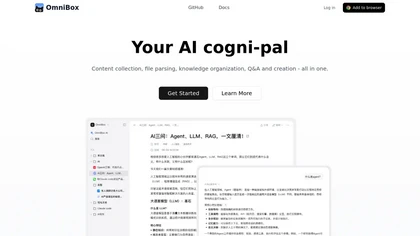
OmniBox is an AI knowledge companion that streamlines content collection by saving web pages and documents with a single click. It transforms saved content into a searchable, question-answer format with source-traceable answers for efficient knowledge management.
Freemium

Scribbr offers academic writing support with professional editing, plagiarism detection, citation generation across styles, AI‑powered proofreading, paraphrasing, summarizing, sentence rewriting, and a Chrome extension for in‑browser citations, helping students and researchers produce polished manus
Freemium