
Youtube Clips
The best 50 Youtube Clips AI tools - Free & Paid
Explore 50 AI for Youtube Clips
🔥 Featured
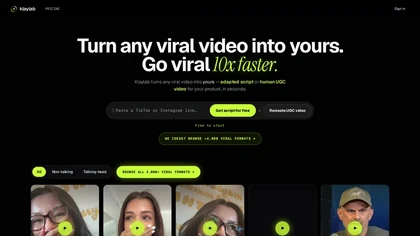
klaylab is a platform that converts viral videos into adaptable scripts and UGC-style video briefs and enable to hire human to create ugc content starting from 15 euros
Freemium
- €10/mo
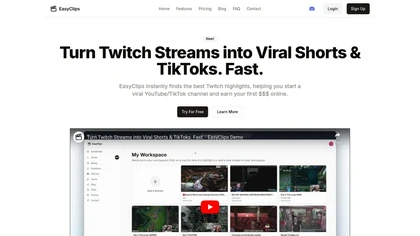
EasyClips automatically turns Twitch VODs into vertical TikTok‑ready clips by scanning for high‑impact moments, assembling polished highlights with transitions, and formatting them 9:16 in minutes—enabling streamers to quickly produce shareable content.
Freemium
SliceTube trims and downloads YouTube videos directly, offering start‑and‑end selection and export to MP4, MP3, or WEBM up to 4K. Browser‑based, watermark‑free, and privacy‑protected, it’s useful for creators and educators needing quick clips.
Paid
- $5
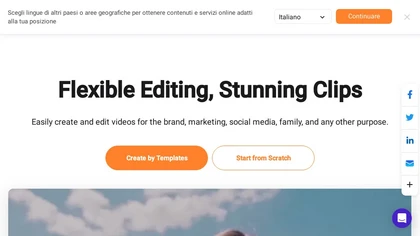
FlexClip is an online video editor with templates, resources, and powerful tools to create and edit videos for various purposes, as well as integration with royalty-free stock media providers and easy social media sharing.
Freemium

YouTube sumamry chrome extension is a YouTube video summary tool developed by Glasp Inc., currently in beta testing and requires installation on Chrome or Safari browsers along with sign-up.
OpusClip is an AI-powered video tool that transforms long videos into shareable short clips with one click. It uses AI to identify compelling moments, generate captions, and optimize for social media.
Freemium

Eklips is an AI tool that automatically clips gaming moments from Twitch streams and converts them into TikTok, Reel, and Short formats for easy editing and sharing on social media. It also has a mobile app and video editor for customization.
Free
vidIQ delivers real‑time YouTube analytics, keyword research, AI‑powered thumbnail creation, and competitive insights. Its AI coach refines titles and descriptions, while clipping tools produce short videos. Available via Chrome or mobile, it boosts visibility and engagement for creators.
Subscription
- $31/mo
Clipfly turns text prompts into videos, animates images, and adds lifelike touches to photos. With an AI storyboard, one‑click enhancer, background removal, subtitles, and audio integration, it streamlines branded content, social clips, and personal memories.
Free
Klap automatically extracts key moments from long videos, reframes them for vertical formats, adds multilingual subtitles, and lets you customize branding. Upload files or YouTube links, then share or schedule ready‑to‑publish clips across TikTok, Instagram, LinkedIn, and YouTube.
Paid
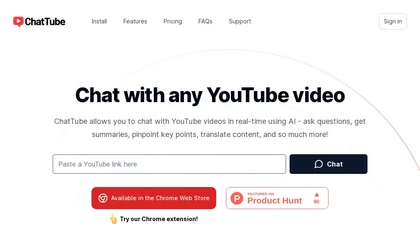
ChatTube lets users converse in real‑time with any YouTube video, asking questions, summarizing content, locating key moments, translating, and generating transcripts. It supports 45‑minute videos or 2‑hour podcasts, retains chat history, and works across Chromium browsers with a web fallback.
Subscription
- $6.99/mo
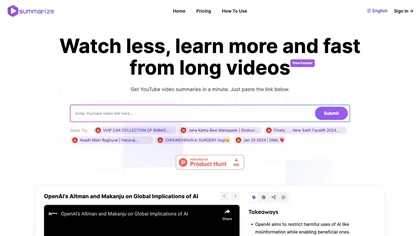
Summarize.ing instantly condenses YouTube videos into concise summaries, segmented sections, mind maps, and keyword lists. It generates 8‑10 Q&A pairs for review, aiding students, educators, and professionals in quick comprehension and decision‑making.
Freemium
- $15.7/mo
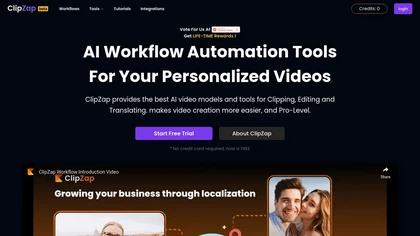
Clipzap.ai is a free AI video workflow editor that enables users to clip, edit, and translate videos in multiple languages. It features face-swapping, video generation, and integration with audio/video products for streamlined content creation.
Free trial

Clip Recipe is a web tool that extracts recipes from social media platforms like TikTok and Instagram, enabling users to gather ingredients and cooking instructions efficiently. It streamlines meal planning and enhances the cooking experience for users.
Subscription
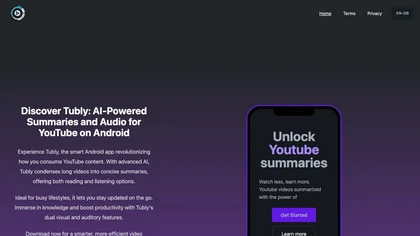
Tubly, a Chrome extension, uses the YouTube API to deliver AI‑generated summaries of subscribed channel videos. It extracts key transcript points, offers timestamps and chapter markers, and lets users save highlights and download transcripts.
Freemium
AnyClip automates video tagging, subtitles, and chapter creation, enabling searchable, measurable content. It extracts highlights, clusters topics, and builds contextual playlists. Facial recognition and brand‑safety filters keep compliant, while interactive players support live captions and AI‑driv
Freemium
Cliptalk turns text, images, or website content into ready‑to‑publish short‑form videos, automating editing, captions, B‑roll, and voice creation. It supports multiple languages, voice styles, and natural‑language editing for quick publishing.
Paid
- $19
Flowjin AI Clip Maker extracts share-worthy moments from long videos and podcasts, creating 10+ short, captioned clips with platform‑specific titles, hashtags, and CTAs. It offers editing, templating, and one‑click scheduling for LinkedIn, YouTube, X, Instagram Reels, TikTok, and Facebook.
Subscription
- $10/mo
Qlip automatically extracts short, vertical or square clips from longer videos, preserving focus on key moments. It applies brand templates, generates speech‑to‑text transcripts with speaker tags, and offers an API for clip creation, aspect‑ratio conversion, subtitle burning, and transcription.
Free
- $30
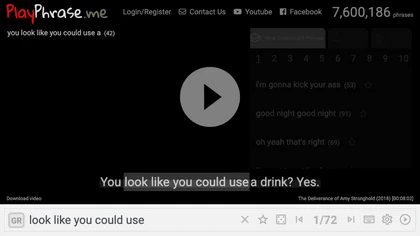
AI tool for searching and playing movie/TV dialogue clips using keywords. Includes login, favorites, and download options.
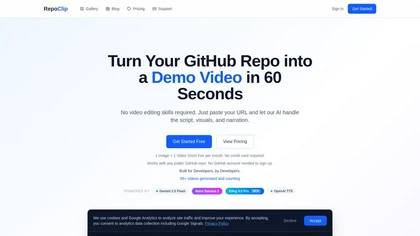
RepoClip is an AI tool that converts code repositories into narrated tutorial and demo videos. It analyzes a project's structure to automatically generate synchronized visual walkthroughs and demonstrations for documentation and onboarding.
Freemium
YT Copycat lets licensed users download and archive YouTube videos for offline use, supporting batch processing, multiple formats, and direct export to local or cloud storage. Creators can repurpose clips and maintain a private library.
Freemium
- $0.92/mo
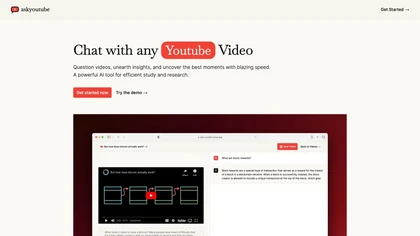
Ask Youtube is a text‑based AI that retrieves precise timestamps for any YouTube video, summarizing sections, highlighting key points, and helping educators, students, researchers, and creators locate specific content quickly.
Free
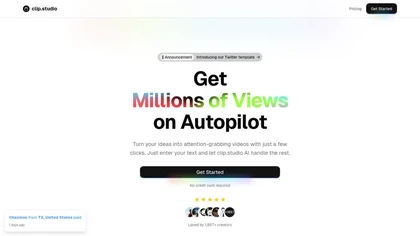
Clip Studio is an AI platform for creating viral short-form videos, offering customizable templates, automated captions, and music selection. It enables scheduling posts across platforms and provides performance analytics to enhance content strategy.
Free trial
- $1.17/mo

ClipMake is an AI UGC video generator that creates user-generated-style ads and product videos from a product URL, enabling rapid, platform-specific creative testing for ecommerce and DTC brands.
Free trial
- $49/mo
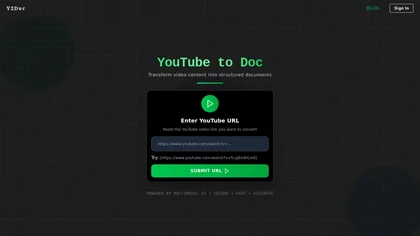
y2doc is an AI-powered tool that converts YouTube videos into structured documents for easy data extraction and analysis. It offers fast processing, security features, and customizable content ranges for tailored results.
Free trial
Eightify uses AI to extract key ideas from YouTube videos, delivering timestamped bullet‑point summaries, full transcripts, and comment insights via a Chrome extension and mobile apps. It supports 40+ languages, helping users preview, note‑take, and share content efficiently.
Freemium
SummarizeYT is an AI tool that summarizes YouTube videos, requires JavaScript to run, and can be installed for enhanced browsing experience. Users can contact summarizeyt.com for more information.

Podclips automates the transformation of podcast audio into engaging video clips for social platforms, featuring one-click uploads, custom styles, captions, and transitions, streamlining the sharing process to enhance audience reach with minimal manual effort.
Freemium
- $15/mo

ClipTrend.ai is an AI video generator that instantly remixes trending TikTok and YouTube formats using viral effect templates and multi-model support (Kling, VEO 3.1, WAN 2.7). Creators can upload a selfie or reference media, apply zero-prompt templates or URL-to-action extraction, and export waterm
Paid
- $11.99
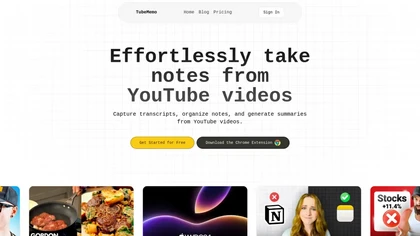
TubeMemo: AI browser extension that extracts YouTube transcripts, highlights key points, produces summaries, mind maps, flashcards; supports annotations, multi‑language, library, drafts for blogs, tweets, study guides; useful for professionals, students, creators, educators, journalists.
Free
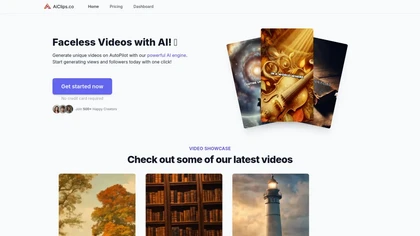
AICLIPS.CO is an automated platform for creating faceless AI videos, enabling users to generate unique clips by selecting story types, voiceovers, and customizing scripts, streamlining content production for educators, creators, and marketers.
Free trial
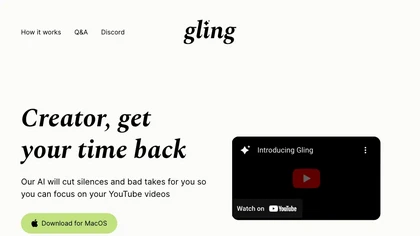
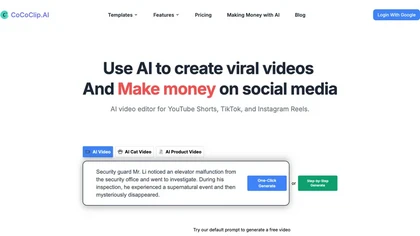
CoCoClip.AI transforms text prompts into videos, auto‑edits image sequences, and tracks real‑time trends on TikTok, YouTube Shorts, and Instagram Reels. It offers face swap, watermark removal, talking photos, lip‑sync, and creative generators for efficient content creation.
Paid
- $14.9/mo
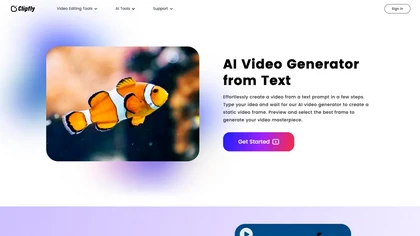
AI Video Generator by Clipfly seamlessly transforms text into engaging video frames. Easily add subtitles, stickers, music, and merge clips. Enjoy features like face swap and voiceover for professional video creation effortlessly.
Freemium
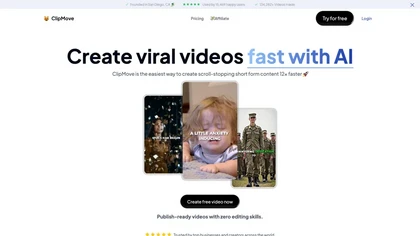
Clipmove is an AI video production tool that simplifies short-form content creation, featuring AI script generation, an avatar generator, dynamic captions in 40+ languages, and audio-video enhancement for quick, engaging video outputs.
Free trial
- $14.33/mo
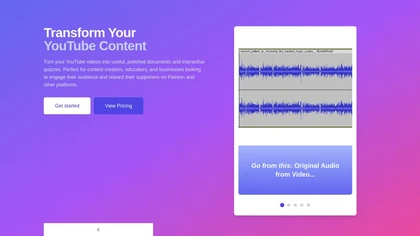
YouTube Transcript Optimizer turns video URLs into 98%+ accurate transcripts, formats them as Markdown, HTML, or PDF, auto‑generates quizzes, and lets users edit content with PDFs updating automatically. Ideal for creators, educators, and businesses needing structured video materials.
Paid
- $10
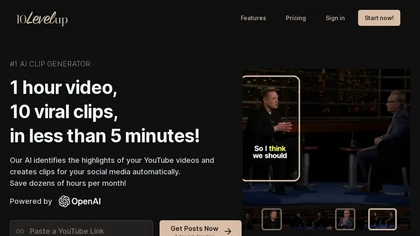
10levelup is an AI tool that transforms long videos into engaging, short social media clips in minutes, highlighting key moments automatically.
Free trial
- $10/mo
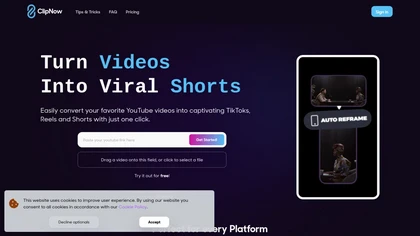
ClipNow is an AI tool that repurposes long-form videos into short content for social media. It features automatic cropping, captions, and face tracking, optimizing videos for platforms like TikTok, Instagram Reels, and YouTube Shorts.
Freemium

Summarify AI gives YouTube video summaries in‑app and via Chrome, offering text, bullet, outline styles with timestamps for quick navigation. It supports export to PDF, Markdown, TXT, etc., helping students, researchers, creators save time and organize content.
Free
2short.ai automatically extracts the most engaging segments from long videos to create 1080p YouTube Shorts, using facial‑tracking, one‑click animated subtitles, and flexible aspect ratios. It supports multiple languages, direct Drive/URL imports, and brand presets for consistent visuals.
Freemium
- $9.9/mo
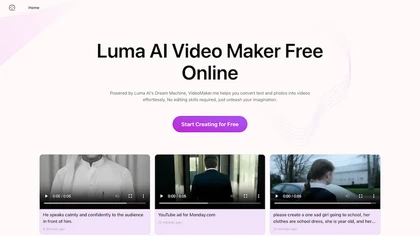
Google Veo 3 generates 8‑second, full‑HD cinematic clips from text prompts with lip‑synced dialogue and ambient audio. It animates still images, adds motion, lighting, perspective shifts, and over 60 visual effects for quick online video prototyping.
Subscription
- $7.9/mo
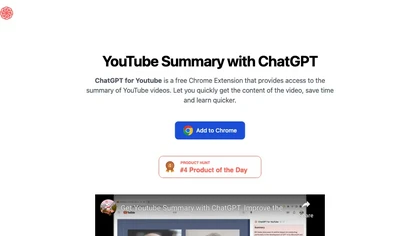
ChatGPT for YouTube is a Chrome extension that produces concise text summaries of YouTube videos, enabling quick understanding of key points. It operates without requiring a ChatGPT or OpenAI account and integrates directly into the YouTube interface.
Free
TubeBuddy streamlines YouTube workflow with keyword research, SEO tools, thumbnail generation, content strategy analytics, A/B testing, bulk editing, and end‑screen management, helping creators optimize visibility and scale production efficiently, and channel growth.
Paid
- $3.75/mo
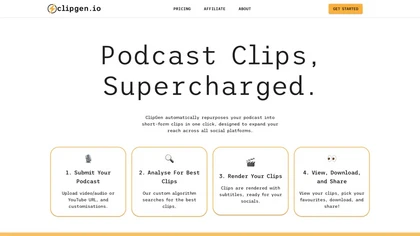
ClipGen converts podcast audio or video into shareable social media clips. Upload files or YouTube links, it auto‑scores segments, adds subtitles, lets you refine timing and captions, reframes for portrait or square formats, then exports or posts directly.
Freemium
- $9.99/mo
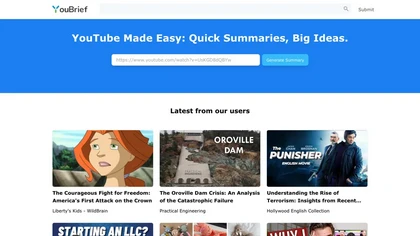
YouBrief offers instant YouTube video summaries, saving time and providing key insights for busy individuals. Easily grasp big ideas in a short time, accessing valuable information effortlessly.
Freemium
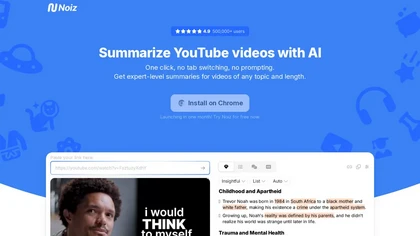
Noiz AI simplifies summarizing YouTube videos by offering expert-level summaries in multi-languages. With instant summarization and easy installation, users can quickly extract key ideas and enhance their learning experience.
Free trial
Veo Flow is an AI filmmaking tool designed for creatives, enabling seamless creation of cinematic clips and stories by combining user-provided assets with Google’s generative AI models, streamlining the filmmaking process.
Freemium
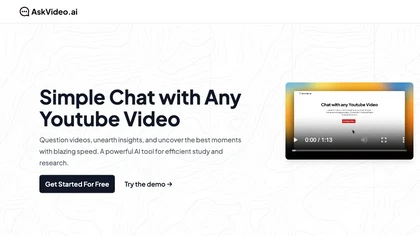
AskVideo.ai converts any public YouTube clip into a searchable knowledge base. By generating a timestamped transcript, users can ask natural‑language queries and retrieve precise answers, reducing search time and enhancing learning for students, professionals, and creators.
Subscription
- $8/mo