Online Thumbnail
The best 50 Online Thumbnail AI tools - Free & Paid
Explore 50 AI for Online Thumbnail
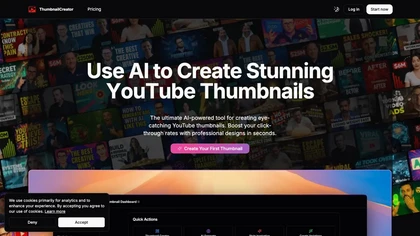
ThumbnailCreator.com is an AI-powered tool that generates professional YouTube thumbnails instantly, eliminating the need for design expertise. It leverages AI trained on vast thumbnail data to enhance visual appeal and streamline workflow for creators.
Subscription
- $9/mo
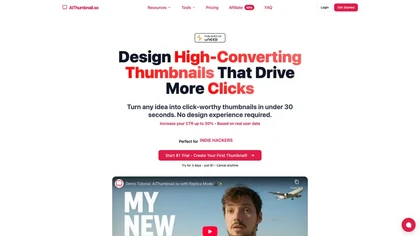
Aithumbnail.so is an AI-driven tool for creating YouTube thumbnails, offering style replication, smart suggestions for optimization, and integration of facial images to enhance audience recognition and engagement, ultimately improving click-through rates.
Freemium
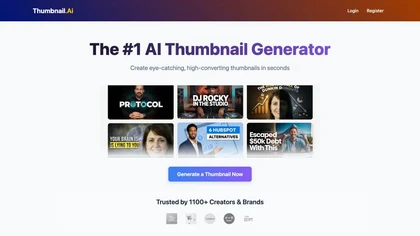
AI Thumbnail Creator automatically generates YouTube and social‑media thumbnails in about 30 seconds from a title or image. It offers multiple style templates, supports 16:9, 9:16, 1:1 ratios, and lets users create up to eight variations with editing options.
Freemium
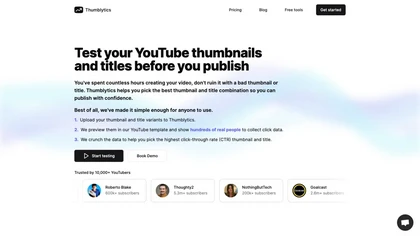
Thumblytics AI generates up to eight thumbnail variants from prompts, transcripts, or YouTube URLs, scoring them on readability, contrast, and hook strength. High‑scoring designs are stored for quick reuse, streamlining production and boosting click‑through rates.
Subscription
- $12/mo
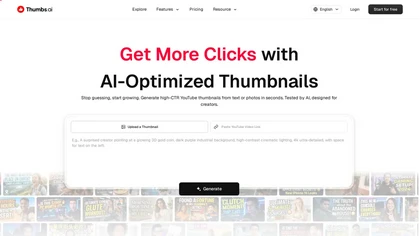
Thumbs.ai is an AI-powered thumbnail generator that creates click-optimized images from links, photos, or scratch, featuring tools like style cloning, face-expression generation, and A/B testing with CTR prediction for YouTube, Shorts, and social media.
Free trial
- $13/mo
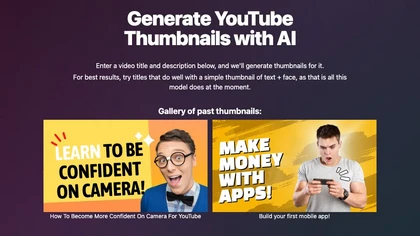
Magic Thumbnails automatically creates YouTube thumbnail images from a video title and description. The service generates simple layouts featuring text and a face, enabling creators to produce multiple options quickly, review a gallery, and download images before service ends.
Free

ThumbnailMakerr is an AI tool that generates multiple YouTube thumbnail variations from text, images, or video URLs. It offers style recreation, face swap, and previews for different devices to help create high-CTR designs efficiently.
Free trial
- $15/mo

Thumbmachine is a browser‑based AI thumbnail generator for YouTube creators. It uses a Stability text‑to‑image model, background removal, upscaling, a library of over 3 million free photos, customizable colors, titles, A/B testing, and a personal gallery.
Paid
- $39
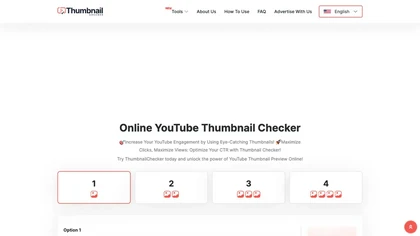
Upload up to 1 MB thumbnails for instant 1280 × 720 previews. Compare up to four images or titles side‑by‑side, use category presets, run A/B tests, and view competitors’ thumbnails via video URL—all in a no‑registration, browser‑based interface.
Free

Thumbnail AI analyzes YouTube thumbnails to produce a CTR-focused score, breakdowns of audience fit, emotional appeal, curiosity gap and clickbait, actionable text/composition/color improvements, plus AI-generated thumbnail variations and title alternatives for A/B testing.
- $9.99/mo

vidIQ delivers real‑time YouTube analytics, keyword research, AI‑powered thumbnail creation, and competitive insights. Its AI coach refines titles and descriptions, while clipping tools produce short videos. Available via Chrome or mobile, it boosts visibility and engagement for creators.
Subscription
- $31/mo
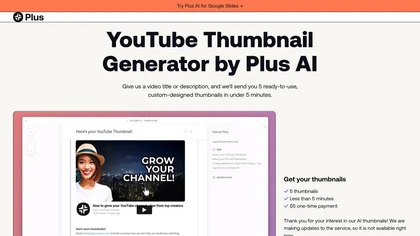
The AI YouTube Thumbnail Generator simplifies creating eye-catching thumbnails for YouTube videos. It suggests optimized designs, offers customizable templates, colors, and fonts to enhance visual appeal, engagement, and click-through rates.
Freemium
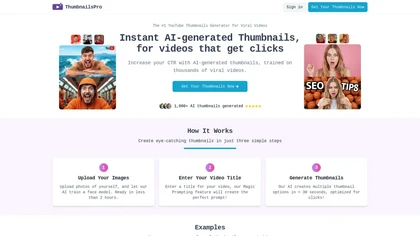
ThumbnailsPro generates YouTube thumbnails from uploaded images and video titles, delivering multiple options in under 30 seconds. It draws on a library of viral videos to optimize design for higher click‑through rates, and creators retain full commercial rights.
Subscription
- $19/mo
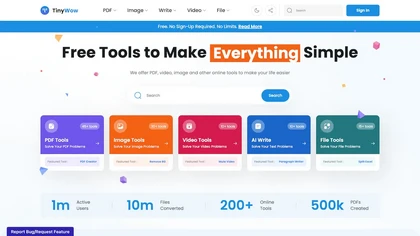
TinyWow is a web-based service that offers free tools for editing and converting PDFs, images, and videos, plus AI-driven text and image creation. Files are auto‑deleted after an hour for privacy.
Subscription
TubeBuddy streamlines YouTube workflow with keyword research, SEO tools, thumbnail generation, content strategy analytics, A/B testing, bulk editing, and end‑screen management, helping creators optimize visibility and scale production efficiently, and channel growth.
Paid
- $3.75/mo
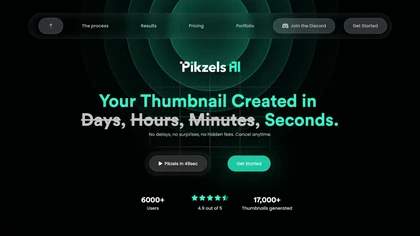
Pikzels is an AI‑powered YouTube packaging tool that generates and optimizes thumbnails and titles in seconds. It scores performance on virality, clarity, idea, curiosity, and emotion, and offers one‑click fixes for rapid iteration.
Subscription
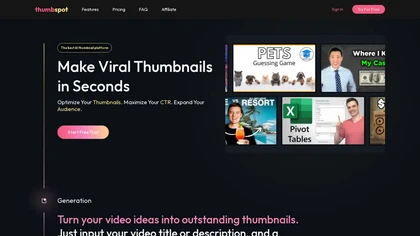
Thumbspot AI is a YouTube thumbnail generator that creates high-resolution thumbnails using video titles and descriptions. It features trending templates, allows for reference uploads, and supports multiple content genres, providing an intuitive editing interface.
Free trial

ImageToCartoon turns JPEG, PNG, or WebP photos into high‑resolution cartoon images directly in the browser. Users pick from 80+ styles—Ghibli, Pixar, anime, comics—to create avatars, prints, or pet illustrations, with royalty‑free commercial rights.
Free
VideoSnapshot utilizes AI technology to generate engaging video thumbnails by analyzing uploaded content. This user-friendly tool enhances audience engagement and improves video performance, catering to both novice and experienced content creators across various platforms.
Subscription
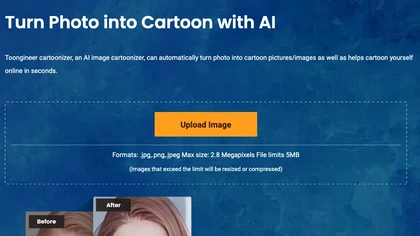
Toongineer Cartoonizer turns JPEG, PNG, or JPG photos into cartoon images with anime, Disney, Ghibli, or comics styles. It supports up to 2.8 MP, offers batch processing, real‑time previews, and quick upscaling via stable diffusion and AnimeGANv2.
Paid
- $4.95

YouTube sumamry chrome extension is a YouTube video summary tool developed by Glasp Inc., currently in beta testing and requires installation on Chrome or Safari browsers along with sign-up.
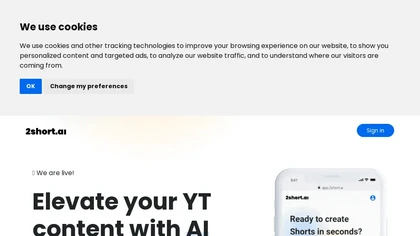
2short.ai automatically extracts the most engaging segments from long videos to create 1080p YouTube Shorts, using facial‑tracking, one‑click animated subtitles, and flexible aspect ratios. It supports multiple languages, direct Drive/URL imports, and brand presets for consistent visuals.
Freemium
- $9.9/mo
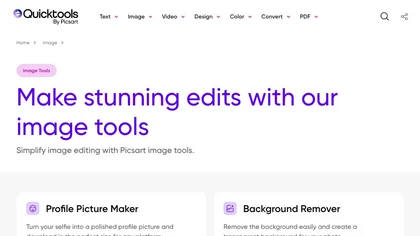
An online image tool with features including background removal, image resizing, text addition, color palettes, conversion, and AI-powered social media bios, market slogans, business name ideas, and hashtag generation.
Free

PhotoGrid is a browser‑based AI photo editor that offers one‑click enhancement, background removal, and upscaling. It lets users build collages from 20,000 templates, add stickers, text, custom backgrounds, and convert images into short video clips.
Subscription
- $2.83/mo
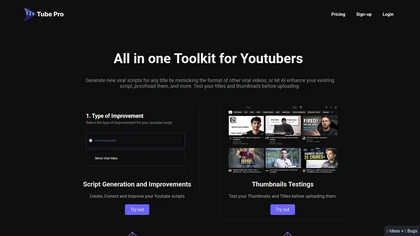
Tube Pro aids YouTubers by streamlining script creation and thumbnail testing. It offers tools for generating engaging scripts, optimizing video titles, and analyzing thumbnails across devices, helping creators enhance visibility and viewer engagement.
Subscription

드랩아트는 상품 사진을 업로드하면 AI가 스튜디오 배경·조명을 재현해 고퀄 썸네일을 만들고, 모델 착장 합성, 특징·리뷰 분석으로 구조화된 상세페이지를 30초 이내에 완성해 바로 다운로드하거나 주요 전자상거래 플랫폼에 업로드할 수 있는 도구입니다.
Freemium
SliceTube trims and downloads YouTube videos directly, offering start‑and‑end selection and export to MP4, MP3, or WEBM up to 4K. Browser‑based, watermark‑free, and privacy‑protected, it’s useful for creators and educators needing quick clips.
Paid
- $5
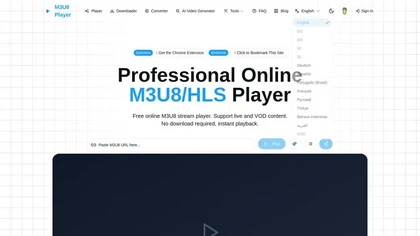
m3u8 player online is a browser-based HLS player and downloader that plays live and on-demand streams with adaptive bitrate switching, while also enabling in-browser conversion of m3u8 files to MP4/WebM/MKV and batch downloading with resume support.
Free

Tubly, a Chrome extension, uses the YouTube API to deliver AI‑generated summaries of subscribed channel videos. It extracts key transcript points, offers timestamps and chapter markers, and lets users save highlights and download transcripts.
Freemium
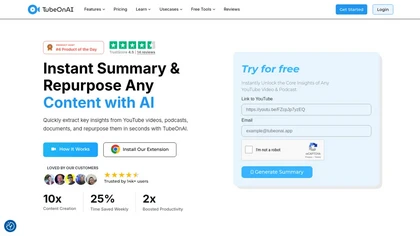
TubeOnAI automatically summarizes videos, podcasts, PDFs, and web content, offering multilingual text and audio outputs. It auto‑subscribes to channels for instant updates and transforms insights into blogs, social posts, newsletters, scripts, and mind maps with one click.
Freemium
- $19/mo
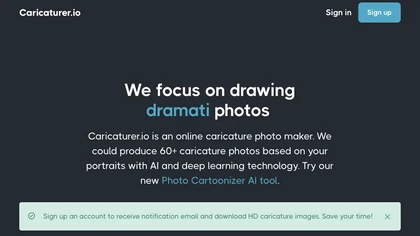
AI caricature generator that accepts JPEG/PNG/WebP up to 10 MB and uses text prompts for expression, pose, clothing, hairstyle, background. It creates high‑resolution, watermark‑free caricatures in multiple styles via drag‑and‑drop, preview, download. Works locally with no registration.
Free

Summarify AI gives YouTube video summaries in‑app and via Chrome, offering text, bullet, outline styles with timestamps for quick navigation. It supports export to PDF, Markdown, TXT, etc., helping students, researchers, creators save time and organize content.
Free

Upload video files (MP4, MOV, MKV, M4V, AVI) and apply AI models—Face, Animation, Denoise, Low‑Light, Colorize—to improve clarity, reduce noise, brighten dark scenes, or add color. Preview changes, upscale to 4K, then download without watermarks.
Paid
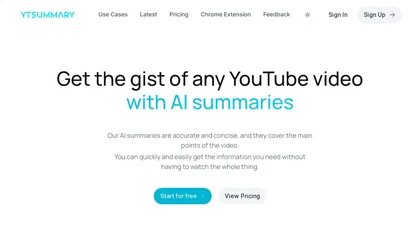
YTSummary delivers on‑demand YouTube summaries powered by ChatGPT. It offers Outline, Mind Map, and Segment modes for concise highlights, visual maps, or timestamped sections. Supports multiple languages, exports in various formats, and tracks history for easy reference.
Subscription
- $9/mo
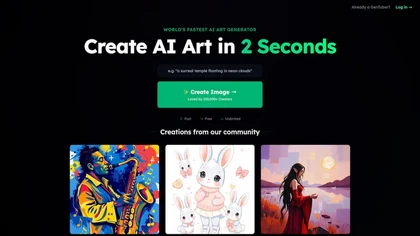
GenTube is an AI art tool that generates retro-futuristic visuals instantly for free. Its user-friendly interface enables unlimited, unique designs for creators of any skill level.
Free
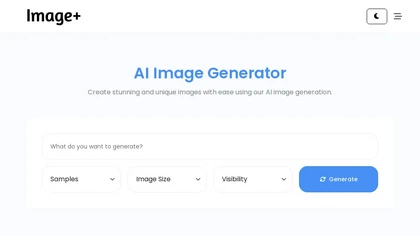
Image+ is an online gallery that lets users upload photos, artwork, or illustrations, tag them, and browse by original or preset sizes. It supports social‑network posting, customizable themes, and embedding on Tumblr or WordPress.
Freemium
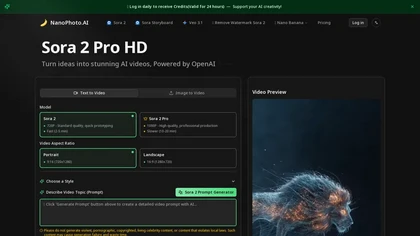
NanoPhoto.AI is an AI-powered media editor that simplifies generating and editing images and videos. It offers features like photo restoration and style changes, and supports batch processing for efficient workflows.
Free trial
- $15/mo

PhotoGPT.io is a free, browser-based AI photo editor that enables fast online enhancements like generative fill, relighting, and restoration. It supports batch editing and multiple export formats, ideal for social media creators and small businesses needing quick, professional photo fixes.
Free
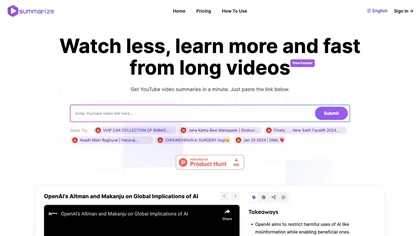
Summarize.ing instantly condenses YouTube videos into concise summaries, segmented sections, mind maps, and keyword lists. It generates 8‑10 Q&A pairs for review, aiding students, educators, and professionals in quick comprehension and decision‑making.
Freemium
- $15.7/mo
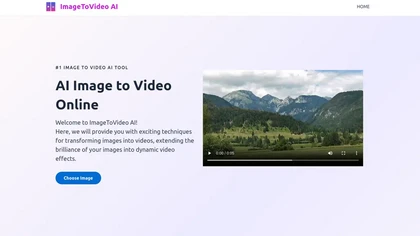
ImageToVideo AI converts JPG, PNG, or WebP images into MP4 videos. Users can crop, resize to social‑media ratios, choose speed/quality presets, apply 50+ templates, add AI music, and edit motion via a prompt editor—all watermark‑free.
Paid
Eightify uses AI to extract key ideas from YouTube videos, delivering timestamped bullet‑point summaries, full transcripts, and comment insights via a Chrome extension and mobile apps. It supports 40+ languages, helping users preview, note‑take, and share content efficiently.
Freemium

InstaHeadshots uses AI to turn a handful of varied selfies into high‑resolution professional headshots in about fifteen minutes. It generates a customizable library for LinkedIn, resumes, and print, securely deleting all photos and outputs after 30 days.
Paid
Wave.video is an all-in-one AI video editing and creation platform that allows users to create, edit, and distribute videos, offering features such as online editing, live streaming, thumbnail maker, and customizable live streaming studios.
Freemium
- $16/mo

InShot is a mobile video editor that lets users cut, trim, and layer clips, auto‑generate multilingual captions, add music, intros/outros, and apply AI‑driven, 3D, glitch, and lens transitions, text, stickers, and picture‑in‑picture overlays.
Free
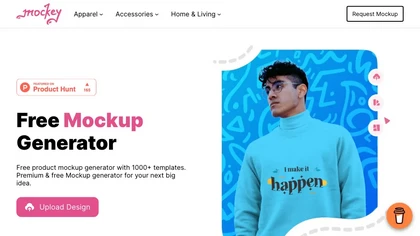
Mockey AI creates watermark‑free product mockups from 20,000+ templates across 45 categories. Upload PNG/JPEG designs, adjust placement and backgrounds, and use AI tools like background removal. It offers 3D and video mockups for animation on desktop, mobile, and Play Store.
Freemium
- $5.7/mo
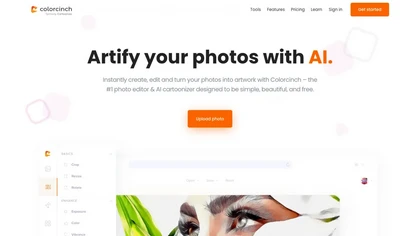
Colorcinch converts photos to cartoons, sketches, or paintings with one click, offers AI background removal, adjustable sliders, overlay effects, multi‑layer editing, high‑resolution export to JPG/PNG/PDF, all usable online/offline without login.
Free
- $8.99
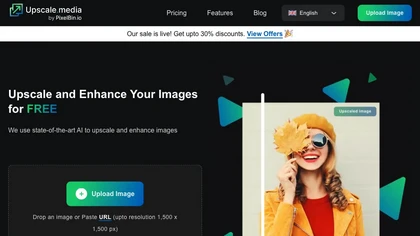
Upscale.media is a browser-based AI upscaler that increases image and short-video resolution up to 2×/4×/8×, reconstructs detail, reduces noise/artifacts, and offers deblur, sharpen, colorisation, face restoration, batch processing and API access.
Freemium
- $0.02
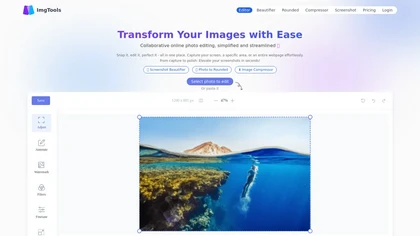
ImgTools is a versatile screenshot tool that simplifies capturing, editing, and enhancing images efficiently. It offers features like screenshot beautifier, advanced editing options, collaborative online editing, and customization tools to elevate your visuals effortlessly.
Freemium