
Icon Color Palette Editor
The best 50 Icon Color Palette Editor AI tools - Free & Paid
Explore 50 AI for Icon Color Palette Editor
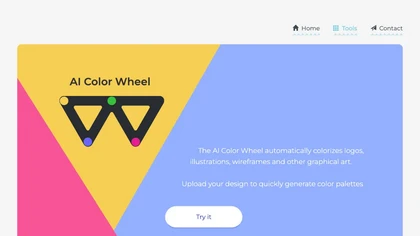
Color Wheel automatically colorizes grayscale flat graphics, generating thousands of palettes from one upload. Users tweak schemes and preview styles from Warhol to NES, saving locally with no registration for web and UI projects.
Free
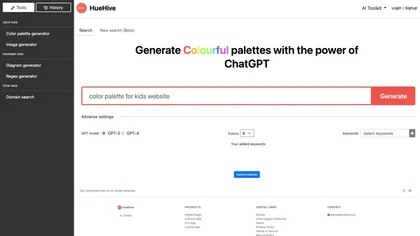
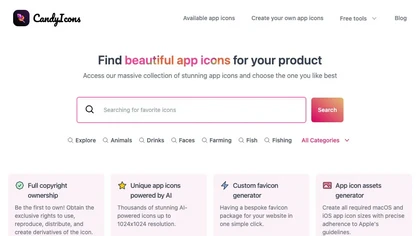
CandyIcons uses AI to turn keyword prompts into custom app icons across diverse styles—retro, neon, 3D, watercolor, etc.—with real‑time preview, color palette selection, and export to PNG, SVG, iOS/macOS asset sets, or favicons for developers and designers.
Free
AI Icon Generator uses machine‑learning to produce custom app icons in seconds. Users describe the icon, choose one of 11 styles, set colors, and receive a 1024×1024 HD PNG/JPG or clipboard copy with full commercial rights.
Paid
- $17
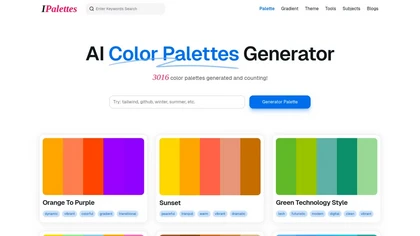
AI Color Palettes Generator by iPalettes allows users to create tailored color palettes based on keywords. It offers various output formats, real-time adjustments, and an extensive library, making it ideal for graphic design, branding, and digital art projects.
Free
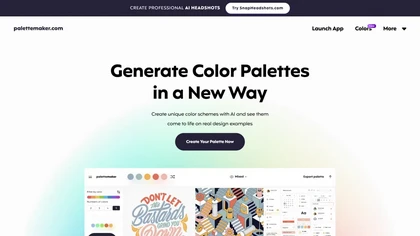
Palettemaker is an AI‑powered color palette generator that lets designers and non‑designers create, tweak, and preview color schemes in real‑world design contexts. It offers export options for Procreate, Adobe ASE, images, and CSS.
Free

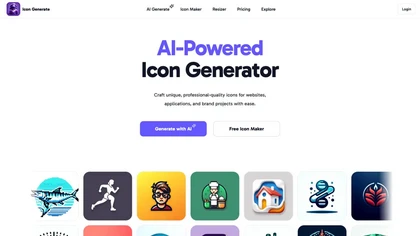
AI Icon Generator creates high‑resolution icons for websites, apps, and brands. Users choose styles—polygonal, pixelated, isometric, line art, metallic, 3D neon, hand‑drawn—adjust colors, and export PNGs directly from the cloud. Ideal for designers without advanced skills.
Freemium
- $6
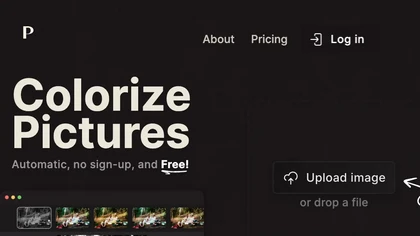
Palette automatically colorizes black‑and‑white images up to 5000 × 5000 px. Users upload single or multiple photos, choose from 150+ preset filters, and refine results with keyword‑driven adjustments to hue, saturation, and contrast. Ideal for photographers, designers, and archivists.
Free trial
ColorGenie is an AI Color Palette Generator that uses machine learning to create unique color schemes for branding, websites, and graphics. Simply input your preferences and let ColorGenie generate visually appealing palettes for your projects.
Freemium
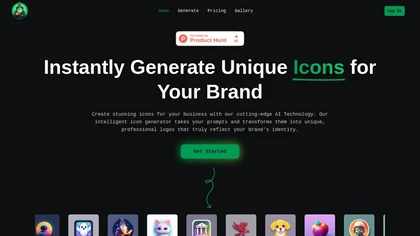
IconWizardAI generates custom icons from text, color, and style prompts, letting users produce batches of high‑resolution icons in a single workflow. Results are automatically stored in a cloud library for easy access and quick design iteration.
Freemium
- $7
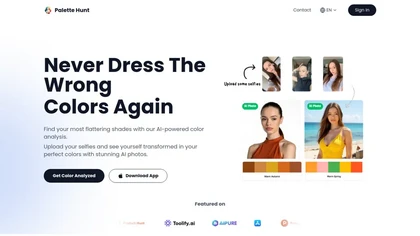
Palette Hunt is an AI tool that analyzes uploaded selfies to create personalized color palettes based on skin tones. It offers virtual try-ons and expert recommendations, helping users discover flattering shades for enhanced fashion choices.
Freemium
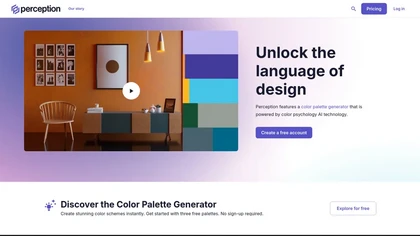
Perception is an AI color palette generator that applies color psychology to create mood‑based schemes. It offers instant palette creation, analysis against emotional data, a searchable dictionary of thousands of mood‑tagged palettes, and validation tools for brand consistency.
Freemium
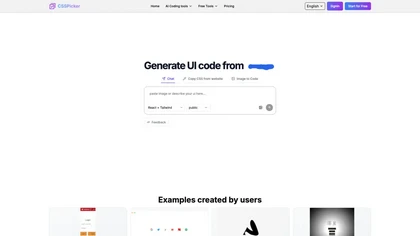
CSSPicker is an AI tool that transforms design screenshots into responsive HTML, CSS, or Tailwind code. With a real-time code editor and integration for frameworks like React, it aids both novice and experienced developers in UI coding tasks.
Free trial
- $30
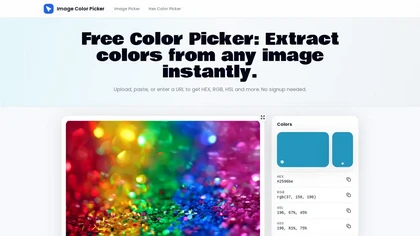
ImageColorPicker.io is a browser-based tool that extracts hex, RGB, HSL, and HSV values from images and screenshots via an eyedropper, and lets you build, copy, and export color palettes with one click.
Free
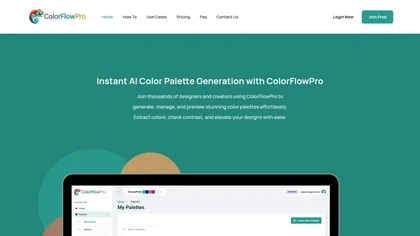
ColorFlowPro is an AI-driven tool for generating and managing color palettes. It offers real-time previews, a color contrast checker for accessibility, and organizational features to streamline design processes for designers, developers, and marketing teams.
Freemium
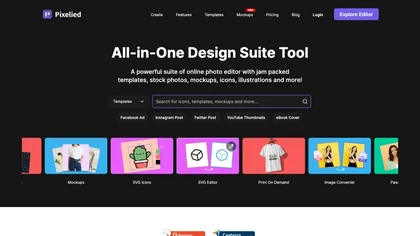
Pixelied is an online photo editor and design suite that offers brightness, saturation, and filter tools, background removal, a 4 million‑photo library, vector editing, team collaboration, and pre‑made templates for quick resizing.
Freemium

Colorcinch is an AI photo editor that instantly cartoonizes or sketches images and offers background removal, cropping, resizing, exposure and detail controls, file compression, and 400 DPI print‑ready export. Mobile app adds cartoonizing, background removal, and upscaling on the go.
Paid
Brandmark offers free AI‑generated design tools: an AI Color Wheel for palette suggestions, Logo Rank for objective logo scoring, Logo Crunch for multi‑resolution logo output, and a Font Generator for paired web fonts, aiding designers, marketers, and developers.
Paid
- $25
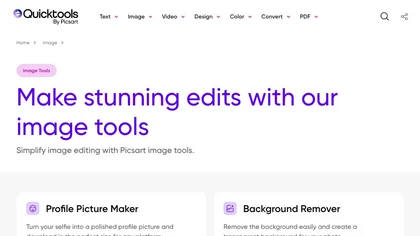
An online image tool with features including background removal, image resizing, text addition, color palettes, conversion, and AI-powered social media bios, market slogans, business name ideas, and hashtag generation.
Free

Generate AI‑powered color palettes and apply them instantly across Adobe Illustrator, Photoshop 2022+, and Figma. Customize and save schemes to the cloud, accessing them from any device via a ZXP plugin or web interface.
Freemium
- $8/mo
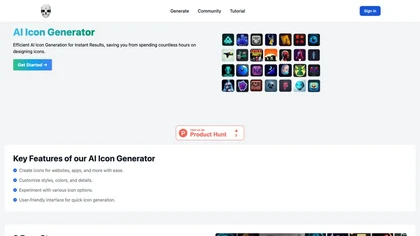
AI Icon Generator lets developers, designers, and content managers create custom SVG/PNG icons from a brief description, style, and palette with a single click. It supports WordPress, Shopify, and other CMSs, and offers full commercial rights.
Free

Ideatum generates color palettes, font pairings, sizing ratios and responsive mood boards from a single prompt, producing export-ready style guides and assets (HTML, CSS, Figma, Webflow) across desktop, tablet and mobile for faster design validation and handoff.
Free
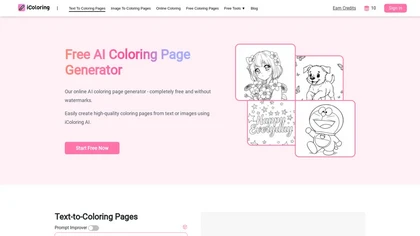
iColoring AI is a user-friendly online tool that transforms text prompts or images into customizable black-and-white coloring pages. It offers daily credits, supports multiple styles, and allows instant downloads in PNG or PDF formats for children, educators, and parents.
Free trial
iconGeniusAi generates high‑resolution icons in minutes, allowing users to set primary color, style, and detailed description for custom designs. It supports unlimited collections, consistent quality, and a credit‑based system for on‑demand use, for developers, designers, app creators, and marketing
Paid
- $3
ImageEditor.ai is an AI-powered image editor used for interior design projects and can be controlled using verbal commands.
Subscription
- $7/mo
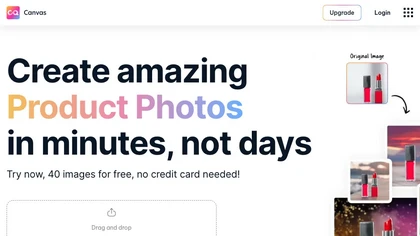
Magicstudio Canvas is an AI tool for quickly creating product photos with up to 40 free uploads in JPEG or PNG format. It offers intuitive, easy-to-use editing tools and features for profile pictures, removing backgrounds, and adding text.
Freemium

Ironov uses neural networks and post-processing to generate unique logos and full brand identity kits (SVG/PNG outputs), including business cards, letterheads, palettes, patterns and social templates, with anti-duplicate filtering, editable mockups and palette/name generators.
Free
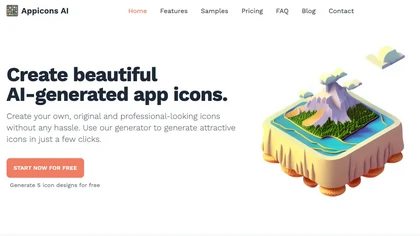
Appicons.ai generates professional app icons for iOS, Android, and desktop using AI. Users describe their app and style, receive multiple customizable options, GPT‑enhanced prompts, Photopea editing, and instant preview with downloadable PNGs up to 2048 × 2048.
Paid
- $10

Colorcinch converts photos to cartoons, sketches, or paintings with one click, offers AI background removal, adjustable sliders, overlay effects, multi‑layer editing, high‑resolution export to JPG/PNG/PDF, all usable online/offline without login.
Free
- $8.99
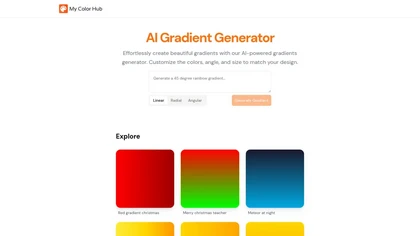
The AI Gradient Generator produces custom color gradients—linear, radial, or angular—based on user‑provided hex codes. Users set angles, sizes, opacity, and export CSS or PNG for easy integration into UI, UX, and branding projects.
Freemium

GemPix2 is a browser-based AI image generator and editor that converts text prompts or uploaded photos into high-resolution images, supports precise masks, relighting, typography, color-palette locking, layered (PSD) exports, multilingual prompts and team collaboration.
Freemium
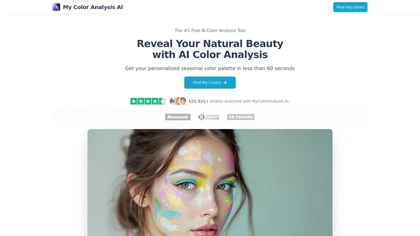
My Color Analysis AI quickly identifies your personalized color palette from your photo, offering seasonal color suggestions for outfits and makeup. Get accurate results without special equipment, making it easy to enhance your natural beauty.
Freemium
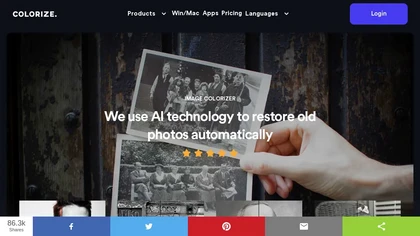
ImageColorizer automatically colorizes black‑and‑white photos, doubles resolution, removes scratches, deletes unwanted objects, and retouches portraits. It supports batch processing, delivering high‑quality, corrected images quickly for restorers and hobbyists and preserves surrounding detail.
Freemium
- $3.9/mo
Kolorize automatically colorizes grayscale, black‑and‑white, or sepia images in 3–8 seconds. It accepts JPEG, PNG, WebP, GIF, or AVIF up to 4096×4096 pixels, resamples larger files, outputs colorized JPGs, and deletes uploads after processing.
Freemium
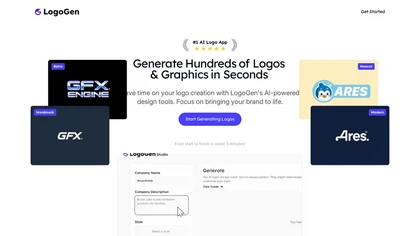
LogoGen uses AI to generate quick, varied logo concepts from a business name and description, offering modern, wordmark, abstract, monogram, and minimalist styles. It auto‑filters poor designs, delivers vector exports, color palettes, and supports iterative edits and software integration.
Paid
- $45/mo
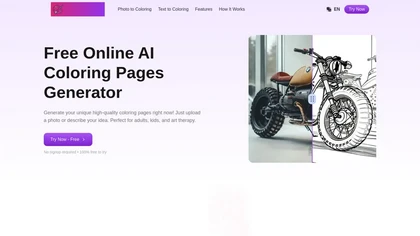
Gencolor.ai is an AI coloring page generator that transforms uploaded images or text descriptions into high-quality coloring pages. It produces detailed designs in multiple formats, making it suitable for art therapy and educational applications.
Free trial
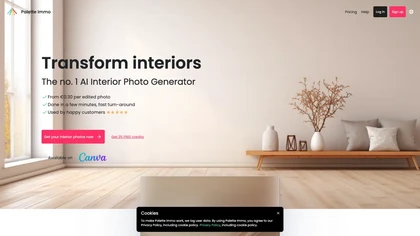
Palette Immo generates photorealistic interior renders from photos, sketches, or empty rooms. Users select styles, adjust colors, furniture, sky, or remove clutter, batch‑process multiple images, and collaborate via team accounts for real‑estate and design workflows.
Freemium
- $0.3
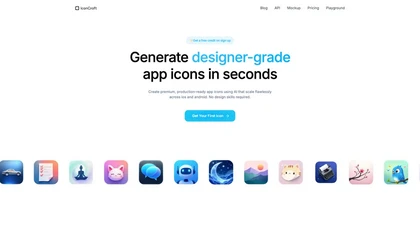
IconCraft generates production-ready iOS and Android app icons from short descriptions or uploaded logos, producing scalable, export-ready assets and multiple concept variations. Includes style referencing, mockup previews, and tools to test icons across sizes and contexts.
Free
- $9

Magic Gradient is an AI-powered tool that generates color gradients based on user-entered keywords. It offers a variety of handpicked gradients and color codes, making it useful for graphic designers and content creators seeking appealing color combinations.
Freemium

Smart Palette is an AI-driven platform that streamlines art creation, offering intelligent design guidance and customizable art generation. It features an intuitive interface suitable for all skill levels, enabling users to express their unique artistic vision effectively.
Subscription
- $3.99
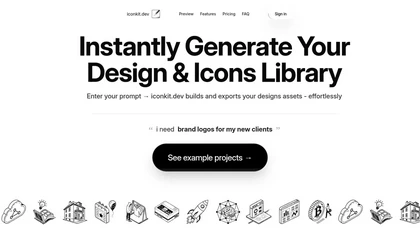
Iconkit.dev is an AI design tool that generates custom icons and assets, enabling seamless integration with frameworks like React and Svelte. It streamlines workflows with version control, library management, and multiple export formats for enhanced project efficiency.
Subscription

imgeditor.co is an AI image editor that transforms images using text prompts. It features one-shot editing for consistent details, superior scene preservation, and rapid processing for multi-image workflows.
Free trial
- $12/mo
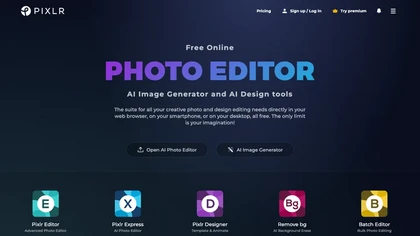
Pixlr is a browser‑based photo editor that uses AI for background removal, generative fill, and object deletion. It offers cropping, color correction, collages, templates, and social media layouts across desktop, tablet, and mobile.
Free trial
- $1.99/mo
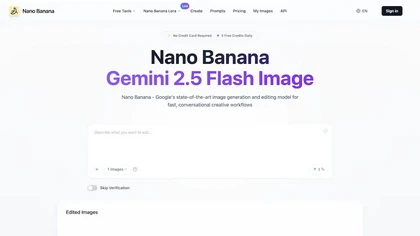
NanoBanana.im is a natural language image editor powered by Google's Gemini. Simply upload an image and describe your edits in plain text to modify, fuse, or analyze your visuals.
Freemium
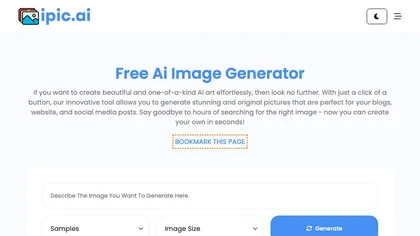
Generates digital images from text prompts in diverse styles such as anime, cyberpunk, oil painting, and 3‑D cartoon. Users adjust seed, denoise, add reference images, select 512–1024 px resolutions, and use background removal, outpainting, headshots, or avatars.
Free
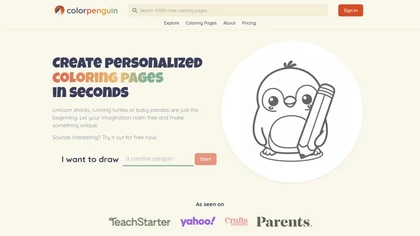
ColorPenguin is an AI tool for creating personalized coloring pages tailored to various age groups. Users can input prompts and access a large catalog of over 5,000 free downloadable pages, promoting creativity and engagement for children and educators alike.
Freemium
- $7.99/mo