
Clear Blurry Pictures
The best 50 Clear Blurry Pictures AI tools - Free & Paid
Explore 50 AI for Clear Blurry Pictures
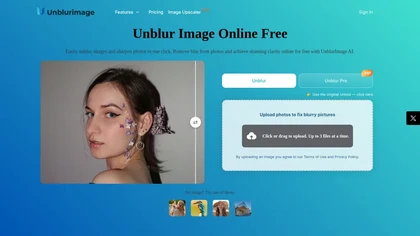
Unblur Image is an AI-powered tool that enhances blurry photos by removing motion blur, poor focus, and noise. It supports various formats, batch processing, and upscaling to 4K resolution for improved image quality and clarity.
Freemium

Clarity AI is an image upscaler and enhancer that restores high-resolution detail—up to 13,000 px from 64 px—offering adjustable detail, noise reduction, blur correction, artifact removal, style transfer, plus API and ComfyUI integration for workflows.
Freemium
Face Photo Restorer uses AI to enhance and restore old or blurry face photos, supporting batch uploads. It outputs high‑resolution images with corrected color, reduced noise, and sharpened detail, and offers real‑time previews for comparison.
Freemium
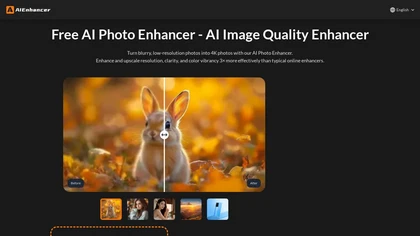
AIEnhancer.ai is a free online tool that instantly transforms blurry, low-quality images into high-resolution 4K photos. Simply upload your picture to apply AI-powered upscaling, noise reduction, and color correction, then preview and download the enhanced result.
Freemium
Cleanup.pictures is an AI-powered photo editing tool that allows users to remove objects, people, text, and defects from any picture with ease, highly valued by photographers, creative agencies, real estate professionals, and e-commerce businesses.
Free trail
FixBlur restores photos by removing blur and enhancing details. It accepts standard image formats up to 2 MB, processes five images at once, and returns results in 5–10 seconds, with automatic deletion after an hour for privacy.
Free

PicFixer.ai is an AI-powered photo enhancer and headshot generator that transforms everyday selfies into professional-grade profile photos for LinkedIn, medical residency, real estate, and acting. It upscales images, corrects lighting and detail, and offers batch processing with industry-specific fo
Free trial
- $10

Unblur Image AI is a web-based tool that enhances blurry photos by restoring sharp details. With a user-friendly drag-and-drop interface, it supports multiple image formats to quickly improve clarity for various applications, from personal memories to marketing visuals.
Free
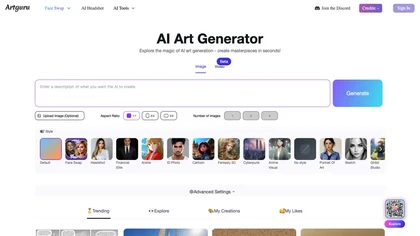
Artguru is a one‑click AI enhancer that sharpens photos, restores old or blurry images, upsamples videos to 8K, removes backgrounds, cleans scanned PDFs, and batch‑processes folders across phone and desktop for consistent, high‑quality media.
Freemium
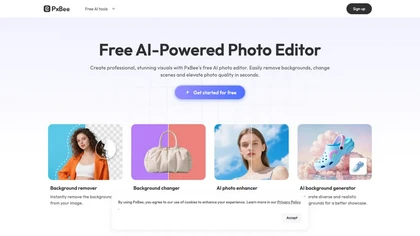
PxBee is an AI-powered photo editor that offers tools like background removal, blur fixing, noise reduction, and resolution upscaling. It also generates realistic backgrounds and works entirely in your browser with an intuitive interface.
Free

Lupa Upscaler is an AI tool that transforms low-resolution, blurry images into crisp 4K quality. It enhances details, reduces noise, and is ideal for restoring old photos and optimizing digital visuals.
Freemium
- $4.9/mo
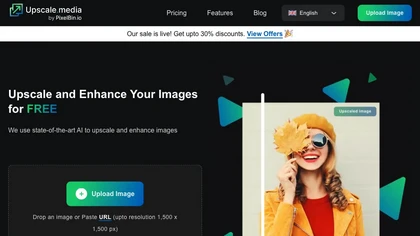
Upscale.media is a browser-based AI upscaler that increases image and short-video resolution up to 2×/4×/8×, reconstructs detail, reduces noise/artifacts, and offers deblur, sharpen, colorisation, face restoration, batch processing and API access.
Freemium
- $0.02

PicWish AI Photo Editor automates image enhancement, background removal, and watermark deletion. It processes batches of up to 30 files, offering resizing, lighting, upscaling, AI Designer prompts, Face Cutout, and single‑click unblur/sharpen. Available on Windows, macOS, iOS, Android, and browser.
Subscription
- $9.99/mo
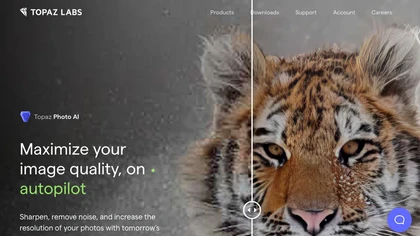
This tool uses deep learning to enhance photos by reducing noise, sharpening, upscaling, and recovering faces.
Paid
- $99

Enhancephoto.ai is a web-based AI tool that improves low-resolution images to high-quality versions up to 16k. It restores missing details without blurring and enables users to enhance three images simultaneously without registration.
Freemium

HitPaw FotorPea automatically enhances photos by applying AI models for sharpening, denoising, face and color correction. It unblurs images, upsizes to 4K/8K, restores old photos, removes backgrounds, and generates images from text prompts.
Free trial

AI-driven image upscaler that enlarges photos to 7680 × 7680 px, supporting JPEG, PNG, WebP and up to 500 images per batch. It offers an API for sharpening, noise reduction, and a Mac app with background removal, photographers, designers, marketers, and social media managers.
Subscription
- $19.99/mo
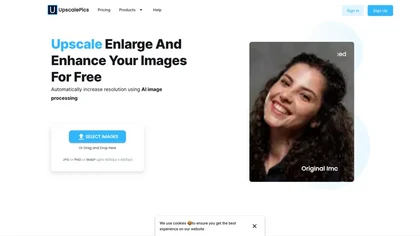
Upscalepics lifts image resolution up to 8× with one click via a machine‑learning model, supporting JPG, PNG, and WebP files up to 4000 px. It offers custom dimensions, bulk uploads, and outputs up to 256 MP for print‑ready quality.
Freemium
- $3.3/mo

Clipdrop is an AI image editor that adjusts aspect ratios, extends boundaries, and adds background space while preserving detail. It offers background removal, object cleanup, relighting, universal resizing, upscale, and text‑to‑image generation for photographers and designers.
Freemium
- $15/mo
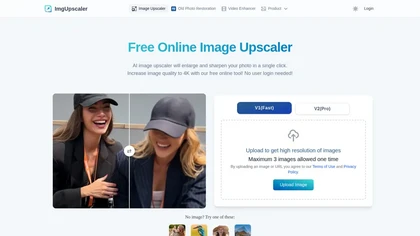
Imgupscaler is an AI tool for enhancing image quality by upscaling images to 4K resolution. It supports multiple formats and restores details while reducing noise, making it suitable for e-commerce, social media, and graphic design.
Freemium
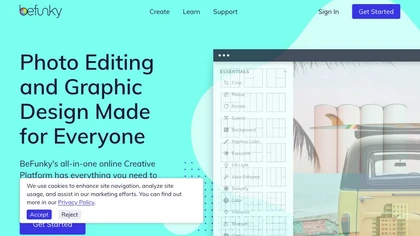
BeFunky is an online editor for photos, collages, and graphics. It offers crop, resize, blur, exposure, batch edits, AI background removal, object erasing, upscale, artistic filters, and drag‑and‑drop templates for banners, flyers, and social‑media posts.
Free
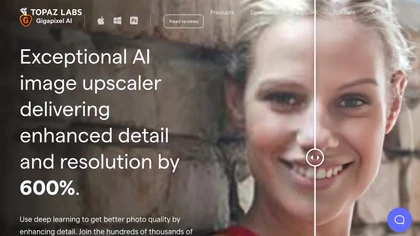
Gigapixel AI is a powerful image upscaling and detail enhancement tool that uses deep learning to increase image resolution up to 600%, improve print quality, restore old photos, and enhance natural details.
Free trial
- $99
PhotoRestore uses AI to repair scratches, fading, and stains in legacy photos, auto‑colorizes black‑and‑white images, sharpens and denoises for clarity, upscales 2‑4×, and removes backgrounds for clean cutouts, supporting common formats and album sharing.
Free
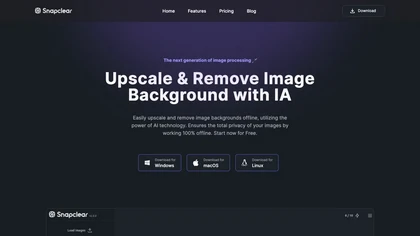
Snapclear is a cross‑platform desktop app that removes backgrounds and upsizes images up to 4× offline, preserving privacy for photographers, designers, and e‑commerce merchants. It supports bulk processing and smart cropping across Windows, macOS, and Linux.
Freemium
- $2.99/mo
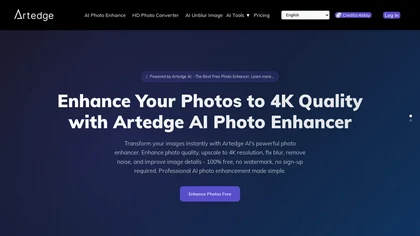
ArtEdge AI upscales and enhances photos to 4K, reducing blur and noise while restoring faces, logos and old or raw images. Server-side processing handles JPG, PNG and WebP up to 50 MB with fast drag-and-drop uploads.
Freemium
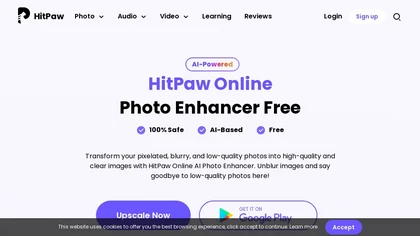
HitPaw AI Photo Enhancer upsamples images up to 8×, removes blur and noise, sharpens detail, and restores color for JPG, PNG, and WebP files. Works on web, desktop, and mobile with batch processing, aiding photographers, designers, and archivists.
Freemium
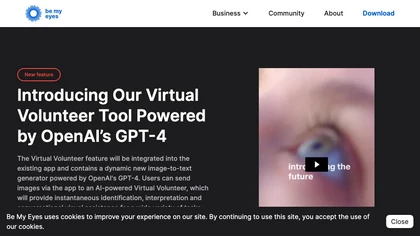
Be My Eyes links blind and low‑vision users to volunteers worldwide via live video, offering instant visual help. Integrated AI provides automated image descriptions, supporting 180+ languages, smartglasses, and multi‑platform access for real‑time, free assistance.
Free

AI image enhancer that upscales up to 4×, removes noise, sharpens blur, and can enhance faces or colorize. Handles .png/.jpg/.webp/.tif/.bmp/.raw and outputs the same formats. Windows, macOS and Photoshop plugin supported.
Free trial
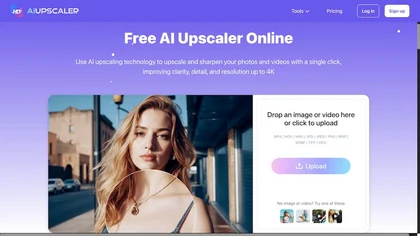
AIUpscaler.ai is a browser-based AI tool that instantly enhances photos and videos to HD or 4K resolution with one click. It upscales, sharpens, and restores detail directly in your browser while preserving colors and ensuring privacy.
Freemium
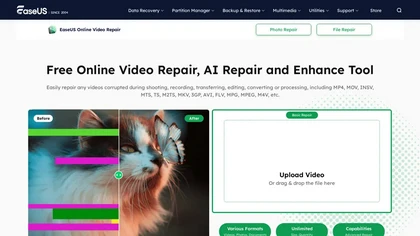
EaseUS Online Video Repair is an AI tool that repairs corrupted video files in formats like MP4, MOV, and AVI. It automatically fixes issues like pixelation and audio syncing while preserving original quality and offers advanced recovery options.
Free
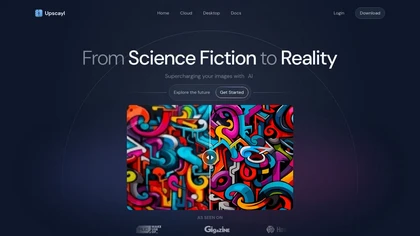
Upscayl is an open‑source AI upscaler that boosts images up to 16× with minimal detail loss. It supports batch processing, multiple model styles, local cross‑platform execution, and cloud sync for convenient, private, high‑quality image enhancement.
Freemium
- $24.99

Chiaro AI converts photos into contextual travel and art information via image recognition and location-aware data, identifying landmarks and artworks, offering concise historical context, tap-to-play audio guides, museum-specific analysis, and chat-driven itineraries and recommendations.
Free
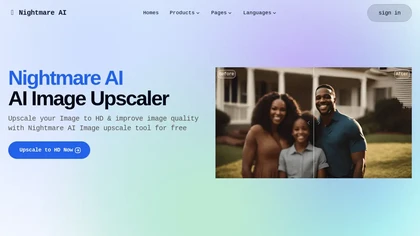
Nightmare AI is a web‑based image upscaler that uses Real‑ESRGAN to enlarge photos by 2×, 4×, or up to 4K while preserving detail. It supports anime/cartoon modes, face correction, and restores blurry or low‑resolution images, handling JPG and PNG up to 10 MB.
Free
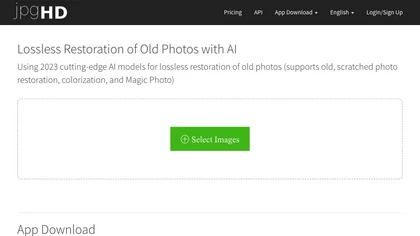
jpgHD uses AI to perform lossless restoration of old, scratched photos, adding color, repairing damage, and providing Ultra Restore. It animates up to ten faces, offers 2×/4× super‑resolution, denoising, and high‑definition enhancement via web UI or REST API.
Paid

Imglarger is an image enhancer that upsamples photos up to 8×, supports batch processing, and offers background, object, and face retouch tools. It converts WebP, JPEG, PNG, SVG, JFIF formats and lets users adjust brightness, contrast, and saturation via web or mobile.
Freemium
Clipdrop uses deep learning to remove backgrounds, objects, and text, upscale images, adjust lighting, uncrop, and resize. It also offers text‑to‑image generation and an API for developers, supporting design, marketing, and app workflows.
Subscription
dopepics.io uses AI to upscale JPEG, PNG, and MP4 images to 8K resolution within seconds. It supports batch processing for photographers and designers, delivers high‑detail output, and deletes files after 48 hours for privacy.
Freemium

Lensa is a mobile photo editor offering one‑tap facial retouching, detailed adjustment controls, background replace/blur, independent layer tuning, filters, effects, and borders for quick editing on iOS and Android.
Freemium
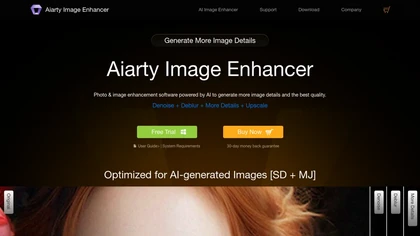
Aiarty is a desktop AI that locally enhances images and video—denoising, deblurring, upscaling to 4K–32K, HDR, batch processing, and precise matting for semi‑transparent elements—without cloud, preserving privacy. It runs on GPU, handling millions of images or 4K footage offline.
Paid
Deep‑Image.ai offers photo upscaling, denoising, sharpening, color and lighting adjustments. It removes backgrounds, adds virtual staging, creates business headshots, and delivers batch product‑photo presets, inpainting, and high‑resolution generative upscaling up to 300 MP.
Freemium
LetsEnhance is an AI image editor that upscales up to 512 MP, sharpens, restores, and removes compression artifacts from JPG, PNG, or WebP files. It supports batch processing, high‑resolution outputs for prints and AI art, preserving natural texture without watermarks.
Freemium
- $0.75/mo

Mejorar Calidad de Imagen uses AI to enhance photo resolution up to 10 times, achieving high-quality 12K images. Users can easily upload images and select enhancement levels for professional-grade results, accessible on mobile devices.
Freemium
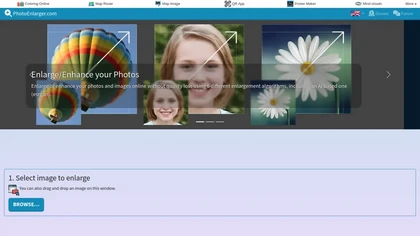
Upload or drag a photo, then upscale it with one of six algorithms—Magic Kernel Sharp, Lanczos 3, Hermite, or AI‑based ESRGAN—entirely client‑side for privacy. Crop as needed and download in JPG, PNG, or WebP.
Free
BigJpg AI upsizes JPEG, PNG, GIF, BMP images from 2× to 16× while preserving edge sharpness and detail. It automatically sharpens textures, keeps fine lines and color gradients, and supports single or batch processing for printing, displays, and design work.
Paid
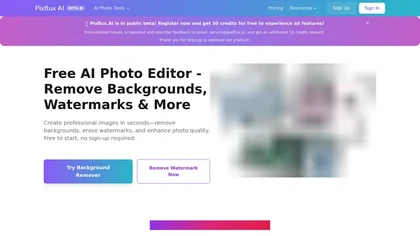
Pixflux.ai is a browser-based AI photo editing tool that improves image quality through features like background removal, watermark erasure, object removal, and enhancement, while also supporting batch processing and transparent background generation.
Freemium
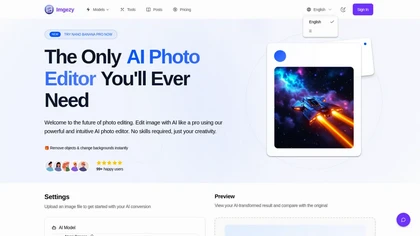
Imgezy is an AI photo editor for object removal, background replacement and automated color/exposure enhancement; it supports JPG, PNG, HEIC and WebP, offers high-resolution downloads, batch processing, fast previews and smart repair for damaged or blurry images.
Freemium
- $9.99
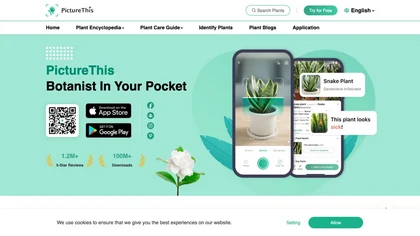
PictureThis uses AI photo recognition to instantly identify plants, trees, and insects, offering species names, disease detection, care tips, toxicity alerts, and seasonal guidance. It supports offline access, a vast multilingual encyclopedia, and community sharing.
Free trial
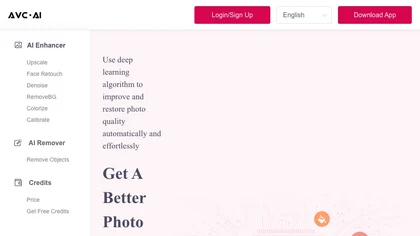
The AI tool is an online image enhancement platform that automatically improves the quality of images using deep learning algorithms, allowing users to upscale, denoise, restore, and refine faces in photos.
Subscription