
AI Photo Culling
The best 50 AI Photo Culling tools - Free & Paid
Explore 50 AI for AI Photo Culling
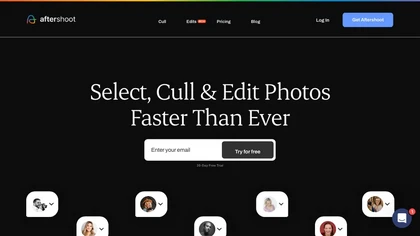
Aftershoot is an AI‑powered photo workflow tool that streamlines culling, editing, and retouching. It ranks images with over 30 technical factors, offers custom AI profiles, Lightroom preset integration, masking, cropping, object removal, and preserves local, non‑destructive workflows.
Paid
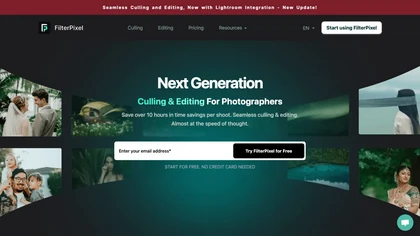
FilterPixel uses AI to evaluate, curate, and edit large photo sets for events, weddings, sports, and corporate work. It scores each image for editorial relevance, groups duplicates, and applies consistent style via one‑click editing from Lightroom or preset profiles.
Paid
- $599

AI Photo Studio automates e‑commerce image editing: background removal, resolution enhancement, lossless compression, profile passport creation, hairstyle preview, object cleanup, old‑photo restoration, colorization, AI fashion model generation, clothing recolor, background changes, and file convers
Free
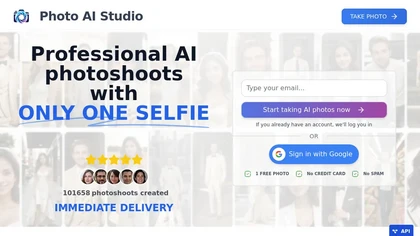
AI Photo Studio delivers AI‑powered image and video creation, including generation, background removal, virtual try‑on, style libraries, advanced editing (skin, age, expression, eye color), outpainting, thumbnails, and direct social publishing via a web interface.
Free
- $1.99
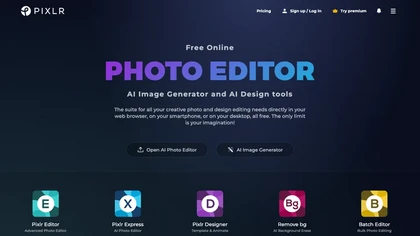
Pixlr is a browser‑based photo editor that uses AI for background removal, generative fill, and object deletion. It offers cropping, color correction, collages, templates, and social media layouts across desktop, tablet, and mobile.
Free trial
- $1.99/mo

AI image enhancer that upscales up to 4×, removes noise, sharpens blur, and can enhance faces or colorize. Handles .png/.jpg/.webp/.tif/.bmp/.raw and outputs the same formats. Windows, macOS and Photoshop plugin supported.
Free trial
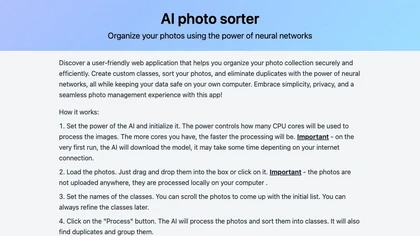
AI Photo Organizer classifies images locally with neural networks, enabling drag‑and‑drop uploads, custom categories, and duplicate detection. It generates a script that moves kept photos into chosen folders and deletes others, all processed on the user’s computer.
Freemium

Removal.AI instantly isolates foreground subjects from .jpg and .jpeg images, offering preview, high‑resolution downloads, background replacement, manual eraser, API integration, batch processing, and professional editing support. Ideal for photographers, designers, marketers, and e‑commerce sites n
Free
- $0.13

Cutout.pro is a powerful AI-based platform for creating and editing visual content that enhances e-commerce and marketing efforts.
Freemium

The AI Lab provides an advanced tool with image and facial enhancements features such as photo colorization, object and background removal, cartoon creation, retouching portraits, adjusting facial expressions, and API and platform for developers.
Free
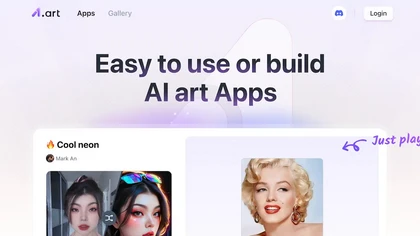
a1.art is an online AI image and video generator offering 250,000 collections and millions of filters for rapid editing. It supports style transfer, batch processing, category search, API integration, asset logging, and high‑resolution output.
Freemium

PhotoGrid is a browser‑based AI photo editor that offers one‑click enhancement, background removal, and upscaling. It lets users build collages from 20,000 templates, add stickers, text, custom backgrounds, and convert images into short video clips.
Subscription
- $2.83/mo
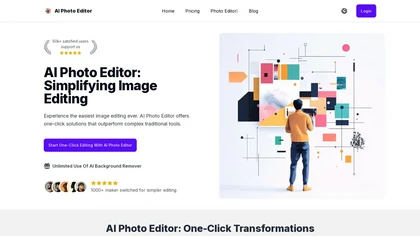
AI Photo Editor lets users upload up to ten images or generate new ones from text prompts, instantly editing or converting images into short videos. All processing runs client‑side, supporting face completion and consistent character edits for design and work.
Subscription
- $7.9/mo

Retouch4me is an AI retouching suite that functions as Photoshop plugins or standalone apps. It automates skin, eyes, hair, clothing, and background edits in real‑time, supports RAW and batch workflows, and offers video color grading with offline processing.
Paid
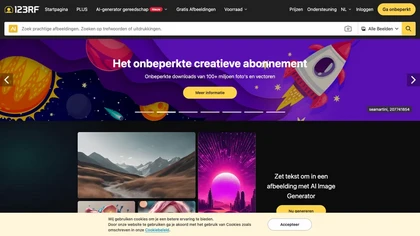
123rf Image Editor is a comprehensive AI tool for effortless photo editing, offering features like image scaling, background removal, object removal, and seamless background remixing. It also includes an AI writer for content creation and an image enlarger for ratio adjustments. Efficiently enhance
Freemium
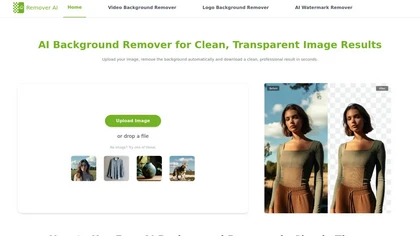
removerai.io is a web-based AI tool that automatically removes backgrounds from images, preserving fine details like hair and edges. It requires no installation, allows manual refinements, and exports high-resolution transparent PNGs for e-commerce, design, and marketing.
Free

Claid AI Studio automates photo editing for product, fashion, lifestyle images. It places items in realistic backgrounds, generates model renders, removes backgrounds, upsamples to 4K, corrects color in seconds, and offers API and workflow tools for batch, brand‑consistent catalog updates.
Freemium
- $9/mo
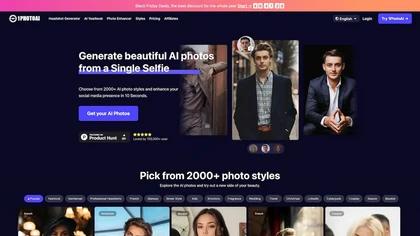
PhotoAI transforms a single selfie into high‑resolution stylized headshots, avatars, or themed images using over 2,000 preset styles. It offers fast, batch processing, AI photo enhancement, and integrates with social‑media workflows for quick profile and marketing updates.
Paid
- $20
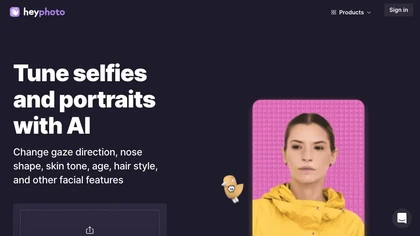
HeyPhoto is an AI‑powered photo editor that lets users swap faces, generate new faces, upscale images, and remove backgrounds with one click, offering facial attribute adjustments and support for common image formats up to 5 MB.
Free
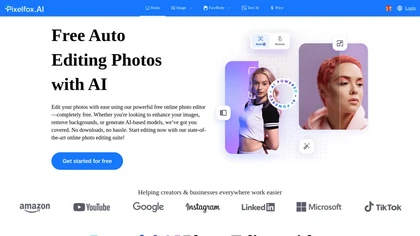
Pixelfox AI is an online AI-powered photo editor that offers advanced features like background removal, face swaps, and image enhancement. It’s designed for both personal and professional use, requiring no downloads.
Free trial
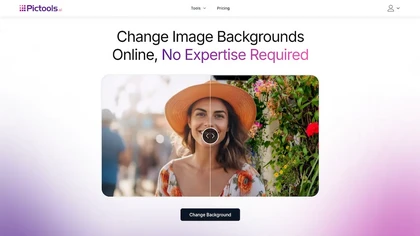
PicTools.AI is a web‑based photo editor that lets users upload images and apply changes via text prompts or over 100 one‑click AI filters—background removal, outfit changes, smile addition, restoration, and artistic styles—without design skills.
Subscription
- $23.4/mo
cre8tiveAI is an online AI platform that streamlines photo, illustration, and video editing with deep‑learning models. It upscales images, refines faces, generates icons and illustrations, converts photos to 3‑D video, creates line art, colorizes black‑and‑white photos, and compresses PNGs.
Paid
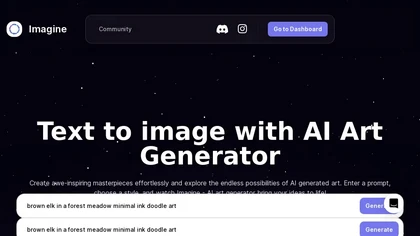
ImagineArt unifies AI‑driven image, video, and audio creation and editing, enabling prompt‑based generation, upscale tools, drag‑and‑drop video workflows, 4K cinematic rendering, and real‑time team collaboration for streamlined media production for artists, designers, and creators.
Freemium

PicWish AI Photo Editor automates image enhancement, background removal, and watermark deletion. It processes batches of up to 30 files, offering resizing, lighting, upscaling, AI Designer prompts, Face Cutout, and single‑click unblur/sharpen. Available on Windows, macOS, iOS, Android, and browser.
Subscription
- $9.99/mo
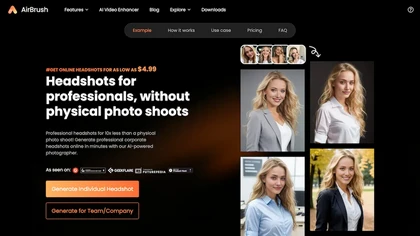
Headshot AI Generator is an AI-powered tool that quickly produces professional headshots with advanced editing capabilities. Whether you need to retouch photos, create avatars, or enhance images, this tool offers customization options and fast results, perfect for improving your online presence effo
Paid
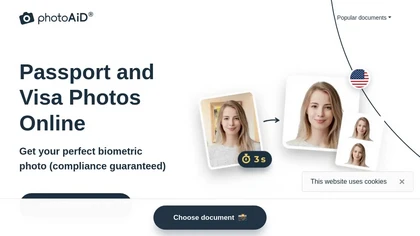
PhotoAiD generates passport, visa, and driver‑license photos from user selfies. The AI crops, resizes, and removes backgrounds to meet official specifications, flags compliance issues, and offers downloadable high‑resolution images or same‑day printed copies via Android or iOS.
Free

PhotoEditor.ai edits JPG, PNG, HEIC, and WEBP images up to 15 MB in a browser or mobile app. It offers portrait transformation, background removal, detail enhancement, and 4K upscaling, delivering instant downloads for photographers, marketers, and designers.
Paid

AI Background Remover deletes backgrounds from JPG, PNG, WebP images while preserving resolution, handling up to 500 at once. Users can replace with color, gallery, or upload; ideal for designers, marketers, and e‑commerce workflows.
Freemium
- $9
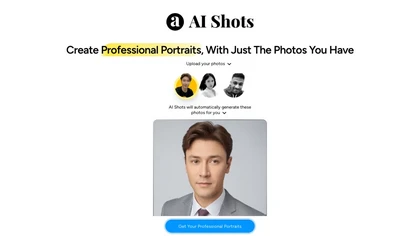
AI Shots creates 100+ high‑resolution 4K portraits from eight clear photos in 60 minutes, offering over 10 styles and locations for resumes, LinkedIn, and social media. It’s suitable for professionals, influencers, and dating profiles without studio visits.
Freemium
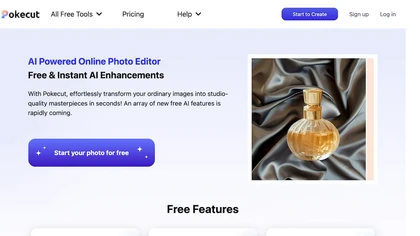
Pokecut is an AI-powered online photo editor that instantly enhances images, transforming them into studio-quality visuals effortlessly. With features like one-click background removal, customizable templates, and advanced photo enhancement, it caters to both e-commerce designers and photography ent
Freemium
- $9.99
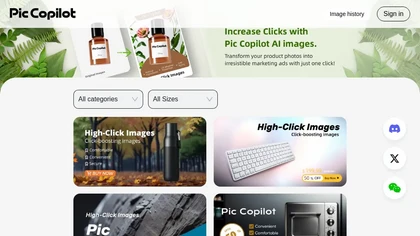
Pic Copilot AI provides e‑commerce brands with AI‑driven image creation, including virtual try‑on, model swaps, background removal, color adjustments, and multilingual text translation. It auto‑generates marketing visuals and page layouts, cutting design time and boosting visual quality and conversi
Freemium
- $14.9/mo
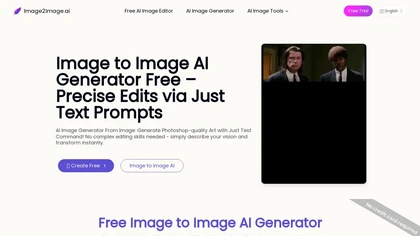
Image to Image AI is a tool that intelligently edits and transforms your photos based on simple text prompts. It allows for complex alterations like style changes, object removal, and realistic detail enhancement while maintaining consistency.
Free trial

BestPhotoAI is an AI photo studio offering over 40 tools to enhance, create, or transform images. Upload a photo, choose a style like anime or professional headshot, and receive a high-resolution edit in under an hour.
Freemium

DatePhotos.ai converts 5–20 selfies into 80–180 AI-generated, high-resolution dating photos across 40+ lifestyle scenes, using platform-specific scene and pose matching for Tinder, Bumble, and Hinge, includes Realness scoring, regenerations, and downloadable sets.
Free

Clipdrop is an AI image editor that adjusts aspect ratios, extends boundaries, and adds background space while preserving detail. It offers background removal, object cleanup, relighting, universal resizing, upscale, and text‑to‑image generation for photographers and designers.
Freemium
- $15/mo
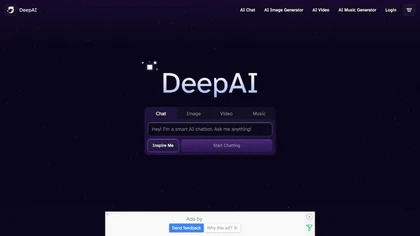
DeepAI offers browser‑based AI tools for text‑to‑image, photo editing, background removal, super‑resolution, and video/musical generation, plus APIs for integration. It prioritizes user ownership, privacy, fast processing, and supports conservation research via object detection and habitat mapping.
Subscription

PixaryAI is an AI image generator that transforms text prompts into high-quality photos, digital art, and illustrations. It offers customizable styles and aspect ratios to rapidly create visuals for content, social media, and marketing materials.
Freemium
- $5/mo
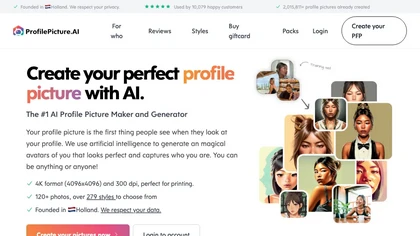
PFP.AI produces studio‑quality profile pictures from a single high‑definition photo, offering preset styles for professional, minimalist, fashion, corporate, or creative looks. It outputs a gallery of JPG, PNG, or WebP images, with privacy data deleted after 24 hours.
Freemium
- $8
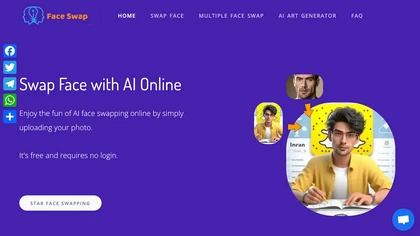
AIFaceSwap lets you swap faces in photos, GIFs, and videos without sign‑up. It supports JPG, PNG, WebP, batch processing, and gender swapping. Results are watermark‑free, auto‑deleted after 24 hours, and mobile‑friendly.
Free
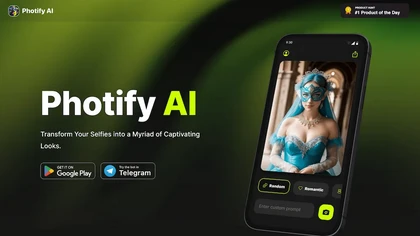
Photify AI transforms a single selfie into a stylized image in about two seconds, offering themed packs (cartoon, anime, retro, travel, etc.). Its quick processing, style transfer, and intuitive interface help creators, marketers, and hobbyists generate ready‑to‑use visuals.
Free
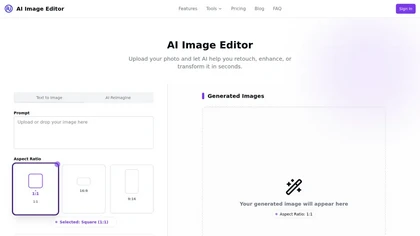
AI Image Editor is an image editing and generation platform offering background removal, retouching, color correction, resizing, batch processing, templates, style transfer and an API for automating pipelines, plus export options, asset management and analytics.
Freemium
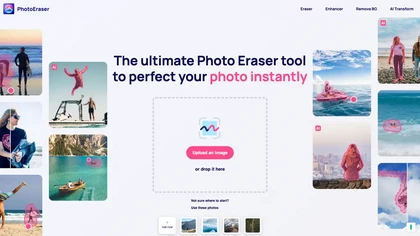
Photo Eraser uses AI to delete objects, people, backgrounds, or blemishes, replace skies, and swap faces. It supports HEIC, PNG, JPG, and offers automatic context‑aware erasing, cropping, and photo enhancement via a drag‑and‑drop interface.
Free

Picsman is an AI‑powered editor that removes or replaces backgrounds, ups image resolution, and applies styles like Ghibli or cartoon. It also offers text‑prompt editing, video generation, image extending, and watermark removal for quick, high‑definition results.
Free
- $5.99/mo
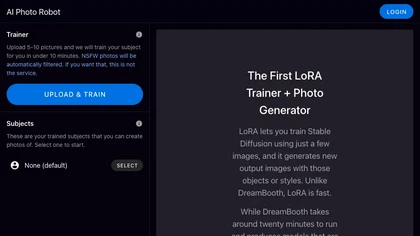
aiphotorobot.com offers an image recognition model training platform with various AI models, dimensions, subject strength, styles, and compositions, as well as a new Lora feature for faster training and image generation.
Phot.AI automates visual content creation—ads, video, product listings—using signal‑based creative angles and AI agents for parallel testing. It optimizes titles, bullets, images on Amazon and Shopify, delivers real‑time winner identification, and scales production with human review.
Subscription
- $40.83/mo

HitPaw FotorPea automatically enhances photos by applying AI models for sharpening, denoising, face and color correction. It unblurs images, upsizes to 4K/8K, restores old photos, removes backgrounds, and generates images from text prompts.
Free trial
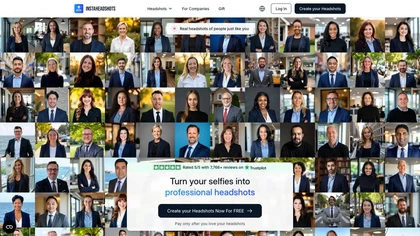
InstaHeadshots uses AI to turn a handful of varied selfies into high‑resolution professional headshots in about fifteen minutes. It generates a customizable library for LinkedIn, resumes, and print, securely deleting all photos and outputs after 30 days.
Paid