
Timestamped Video Search
The best 50 Timestamped Video Search AI tools - Free & Paid
Explore 50 AI for Timestamped Video Search
TwelveLabs extracts structured data from videos using AI models Marengo and Pegasus. Its APIs enable time‑based search, on‑demand summarization, and vector embeddings for semantic search and recommendations, supporting media, advertising, and security workflows.
Freemium
- $0.07
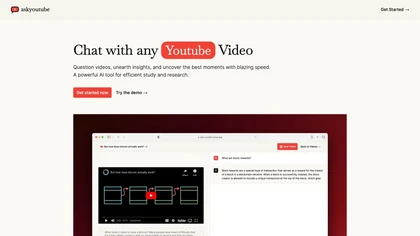
Ask Youtube is a text‑based AI that retrieves precise timestamps for any YouTube video, summarizing sections, highlighting key points, and helping educators, students, researchers, and creators locate specific content quickly.
Free
YTSearch is a Chrome extension that lets you query YouTube videos for specific content. It returns precise, time‑stamped answers and offers a clickable jump to the exact moment in the video, all within the regular YouTube interface.
Freemium
AskVideo.ai converts any public YouTube clip into a searchable knowledge base. By generating a timestamped transcript, users can ask natural‑language queries and retrieve precise answers, reducing search time and enhancing learning for students, professionals, and creators.
Subscription
- $8/mo
vidIQ delivers real‑time YouTube analytics, keyword research, AI‑powered thumbnail creation, and competitive insights. Its AI coach refines titles and descriptions, while clipping tools produce short videos. Available via Chrome or mobile, it boosts visibility and engagement for creators.
Subscription
- $31/mo

TensorPix enhances SD video to 4K 60FPS, removes artifacts from VHS and old footage, offers real‑time call improvement, batch processing, API integration, and cloud GPU processing—no local install needed.
Freemium
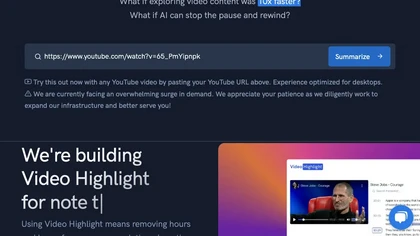
Video Highlight delivers AI‑driven summaries, searchable transcripts, and timestamped key points for YouTube, Vimeo, Dailymotion, and private files in 37+ languages. It supports annotations, exports to Notion, Word, Markdown, CSV, Readwise, and enables collaborative sharing.
Freemium
TubeBuddy streamlines YouTube workflow with keyword research, SEO tools, thumbnail generation, content strategy analytics, A/B testing, bulk editing, and end‑screen management, helping creators optimize visibility and scale production efficiently, and channel growth.
Paid
- $3.75/mo

FrameTrace | Reverse Video Search is a tool that locates original video uploads and their reposts by matching visual frames and metadata across platforms like TikTok, YouTube, and Instagram. It analyzes uploaded clips or URLs to detect edits and re-encodings, providing source links and match confide
Freemium
- $4/mo
Video Tap is an AI-powered tool that generates endless content from videos through chapters, free wall, and love influencers features to amplify reach and engage audiences.
Freemium
- $25/mo
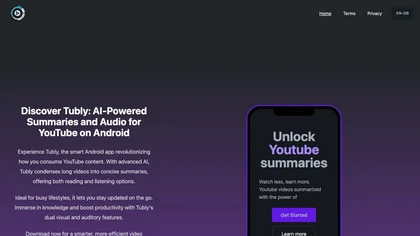
Tubly, a Chrome extension, uses the YouTube API to deliver AI‑generated summaries of subscribed channel videos. It extracts key transcript points, offers timestamps and chapter markers, and lets users save highlights and download transcripts.
Freemium

Findtube.AI is a search engine that indexes millions of YouTube videos to surface curated educational content on academic and technical subjects. It uses filters for duration and difficulty, along with AI-powered ranking, to support targeted discovery for learning and research.
Free
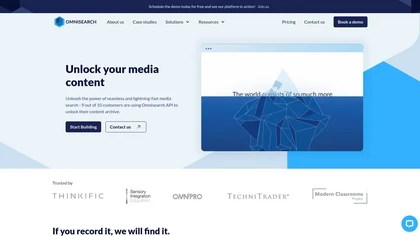
Omnisearch indexes video, audio, and text in real time, enabling instant keyword and moment search across 30+ languages. API integration supports e‑learning, CMS, and archives, with secure on‑prem or cloud deployment and scalable performance.
Free trial
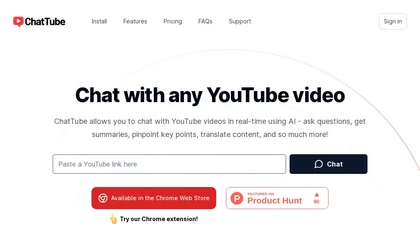
ChatTube lets users converse in real‑time with any YouTube video, asking questions, summarizing content, locating key moments, translating, and generating transcripts. It supports 45‑minute videos or 2‑hour podcasts, retains chat history, and works across Chromium browsers with a web fallback.
Subscription
- $6.99/mo
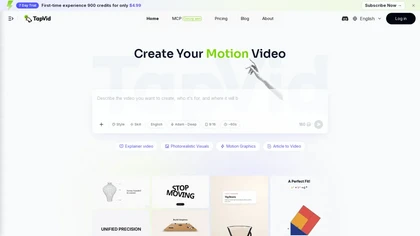
TapVid is an AI explainer video generator that turns text prompts, PDFs, and links into motion-graphics or photorealistic videos with automated scripts, storyboards, and voiceovers. It enables natural-language editing and batch versioning, letting marketers and educators quickly produce and refine p
Freemium
- $39/mo

InstantChapters quickly generates structured chapter lists with timestamps for YouTube videos from a URL. It outputs chapter headings and exact timecodes, ready for copying into descriptions, helping creators enhance navigation, metadata consistency, and audience retention.
Free trial
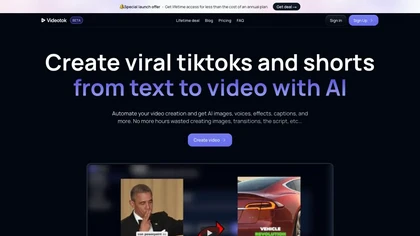
Videotok is an AI tool simplifying TikTok video creation with automated features like image generation, script writing, and effects. Save time and enhance videos effortlessly with auto zooms, transitions, and more.
Freemium

Tavily offers a secure, high‑volume web‑access API that delivers real‑time search, extraction, and structured results. It includes caching, indexing, and content validation, preventing leaks and malicious data, and guarantees 99.99 % uptime for enterprise‑grade reliability.
Freemium
AI Video Agent converts text, product images or URLs, and reference clips into full‑scripted, brand‑aligned videos, automatically planning scenes, adding visual effects, and allowing prompt‑based refinement for fast marketing and social content creation.
Freemium
TapNow is an AI visual creation engine that converts scripts and text into cinematic video, image-to-video sequences, and ad-ready graphics. It offers scene planning, virtual models, templates, multi-model rendering and export-ready formats for ads and films.
Free
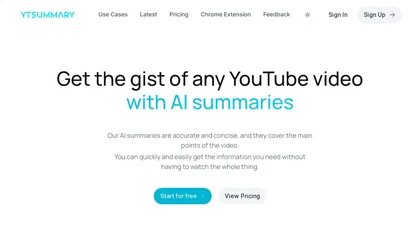
YTSummary delivers on‑demand YouTube summaries powered by ChatGPT. It offers Outline, Mind Map, and Segment modes for concise highlights, visual maps, or timestamped sections. Supports multiple languages, exports in various formats, and tracks history for easy reference.
Subscription
- $9/mo
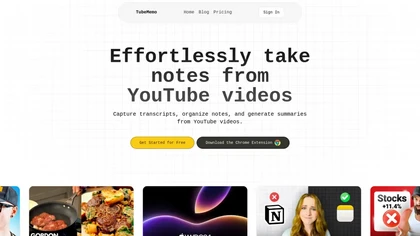
TubeMemo: AI browser extension that extracts YouTube transcripts, highlights key points, produces summaries, mind maps, flashcards; supports annotations, multi‑language, library, drafts for blogs, tweets, study guides; useful for professionals, students, creators, educators, journalists.
Free

IndieGTM is an AI video engine that generates multi-day short-video campaigns from text, URL, or topic, producing platform-formatted daily videos, engagement copy, images, and editable schedules with versioned regenerations and export for multi-platform distribution.
Subscription
- $29

Topaz Video AI is a powerful video enhancement tool that uses AI models to upscale, deinterlace, stabilize, and interpolate frames for high-quality results.
Paid
- $99
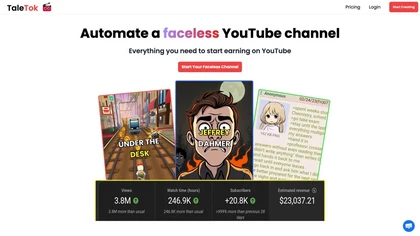
TaleTok.io automates faceless video creation and multi-platform short-form distribution, generating scripts, AI voiceovers, music, visuals and timed captions from Reddit/4chan or custom text. Exports 1080p MP4, supports scheduling, watermarks and channel scaling.
Free trial
SliceTube trims and downloads YouTube videos directly, offering start‑and‑end selection and export to MP4, MP3, or WEBM up to 4K. Browser‑based, watermark‑free, and privacy‑protected, it’s useful for creators and educators needing quick clips.
Paid
- $5
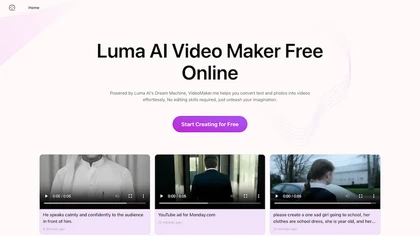
Google Veo 3 generates 8‑second, full‑HD cinematic clips from text prompts with lip‑synced dialogue and ambient audio. It animates still images, adds motion, lighting, perspective shifts, and over 60 visual effects for quick online video prototyping.
Subscription
- $7.9/mo
Timeskip AI is a Chrome extension that automates the creation of SEO-optimized chapters for YouTube videos, podcasts, and webinars, enhancing discoverability and viewer engagement by generating chapters with timestamps in seconds.
Free trial
LTX.io is an AI video suite for generative creation, editing, and production, from ideation to final output. It offers local and cloud tools, an API for developers, and enterprise features for scalable, collaborative workflows.
Subscription
VideoTube is an AI video generator that transforms text, images, and video into dynamic, engaging social content with customizable templates, voiceovers, and effects. It enables rapid rendering, seamless editing, and easy sharing across social media platforms for diverse video projects.
Freemium

TemVideo is an AI video maker that automates the creation of vertical ads and UGC-style content from images, clips, or scripts. It features digital twin presenters, multi-language localization, and templates to help brands scale production without filming or editing skills.
Freemium

CodeVideo records editor edits, terminal output, and UI events into an event-sourced, deterministic timeline for creating editable, scrubable code tutorials and training; export to video, Markdown, PDF, PPTX, HTML, framework-specific projects, or programmatic workflows via API/JSON.
Subscription

Skiv is a video hosting and management platform with AI-powered in-video search and automatic transcription, browser recording, editable transcripts, customizable HTML5 player, API and embedding support, labeling and analytics for searchable archives, collaboration, and monetization.
Freemium
- $16
This is an AI-powered transcript generator for podcasts that allows users to search, sort and filter results based on various criteria.
Free
Eightify uses AI to extract key ideas from YouTube videos, delivering timestamped bullet‑point summaries, full transcripts, and comment insights via a Chrome extension and mobile apps. It supports 40+ languages, helping users preview, note‑take, and share content efficiently.
Freemium
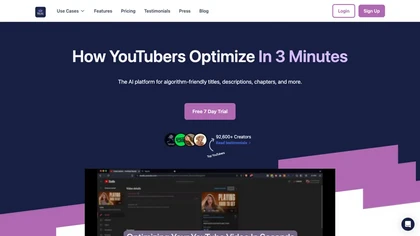
Taja AI automatically extracts high‑engagement segments from long‑form videos, producing vertical clips under 60 seconds for YouTube Shorts, TikTok, Reels, Facebook, LinkedIn, and X. It batches uploads, schedules via a content calendar, and supplies SEO‑friendly titles, descriptions, and keyword‑ric
Free
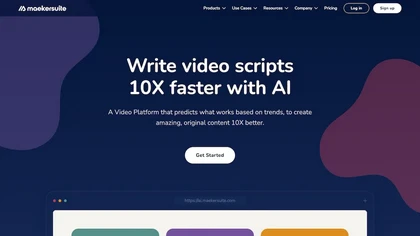
AI‑driven video platform that streamlines research, ideation, scripting, and optimisation. Includes a video explorer, idea generator, performance metrics, SEO tools, script writer, and project‑management workflow, enabling data‑backed content strategies that boost YouTube and channel discoverability
Subscription
- $18/mo

Vizard.ai automatically transcribes footage, spots highlights, and creates TikTok, Reels, and Shorts‑ready clips with one click. It provides text trimming, timeline precision, vertical resizing, multilingual captions, brand templates, collaborative workspaces, and API integration.
Freemium

YTvidhub is a YouTube subtitle downloader that extracts transcripts and captions from videos, playlists, and channels. It supports bulk downloads, multiple export formats (SRT, VTT, TXT), and includes an AI-powered summary generator for content analysis and repurposing.
Freemium

Mixpeek indexes videos, images, and documents into searchable vector embeddings, extracting scenes, transcripts, faces, brands, and entities. Its parallel, fault‑tolerant pipelines run on Ray, enabling quick, structured retrieval via API for diverse industries.
Freemium
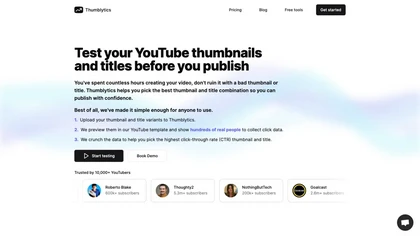
Thumblytics AI generates up to eight thumbnail variants from prompts, transcripts, or YouTube URLs, scoring them on readability, contrast, and hook strength. High‑scoring designs are stored for quick reuse, streamlining production and boosting click‑through rates.
Subscription
- $12/mo
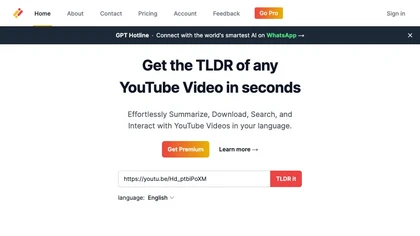
Transcribes, translates, and summarizes YouTube videos in 125+ languages, delivering instant transcripts, AI‑generated summaries with timestamps, and automatically formatted blog posts, LinkedIn articles, Twitter threads, PPT decks, chapter markers, and clip ideas for students, researchers, educator
Subscription
- $19/mo
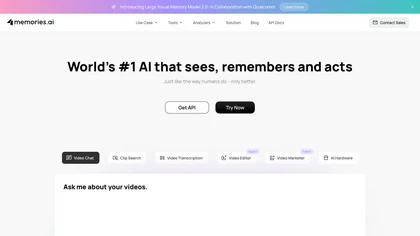
Memories.ai leverages AI for fast video analysis, identifying patterns and activities to enhance workflow efficiency. It offers real-time insights, automates tasks, and aids decision-making, streamlining marketing, security, and content discovery processes.
Free trial
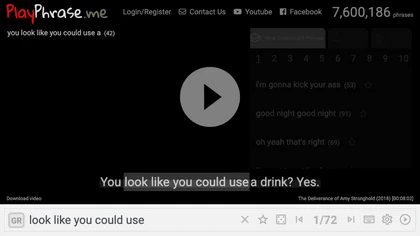
AI tool for searching and playing movie/TV dialogue clips using keywords. Includes login, favorites, and download options.
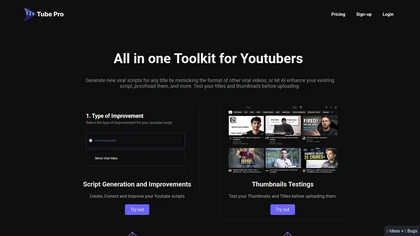
Tube Pro aids YouTubers by streamlining script creation and thumbnail testing. It offers tools for generating engaging scripts, optimizing video titles, and analyzing thumbnails across devices, helping creators enhance visibility and viewer engagement.
Subscription
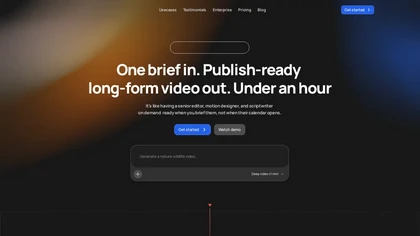
Vidrush AI is a long-form video generator that turns briefs, scripts, or raw footage into publish-ready videos by automating research, scripting, motion design, editing, and sound design. It accelerates production, maintains consistent channel style, and offers an open timeline for manual refinement
Freemium
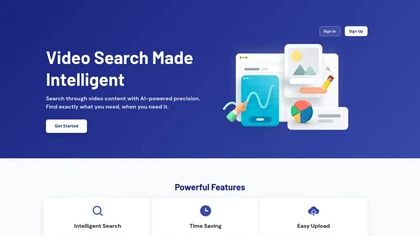
Movielyzer is an AI-powered video search tool that enables precise, context-aware searches within videos. It transcribes speech and indexes visuals, allowing users to quickly find specific moments using natural language queries for efficient video discovery.
Free trial

Summarify AI gives YouTube video summaries in‑app and via Chrome, offering text, bullet, outline styles with timestamps for quick navigation. It supports export to PDF, Markdown, TXT, etc., helping students, researchers, creators save time and organize content.
Free

Streamgen is an AI tool for streamers that generates highlight clips from Twitch VODs by identifying viral moments. It features customizable captions, silence removal, automated word censoring, and a content scheduler for easy posting on various platforms.
Freemium
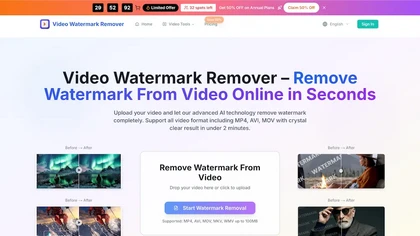
videowatermarkremover.org is a web-based AI tool that removes watermarks, logos, text, and unwanted objects from video files while preserving original resolution and detail. It supports batch processing, API integration, and works across common video formats for content creators, marketers, and team
Free trial