Export Comments To Csv
The best 33 Export Comments To Csv AI tools - Free & Paid
Explore 33 AI for Export Comments To Csv

EasyComment is a social media management tool that helps you engage with your audience across Instagram, TikTok, Facebook, and YouTube. It streamlines tasks like running giveaways, exporting comment and follower data, generating content, and viewing profiles anonymously.
Freemium
- $9/mo
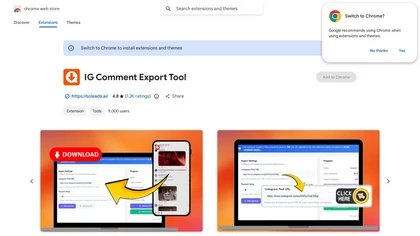
Instagram-Comments-Scraper - Soleads.ai is a Chrome extension that exports Instagram post comments to CSV or Excel with one click, extracting data like usernames, text, and timestamps. It handles rate limits automatically and uses public data only, making it ideal for social media analysis, contest
Freemium
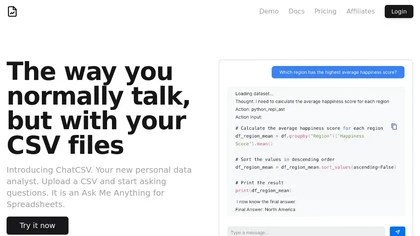
ChatCSV lets users upload CSV files from computer, URL, or clipboard and query data with natural language. It auto‑generates common questions and returns charted answers (bar, pie, custom). Interactions are saved, shareable, used for team collaboration across retail, finance, marketing.
Free
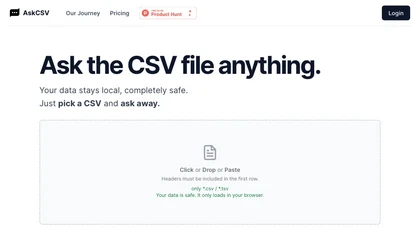
AskCSV lets users upload CSV/TSV files in the browser, query data locally, and receive automatic charts, tables, and insights—such as top products or ROI—while preserving privacy and requiring headers for accurate processing.
Freemium
Commabot lets you upload a CSV and use natural‑language commands to clean, filter, aggregate, reshape data, and generate charts, tables, or text summaries—all locally, eliminating spreadsheets and speeding reporting for teams.
Freemium

CommentGuard consolidates Facebook and Instagram comments, posts, ads, and DMs into a single inbox, auto‑filtering profanity, spam, and sensitive data. AI drafts replies, supports custom tone, team permissions, analytics, CSV export, and multi‑language translation.
Free trial

WA Export is a Chrome extension that locally exports WhatsApp group members, chat contacts, and unsaved numbers to Excel, CSV, or VCF files. It enables bulk contact management for sales, recruitment, and CRM workflows with advanced filters for country, admins, and duplicates.
Freemium
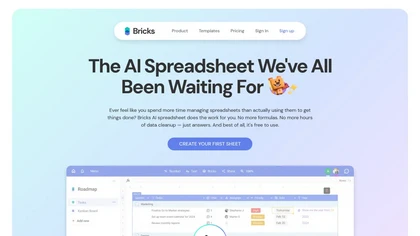
Bricks AI transforms CSV, Excel, Google Sheets, and database files into instant interactive dashboards and reports. It auto‑creates charts, lets users edit data via natural‑language commands, refreshes with one click, and offers reusable templates with encrypted privacy.
Freemium
- $25/mo

DropCSV automatically cleans and validates CSV/TSV/Excel uploads, applies AI to detect patterns, anomalies and generate natural-language explanations, builds interactive charts, dashboards and forecasts, exports reports and integrates with APIs and team workflows.
Free trial

Commenter AI automatically generates LinkedIn, X, Meta, and Instagram replies that mimic the user’s tone. It processes up to 40,000 comments, offers a built‑in CRM, custom newsfeed filtering, and a Chrome extension for quick engagement.
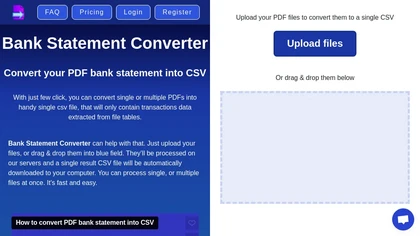
Transform your bank statements from PDF to CSV effortlessly with Bank Statement Converter. Easily upload your PDF files, convert them into a single CSV, and access all transaction data in organized tables.
Freemium
- $29/mo

Comment Explorer lets users upload a YouTube video ID to harvest comment data, extracting metrics like likes, replies, and engagement. It offers sentiment and emotion analysis, keyword filtering, and sortable tables for creators, marketers, and researchers.

YourAIScroll exports chat histories from 10+ AI platforms into JSON, Markdown, HTML, or PDF while preserving drawings, SVGs and dashboards; extracts code, tables, LaTeX, diagrams and citations for reproducible research, documentation, and cross-platform archival.
Free

BankConv converts bank statement PDFs from 1,000+ banks into CSV, Excel, Google Sheets, OFX or QFX with extracted dates, descriptions, amounts and running balances. It supports batch and password-protected uploads, fast processing, TLS encryption, and automatic file deletion.
Freemium
- $29/mo
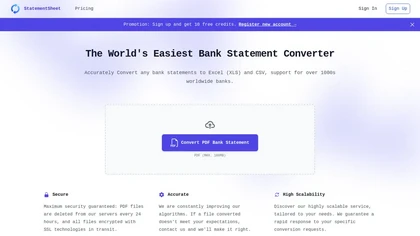
StatementSheet converts PDF bank statements to structured Excel or CSV files instantly using OCR, supporting over 1,000 banks. Files upload securely, are deleted after 24 h, and export to major accounting platforms for quick reconciliation.
Subscription
- $20/mo
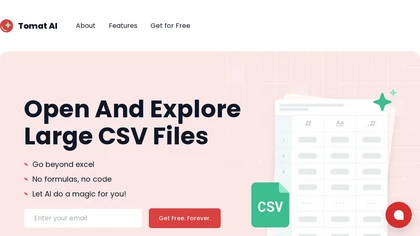
Tomat.AI is a desktop app that automates data analysis and enrichment for Excel, CSV, and database files. It loads datasets locally, lets users filter, sort, merge, pivot, and apply AI prompts in bulk, and exports reports to PDF.
Subscription
- $7/mo
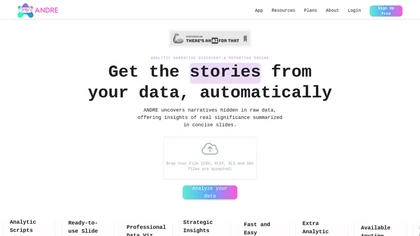
ANDRE converts survey files (CSV, XLSX, SPSS, Google Forms, Typeform) into clean, visual reports in under 15 minutes, automating data cleaning, missing‑value imputation, narrative analysis, and producing a single‑slide insights deck for rapid decision‑making.
Freemium

Bookmarks Manager syncs your Twitter bookmarks via a single sign‑in, automatically categorizes them with GPT‑4 Turbo, lets you add or edit tags, and exports the organized list to CSV or JSON for offline use or integration.
Freemium
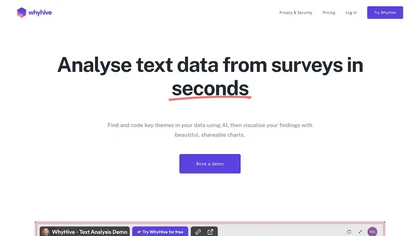
WhyHive transforms CSV/Excel data into visual insights, automatically extracting themes from open‑ended text, tallying occurrences, and generating rule‑based charts. It combines GPT summarisation with data‑faithful charting, enabling rapid dashboards for research, marketing, and impact evaluation.
Freemium
- $29/mo
Ellipsis.dev automatically reviews every GitHub commit and pull request, detecting bugs, anti‑patterns, and style issues. It generates summaries, async fixes, and test‑ready changes, and offers weekly change logs in a SOC 2‑compliant VPC environment.
Subscription
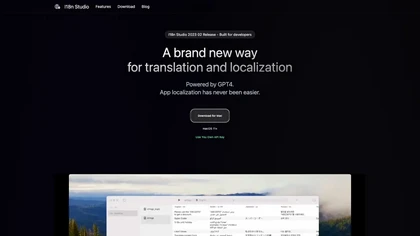
I18n Studio uses GPT‑4 to deliver context‑aware translations for common localization formats. It supports comment-based context, skip markers, and capitalization rules, and integrates with Xcode, VSCode, Android Studio, enabling batch translation of individual values, keys, or whole languages.
Freemium
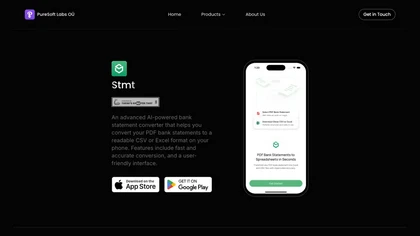
Stmt: Bank Statement Converter is an AI-powered mobile tool that converts PDF bank statements into CSV/Excel formats for seamless financial management. It offers fast, secure conversions with a user-friendly interface.
Freemium

Living Comments AI is a WordPress plugin that auto‑generates AI comments in 35+ languages and 40 tones to boost post engagement. It offers customizable timing, length, moderation filters, and a metrics dashboard, enhancing interaction and SEO signals.
Freemium

IG Follower Export Toolis a powerful data extraction tool that converts TikTok follower lists into CSV and Excel files, capturing key metrics like usernames, profiles, locations, and engagement data for seamless analytics, CRM import, and targeted outreach.
Freemium
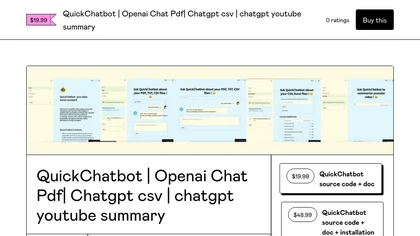
QuickChatbot lets users converse with GPT‑3 to answer questions, process PDFs/TXT for keyword searching, summarization, and insight extraction, upload CSVs for on‑the‑go data analysis, and retrieve YouTube video metadata and related content within chat.
Paid

PlotsAlot provides AI-assisted data analysis and visualization, turning CSV/Excel/SPSS/JSON/PDF/image uploads into interactive charts and full-stack dashboards via natural-language queries. Features include conversational data chat, predictive analytics, automated reporting, and reusable dashboards.
Free
- $10/mo
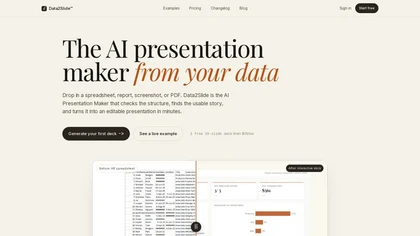
data2slide.com is a browser-based AI presentation maker that transforms CSVs, Excel files, PDFs, and text briefs into fully editable slide decks. It automatically checks data quality, detects chartable KPIs, and generates structured presentations with charts, tables, and summaries for export to HTML
Free trial
- $15/mo

Super Comments is a Chrome extension and dashboard that uses GPT models to draft multilingual comments, replies and post drafts, with reusable templates, batch reply/moderation, scheduled multi-account posting for LinkedIn, X and Bluesky, and auto-replies.
Subscription
ChartFast uses GPT‑4o to clean, normalize, and analyze datasets, then instantly generates customizable charts via natural‑language queries. Exportable to CSV/Excel, it supports Python scripts for large‑scale analysis, streamlining workflows for analysts and non‑technical users.
Subscription
- $9/mo

A Chrome extension that generates engaging social media comments using OpenAI's ChatGPT.

WisBot converts CSV, JSON, or Python files and natural‑language queries into executable Jupyter notebooks with EDA, ML models, visualizations, and performance comparison. It outputs a Docker‑ready repository, enabling rapid deployment and integration with research or business workflows.
Freemium

Feedby filters YouTube comments to deliver actionable feedback, feature requests, and bug reports, removing spam and irrelevant content. The filtered insights auto‑forward to your inbox. It supports Node/Deno, integrates with Supabase, and offers API customization for analytics.
Freemium
- $1