
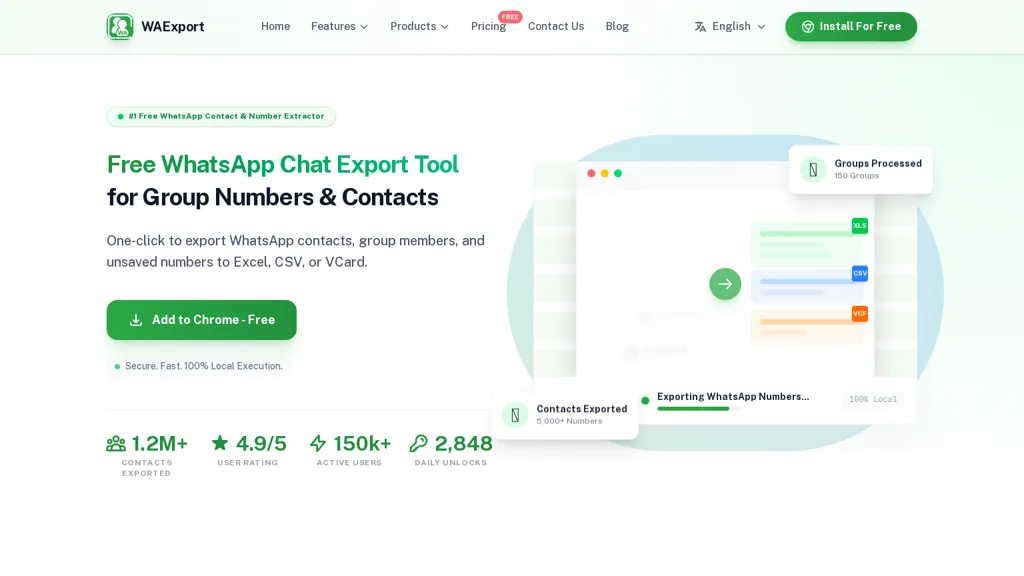
What is WA Export?
Waexport exports WhatsApp group members, chat contacts and unsaved numbers to Excel, CSV or vCard (VCF) for bulk contact management.The Chrome extension runs locally in the browser (no server upload) and supports batch selection of groups, exclude-admins filtering, country filters and duplicate removal.
Exports include 12+ contact fields such as public display name, country code, business status, saved name and last message date to preserve chat context.Output formats (XLSX, CSV, VCF) enable direct CRM import and bulk messaging workflows without manual entry.
Use cases include lead generation, sales outreach, recruitment and contact database cleanup by targeting unsaved contacts or filtering by country and group membership.One-click export and conversion features simplify transforming group numbers into CRM-ready contact lists and vCard files.
Advanced options include batch extraction, chat-list export and smart filters to produce clean, deduplicated datasets for targeted campaigns.
WA Export details
- Built for
- Individuals
WA Export tech specs
- Integrations
- Slack Jira WhatsApp
WA Export pricing
FreemiumWA Export offers a free plan with paid upgrades available.
- Free trial
- 1 days
- Refund window
- 24 days
Verify on the official pricing page.
View plansWA Export's key features
-
Exports WhatsApp group members, chat contacts and unsaved numbers to XLSX, CSV or vCard (VCF)
-
Chrome extension that runs locally in the browser with no server upload
-
Batch operations including batch selection of groups and batch extraction
-
Smart filtering features: exclude-admins, country filters and duplicate removal
-
Exports rich contact fields (public display name, country code, business status, saved name, last message date) for CRM import
WA Export use cases
-
Create CRM-ready lead lists from WhatsApp groups and chats using the Chrome extension to export selected members, chat contacts and unsaved numbers to XLSX/CSV/VCF with country filters, exclude-admin option and deduplication, mapping 12+ fields for seamless import into Salesforce/HubSpot
-
Clean and deduplicate your contact database by exporting chat contacts or bulk vCard exports, applying automatic duplicate merging and field mapping to update CRM records and maintain a single source of truth for sales and support teams
-
Create targeted outreach campaigns by extracting messaging group contacts and unsaved numbers with batch selection and country filters, exporting segmented CSV/VCF lists for personalized email/SMS sequences or import into marketing automation tools for lead follow-up
WA Export user reviews
Based on 6 reviews, 67% of users recommend WA Export, rated highly for ease of use.
Liked for
Disliked for
Would you recommend WA Export?
Who is WA Export for?
-
Sales representatives
-
Lead generators
-
Digital marketers
-
Recruiters
-
Small business owners
WA Export FAQ
Is WA Export free?
Partly. WA Export has a free plan with usage limits, and paid plans unlock the full feature set.
What are the best alternatives to WA Export?
The closest alternatives to WA Export are MailMentor and Instagram Email Scraper. You can compare them side by side in the alternatives section further down this page.
What does WA Export do with my data?
Its privacy policy states that personal data is not sold or shared for marketing purposes. Data may be shared with third-party service providers that help run the product.
Does WA Export auto-renew or offer refunds?
WA Export states a 24-day refund window.
Does WA Export have an API?
Yes. WA Export offers an API, so you can call it from your own applications instead of using the interface directly.
What does WA Export integrate with?
WA Export connects with Slack, Jira and WhatsApp.
Compliance, privacy and billing terms are as stated in each product's own published documentation and have not been independently verified by TopAI.tools.

