
What is Living Comments - Wordpress?
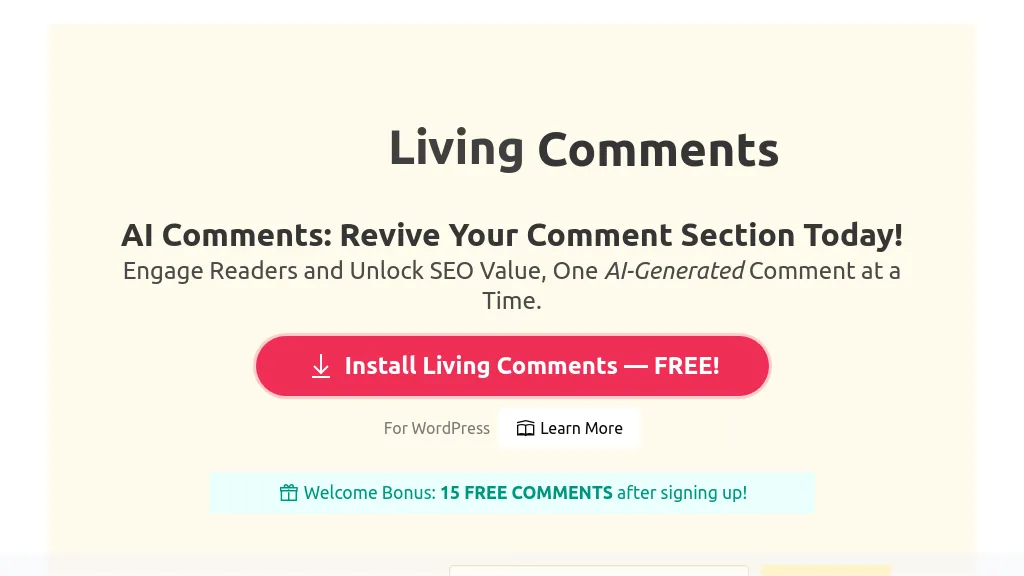
Living Comments AI is a WordPress plugin that automatically generates AI‑driven comments to boost post engagement and provide additional contextual signals for search engines. It supports over 35 languages and offers more than 40 selectable tones—positive, neutral, and negative—allowing site owners to shape the conversation style.
The plugin includes configurable engagement modes such as Timely, Natural, Balanced, Recycle, and Comprehensive, and lets users set comment timing from 4 to 1,440 minutes and choose short, medium, or long comment lengths. Built‑in moderation filters screen for inappropriate content before display, and a guest/dummy user feature enables realistic commenter identities.
Living Comments - Wordpress details
- Jurisdiction
- California, USA
- Built for
- Individuals
- Stated compliance
- GDPR
Compliance as stated in Living Comments - Wordpress's own published documentation.
Living Comments - Wordpress tech specs
- Works with
- OpenAI / GPT
- Payment Processors
- PayPal
- Integrations
- WordPress
Living Comments - Wordpress pricing
FreemiumVerify on the official pricing page.
View plansLiving Comments - Wordpress's key features
-
Auto-generates AI comments
-
Supports 35 languages
-
40+ tone options
-
Multiple engagement modes
-
Schedule comment timing
-
Customizable comment length
-
Built-in moderation filter
Living Comments - Wordpress use cases
-
Create a dynamic comment thread that auto‑generates AI comments in 35+ languages and 40 tones, boosting post engagement and SEO without any manual effort
-
Schedule timed AI comments for evergreen content, ensuring continuous interaction and fresh SEO signals while automatically filtering spam through customizable moderation settings
-
Use the metrics dashboard to analyze comment sentiment across languages, fine‑tune tone preferences, and refine your content strategy for higher user retention
Living Comments - Wordpress user reviews
Based on 6 reviews, 67% of users recommend Living Comments - Wordpress, rated highly for ease of use.
Liked for
Disliked for
Would you recommend Living Comments - Wordpress?
Who is Living Comments - Wordpress for?
-
Content strategists
-
Wordpress developers
-
Website admins
-
Community managers
-
Digital marketers
Living Comments - Wordpress FAQ
Is Living Comments - Wordpress free?
Partly. Living Comments - Wordpress has a free plan with usage limits, and paid plans unlock the full feature set. Plans include Elite at $0.02 per comment/reply, Gold at $0.03 per comment/reply, Standard at $0.04 per comment/reply and Lite at $0.05 per comment/reply.
Is Living Comments - Wordpress safe to use?
Living Comments - Wordpress states GDPR compliance in its own published documentation.
What are the best alternatives to Living Comments - Wordpress?
The closest alternatives to Living Comments - Wordpress are Commenter, AI Text Generator, AI Writer by Picsart, BlogSEO AI and BypassGPT AI. You can compare them side by side in the alternatives section further down this page.
What does Living Comments - Wordpress do with my data?
Its privacy policy states that personal data is not sold or shared for marketing purposes. Data may be shared with third-party service providers that help run the product.
Which AI models does Living Comments - Wordpress use?
Living Comments - Wordpress is built on OpenAI / GPT. Which models you can reach may depend on your plan.
What does Living Comments - Wordpress integrate with?
Living Comments - Wordpress connects with WordPress.
Compliance, privacy and billing terms are as stated in each product's own published documentation and have not been independently verified by TopAI.tools.


