
Anime Illustration Upscaler
The best 50 Anime Illustration Upscaler AI tools - Free & Paid
Explore 50 AI for Anime Illustration Upscaler
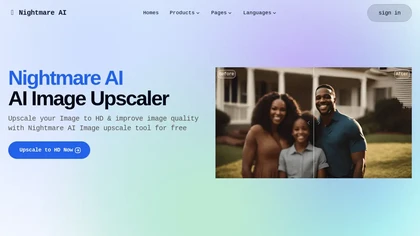
Nightmare AI is a web‑based image upscaler that uses Real‑ESRGAN to enlarge photos by 2×, 4×, or up to 4K while preserving detail. It supports anime/cartoon modes, face correction, and restores blurry or low‑resolution images, handling JPG and PNG up to 10 MB.
Free
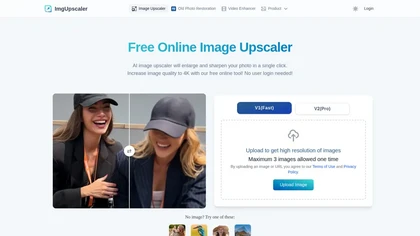
Imgupscaler is an AI tool for enhancing image quality by upscaling images to 4K resolution. It supports multiple formats and restores details while reducing noise, making it suitable for e-commerce, social media, and graphic design.
Freemium
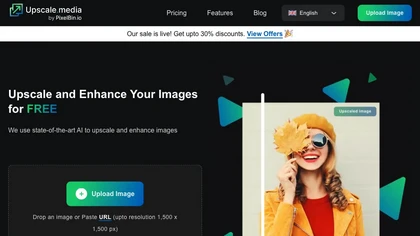
Upscale.media is a browser-based AI upscaler that increases image and short-video resolution up to 2×/4×/8×, reconstructs detail, reduces noise/artifacts, and offers deblur, sharpen, colorisation, face restoration, batch processing and API access.
Freemium
- $0.02

Upscayl.app is an AI image upscaler that uses deep learning to increase photo resolution up to 8K. It enhances details, reduces noise, and offers batch processing to restore old photos and prepare images for print or digital use.
Freemium
- $4.9/mo
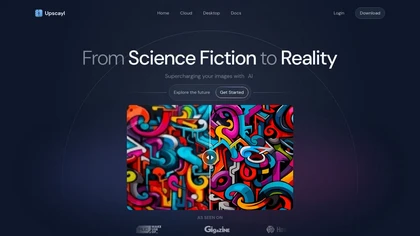
Upscayl is an open‑source AI upscaler that boosts images up to 16× with minimal detail loss. It supports batch processing, multiple model styles, local cross‑platform execution, and cloud sync for convenient, private, high‑quality image enhancement.
Freemium
- $24.99
cre8tiveAI is an online AI platform that streamlines photo, illustration, and video editing with deep‑learning models. It upscales images, refines faces, generates icons and illustrations, converts photos to 3‑D video, creates line art, colorizes black‑and‑white photos, and compresses PNGs.
Paid
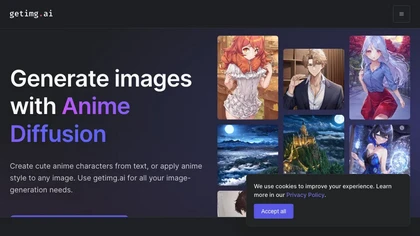
An online anim image-generation tool that creates images with prompts, offers uncensored AI models and community styles, and generates free images for commercial use.
Freemium
Browser‑based AI upscaler uses WebGPU and open‑source algorithms like Anime4K and RealESRGAN to enlarge video and image resolution. It processes each frame client‑side, preserving privacy, with drag‑and‑drop, side‑by‑side comparison, and selectable output sizes.
Free
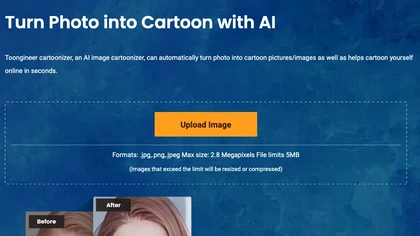
Toongineer Cartoonizer turns JPEG, PNG, or JPG photos into cartoon images with anime, Disney, Ghibli, or comics styles. It supports up to 2.8 MP, offers batch processing, real‑time previews, and quick upscaling via stable diffusion and AnimeGANv2.
Paid
- $4.95

UpscalerAI.com is an AI-powered tool that upscales images and videos to 4K/8K, reconstructing details and sharpening content. It offers dedicated modes for photos, videos, pixel art, and text, featuring batch processing and secure exports for creators and professionals.
Free trial
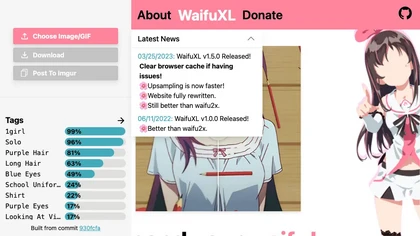
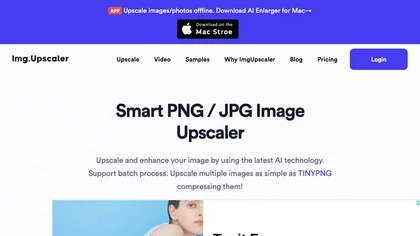
ImgUpscaler enlarges JPG, PNG, WebP images up to 400 % using super‑resolution, producing 16k × 16k outputs with minimal detail loss. Batch up to 5 images, offers basic editing, deletes uploads after 24 h, free commercial use.
Free

Clarity AI is an image upscaler and enhancer that restores high-resolution detail—up to 13,000 px from 64 px—offering adjustable detail, noise reduction, blur correction, artifact removal, style transfer, plus API and ComfyUI integration for workflows.
Freemium
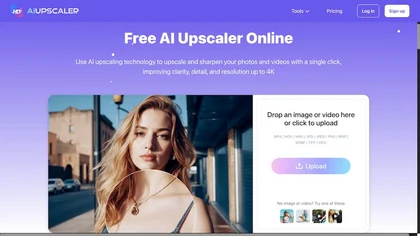
AIUpscaler.ai is a browser-based AI tool that instantly enhances photos and videos to HD or 4K resolution with one click. It upscales, sharpens, and restores detail directly in your browser while preserving colors and ensuring privacy.
Freemium
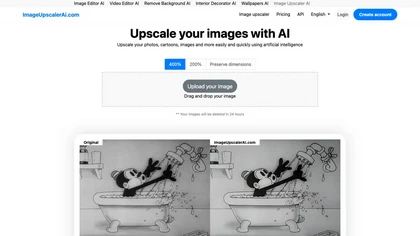
Image Upscaler AI enlarges photos, cartoons, and images up to 400 % using AI while preserving aspect ratio. Users upload via drag‑and‑drop, receive high‑resolution downloads within seconds, with files kept temporarily for privacy.
Paid
- $7/mo
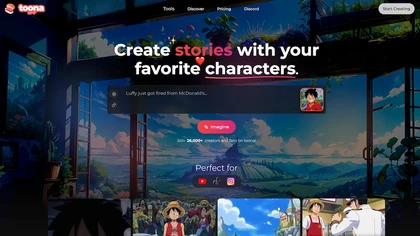
toona converts single images into anime videos, manga color pages, and 4K upscaled clips. It offers frame interpolation up to 240fps, background removal, and motion painting for backgrounds and hair. Web interface enables quick, high‑quality output.
Freemium
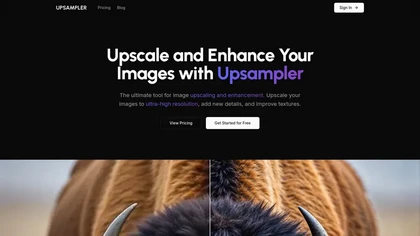
Upsampler enhances and upscales images up to 100 megapixels, improving textures and adding details. Its generative fill feature allows users to modify specific sections, making it valuable for designers, photographers, and game developers seeking increased realism.
Freemium

Colorcinch converts photos to cartoons, sketches, or paintings with one click, offers AI background removal, adjustable sliders, overlay effects, multi‑layer editing, high‑resolution export to JPG/PNG/PDF, all usable online/offline without login.
Free
- $8.99

AI-driven image upscaler that enlarges photos to 7680 × 7680 px, supporting JPEG, PNG, WebP and up to 500 images per batch. It offers an API for sharpening, noise reduction, and a Mac app with background removal, photographers, designers, marketers, and social media managers.
Subscription
- $19.99/mo
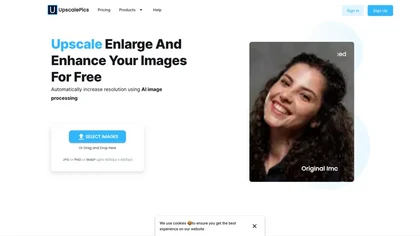
Upscalepics lifts image resolution up to 8× with one click via a machine‑learning model, supporting JPG, PNG, and WebP files up to 4000 px. It offers custom dimensions, bulk uploads, and outputs up to 256 MP for print‑ready quality.
Freemium
- $3.3/mo
Elser AI is an all-in-one anime creation studio that converts text or images into anime art, comics, and short films, offering image/video generation, character creation, voice cloning, lip sync, sound design, storyboarding, and upscaling.
Freemium
AI_HD_Anime elevates anime image quality using sophisticated AI upscaling technology. It offers an intuitive interface, sharpens images, restores fine details, and delivers exceptional results in real-time via online conversion and a robust API dataset.
Free

KomikoAI lets artists generate anime characters, colorize line art, simplify sketches, and remove backgrounds. It also offers animation tools, video conversion, frame interpolation, upscaling, template libraries, Ghibli and cyberpunk filters, and text‑to‑video/comic creation, powered by Gemini, GPT‑
Subscription
- $9.99/mo
Anime AI transforms portrait photos into 512 × 512 anime-style images using a fine‑tuned Stable Diffusion model. Users upload JPEG/PNG up to 5 MB, select styles (e.g., Naruto, One Piece), and optional attributes, with results stored indefinitely while the original is deleted for privacy.
Freemium
- $1.99
Animeshorts is an AI-powered platform for creating boy's love (BL) comics, offering tools for scriptwriting, character design, and visual generation across diverse art styles. It includes an online editor, webtoon support, and community features to streamline comic creation and collaboration.
Free trial
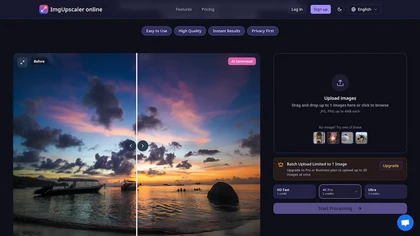
ImgUpscaler.online is an AI-powered tool that instantly upscales low-resolution images to HD, 4K, or Ultra quality, reducing blur while preserving detail. It offers batch processing and is designed for photographers, e-commerce, and real estate to enhance web and print visuals.
Free trial
- $2.5/mo

Imglarger is an image enhancer that upsamples photos up to 8×, supports batch processing, and offers background, object, and face retouch tools. It converts WebP, JPEG, PNG, SVG, JFIF formats and lets users adjust brightness, contrast, and saturation via web or mobile.
Freemium

ImageToCartoon turns JPEG, PNG, or WebP photos into high‑resolution cartoon images directly in the browser. Users pick from 80+ styles—Ghibli, Pixar, anime, comics—to create avatars, prints, or pet illustrations, with royalty‑free commercial rights.
Free
Pixai is an AI art generator tool that creates anime-style or realistic-style art, includes a character engine and chat bot features, supports NSFW content, and allows users to take control of their image results with advanced AI features.
Free
AI Cartoon Generator converts detailed text prompts into high‑resolution cartoon or anime images in 10–30 seconds. Choose from 50 styles and aspect ratios, adjust lighting and composition, download single or batch outputs for personal or commercial use.
Subscription
- $9.99/mo
Generates digital images from text prompts in diverse styles such as anime, cyberpunk, oil painting, and 3‑D cartoon. Users adjust seed, denoise, add reference images, select 512–1024 px resolutions, and use background removal, outpainting, headshots, or avatars.
Free
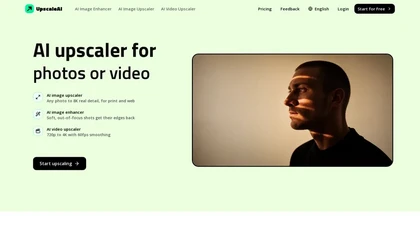
upscaleai.ai is a powerful AI upscaler that enlarges images and videos up to 8K/4K while rebuilding detail, reducing noise, and sharpening faces for print and web. It also offers specialized tools for colorization, photo restoration, text/background removal, and anime/pixel art, with batch processin
Freemium
- $7.99/mo
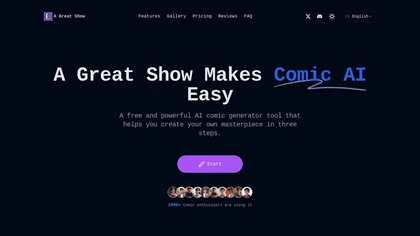
AI IP Comic Studio generates consistent IP characters, comic pages in 10+ styles and layouts from one prompt, and turns panels into 60‑second anime videos. It supports exporting comics and videos for social platforms and offers full IP design workflow.
Freemium
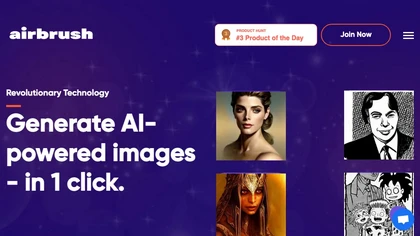
Airbrush lets users generate artwork, photorealistic photos, anime, 3D renders, logos, and social graphics from prompts, selecting models like Stable Diffusion, DALL‑E 2, and specialized variants. Outputs range 256‑4096 px with 4× upscaling, aiding designers, marketers, and game devs.
Freemium
- $9/mo
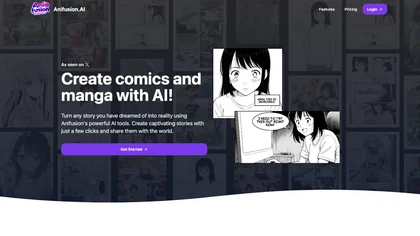
Anifusion is a web‑based AI manga studio that turns story prompts into comic panels using models like AnimagineXL, FLUX, and Stable Diffusion XL. Users can edit scenes, control poses, and publish finished works to a gallery.
Freemium
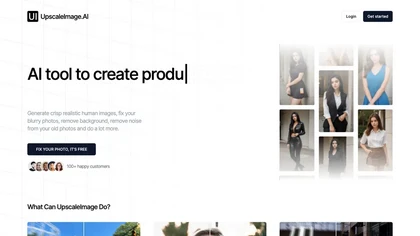
UpscaleImage.AI quickly produces realistic user‑generated content videos and cleans up photos. It offers 8× image upscaling, clarity restoration, old photo repair, and precise automated background removal. Users choose from 20+ scenes, customize actors, and generate unlimited video variations.
Free
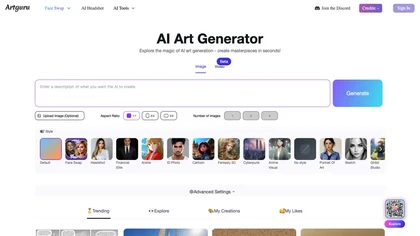
Artguru is a one‑click AI enhancer that sharpens photos, restores old or blurry images, upsamples videos to 8K, removes backgrounds, cleans scanned PDFs, and batch‑processes folders across phone and desktop for consistent, high‑quality media.
Freemium
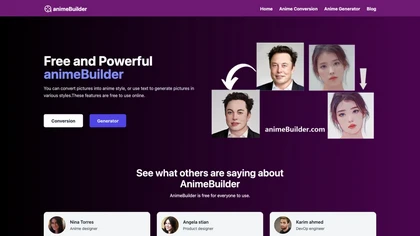
AnimeBuilder is a web‑based AI that turns photos or text prompts into high‑resolution anime‑style images. No registration or data storage, making it quick and secure for designers, illustrators, developers, and hobbyists.
Free

Picsman is an AI‑powered editor that removes or replaces backgrounds, ups image resolution, and applies styles like Ghibli or cartoon. It also offers text‑prompt editing, video generation, image extending, and watermark removal for quick, high‑definition results.
Free
- $5.99/mo
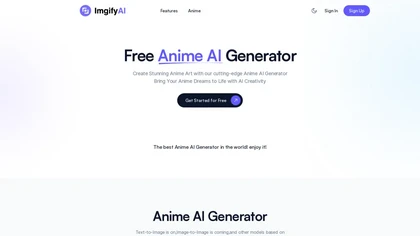
ImgifyAI is an AI image toolkit that generates, edits, and enhances visuals in styles like anime, Pixar, emoji, and general art. It offers background removal, upscaling, restoration, and cloud storage for quick, high‑resolution outputs.
Freemium
- $9.9/mo
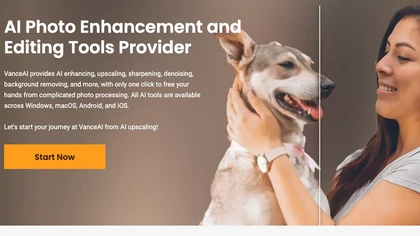
VanceAI offers AI‑driven image enhancement tools—upscaling, sharpening, denoising, background removal, restoration, and cartoonization. Supports batch processing and a Windows desktop app, enabling quick, detail‑preserving edits for photographers, designers, and e‑commerce sellers.
Free trial
Censored AI creates anime, comic, realistic, and 3D art in the browser with the Flux model. It offers text‑to‑image and image‑to‑image, LoRA style guidance, background removal, PNG export, and vector‑ready outputs—all server‑side.
Paid

AnimeGenius is an AI anime art generator that enables everyone to generate high-quality anime AI art based on a text prompt with simple steps.
Free trial
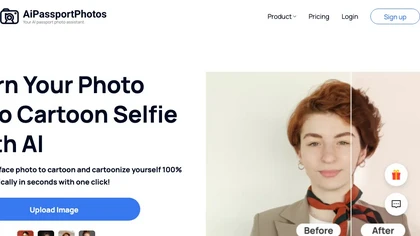
AiPassportPhotos transforms portrait photos into cartoon styles—sketch, 3D, manga—via one click. It also offers background removal, blur, face cutout, enhancement, colorization, and old‑photo restoration, all online with instant downloads. For mobile and desktop browsers, ensuring privacy with a dat
Free
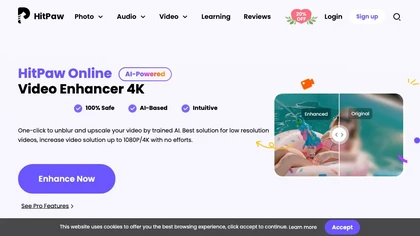
Upload video files (MP4, MOV, MKV, M4V, AVI) and apply AI models—Face, Animation, Denoise, Low‑Light, Colorize—to improve clarity, reduce noise, brighten dark scenes, or add color. Preview changes, upscale to 4K, then download without watermarks.
Paid
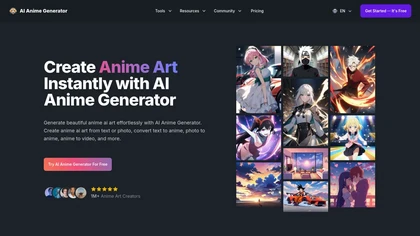
AI Anime Generator uses the FLUX.1 model to transform text, photos, sketches, or existing anime images into high‑resolution anime artwork. Features include Text‑to‑Anime, Photo‑to‑Anime, Sketch‑to‑Anime, and Anime‑to‑Video animation, requiring no drawing skills.
Freemium
- $7.99/mo
HentaiGenerator is a free AI-powered art generator that allows users to create unique hentai images with customizable options such as image size, style, and upscale feature.
Free
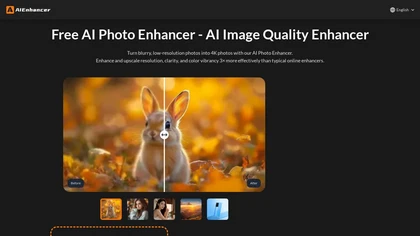
AIEnhancer.ai is a free online tool that instantly transforms blurry, low-quality images into high-resolution 4K photos. Simply upload your picture to apply AI-powered upscaling, noise reduction, and color correction, then preview and download the enhanced result.
Freemium
AnimeGen AI transforms text prompts into anime‑style images with curated models such as Animagine, Flux‑2‑Max, and Seedream‑4.5. It supports multiple aspect ratios, offers detailed prompt guidance, delivers high‑resolution line work quickly, and includes safety filters for responsible use.
Paid
- $1.9