
What is upscaleai.ai?
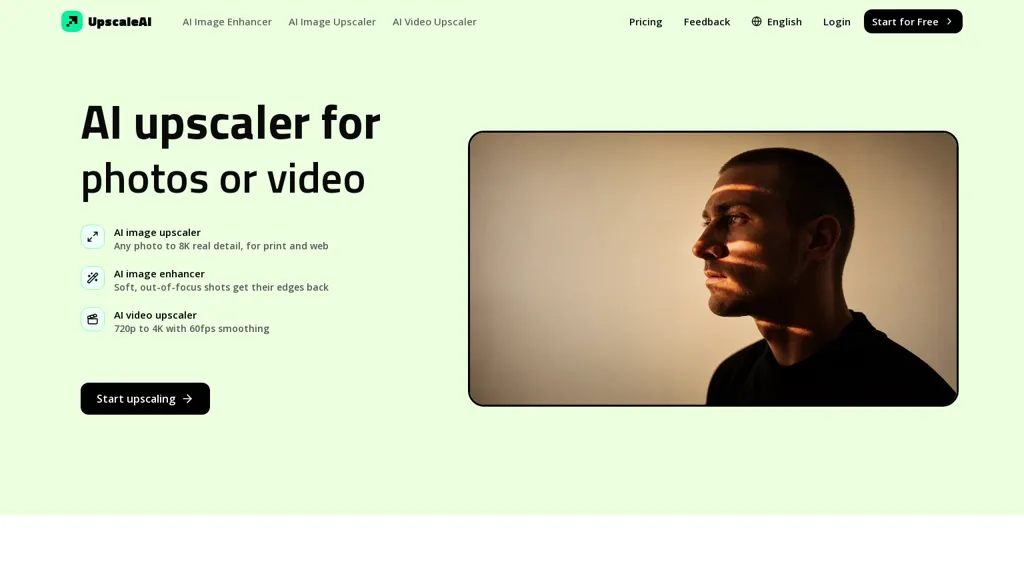
upscaleai is an AI image and video upscaler that enlarges photos and footage up to 8K while rebuilding detail for print and web.It provides image denoise, deblur, and texture recovery for low-light, high-ISO, and out-of-focus shots.
The video upscaler converts 720p to 4K and supports smoothing and frame-rate enhancement to 60fps for gameplay, archived tapes, and social clips.Specialist tools include face enhancement that sharpens facial features without altering identity, colorization for black-and-white photos, and photo restoration for scratches and fading.
Text and screenshot upscaling preserves legibility of small lettering and scanned documents; background removal and manual masking isolate subjects for product photography.Anime and pixel upscalers preserve line art and pixel structure for manga, animation frames, and retro images, with prompt-guided detail options.
Batch processing and model selection streamline workflows for photographers, archivists, e-commerce sellers, and designers preparing files for print or web.
upscaleai.ai details
- Built for
- Individuals
upscaleai.ai pricing
Freemium- Auto-renewal
- Yes
Verify on the official pricing page.
View plansupscaleai.ai's key features
-
Image and video upscaling to 8K with detail reconstruction
-
Image restoration: denoise, deblur, and texture recovery for low-light, high-ISO, and out-of-focus shots
-
Video enhancement: convert 720p to 4K, smoothing, and frame-rate upscaling to 60fps
-
Specialist restoration tools: face enhancement, colorization of black-and-white photos, and scratch/fade repair
-
Content-preserving tools and workflow: text/screenshot upscaling, background removal and manual masking, anime/pixel upscalers with prompt-guided detail, batch processing and model selection
upscaleai.ai use cases
-
Restore and colorize old family photos to 8K using upscaleai, denoising and deblurring while preserving identity with face enhancement, recovering textures and colors for large prints or digital archives
-
Convert legacy video footage to smooth 4K/60fps using upscaleai, batch-processing multiple clips with denoise, deblur and texture recovery while preserving text/line art for documentaries, archival restoration and social-ready remasters
-
Upscale screenshots, anime and pixel art to high-resolution assets with upscaleai, preserving line art and text, performing background removal and batch processing to produce marketing assets, prints or remastered game/animation releases
upscaleai.ai user reviews
Would you recommend upscaleai.ai?
Who is upscaleai.ai for?
-
Photographers
-
Videographers
-
Graphic designers
-
E-commerce sellers
-
Content creators
upscaleai.ai FAQ
Is upscaleai.ai free?
Partly. upscaleai.ai has a free plan with usage limits, and paid plans unlock the full feature set. Plans include Plus at $7.99/mo, Pro at $11.99/mo and Professional at $31.99/mo.
What are the best alternatives to upscaleai.ai?
The closest alternatives to upscaleai.ai are Imgupscaler AI, Upscale.media, AIUpscaler.ai, Upscaler.AIAI and AI Image Enhancer. You can compare them side by side in the alternatives section further down this page.
What does upscaleai.ai do with my data?
Its privacy policy states that personal data is not sold or shared for marketing purposes. Data may be shared with third-party service providers that help run the product.
Does upscaleai.ai auto-renew or offer refunds?
upscaleai.ai subscriptions renew automatically until you cancel.
Compliance, privacy and billing terms are as stated in each product's own published documentation and have not been independently verified by TopAI.tools.


