
AI Screenshot Assistant
The best 50 AI Screenshot Assistant tools - Free & Paid
Explore 50 AI for AI Screenshot Assistant
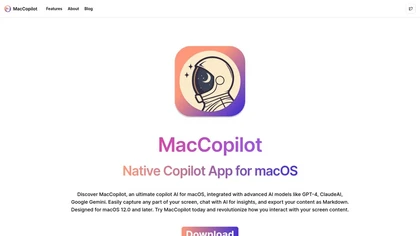
MacCopilot lets macOS users select any screen area, capture screenshots, and chat with AI models—GPT‑4o, Claude, Gemini, or local Ollama—to receive instant visual analysis, code reviews, design feedback, and contextual insights directly on‑screen. Hotkeys and history improve workflow.
Free
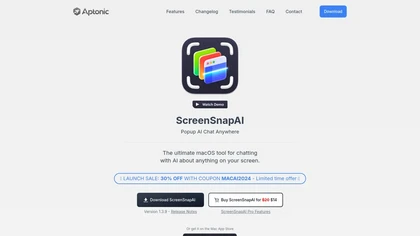
ScreenSnapAI auto‑renames and tags screenshots on macOS, letting users open an AI chat for instant content explanations. Accessible via menu or shortcut, it organizes images with AI‑generated metadata, speeding knowledge capture and retrieval on Intel and Apple Silicon machines.
Freemium
Voilà AI Assistant is a cross‑platform browser extension, desktop, and mobile app that uses GPT‑5 to summarize, rewrite, translate, and auto‑reply to emails, chats, PDFs, spreadsheets, and YouTube transcripts, while correcting spelling, grammar, tone and generating images from text.
Freemium
- $10/mo
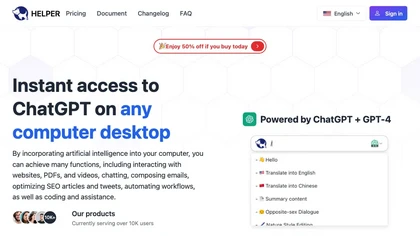
Ai Helper is a cross‑platform desktop client that brings ChatGPT, GPT‑4, and other AI engines to macOS, Windows, and Linux. It lets users chat on webpages, PDFs, or videos via shortcuts and generate content, code, or emails within native apps.
Freemium
- $9.9

answersai is an AI tool that offers instant solutions to academic questions. Users can capture problems via photo and receive accurate responses, with support for follow-up queries to enhance understanding across various subjects, accessible on mobile and web.
Freemium

ImgTools is a versatile screenshot tool that simplifies capturing, editing, and enhancing images efficiently. It offers features like screenshot beautifier, advanced editing options, collaborative online editing, and customization tools to elevate your visuals effortlessly.
Freemium
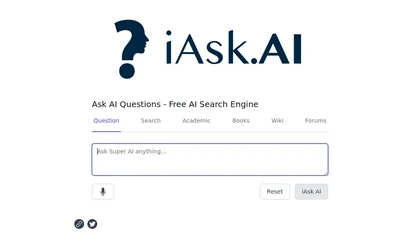
iAsk.Ai delivers instant, factual answers to natural‑language questions from authoritative web sources, and offers essay drafting, advanced grammar checks, academic summarization, PDF analysis, image generation, URL bullet‑point briefs, and one‑click grammar correction. Accessible via browser extens
Freemium
- $9.95/mo
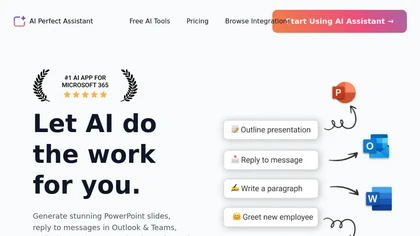
AI Perfect Assistant adds ChatGPT, Gemini, Claude, and 60+ LLMs to Office 365 apps, delivering real‑time grammar, style checks, drafting, summarization, translation, and formula generation to streamline writing, analysis, and teamwork across Word, Excel, PowerPoint, Outlook, Teams, and OneNote.
Freemium
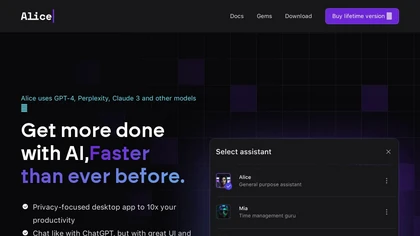
Alice is an AI assistant for macOS, Windows, and Linux that launches via hotkey, stores context locally, supports multiple LLMs through API keys, offers keyboard shortcuts, custom commands via Zapier/Make, and handles files, web, images, and visuals for reliable responses.
Paid
- $99
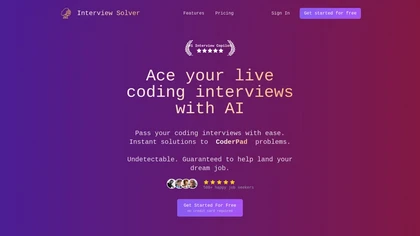
Interview Solver is a desktop AI copilot that supplies real‑time code and system‑design solutions during coding interviews, accepting screenshots, voice, and documents, and remains invisible in screen sharing and background processes.
Freemium
- $30
Copilot allows users to ask questions, receive complete answers, research topics, and create content.
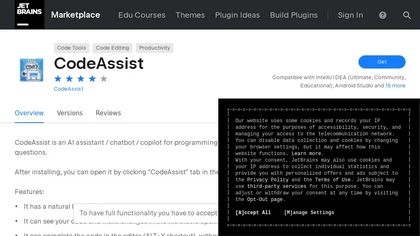
CodeAssist is an AI-powered IntelliJ IDE plugin that generates code and answers programming-related questions.
Free trial
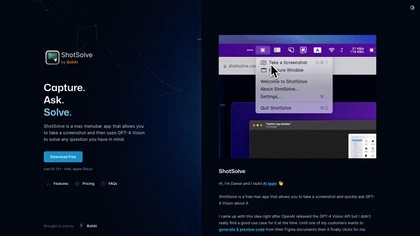
ShotSolve is a native macOS app that captures screenshots and uses GPT‑4o for instant queries. It offers a clean chat interface with themes, code styling, context controls, secure key storage, and configurable parameters for custom AI interactions.
Free
- $29/mo
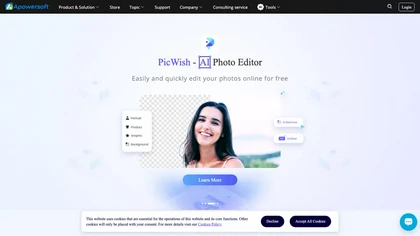
Apowersoft delivers cross‑platform screen, audio, and video capture with high‑fidelity recording, along with versatile media conversion, editing, and PDF OCR. It also offers background removal, data recovery for mobile/desktop, HEIC conversion, and multi‑monitor support for creators and businesses.
Free
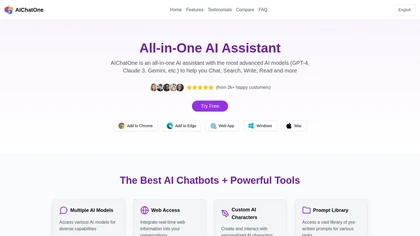

AI Toolbar is a Chrome extension that adds an AI assistant to every webpage. It generates text, summarizes, translates, and paraphrases content, supports voice commands, offers a chatbot, exports replies to Word/PDF, integrates with ChatGPT, and allows custom prompts.
Freemium
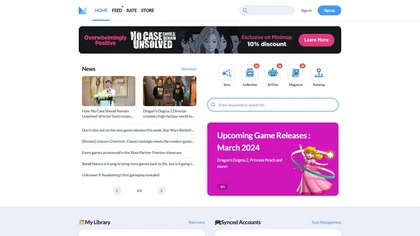
Mimir's AI tool provides game rankings, new releases, & exclusive content, tailored recommendations on Discord & manages synced accounts.
Freemium
Omnipilot is a macOS AI copilot that types in any app, offering context‑aware email drafting, Bash assistance, and streamlined updates. It supports coding, writing, and data tasks without extra software for developers, writers, and business professionals.
Freemium
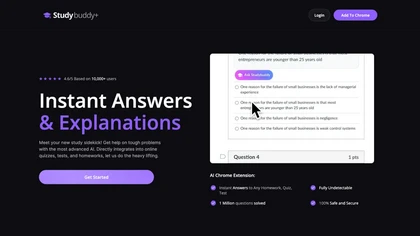
StudyBuddy Chrome Extension captures screenshots or highlights of questions to provide instant answers and detailed step‑by‑step explanations. It supports math, diagrams, and image queries in English, Spanish, and Portuguese, and includes a personal AI chat for broader study assistance.
Freemium
- $0.99
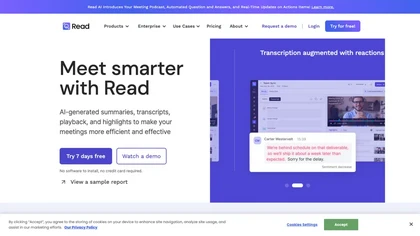
Read AI records, transcribes, and summarizes meetings, emails, and chats across Google Meet, Zoom, Teams, and in‑person sessions. It extracts action items, delivers searchable notes, offers contextual answers from integrated data, supports 20+ languages, and meets SOC II, GDPR, HIPAA compliance.
Freemium
- $15/mo
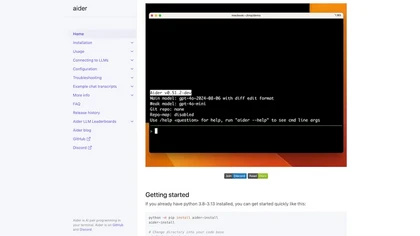
Aider is an AI-powered pair programming tool that helps developers collaborate with LLMs for editing, refactoring, and debugging code within Git repositories. It supports multiple languages and integrates with IDEs and editors for real-time updates.
Free

HakkoAI is a real‑time AI gaming assistant that recognizes game screens, offers context‑specific tips, and provides voice guidance for PC titles. It tracks player history for personalized support, answers questions, and boosts motivation during play.
Freemium
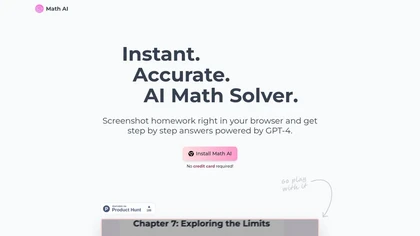
Math AI provides instant GPT‑4 math solutions with step‑by‑step explanations. Capture problem screenshots in‑browser, choose detailed, quick, or tutor modes, and extend to physics, chemistry, biology. It auto‑adapts themes, formats LaTeX, supports 21 languages, and offers keyboard shortcuts.
Freemium
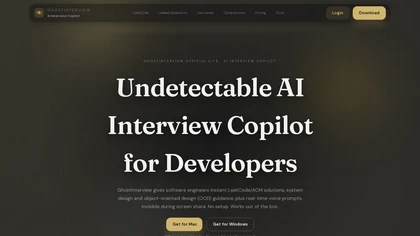
GhostInterview is a real-time AI interview copilot that provides live coding, system design, and OOD support. It transcribes audio, parses screenshots, and delivers stealth-visible hints and solution outlines during live interviews.
Free trial
- $99/mo
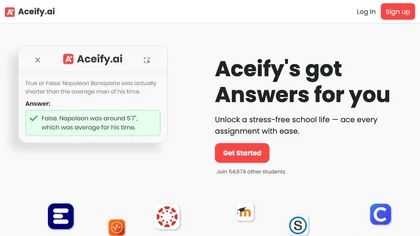
Aceify.ai delivers instant AI help for homework and study queries, letting users upload screenshots or use a Chrome extension. It summarizes content and supports Canvas, Blackboard, MoodleCloud, and other LMS, offering quick, accurate answers, especially in mathematics.
Subscription
- $9.99/mo
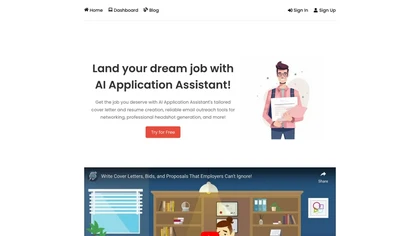
AI Application Assistant automates cover letter and resume creation aligned with job specs, offers contact discovery and personalized outreach, generates professional headshots, and streamlines application workflows with file format support and ATS integration.
Subscription
- $6.99/mo
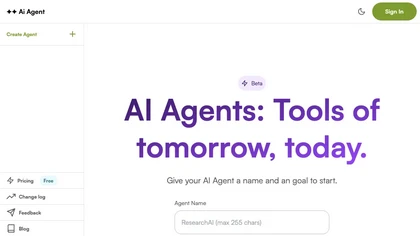
AI Agent is a web app that allows users to create customized AI agents to perform specific tasks and achieve goals.
Freemium
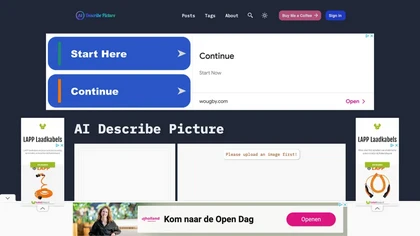
Describe Image & Picture extracts text, alt descriptions, and HTML snippets from PNG, JPEG, or WEBP files up to 2 MB, converting visuals into editable Markdown or code, auto‑tagging photos, and generating Flux image variants for creators, developers, and marketers.
Freemium
AI Actions is a powerful tool that provides additional AI-related actions and shortcuts on macOS, including the ability to interact with the ChatGPT API. It requires macOS 13 or higher and is not available in China.
Free


AI Photo Studio automates e‑commerce image editing: background removal, resolution enhancement, lossless compression, profile passport creation, hairstyle preview, object cleanup, old‑photo restoration, colorization, AI fashion model generation, clothing recolor, background changes, and file convers
Free

Chat & Ask AI combines web search, image generation, link analysis, document chat, and YouTube summarization in one interface. It offers up‑to‑date answers, multilingual support, file uploads, and a prompt library, powered by GPT‑5.2, Gemini, Claude, and Stable Diffusion XL.
Free
AIChatOnline.org is a browser‑based AI assistant that processes text, images, and documents, aiding writers, researchers, and developers to draft content, refine tone, summarize reports, debug code, and browse over 50k integrated AI tools—all without installation and with session‑only privacy.
Subscription
- $6.4/mo
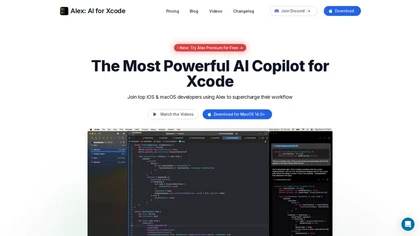
Alex is an AI coding assistant for Xcode, providing smart code completion, real-time error fixes, codebase searches, and voice input. It also features an image-to-code generator for Swift UI, ensuring secure, local code operation.
Freemium
- $20/mo
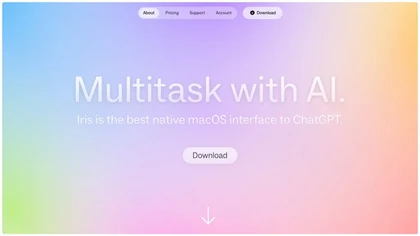
IRIS is a macOS AI assistant that streamlines scheduling by interpreting natural‑language prompts, auto‑filling meeting details, buffer times, and venue suggestions. It overlays as a floating column, learns user preferences, offers an enhanced screenshot tool, and features a quick onboarding flow.
Freemium
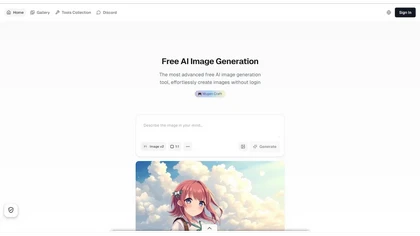
Aigazou is a free AI image generator that allows users to create high-quality images by simply describing their vision, without requiring any login or account creation. It supports both English and Japanese prompts and offers commercial usage with a focus on user privacy.
Free
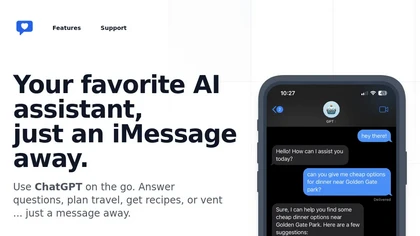
iChatWithGPT is an AI assistant integrated into iMessage that uses GPT‑5.2, Claude 4.5, and Google Search for real‑time web research, news, weather, and game results. It offers text reminders, AI‑generated images, voice‑activated messaging across iPhone, Apple Watch, MacBook, and CarPlay.
Free
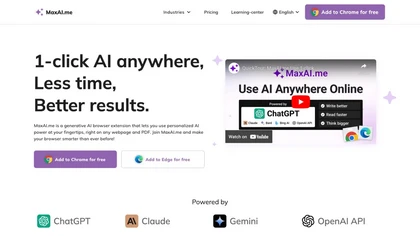
MaxAI is a Chrome/Edge extension and web app that adds an AI sidebar for instant on‑page queries, delivering responses with cited sources. It supports writing assistance, translation, and summarization of PDFs, videos, and images for research, coding, and marketing.
Subscription
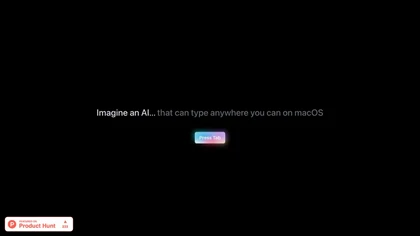
Omnipilot is a macOS AI copilot that provides context‑aware typing assistance in any application. It auto‑completes emails, generates Bash commands, offers code suggestions, drafts documents, and creates meeting summaries, reducing typing and context switching.
Freemium
💰 Deal
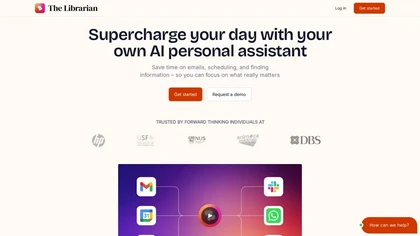
TheLibrarian.io is an AI-driven personal assistant that integrates with WhatsApp and automates email drafting, scheduling, and calendar management while summarizing emails and resolving conflicts. It also integrates with Google Workspace for document access and offers secure web/messaging app suppor
Free trial
- $9.99/mo
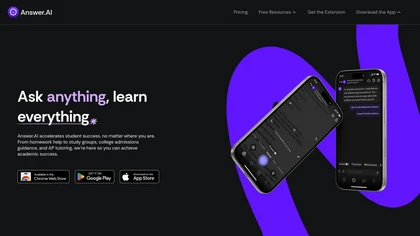
Answer.AI offers 24/7 AI tutoring from elementary math to AP courses, with step‑by‑step explanations, flashcards, a math camera, study‑group tools, progress tracking, scholarship guidance, and mental‑health tips, accessible via web, Chrome, iOS, Android.
Free
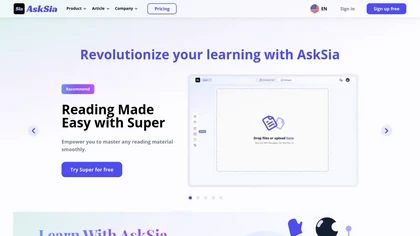
AskSia is an AI study platform that transcribes PDFs, videos, and audio, highlights key concepts, and lets users capture notes with a single click. It reorganizes content into outlines, supports chat‑based queries, and offers summarization, tutoring, and adaptive test creation.
Free

Ghost Engineer is an AI coding interview assistant that helps software engineers by providing instant coding solutions through screenshots and voice commands. It supports multiple programming languages and prioritizes user privacy during technical interviews.
Free trial
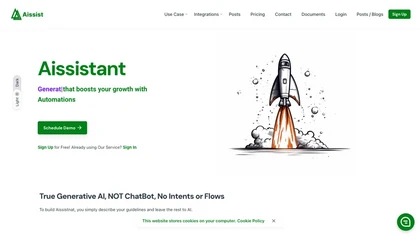
Aissist delivers a digital workforce that automates service and sales workflows, offering end‑to‑end reasoning, native integration to major CRM platforms, omni‑channel support, multi‑agent collaboration, enterprise governance, and 65+‑language processing of text, image, video, and voice.
Freemium
- $0.05

Browser extension that displays conversational AI answers and multi-model comparisons alongside search results, integrates with GPT-4/Claude and major search engines, and adds YouTube summaries, PDF/image/OCR processing and content-generation tools for research and creation.
Free
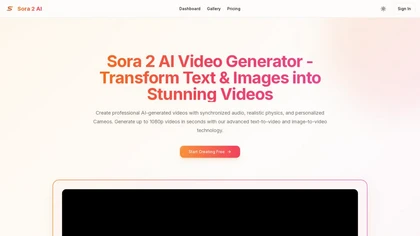
aiSora2.AI is a video generation tool that creates 1080p clips from text or images, complete with synchronized audio and realistic physics. It automatically generates dialogue, sound effects, and music while offering features like multiple aspect ratios and a 'Cameo' mode for inserting people into s
Freemium
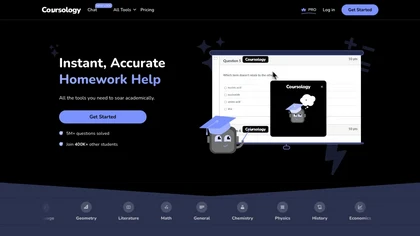
AI Homework Helper lets students upload documents, notes, and webpages to chat with the AI, generate quizzes, flashcards, and concise notes, convert lectures into podcasts, transcribe sessions, and solve problems via a Chrome extension across many subjects.
Freemium
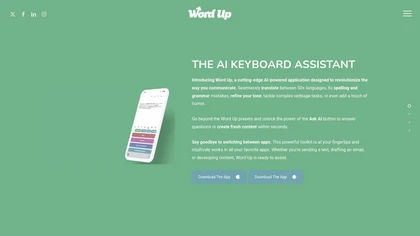
AI Keyboard Assistant enhances communication by offering real-time translation, grammar correction, tone refinement, and content generation across platforms. It integrates with popular apps, improving both personal and professional communication efficiency.
Freemium
Raycast is an AI tool that can help developers write code faster, access a new layer of context, and accelerate tasks without any coding required.
Freemium