
Adobe Illustrator Patterns
The best 50 Adobe Illustrator Patterns AI tools - Free & Paid
Explore 50 AI for Adobe Illustrator Patterns
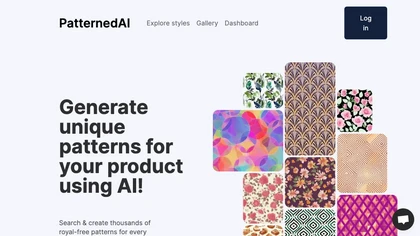
PatternedAI generates production‑ready seamless textile patterns from text or image prompts, auto‑fixes seams, offers one‑click recoloring, vector SVG and high‑res PNG outputs, mockup previews for garments, accessories, and packaging, and white‑label integration, delivering royalty‑free commercial r
Free trial
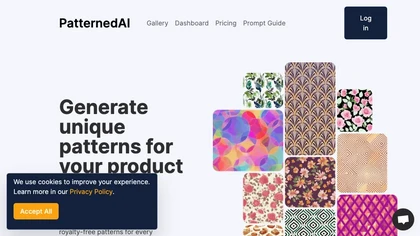
PatternedAI is an AI‑powered platform that quickly generates, recolors, and exports seamless textile patterns in high resolution. It offers one‑click brand‑aligned colorways, mockup previews, and a white‑label editor, delivering royalty‑free designs ready for production.
Free trial
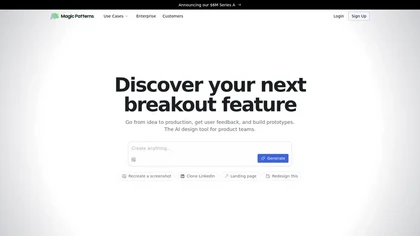
Magic Patterns is an AI design tool that generates UI and high-fidelity prototypes from ideas, screenshots, or imported design systems, matching existing styles and tokens, enabling rapid prototyping, real-time collaboration, exportable user-testing screens, and enterprise controls.
Freemium
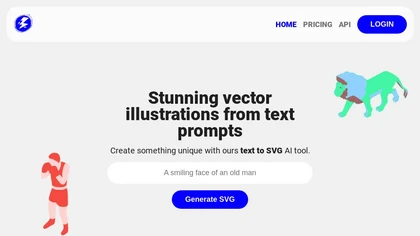
Illustroke turns text prompts into instantly generated SVG vector illustrations across 40+ styles, offering scalable, editable assets suitable for logos, icons, and UI graphics. Built‑in editor lets users tweak shapes and colors, then save or load projects from the cloud.
Paid
Kittl is an AI‑driven design platform that lets creators and designers generate images, vectors, and videos from prompts. It offers vectorization, background removal, upscaling, an infinite collaborative canvas, and a library of templates, fonts, and icons.
Subscription
BlackInk AI turns text prompts and images into custom tattoo designs in seconds. Users can adjust style, shape, detail, and body placement, generate cover‑ups, and download high‑resolution graphics—all in over 100 supported languages.
Freemium
- $3
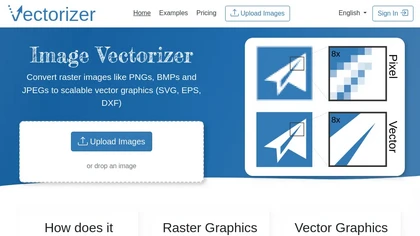
Image Vectorizer transforms raster PNG, BMP, JPEG files into scalable vector formats (SVG, EPS, DXF) using AI noise removal and color simplification. It sharpens edges, converts pixels to geometric primitives, and outputs high‑resolution vectors for logos, apparel, tattoos, and billboards.
Subscription
- $8.99/mo
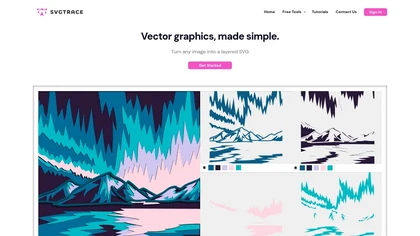
SvgTrace converts raster images to multi‑layer SVGs with AI, extracting each color into separate layers for high‑quality vector graphics. Its upscaling improves low‑res images, and a built‑in editor lets users edit layers. Drag‑and‑drop uploads enable quick use.
Subscription
- $12.99/mo
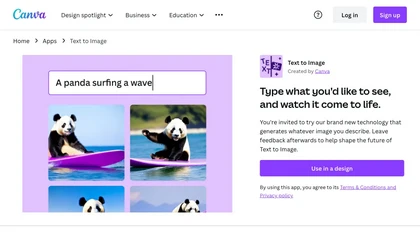
Canva's AI Image Generators turns text into visuals with customizable art styles and features like Magic Media, Create an Image, and automated reviews.
Freemium
VectorArt.ai is an AI tool that simplifies vector image creation for websites, businesses, and apps. It allows users to generate custom logos, icons using text or sketch prompts, offers various illustration styles, provides SVG downloads, and features a free image gallery for inspiration.
Free trial
- $29/mo
Sketch Logo AI transforms sketches or text prompts into 3‑D logo designs. It offers 4,000+ fonts, 30,000 icons, PNG and SVG outputs, and lets beginners and professionals iterate quickly for branding, marketing, and illustration needs.
Paid
- $19
AI‑powered logo generator that produces hundreds of variations from a company name. Users refine colors, symbols, and sizes, then export high‑resolution files. An automated Brand Kit delivers brand assets, templates, and mockups, streamlining visual consistency and production.
Free
Pixlr is a browser‑based photo editor that uses AI for background removal, generative fill, and object deletion. It offers cropping, color correction, collages, templates, and social media layouts across desktop, tablet, and mobile.
Free trial
- $1.99/mo
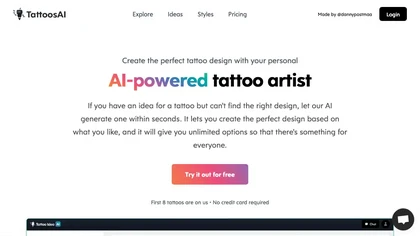
TattoosAI turns text prompts into tattoo designs across 18 styles—geometric, watercolor, Japanese, etc. Users customize colors, download concepts, and preview placements. A surprise button selects random styles for quick inspiration.
Subscription
- $4.99/mo
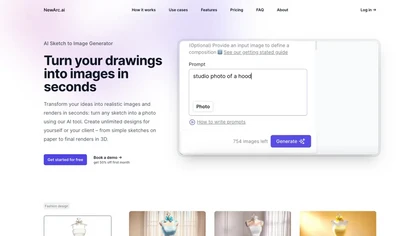
NewArc.ai converts hand‑drawn or Illustrator sketches into photorealistic images in seconds, applying fabrics, textures, and colors, and offers virtual try‑on, image‑to‑video, and image‑to‑sketch features for designers and fashion teams quickly.
Freemium
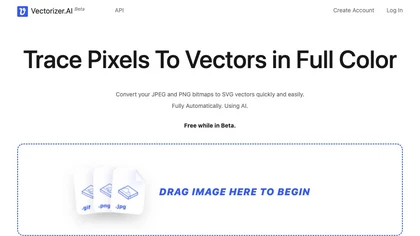
Vectorizer.ai is an AI-powered tool that converts raster images into vector images quickly and easily.
Free
- $1
AI Picasso lets users create custom illustrations by entering prompts and choosing styles. It generates personal avatars from 10‑20 photos, supports LINE sticker export, pet transformations, AI profile pictures, and offers high‑resolution commercial art on iOS and Android until Aug 2025.
Freemium
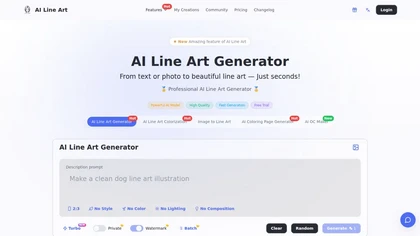
Creates print-ready line drawings and coloring pages from text prompts or photos, offering multiple styles (sketch, woodcut, continuous line, 3D), image-to-line-art colorization, prompt-based controls, batch generation, and high-resolution exports for design and illustration.
Free trial
- $8.33/mo
123rf Image Editor is a comprehensive AI tool for effortless photo editing, offering features like image scaling, background removal, object removal, and seamless background remixing. It also includes an AI writer for content creation and an image enlarger for ratio adjustments. Efficiently enhance
Freemium
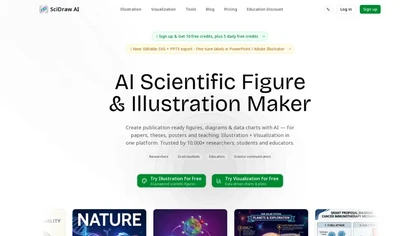
SciDraw AI is a scientific illustration and data visualization tool that converts text prompts, sketches, or images into publication-ready figures. It generates editable SVG/PPTX exports, data-driven charts from CSV/Excel, and supports journal style presets and colorblind-friendly palettes for repro
Free trial

AnyLogo generates logo variations from reference images or uploads, analyzing style, color, and tone to produce editable concepts across modern, cartoon, emblem, text, fun, and signature styles. Exports vector-ready SVG/PNG, mockups, and brand assets for refinement.
Freemium
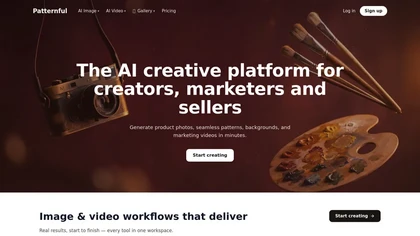
Patternful.ai is a web-based AI pattern generator for creating customizable, repeatable visual patterns for design, branding, textiles, and web backgrounds. It runs in the browser and offers adjustable parameters like color, scale, and symmetry, with export options for use in web projects and digit
Freemium
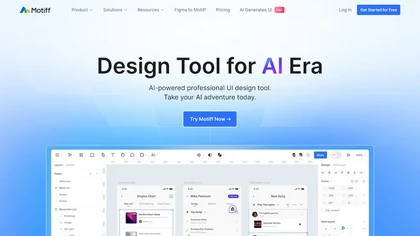
Motiff AI converts text, wireframes, screenshots, PDFs, or markdown into production‑ready React or HTML UIs, using preset design systems like Minimalist, Material, Ant Design, and shadcn/ui. It enforces consistency, lets designers tweak elements, and outputs clean code for rapid prototyping.
Subscription
- $16/mo
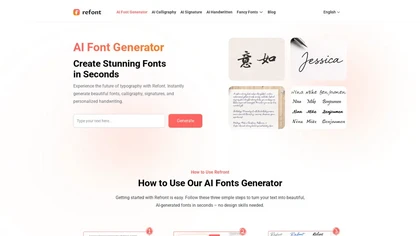
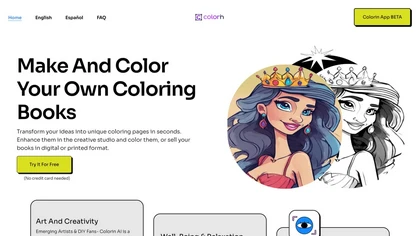
Colorin AI Generator turns text, characters, or photos into clean printable coloring outlines with styles like kawaii and line art. Batch creation, photo conversion, AI editing, auto‑margins, and PDF export enable ready‑to‑print resources for educators, creators, and mindfulness practitioners.
Freemium
AI Logo Maker creates custom logos from text prompts, offering editable templates, fonts, colors, and icons. Users preview, download PNG/JPG/PDF/SVG files, and keep full commercial rights, saving time for designers and non‑designers alike.
Free
AI‑powered mockup generator for art and photography, featuring 140k+ mockups and hundreds of room templates. It lets users place artwork in realistic decors, export images, and create multiples at once, supporting various room types and decor styles.
Subscription
- $8/mo
Colorify AI turns text prompts or uploaded photos into black‑and‑white coloring pages in under three seconds, offering seven art styles and multiple sizes. Users download PNG or PDF, keep a temporary history, and use files commercially without login.
Paid
AI Logo Generator crafts vector logos from brief text prompts, offering instant SVG, PNG, JPG, and PDF options. Users can edit colors, fonts, layouts, and icons, with industry‑specific styles and high‑resolution files ready for web, print, or merchandise.
Free
Illustration AI creates images from text, letting users pick styles, upload CSVs for bulk production, edit backgrounds, and export high‑res PNGs or SVGs. Figma integration and AI upscaling streamline design workflows.
Free
- $4.9/mo
LogoAI.ai quickly generates customizable logos from text, symbols, and industry tags, offering full control over colors, fonts, layout, and icons. It delivers high‑resolution vector and raster files ready for web, print, and social media use, with unrestricted commercial rights.
Freemium
- $15.9/mo
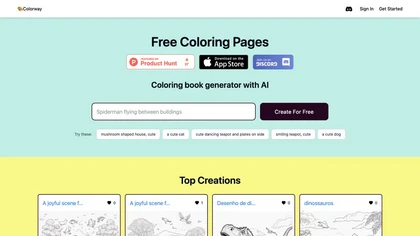
Colorway AI generates black‑and‑white line‑art pages from prompts, including letters, characters, quotes, and fantasy scenes with thick contours. Users browse a tagged library or create new designs, providing printable resources for art projects.
Freemium
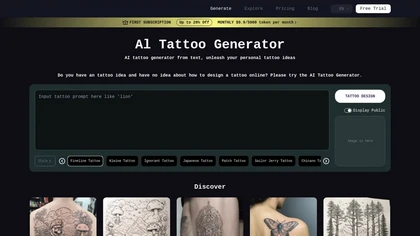
Tattoo AI Design generates custom tattoo artwork from text prompts or reference images in styles such as minimalist, watercolor, and Japanese. It offers interactive body‑photo overlays, real‑time virtual try‑on, rapid iterations, and commercial‑rights‑ready images for artists and hobbyists.
Paid
Convert text to handwriting using an in-browser recurrent neural network with various print and cursive styles. Customize outputs and download as SVG.
Free
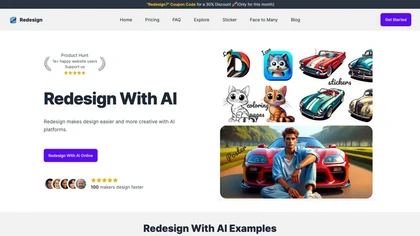
Redesign With AI generates icons, logos, stickers, posters, mockups, and illustrations from text prompts using the Flux AI model. It delivers high‑quality images quickly, logs revisions, offers a simple interface, and supports export for web, social media, and print.
Subscription
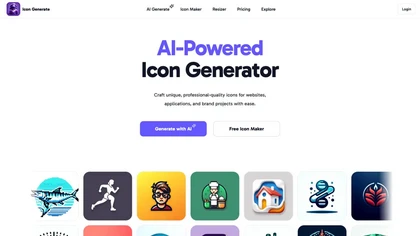
AI Icon Generator creates high‑resolution icons for websites, apps, and brands. Users choose styles—polygonal, pixelated, isometric, line art, metallic, 3D neon, hand‑drawn—adjust colors, and export PNGs directly from the cloud. Ideal for designers without advanced skills.
Freemium
- $6
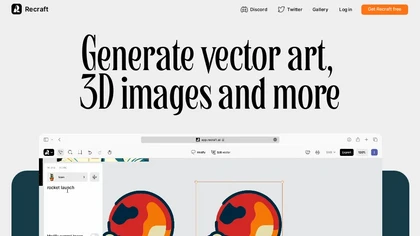
Recraft is an AI platform that generates photorealistic images, vectors, and mockups with accurate lighting. It converts photos to editable vectors, applies custom styles, maintains consistent typography, and offers upscaling and background removal for branding and catalogs.
Freemium

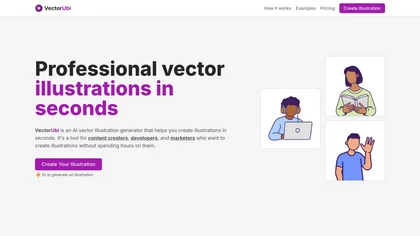
VectorUbi generates high‑quality SVG illustrations in under five seconds from text prompts, supporting consistent styles for designers, developers, and marketers. Batch creation, unlimited downloads, and easy editing in Illustrator or Figma streamline rapid prototyping and branding tasks.
Paid
neoSVG turns text prompts into high‑quality SVGs using AI‑driven Bézier curves, supporting monochrome or color outputs. It offers fast or high‑quality rendering, real‑time preview, and an API for integration into responsive web, mobile, print, AR/VR, UI/UX, and logo workflows.
Subscription
- $15/mo
LOGO.com offers an AI‑driven web logo maker that generates hundreds of concepts from a name and slogan. Users edit elements with a drag‑and‑drop editor and download high‑resolution files, brand assets, and social media graphics.
Free
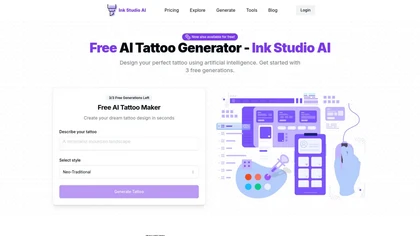
Ink Studio AI generates tattoo designs from text, photos, or style references, offering style transfer, image‑to‑tattoo conversion, 3D virtual try‑on, cost calculators, and helpers like Morse code, Roman numerals, and name generators. Users store designs for artist reference.
Paid
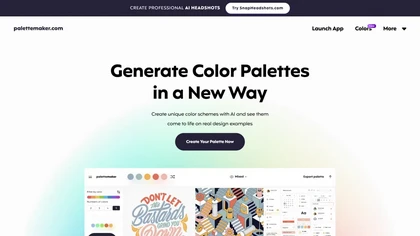
Palettemaker is an AI‑powered color palette generator that lets designers and non‑designers create, tweak, and preview color schemes in real‑world design contexts. It offers export options for Procreate, Adobe ASE, images, and CSS.
Free
Autodraw is an AI tool for quick drawing using machine learning, with a how-to section and shortcuts.
Free
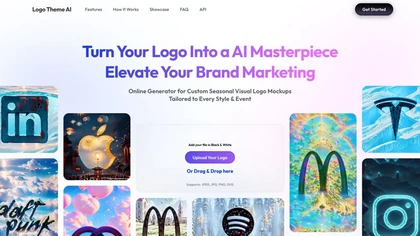
Upload a logo and Logo Theme AI auto‑generates seasonal or event‑specific variations—over 200 ready mockups for holidays and social media. Adjust in a preview, download, or receive personalized designs in multiple languages.
Freemium
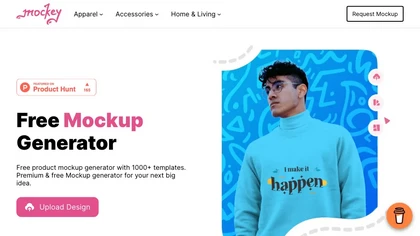
Mockey AI creates watermark‑free product mockups from 20,000+ templates across 45 categories. Upload PNG/JPEG designs, adjust placement and backgrounds, and use AI tools like background removal. It offers 3D and video mockups for animation on desktop, mobile, and Play Store.
Freemium
- $5.7/mo