
Video Editing AI tools with API
Explore the best 30 AI tools for Video Editing that offer an API and compare them for use cases, features and pricing. Use the AI-powered search to find more specialized tools for Video Editing and more.
30 AI Tools for: Video Editing
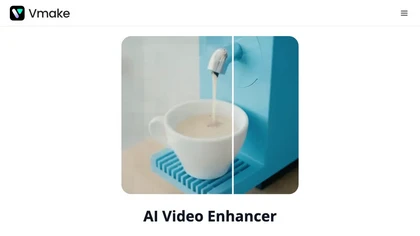
Vmake AI Video Enhancer upsamples MP4, MOV, AVI, etc. to 2K/4K/AI 4K+, removes artifacts, improves low‑light, reduces noise, and offers watermark/text removal, background elimination, and subtitle generation, giving creators, e‑commerce, and gamers sharper, cleaner videos.
8 3
Subscription
- $9.99/mo
VEED is an AI‑powered video editor that lets users upload media, auto‑generate subtitles, edit clips, add music or text, correct eye contact, reduce noise, remove backgrounds, translate captions, and export in multiple formats.
8 3
Freemium
- $11/mo
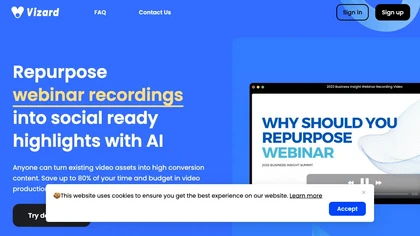
Vizard.ai automatically transcribes footage, spots highlights, and creates TikTok, Reels, and Shorts‑ready clips with one click. It provides text trimming, timeline precision, vertical resizing, multilingual captions, brand templates, collaborative workspaces, and API integration.
19 4
Freemium
- $29
AI Video Agent converts text, product images or URLs, and reference clips into full‑scripted, brand‑aligned videos, automatically planning scenes, adding visual effects, and allowing prompt‑based refinement for fast marketing and social content creation.
26 5
Freemium
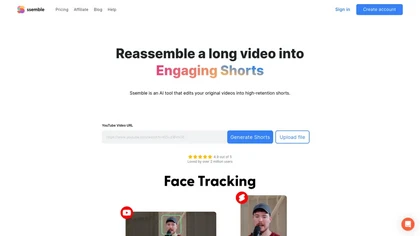
Ssemble automatically extracts viral moments from long videos, centers faces for vertical formats, adds captions and translations, and schedules short clips for TikTok, YouTube, and Instagram. AI‑generated titles, hashtags, and API access support scalable content production.
0 1
Paid
- $6
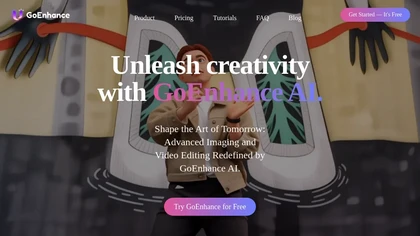
GoEnhance AI transforms text, images, and videos into 4K, 60fps clips in seconds, offering text‑to‑video, image‑to‑video, and video‑to‑video engines, face swap, lip sync, and anime‑style animations with upscaling and a talking avatar.
16 4
Freemium
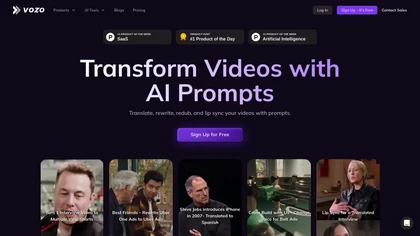
Vozo AI Video Translator converts video content into 110+ languages with context‑aware translation and automatic transcription. It clones original speaker voices, syncs lip movements, replaces on‑screen text, and offers bilingual subtitles, real‑time editing, and secure enterprise integration.
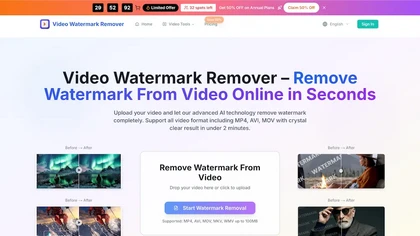
videowatermarkremover.org is a web-based AI tool that removes watermarks, logos, text, and unwanted objects from video files while preserving original resolution and detail. It supports batch processing, API integration, and works across common video formats for content creators, marketers, and teams.
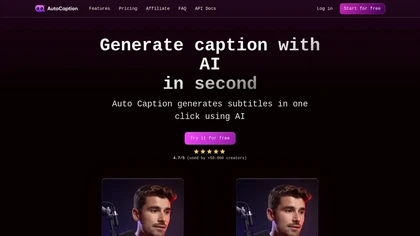
Auto Caption AI instantly generates subtitles in 99+ languages, preserving full HD 1080p/60 fps video quality. Editors can adjust fonts, colors, placement, and use ready‑made or custom templates, with one‑click emoji insertion to enhance captions.
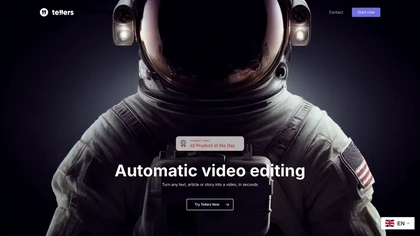
Tellers transforms scripts, live footage, and podcasts into finished videos. Its AI adds voice‑over, visual style, transitions, and auto‑edits camera footage. Illustrated Podcasts pairs audio highlights with royalty‑free clips from Pexels for dynamic visuals.
1 0
Freemium
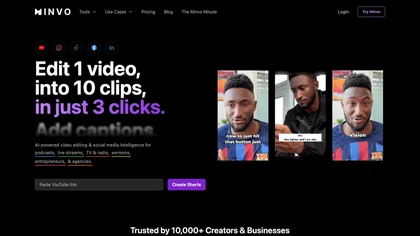
Minvo automates video editing and social media scheduling, converting long videos into short clips, images, and subtitles. Features include AI clip extraction, B‑roll insertion, multi‑language translation, animated captions, branding templates, and cross‑platform posting with performance analytics.
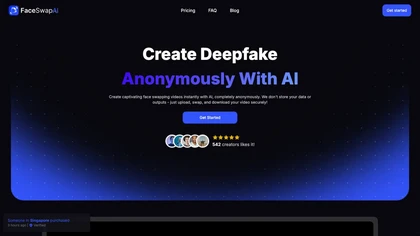
Face Swap AI replaces faces in videos using facial recognition and blending. It accepts local files or YouTube/TikTok/X links, swaps single or multiple faces, processes quickly, outputs 4K/HD, and emails when ready.
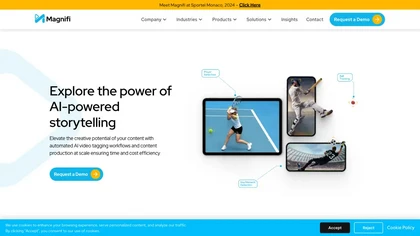
Magnifi automates sports highlight creation and distribution. It extracts clips from live or recorded footage, resizes them for all devices, adds multilingual subtitles, and publishes directly to web, mobile, and social platforms in a single click.
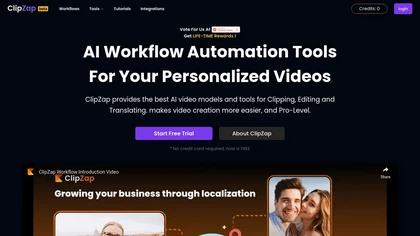
Clipzap.ai is a free AI video workflow editor that enables users to clip, edit, and translate videos in multiple languages. It features face-swapping, video generation, and integration with audio/video products for streamlined content creation.

VideoWatermarkRemove is an AI-powered online tool that intelligently removes watermarks, logos, and text from videos. It analyzes surrounding pixels to erase unwanted elements while preserving the original video quality.
3 2
Freemium
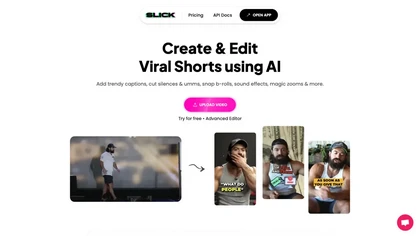
Slick is an AI‑powered video editor that auto‑cuts full‑length footage into social‑media shorts via drag‑and‑drop or a YouTube link. It removes silences, adds multilingual captions, inserts b‑roll, supports 4K, and exports for TikTok, Instagram, YouTube.
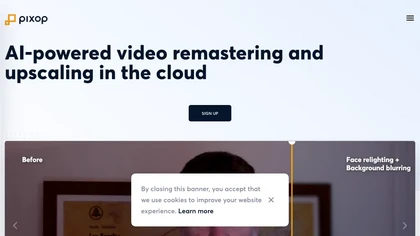
Pixop is an AI‑powered video enhancer that upsamples HD SDR content to UHD HDR without added infrastructure. It offers real‑time live conversion, REST‑API driven archival upscaling, and a browser studio for deinterlacing, denoising, and upscaling.
0 1
Freemium
- $6.38
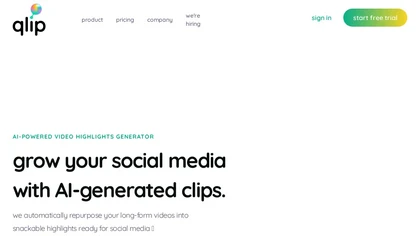
Qlip automatically extracts short, vertical or square clips from longer videos, preserving focus on key moments. It applies brand templates, generates speech‑to‑text transcripts with speaker tags, and offers an API for clip creation, aspect‑ratio conversion, subtitle burning, and transcription.
1 0
Free
- $30
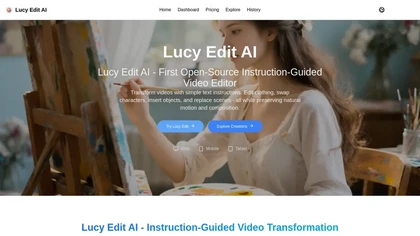
Lucy Edit AI is an open-source tool that transforms videos using simple text prompts. It performs complex edits like character swaps and scene changes without masks or fine-tuning, preserving the original motion and composition.
1 2
Freemium
- $50
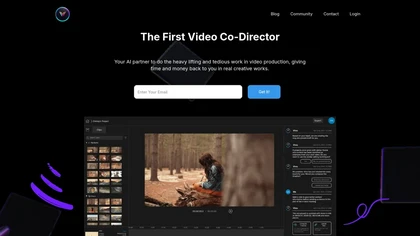
Vivu turns existing footage into multiple editable video variants, automatically applying brand assets and compliance rules. It produces hooks, cutdowns, captions, and platform‑specific formats in one workflow, keeping outputs fully editable for FCP, DaVinci, Premiere, and CapCut.
1 0
Freemium

CodeVideo records editor edits, terminal output, and UI events into an event-sourced, deterministic timeline for creating editable, scrubable code tutorials and training; export to video, Markdown, PDF, PPTX, HTML, framework-specific projects, or programmatic workflows via API/JSON.
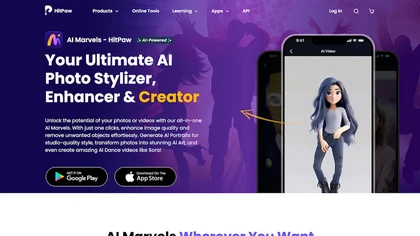
HitPaw AI Marvels applies AI to photos, videos, and animation across Windows, macOS, iOS, and Android. It offers enhancement, upscaling, background removal, text‑to‑video, animation creation, subtitle translation, and batch processing for creators.
1 3
Free
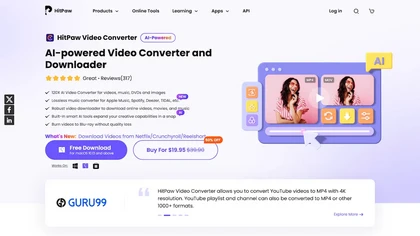
HitPaw Univd is an AI‑powered tool that converts, compresses, and enhances over 1,000 media formats with zero quality loss. It offers GPU‑accelerated processing, upscaling, noise removal, basic editing, and speech‑to‑text transcription.
2 2
Paid
- $19.95
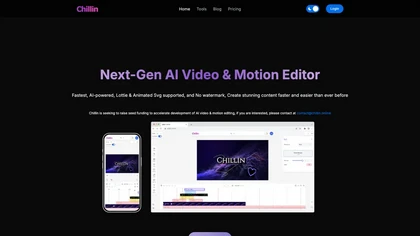
Chillin is a WebGPU‑accelerated, web‑based AI video and 3D editor that supports script‑style commands, multilingual AI captions, text‑to‑speech synthesis, background/image compression, Lottie/SVG integration, cloud 4K 60fps rendering, and LUT presets.
1 0
Free
- $5/mo
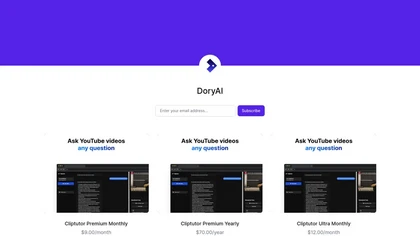
DoryAI offers a range of AI tools for streamlined content creation, featuring advanced video editing with ClipTutor and an API for integration. It supports creators and businesses in optimizing workflows and enhancing productivity.
Videostew is a browser-based video editing tool that leverages AI to quickly generate drafts from various inputs. It includes customizable templates, stock media, collaborative features, and one-click YouTube deployment for efficient content creation.
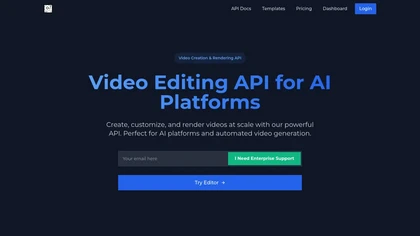
Video Aiditor is an API-driven video editing tool that enables automated video creation, customizable templates, multi-language captions, and local processing. It features advanced composition layers, browser-based editing, webhook integration, and batch processing for diverse user needs.

LTX Desktop is an open-source AI video production suite using the LTX-2.3 multimodal engine for local text-to-video, image-to-video and audio-to-video generation, combined with a non-linear editor, timeline tools, subtitle/XML interoperability and on-prem model management.
3 0
Free
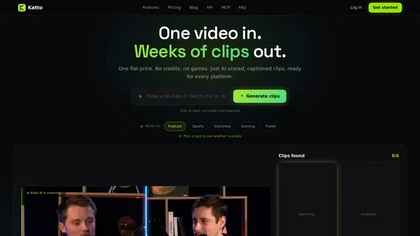
Katto is an AI video clipper that automatically extracts and ranks the best short-form moments from long videos for social media. It streamlines content repurposing with smart reframing, multilingual captions/dubbing, audio cleanup, and direct scheduling/publishing.
2 0
Free trial
- €12/mo

Upload video files (MP4, MOV, MKV, M4V, AVI) and apply AI models—Face, Animation, Denoise, Low‑Light, Colorize—to improve clarity, reduce noise, brighten dark scenes, or add color. Preview changes, upscale to 4K, then download without watermarks.
18 6
Paid
- $9.99