
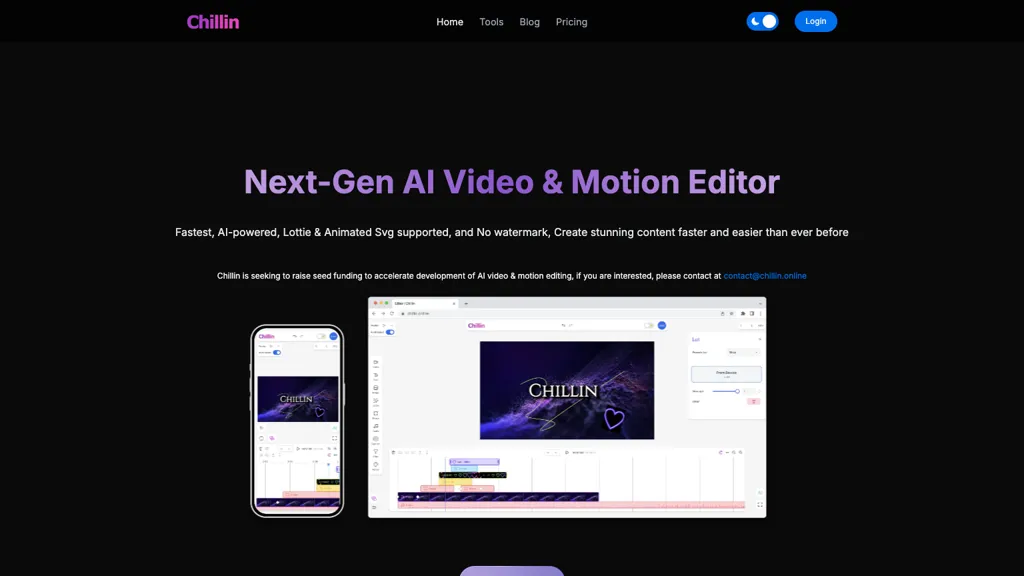
What is Chillin?
Chillin is a web‑based AI video and 3D editing platform that leverages WebGPU for accelerated rendering. The tool provides a fully autonomous video editor that supports script‑like editing commands, AI‑generated captions in over 100 languages, and text‑to‑speech voice synthesis for short videos.
Built‑in utilities include background removal, image compression, and GIF compression, all available before any editing begins. Chillin offers a 3D editing workspace directly in the browser, timeline keyframes, and integration of Lottie/SVG animations with live preview.
Cloud rendering delivers 4K 60fps output without client‑side bottlenecks, while LUTs allow cinematic, vintage, and vibe adjustments. The interface supports dark and light modes, instant language switching, and export-ready rendering for marketing and creative teams.
Chillin pricing
FreeVerify on the official pricing page.
Get started freeChillin's key features
-
WebGPU-powered video/3D editing agent
-
Export 4k 60fps without watermark
-
AI captioning in 100+ languages
-
AI voice generation, human-like
-
Background removal, high precision
-
Fast cloud rendering with WebGPU
Chillin use cases
-
Generate short promotional videos for social media using Chillin's script-style commands, automatically adding multilingual AI captions and text-to-speech narration for global audiences
-
Create immersive 3D product walkthroughs in the browser, integrating Lottie/SVG animations and real-time cloud 4K 60fps rendering without any native software installation
-
Produce high-quality educational videos with interactive captions, background compression, and LUT presets for consistent brand color grading—all within a WebGPU-accelerated browser workspace
Chillin user reviews
Based on 1 review, 100% of users recommend Chillin, rated highly for quality results.
Liked for
Would you recommend Chillin?
Who is Chillin for?
-
Video editors
-
Content creators
-
Motion graphics designers
-
Digital marketers
-
Social media influencers
Chillin FAQ
Is Chillin free?
Yes. Chillin is free to use and does not require a credit card.
What are the best alternatives to Chillin?
The closest alternatives to Chillin are VideoGen.io, CapCut, TopView.ai, Focal AI and HeyGen. You can compare them side by side in the alternatives section further down this page.
Does Chillin have an API?
Yes. Chillin offers an API, so you can call it from your own applications instead of using the interface directly.


