
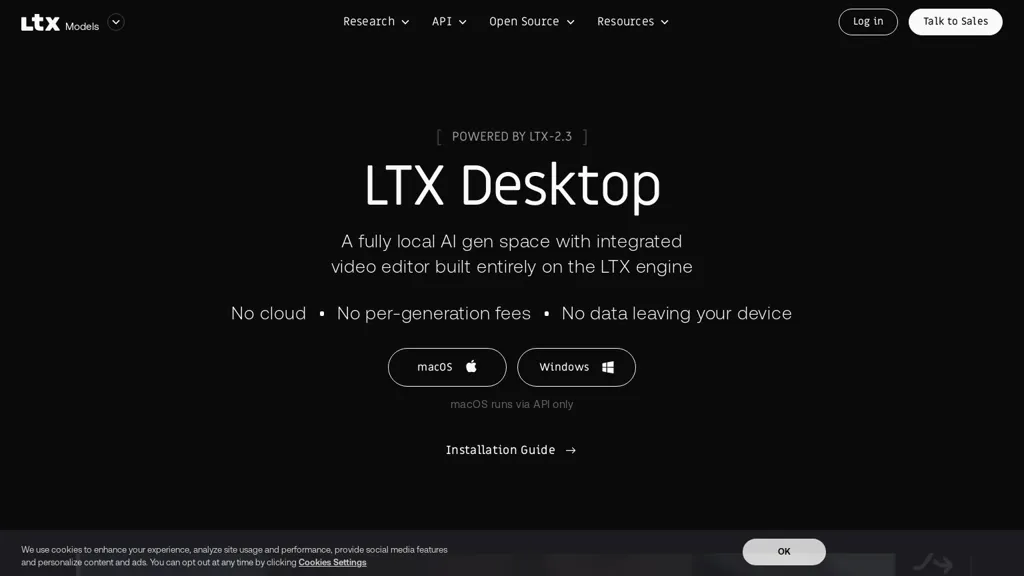
What is LTX Desktop?
LTX Desktop is an open-source AI video production suite built on the LTX-2.3 multimodal engine, offering local text-to-video, image-to-video and audio-to-video generation.It combines on-device generation with a full non-linear editor supporting timeline editing, trims, transitions, color correction, nested clips and non-destructive retakes.
Generation can run from locally stored model weights or via an API toggle for on-prem deployment, model management and integration into production workflows.Editing tools include context-aware gap fill, multiple takes per clip, a built-in subtitle editor with SRT import/export, and XML round-trip support for Premiere Pro, DaVinci Resolve and Final Cut Pro.
Exports target H.264 and ProRes with editor-friendly workflows and customizable keyboard presets mapped to common NLEs.System support covers Windows (NVIDIA GPUs with substantial VRAM recommended) and macOS (Apple Silicon with API-based generation; local macOS GPU inference planned), and initial model downloads require an internet connection and local disk space.
LTX Desktop is distributed under the Apache 2.0 license and includes developer documentation, API access, installation guides and options for local deployment and model access.
LTX Desktop pricing
FreeThis tool is free to use, with no credit card required.
Verify on the official pricing page.
Get started freeLTX Desktop's key features
-
On-device multimodal generation (text-to-video, image-to-video, audio-to-video) powered by the LTX-2.3 engine
-
Built-in full non-linear editor with timeline editing, trims, transitions, color correction, nested clips and non-destructive retakes
-
Flexible model execution: run from locally stored model weights or via an API toggle for on-prem deployment, model management and integration
-
Advanced editing tools including context-aware gap fill, multiple takes per clip, built-in subtitle editor with SRT import/export, and XML round-trip support for Premiere Pro, DaVinci Resolve and Final Cut Pro
-
Export and workflow integration targeting H.264 and ProRes with editor-friendly workflows and customizable keyboard presets mapped to common NLEs
LTX Desktop use cases
-
Create short marketing and social videos from plain text using LTX Desktop's local text-to-video and image-to-video generators, polish cuts in the non-linear editor and timeline, and add SRT subtitles for platform-ready exports — all on-device with no cloud upload
-
Turn podcasts, interviews or raw audio into engaging, captioned video episodes using the audio-to-video generator together with waveform visuals, the SRT subtitle editor and timeline tools, keeping sensitive content on-prem for privacy and compliance
-
Produce corporate training, product demos and explainer videos by converting documentation and screenshots into narrated videos, iterate efficiently with XML round-trip interoperability and on-prem model management for version control and regulated workflows
LTX Desktop user reviews
Based on 3 reviews, 100% of users recommend LTX Desktop, rated highly for quality results.
Liked for
Would you recommend LTX Desktop?
Who is LTX Desktop for?
-
Independent filmmakers
-
Video editors
-
Content creators
-
Motion designers
-
Developers
LTX Desktop FAQ
Is LTX Desktop free?
Yes. LTX Desktop is free to use and does not require a credit card.
What are the best alternatives to LTX Desktop?
The closest alternatives to LTX Desktop are LTX.dev, LTX Studio, LTX-3.com, Video Generator - A2E.ai and Xelta. You can compare them side by side in the alternatives section further down this page.
Does LTX Desktop have an API?
Yes. LTX Desktop offers an API, so you can call it from your own applications instead of using the interface directly.


