
Top 4DDiG Alternatives in 2026
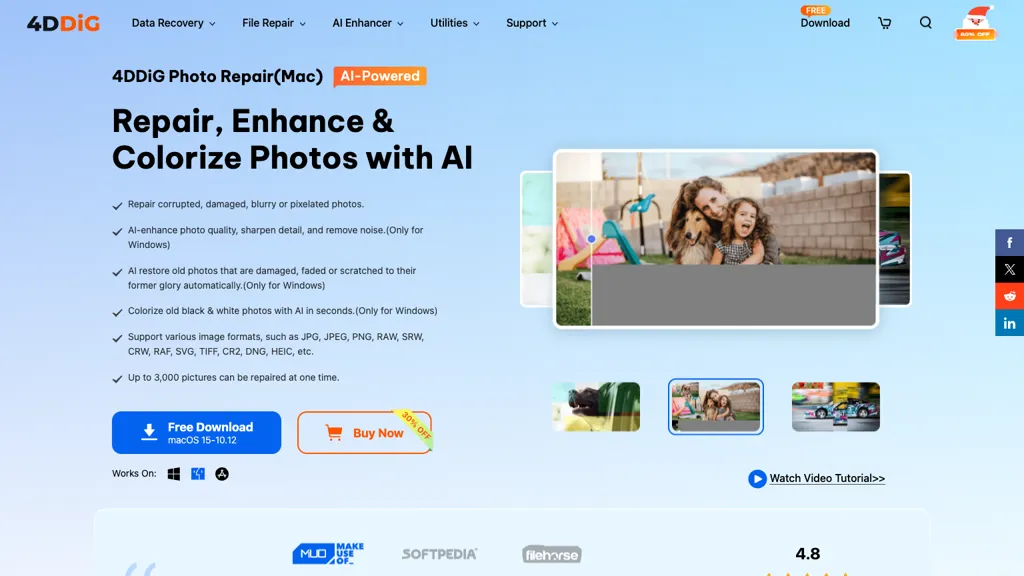
No user reviews yet Paid4DDiG Photo Repair uses AI to restore corrupted JPG, PNG, RAW, HEIC, and DNG images, correcting missing headers, color shifts, pixelation, and overexposure. It denoises, enhances faces, colorizes black‑and‑white, processes up to 3,000 files in batch on Windows and macOS.
Best 5 4DDiG Alternatives:
29 4DDiG Alternatives & Competitors
Tool
Pricing
Rating
Popularity
Compare

AI repair of corrupted videos, photos, audio, and documents
Free trial
100%
2 reviews
56 popularity
▲ +24.1% MoM
App

Restore low-quality face photos using AI
Freemium
100%
1 review
46 popularity
▲ +14.2% MoM

AI-powered image upscaling, denoising, and restoration
Free trial
70.4%
27 reviews
67 popularity

#4
jpghd
AI-powered photo restoration, colorization, scratch repair, upscale
Paid
No reviews yet
54 popularity
▲ +49.4% MoM
App

AI-powered restoration, colorization, and enhancement of vintage photographs.
Paid
No reviews yet

AI-powered one-click photo restoration and colorization for old photos
Free trial
from $9.9/mo
25%
4 reviews

AI-powered quick image editing and generation online
Paid
100%
1 review
50 popularity
▼ -4.1% MoM

Enhance low-quality images to high-resolution using AI
Freemium
75%
4 reviews
58 popularity

AI colorizes, upsamples, repairs, and retouches images quickly.
Freemium
from $3.9/mo
No reviews yet
53 popularity
▲ +16.7% MoM
App

#10
Let’s Enhance
AI upscales, sharpens, restores images for professional print
Freemium
from $0.75/mo
68.4%
19 reviews
61 popularity
▼ -3.4% MoM

AI-powered image upscaling and enhancement, preserving detail and clarity.
Freemium
76.2%
21 reviews
56 popularity
▼ -15.3% MoM

AI-driven restoration of old photos: remove scratches, enhance color, upscaling
Free
50%
1 review

Enhance photo resolution, sharpness, and color with AI upscaling
Freemium
91.7%
12 reviews
61 popularity

#14
EnhancePhoto AI
Enhance images to high-quality using AI technology
Freemium
50%
4 reviews
49 popularity

#15
NanoPhoto.AI
AI-powered photo and video editing for users
Free trial
from $15/mo
60%
5 reviews
52 popularity
▲ +26.0% MoM

#16
PicPicAI
AI photo editor: removes backgrounds, enhances, upscales, restores images
Paid
100%
5 reviews
38 popularity
▼ -28.9% MoM

Enhance images using AI: sharpen, denoise, upscale, and color correct
Free trial
90.3%
31 reviews
67 popularity

#18
PicFixer.ai
AI headshot generator and enhancer for professional profile photos
Free trial
from $10
75%
4 reviews
43 popularity
▲ +128.7% MoM

#19
Smart Upscaler
AI-driven image upscaling, batch, background removal
Subscription
from $19.99/mo
75%
12 reviews
69 popularity

#20
anvsoft.com
AI-powered video enhancement: upscaling, denoising, sharpening, colorization
Free
100%
1 review
46 popularity

Intelligent image editing based on text prompts using AI
Free trial
50%
4 reviews
49 popularity
▲ +47.4% MoM

#22
Radiant Photo
Enhance photos with perfect color and speed
Freemium
No reviews yet
44 popularity
▲ +11.2% MoM

#23
VanceAI
AI-powered batch image enhancement and editing for creative workflows
Free trial
66.7%
24 reviews
58 popularity
▲ +0.3% MoM

AI automatically removes backgrounds from photos and preserves resolution
Freemium
from $9
82.1%
28 reviews
69 popularity

#25
PhotoEnhanceAI
Enhances and transforms photos using AI technology
Freemium
from $100/mo
100%
1 review
25 popularity
▼ -10.1% MoM

#26
PicCreator AI
AI-powered prompt-based image generation and professional photo editing
Freemium
from $5.99/mo
No reviews yet
49 popularity

AI background removal and batch photo editing
Freemium
from $12.99/mo
80%
5 reviews
50 popularity
▼ -49.3% MoM

#28
PicWish
AI photo editor: enhance, remove backgrounds, delete watermarks.
Subscription
from $9.99/mo
75%
4 reviews
67 popularity
▲ +1.5% MoM
App

Automatically enhance image quality with AI
Subscription
100%
2 reviews
47 popularity
▼ -8.6% MoM
Also listed in:
Utilities
Image improvement
Image editing
Image Enhancement
Colorization
Background Removal
Frequently Asked Questions
Based on user reviews, the highest-rated 4DDiG alternatives are
PicPicAI (100%),
HitPaw Online Photo Enhancer (91.7%),
HitPaw Photo Enhancer (90.3%),
Background Remover (82.1%),
PixPretty AI Photo Editor (80%).
Yes, 22 of the 29 alternatives listed here offer a free plan, including Wondershare Repairit, RestorePhotos, HitPaw Photo AI.
PicFixer.ai is the fastest-growing 4DDiG alternative here, with traffic up 129% month over month.