
Time Lapse
The best 50 Time Lapse AI tools - Free & Paid
Explore 50 AI for Time Lapse

Photolapse converts up to 100 photos into a time‑lapse video, automatically centering the subject’s face with AI. Users upload images, set frame speed/duration, preview, and share the resulting video for personal or marketing use.
Freemium
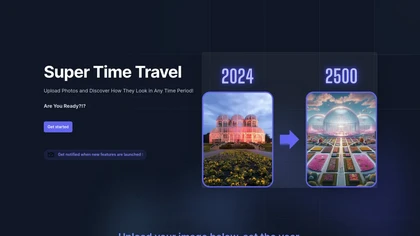
Super Time Travel is an interactive tool that enables users to manipulate photos and visualize them across historical and futuristic contexts, enhancing creative expression and engagement with visual content through a user-friendly interface.
Freemium
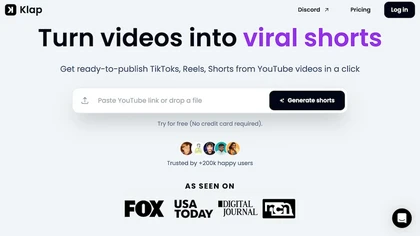
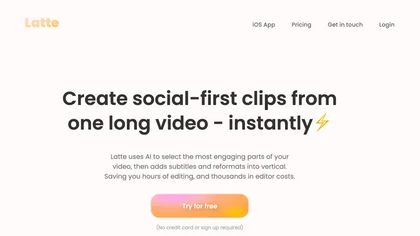
Klap automatically extracts key moments from long videos, reframes them for vertical formats, adds multilingual subtitles, and lets you customize branding. Upload files or YouTube links, then share or schedule ready‑to‑publish clips across TikTok, Instagram, LinkedIn, and YouTube.
Paid
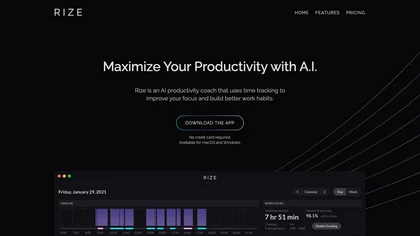
Rize tracks team activity automatically, recording app, window, and URL usage without timers or screenshots. It aggregates data by client, project, and task, and delivers real‑time dashboards and scheduled client‑ready reports for efficient billing and workload monitoring.
Subscription
- $9.99/mo
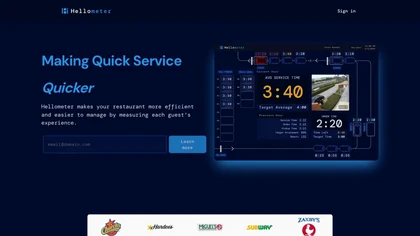
Hellometer delivers real‑time analytics for quick‑service restaurants, monitoring drive‑thru flow, in‑house wait times, and kitchen prep. It offers HD loss‑prevention video and evidence‑ready footage for delivery disputes to improve efficiency.
Paid

Alivemoment is an AI tool that animates still photos by applying various styles, such as gentle motion or emotional storytelling.
Freemium

Kling AI Motion Control turns a single static image into a realistic, physics‑based animated video. It automatically generates motion paths, applies dynamic effects, and outputs smooth, cinematic clips, supporting batch processing and custom parameters for marketers, designers, and creators.
Subscription
LTX.io is an AI video suite for generative creation, editing, and production, from ideation to final output. It offers local and cloud tools, an API for developers, and enterprise features for scalable, collaborative workflows.
Subscription
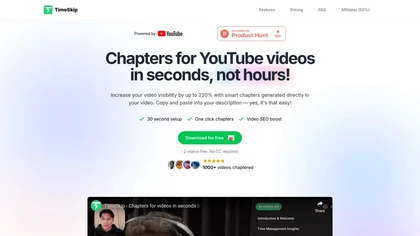
Timeskip AI is a Chrome extension that automates the creation of SEO-optimized chapters for YouTube videos, podcasts, and webinars, enhancing discoverability and viewer engagement by generating chapters with timestamps in seconds.
Free trial
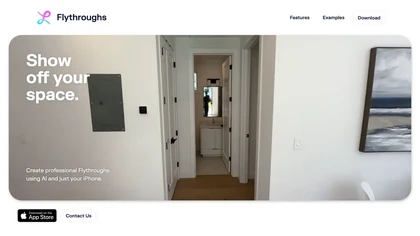
Flythroughs by Luma AI turns handheld iPhone video into photorealistic 3D tours using NeRF. Capture footage, add locations, and generate interactive cinematic walkthroughs in minutes—ideal for real‑estate, architecture, and interior design showcases.
Freemium

TensorPix enhances SD video to 4K 60FPS, removes artifacts from VHS and old footage, offers real‑time call improvement, batch processing, API integration, and cloud GPU processing—no local install needed.
Freemium
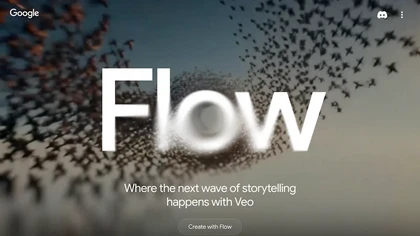
Veo Flow is an AI filmmaking tool designed for creatives, enabling seamless creation of cinematic clips and stories by combining user-provided assets with Google’s generative AI models, streamlining the filmmaking process.
Freemium
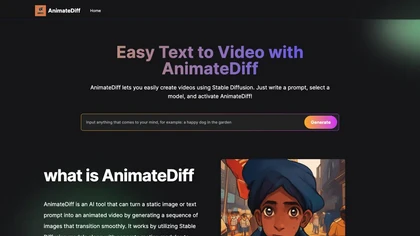
AnimateDiff transforms text prompts or static images into short video clips by generating key frames with Stable Diffusion and interpolating realistic motion. It supports ControlNet editing, works in AUTOMATIC1111 Web UI and Colab, and requires an 8 GB GPU.
Free

Timeless is an AI meeting assistant that captures conversations into project rooms, triggers agents via voice or text to draft proposals, assign tasks, and create follow-ups, automating notes, summaries, workflows, and synchronized deadlines across devices.

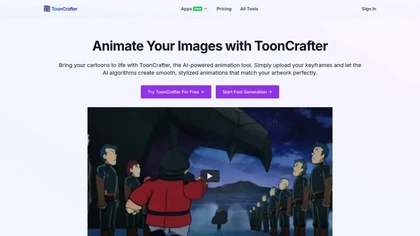
ToonCrafter turns 2‑4 static cartoon images into 8 fps, 512×512 MP4 clips by interpolating keyframes. It preserves texture with style transfer, supports WEBP, PNG, JPG, and offers looping for extended sequences.
Freemium
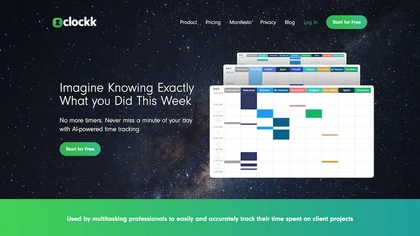
Clockk automatically tracks work hours across Asana, Trello, Jira, and Slack, removing manual timers. It logs real‑time activity, calculates billable hours, and provides detailed reports for invoicing, rate adjustment, and project estimation.
Subscription
- $8/mo
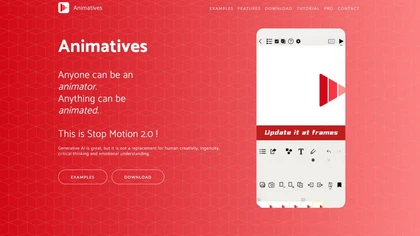
Animatives lets iPhone/iPad users create stop‑motion, timelapse, and mixed‑media videos with frame‑by‑frame control, combining photos, drawings, virtual objects, and audio. Export as MP4 or GIF up to 4K for sharing.
Freemium
AI Video Enhancement enlarges and improves video/images with no quality loss, scaling to 2K/4K/8K, noise‑reducing, colorizing black‑and‑white, interpolating up to 240fps for smooth slow‑motion. Supports MP4, MOV, MKV, AVI, JPG, PNG, BMP, GIF, WEBP; batch ZIP; desktop for Mac/Windows.
Paid
LumeFlow AI is an AI video generator that transforms text, images, and clips into videos. It enables creators to easily produce content with features like video remixing, effect libraries, and cinematic enhancements.
Freemium
- $6.99/mo

FLUX Context is an AI image and video generation platform that integrates multiple models for tasks like text-to-image, inpainting, and text-to-video. It enables precise editing with features for object modification, style transfer, and OCR-based text editing, streamlining workflows for professional
Freemium
NightCafe is an AI art platform for text-to-image and text-to-video generation, prompt-based image editing and image-to-video conversion, offering multiple models, multi-image fusion, upscaling, audio-synced video output, galleries and community collaboration tools.
Freemium
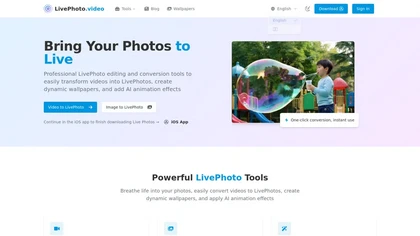
LivePhoto.video is a tool that converts videos, GIFs, and static images into animated Live Photos and dynamic wallpapers for iPhone. It uses AI to add motion, offers one-click saving to your Camera Roll, and allows direct sharing to social media.
Freemium
Stable Diffusion Online lets users generate photo‑realistic images from text using the Stable Diffusion XL model. It offers fast GPU‑accelerated rendering, real‑time inpainting/outpainting, a 9‑million‑entry prompt database, and no prompt or image storage.
Free
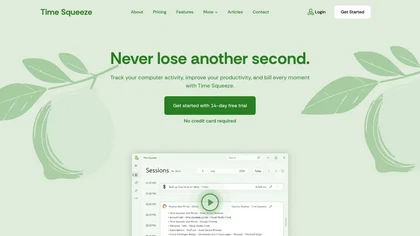
Time Squeeze is a time tracking tool that monitors computer activity, automatically consolidates time across applications, and generates reports for accurate billing. It offers local data storage, integration with project management software, and an intuitive dashboard for efficiency insights.
Free trial
FLUX.2 is a high‑resolution AI image generator delivering 4‑megapixel photorealistic outputs with rapid, sub‑second inference, multi‑reference control, and easy API or local deployment. It supports fine‑tuning, on‑prem compliance, and 24/7 availability.
Free
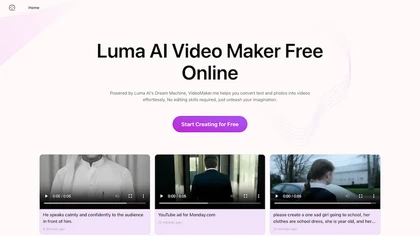
Google Veo 3 generates 8‑second, full‑HD cinematic clips from text prompts with lip‑synced dialogue and ambient audio. It animates still images, adds motion, lighting, perspective shifts, and over 60 visual effects for quick online video prototyping.
Subscription
- $7.9/mo
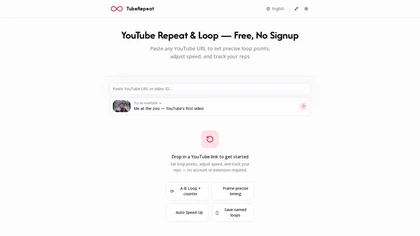
TubeRepeat is a browser-based tool for frame-precise A–B looping and speed control of YouTube videos, with features like progressive tempo increments, a repetition counter, and shareable session URLs for collaborative practice. It’s designed for musicians, language learners, dancers, and students to
Free

Supercut is an asynchronous video messaging platform that records screen and webcam (up to 4K), auto-edits and chapters recordings, provides branded shareable links with embedded CTAs, analytics and engagement tracking, collaboration tools, and enterprise-grade security.
Free trial

Eklips is an AI tool that automatically clips gaming moments from Twitch streams and converts them into TikTok, Reel, and Short formats for easy editing and sharing on social media. It also has a mobile app and video editor for customization.
Free
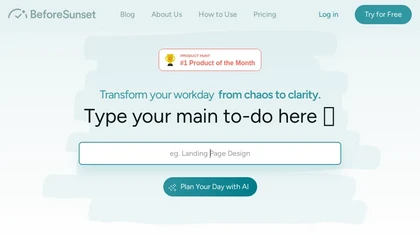
BeforeSunset AI converts notes into prioritized tasks, generating daily agendas with time‑efficient scheduling. It offers a Pomodoro workspace, reminders, recurring tasks, labels, and cross‑device sync, supporting founders, students, and designers efficiently.
Subscription
- $8/mo
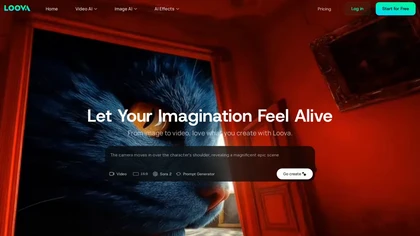
Loova is a unified AI studio for generating images and videos from text or photos, offering multiple top models to balance speed, quality, and realism. Its tools include multi-shot sequencing, style transfer, and video effects for creators needing rapid, high-quality visual assets.
Freemium
- $10/mo

GeniLoop is an AI video and image generator that converts text prompts and static images into short, high-resolution videos (up to 1080p) with smooth motion, auto-synced audio, and built-in editing tools for rapid multimedia prototyping.
Freemium
- $7.99/mo

CodeVideo records editor edits, terminal output, and UI events into an event-sourced, deterministic timeline for creating editable, scrubable code tutorials and training; export to video, Markdown, PDF, PPTX, HTML, framework-specific projects, or programmatic workflows via API/JSON.
Subscription

Book with Pavel (TimeTuna) schedules meetings across global time zones by listing regional GMT offsets and converting slots to attendees' local times; participants pick a slot, submit name and email, and avoid overlapping appointments.
Freemium

TimeHero automatically schedules tasks and projects across calendars and tools, pulling items from Gmail, Slack, Asana, and 1,000+ apps. It adapts to changes, flags deadlines, tracks time, and delivers real‑time capacity reports for managers.
Freemium
- $5/mo

History Timelines is an app that enables users to create and view timelines of historical events.
Free
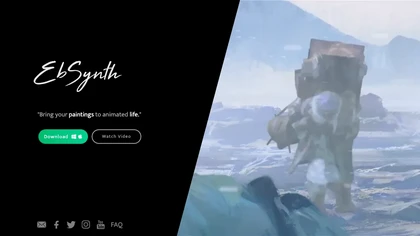
EbSynth propagates changes from a single keyframe to an entire video using texture synthesis, enabling hand‑drawn animation, retouching, colorization, and digital makeup without manual tracking. It supports desktop OS, MP4/PNG export, up to 4K, and offline command‑line processing.
Freemium
- $20/mo
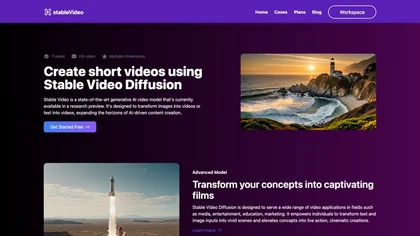
Stable Video Diffusion Online converts still images and text prompts into 4‑second, watermark‑free video clips in 16:9, 9:16, or 1:1 aspect ratios. Fast, server‑based processing supports media, advertising, and education workflows, with open‑source code for customization.
Freemium
- $9/mo
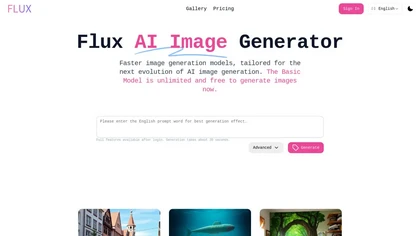
Flux AI Image Generator creates high‑quality images in about 30 seconds using just 1–4 diffusion steps. It supports 0.1–2 MP resolutions, varied aspect ratios, styles, and artistic modes. Three variants (Pro, Schnell, Dev) balance speed and quality.
Freemium
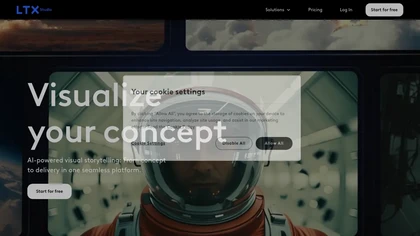
LTX Studio is an AI‑powered web platform that converts text prompts into videos, images, or script‑to‑video outputs, offers camera keyframing, storyboard creation, AI‑generated assets, and collaborative editing—all within a single desktop‑browser workspace.
Subscription
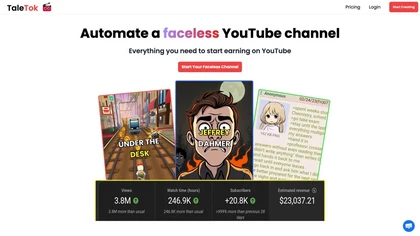
TaleTok.io automates faceless video creation and multi-platform short-form distribution, generating scripts, AI voiceovers, music, visuals and timed captions from Reddit/4chan or custom text. Exports 1080p MP4, supports scheduling, watermarks and channel scaling.
Free trial
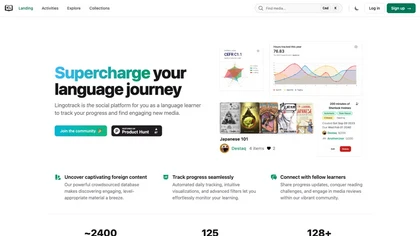
Lingotrack automates language‑learning progress tracking, visualizes study data, and offers a crowdsourced database of foreign media sorted by difficulty. Users log consumption with one‑click or GPT‑powered input, view dashboards, and join community challenges and reviews.
Subscription
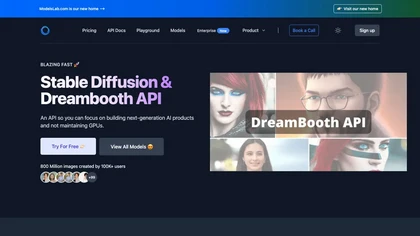
Provides API access to pretrained image generation models for text‑to‑image, image‑to‑image, and inpainting, with real‑time editing. Supports single‑call Dreambooth/LoRA training without local GPU, plus voice cloning, text‑to‑3D, interior design, and video creation.
Paid
- $27/mo

Videoleap is a cross‑platform editor with AI background removal, infinite‑zoom, text‑to‑video, audio cutting, subtitles, and built‑in filters. It offers templates for TikTok, Reels, Shorts, and ads, plus a drag‑and‑drop interface for quick professional videos on web or mobile.
Free trial

Laurel automates time capture with AI‑powered timesheets that group activities, generate narrative summaries, and provide compliance‑ready data for legal and accounting firms. It supports real‑time billing, capacity planning, pricing optimization, and offers confidential, firm‑specific AI models.
Subscription

Timetailor is an AI scheduling tool that integrates classes, work, and social events into a unified calendar, allowing users to manage their time efficiently. It offers location-based planning and supports interactions via text, voice, or images.
Freemium
Flux AI Pro uses the Flux 2 architecture to produce up to 4‑MP detailed images in various aspect ratios. It offers multiple models (FLUX.1 Pro/Dev/Schnell), precise prompt compliance, readable text rendering, and tools like upscaling, inpainting, and image‑to‑prompt conversion.
Freemium
- $6.99/mo