
Digital Hairline Adjustment
The best 50 Digital Hairline Adjustment AI tools - Free & Paid
Explore 50 AI for Digital Hairline Adjustment

HairIsEverything is an AI tool that generates photorealistic hairstyle previews from a single photo. It allows users to try on various styles, compare results, and share them with stylists for better planning.
Freemium
- $9.99
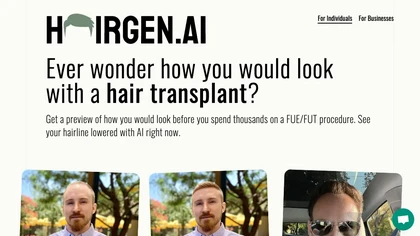
Hairgen.ai creates instant photorealistic before‑and‑after hair transplant previews from a single photo. Users sketch desired areas; the AI refines hairline, color, and length in seconds. Cloud‑based, device‑agnostic, privacy‑focused, and suitable for clinicians, staff, or patients.
Paid

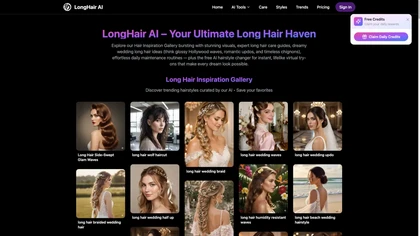
LongHair.ai is a free AI tool that lets you instantly preview over 50 long hairstyles on your uploaded photo. It provides a realistic transformation with styles from straight to curly, and all photos are automatically deleted for privacy after 24 hours.
Free trial
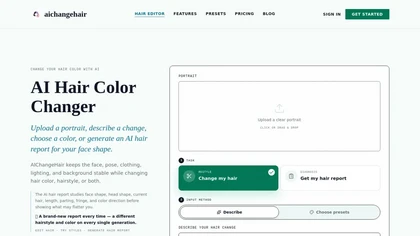
AIChangeHair is a hair editor that lets you change hair color and try new styles on portrait photos. It preserves face, pose, and background while applying colors or 180 hairstyle presets from text prompts or palettes.
Free trial
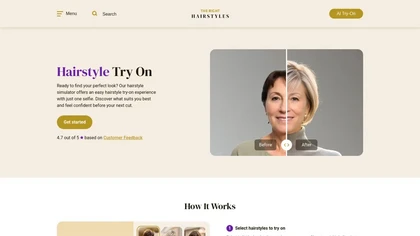
therighthairstyles is an AI tool that allows users to upload selfies and virtually try on over 320,000 hairstyles. It offers personalized filtering by hair type and face shape to help people choose flattering styles confidently.
Freemium
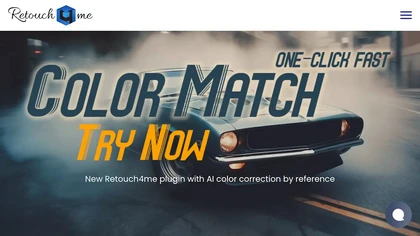
Retouch4me is an AI retouching suite that functions as Photoshop plugins or standalone apps. It automates skin, eyes, hair, clothing, and background edits in real‑time, supports RAW and batch workflows, and offers video color grading with offline processing.
Paid
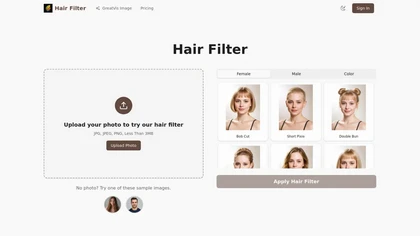
Hair Filter is an AI-powered hairstyle generator that lets you upload a selfie to try on dozens of realistic hairstyles and colors. It provides immediate visual feedback with high-quality images, perfect for experimenting or preparing for a stylist consultation.
Freemium
- $4.98/mo
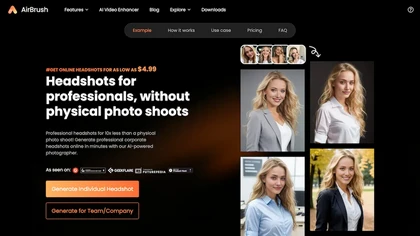
Headshot AI Generator is an AI-powered tool that quickly produces professional headshots with advanced editing capabilities. Whether you need to retouch photos, create avatars, or enhance images, this tool offers customization options and fast results, perfect for improving your online presence effo
Paid

Perfect365 applies AI‑powered virtual makeup and hairstyles to photos or live video, enabling real‑time adjustments to skin tone, eye color, lipstick, and hair. It provides a 6,400‑look library and high‑resolution editing for quick sharing.
Freemium
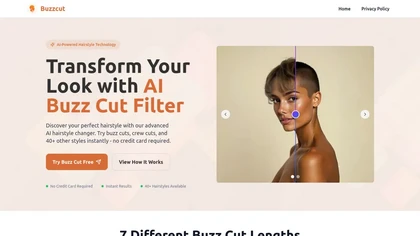
BuzzCut.ai is an AI tool that lets you visualize over 40 different buzz cut styles on your own photo. Using facial recognition, it generates a lifelike preview so you can see the look before you commit.
Free trial

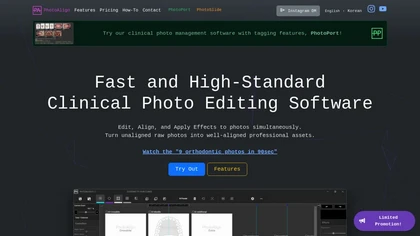
Photoalign is a clinical photo editing software for dental professionals, offering AI-powered automatic photo alignment, batch editing, and template layouts for diverse imaging needs, enhancing workflow efficiency and maintaining professional-quality results.
Freemium
- $10.99/mo
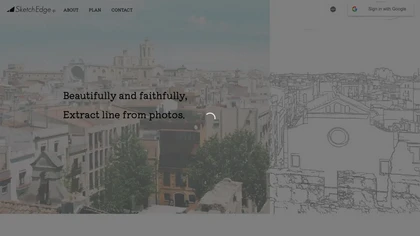
SketchEdge uses AI to convert photos into soft, hand‑drawn line drawings. Upload high‑resolution images, adjust line thickness, and export as vector SVG or raster PNG. Batch processing and a simple web interface streamline the design workflow.
Freemium
AI Hairstyles lets users virtual‑try‑on realistic hairstyles from a single selfie. AI analyzes face shape to recommend styles and celebrity look‑alikes. Results load in 5–10 seconds, no registration required, and images are deleted after 30 days.
Paid
- $8
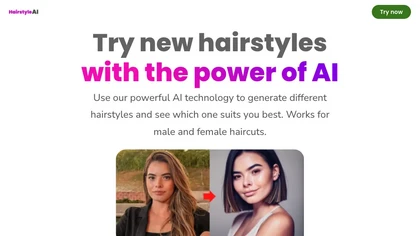
The Hairstyl AI tool generates different hairstyles based on user-provided photos, offering 40 options for both male and female haircuts, saving time and money.
Usage based
- $7.99
Deep‑Image.ai offers photo upscaling, denoising, sharpening, color and lighting adjustments. It removes backgrounds, adds virtual staging, creates business headshots, and delivers batch product‑photo presets, inpainting, and high‑resolution generative upscaling up to 300 MP.
Freemium
jpgHD uses AI to perform lossless restoration of old, scratched photos, adding color, repairing damage, and providing Ultra Restore. It animates up to ten faces, offers 2×/4× super‑resolution, denoising, and high‑definition enhancement via web UI or REST API.
Paid

Clipdrop is an AI image editor that adjusts aspect ratios, extends boundaries, and adds background space while preserving detail. It offers background removal, object cleanup, relighting, universal resizing, upscale, and text‑to‑image generation for photographers and designers.
Freemium
- $15/mo

Colorcinch converts photos to cartoons, sketches, or paintings with one click, offers AI background removal, adjustable sliders, overlay effects, multi‑layer editing, high‑resolution export to JPG/PNG/PDF, all usable online/offline without login.
Free
- $8.99
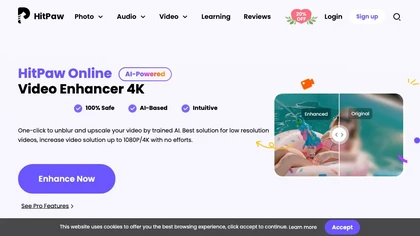
Upload video files (MP4, MOV, MKV, M4V, AVI) and apply AI models—Face, Animation, Denoise, Low‑Light, Colorize—to improve clarity, reduce noise, brighten dark scenes, or add color. Preview changes, upscale to 4K, then download without watermarks.
Paid
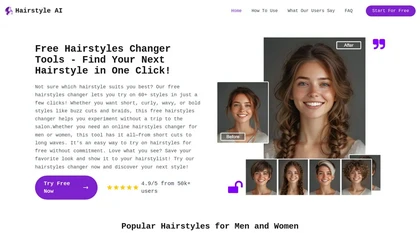
AI Hairstyle Changer lets users upload photos to virtually try on over 60 hairstyles. It aids in visualizing haircut options, providing inspiration and facilitating discussions with hairstylists for informed style decisions.
Free trial
Photoflow AI enables users to create ultra-realistic 8K professional headshots quickly. With customizable backgrounds, automatic enhancements, and easy sharing options, it is ideal for enhancing online professional presence and making a strong first impression.
Paid

AI Hair Changer is a web tool that enables users to quickly alter their hairstyle and color by uploading photos. It offers a variety of styles and customizable options, making it ideal for personal experimentation and social sharing.
Free

AI image enhancer that upscales up to 4×, removes noise, sharpens blur, and can enhance faces or colorize. Handles .png/.jpg/.webp/.tif/.bmp/.raw and outputs the same formats. Windows, macOS and Photoshop plugin supported.
Free trial
The AI Lab provides an advanced tool with image and facial enhancements features such as photo colorization, object and background removal, cartoon creation, retouching portraits, adjusting facial expressions, and API and platform for developers.
Free
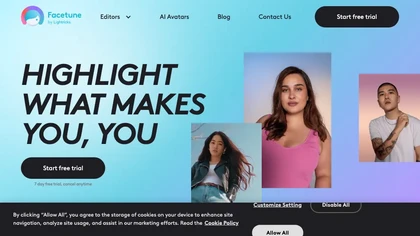
Facetune is an AI‑driven photo and video editor offering touch‑up, background removal, face and body reshaping, realistic makeup and hairstyle try‑on, background blur, and noise removal—enabling quick mobile edits for influencers, photographers, and stylists.
Subscription
- $25/mo
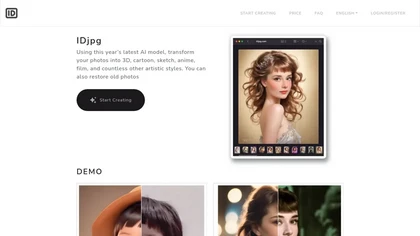
IDjpg is an AI image editor that applies style transfers, restores photos, creates ID images, converts line art, and renders product illustrations. It offers batch processing, face analysis, pose adjustment, and character swapping for professional visuals.
Paid
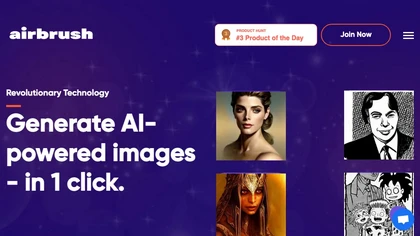
Airbrush lets users generate artwork, photorealistic photos, anime, 3D renders, logos, and social graphics from prompts, selecting models like Stable Diffusion, DALL‑E 2, and specialized variants. Outputs range 256‑4096 px with 4× upscaling, aiding designers, marketers, and game devs.
Freemium
- $9/mo
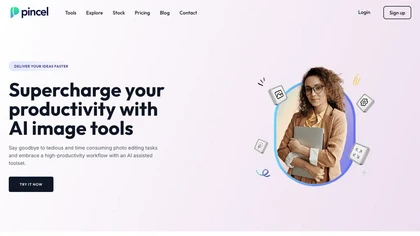
Pincel is a web‑based AI image editor offering tools for photo retouching, generative fill, background removal, and creative manipulation. It supports upscaling, virtual makeup, and quick edits across devices for designers and marketers.
Subscription
- $19/mo
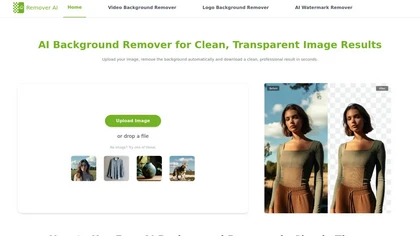
removerai.io is a web-based AI tool that automatically removes backgrounds from images, preserving fine details like hair and edges. It requires no installation, allows manual refinements, and exports high-resolution transparent PNGs for e-commerce, design, and marketing.
Free
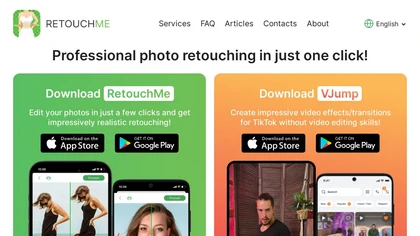
RetouchMe is a mobile and web app that lets users upload photos for professional designers to manually edit, offering skin smoothing, blemish removal, makeup, color changes, body adjustments, background replacement, and clipping path, delivered within minutes with privacy safeguards.
Paid

HitPaw FotorPea automatically enhances photos by applying AI models for sharpening, denoising, face and color correction. It unblurs images, upsizes to 4K/8K, restores old photos, removes backgrounds, and generates images from text prompts.
Free trial

AI Photo Studio automates e‑commerce image editing: background removal, resolution enhancement, lossless compression, profile passport creation, hairstyle preview, object cleanup, old‑photo restoration, colorization, AI fashion model generation, clothing recolor, background changes, and file convers
Free
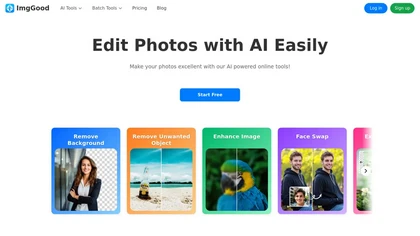
ImgGood is an AI-powered online photo editor that offers background removal, object editing, and image enhancement tools. It supports batch processing for resizing, format conversion, and intelligent image expansion.
Free trial
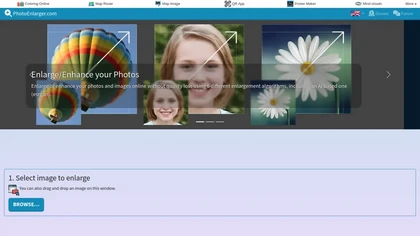
Upload or drag a photo, then upscale it with one of six algorithms—Magic Kernel Sharp, Lanczos 3, Hermite, or AI‑based ESRGAN—entirely client‑side for privacy. Crop as needed and download in JPG, PNG, or WebP.
Free
DALL‑E Free converts text prompts into high‑resolution images, supports image‑to‑image editing and upscaling, and offers an integrated editor for color adjustment, cropping, and effects—all without coding, facilitating quick visual concept creation for artists and marketers.
Freemium
- $15/mo

SnapEdit is an AI‑driven photo editor that removes objects, backgrounds, and text, provides 100+ background templates, upsamples images to HD/4K, and offers skin retouching, all accessible via web, iOS, and Android.
Freemium
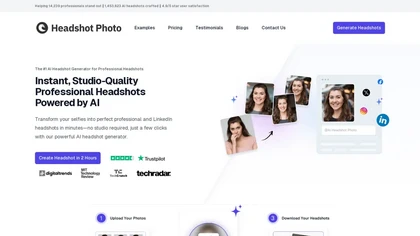
Headshot Photo is an AI-driven tool that transforms selfies into studio-quality professional headshots in minutes. With customizable backgrounds and outfits, it provides a quick, cost-effective solution for enhancing professional online presence.
Paid
- $19
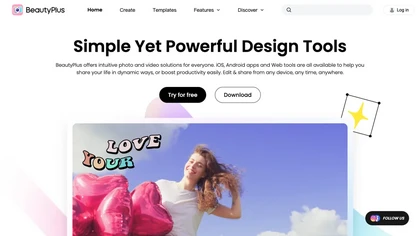
BeautyPlus - Versatile AI tool for effortless photo & video editing; offers face reshaping, filter & sticker additions; perfect for enhancing selfies & videos.
Free trial

Colorcinch is an AI photo editor that instantly cartoonizes or sketches images and offers background removal, cropping, resizing, exposure and detail controls, file compression, and 400 DPI print‑ready export. Mobile app adds cartoonizing, background removal, and upscaling on the go.
Paid
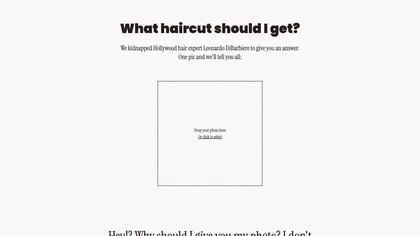
FireHaircut, powered by AI and Hollywood expert analysis, recommends hairstyle options based on your photo. Receive personalized styling advice and ratings on your current haircut to find the perfect look easily.
Freemium
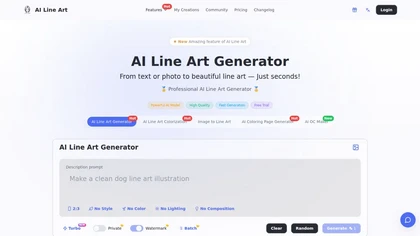
Creates print-ready line drawings and coloring pages from text prompts or photos, offering multiple styles (sketch, woodcut, continuous line, 3D), image-to-line-art colorization, prompt-based controls, batch generation, and high-resolution exports for design and illustration.
Free trial
- $8.33/mo
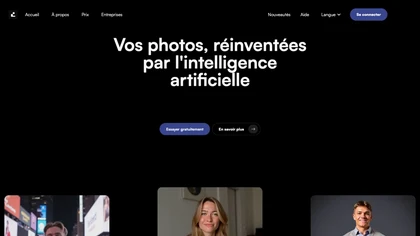
Dreamlense is an AI tool for photo enhancement and custom image generation, enabling users to create professional-quality portraits and unique visuals easily. It offers style customization for diverse occasions, streamlining visual representation for social media and professional use.
Freemium
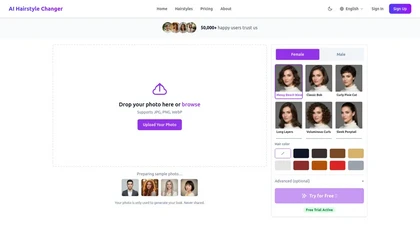
AIhairstylechanger.space is a tool that generates realistic virtual hairstyle previews from a single front-facing selfie, mapping 200+ styles with customizable color, length, and texture. It produces high-resolution results in 10–30 seconds for personal try-on or salon consultation.
Free trial
- $2.99
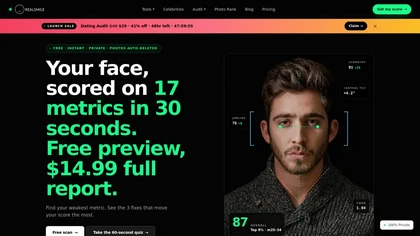
RealSmile is a privacy-first AI tool that analyzes selfies using 17 facial-geometry metrics to generate a 0–100 face score, percentile ranking, and specialized feedback for dating profiles, professional headshots, or smile authenticity. It runs entirely on-device in the browser, with no photo upload
Freemium
- $14.99

HairStyleChanger.AI is an AI tool that creates photorealistic hairstyle and color previews from a single front-facing photo. It lets you choose from 100+ styles and 20+ colors, generating high-resolution results in about 30 seconds while preserving facial features and privacy.
Free trial
- $9.9/mo