
Brushstroke Variation
The best 38 Brushstroke Variation AI tools - Free & Paid
Explore 38 AI for Brushstroke Variation
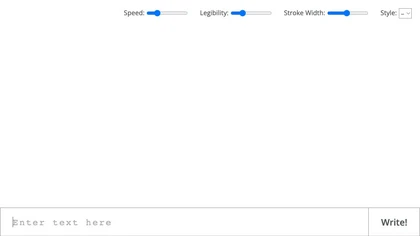
Convert text to handwriting using an in-browser recurrent neural network with various print and cursive styles. Customize outputs and download as SVG.
Free
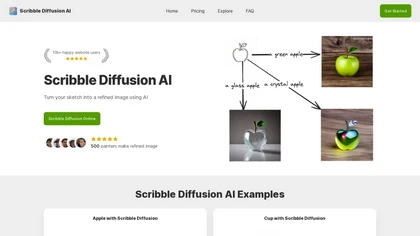
Scribble Diffusion AI transforms hand‑drawn sketches into polished images with one click, allowing browser drawing or file upload. It offers prompt‑based style variations, quick refinement, and export in common formats for seamless pipeline integration.
Freemium
- $9/mo
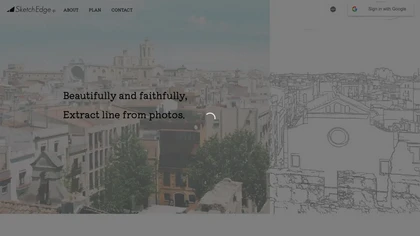
SketchEdge uses AI to convert photos into soft, hand‑drawn line drawings. Upload high‑resolution images, adjust line thickness, and export as vector SVG or raster PNG. Batch processing and a simple web interface streamline the design workflow.
Freemium
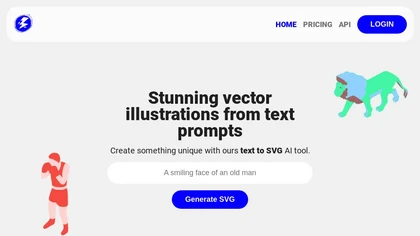
Illustroke turns text prompts into instantly generated SVG vector illustrations across 40+ styles, offering scalable, editable assets suitable for logos, icons, and UI graphics. Built‑in editor lets users tweak shapes and colors, then save or load projects from the cloud.
Paid
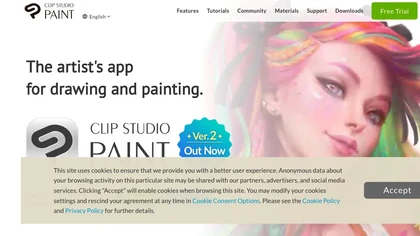
Clip Studio Paint offers natural brush strokes, over 100,000 customizable brushes, vector layers, 3D pose references, perspective rulers, onion‑skin animation up to 24 frames, and cloud sync across Windows, macOS, iPad, Android, and Chromebook.
Free trial
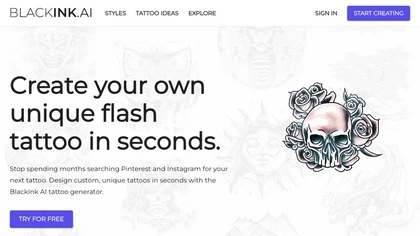
BlackInk AI turns text prompts and images into custom tattoo designs in seconds. Users can adjust style, shape, detail, and body placement, generate cover‑ups, and download high‑resolution graphics—all in over 100 supported languages.
Freemium
- $3

1stroke is an AI writing assistant that enhances clarity and speed in written communication. It offers real-time adjustments to tone and wording, making it suitable for professionals, students, and content creators aiming to improve writing quality and efficiency.
Free trial
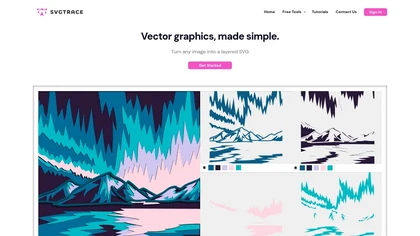
SvgTrace converts raster images to multi‑layer SVGs with AI, extracting each color into separate layers for high‑quality vector graphics. Its upscaling improves low‑res images, and a built‑in editor lets users edit layers. Drag‑and‑drop uploads enable quick use.
Subscription
- $12.99/mo
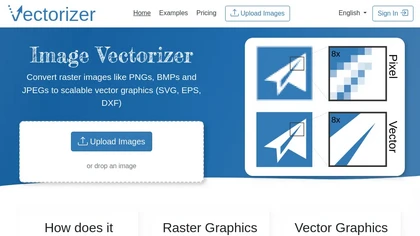
Image Vectorizer transforms raster PNG, BMP, JPEG files into scalable vector formats (SVG, EPS, DXF) using AI noise removal and color simplification. It sharpens edges, converts pixels to geometric primitives, and outputs high‑resolution vectors for logos, apparel, tattoos, and billboards.
Subscription
- $8.99/mo
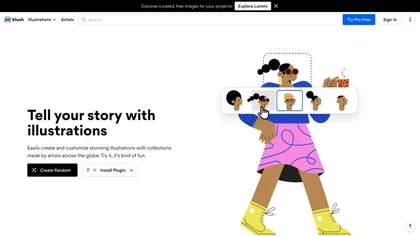
Blush provides a library of artist-made, customizable illustrations and curated collections with mix-and-match components, multiple styles, and scalable PNG/SVG exports. Plugins for Figma and Sketch enable in-app customization for consistent UI, marketing, and product graphics.
Free
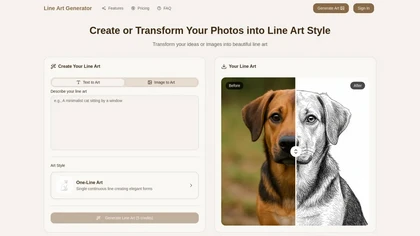
Line Art Generator transforms images and text into detailed line art sketches across eight styles, including minimalist and manga. Users can download high-resolution files without watermarks, ensuring clean and professional results.
Freemium
- $2.49/mo
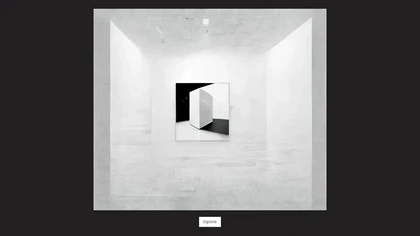
Synapses Studio applies AI to generate multiple stylistic variants from a single uploaded image. Users can adjust color, texture, and brushstroke settings. The tool delivers high‑resolution files ready for print or display, with instant previews and batch processing for quick iteration.
Freemium
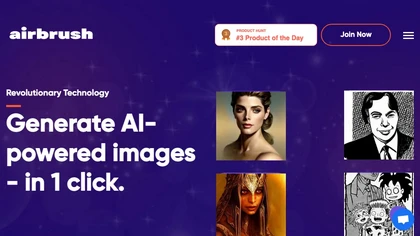
Airbrush lets users generate artwork, photorealistic photos, anime, 3D renders, logos, and social graphics from prompts, selecting models like Stable Diffusion, DALL‑E 2, and specialized variants. Outputs range 256‑4096 px with 4× upscaling, aiding designers, marketers, and game devs.
Freemium
- $9/mo
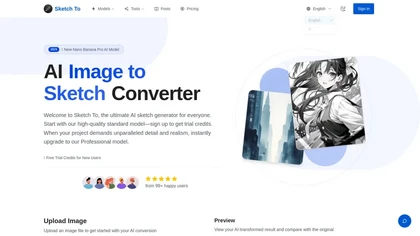
SketchTo is an AI image converter that transforms photos into pencil sketches and sketches back into realistic images. It offers fast, cloud-based processing with standard and professional models for projects ranging from personal use to commercial work.
Free trial
- $9.99/mo
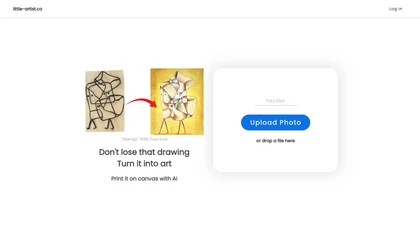
Little Artist converts children’s sketches into high‑resolution digital artwork, offering printable canvas options and a cloud gallery. With simple Google login, parents and educators can archive, share, and encourage ongoing creative growth for each child.
Freemium
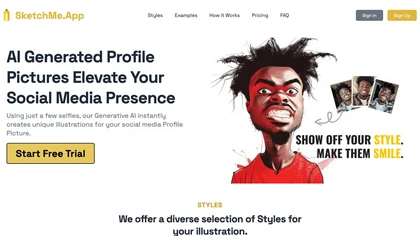
SketchMe.App transforms up to five selfies into stylized illustrations within minutes. Choose from pencil, flat, Pixar, pixel, caricature, or Gogh‑inspired styles and a theme color. Get eight downloadable variations, optionally watermark‑free, for social media and marketing use.
Paid
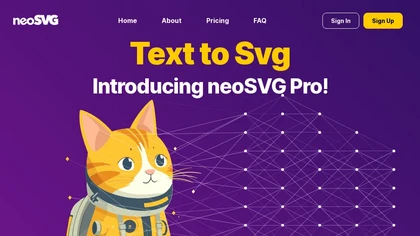
neoSVG turns text prompts into high‑quality SVGs using AI‑driven Bézier curves, supporting monochrome or color outputs. It offers fast or high‑quality rendering, real‑time preview, and an API for integration into responsive web, mobile, print, AR/VR, UI/UX, and logo workflows.
Subscription
- $15/mo
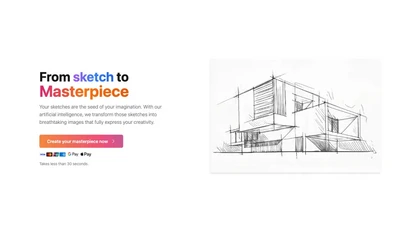
SketchImage.ai is an AI tool that enhances basic sketches into high-quality images for artists of all levels. Its intuitive interface refines sketches, turning them into polished and shareable visuals using advanced features.
Freemium
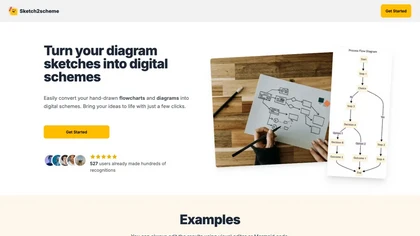
Sketch2scheme uses AI to convert hand‑drawn flowcharts and textual descriptions into clean digital diagrams. It auto‑detects nodes, aligns them, and lets users tweak via a visual editor or Mermaid code. Export to PNG, SVG, PDF, or diagrams.net.
Paid
- $3.99/mo
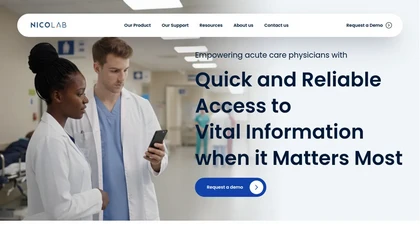
Nicolab StrokeViewer shares imaging and clinical data in real time across stroke networks, uses AI to triage and prioritize scans, coordinates multidisciplinary teams, and accelerates diagnosis and treatment to reduce time-to-treatment and hospital stay.
Freemium
DRO is a drawing practice platform that provides themed sketch prompts across concept art, cartoons, character design, and anime. It offers scorecards with technical feedback, a leaderboard, and a portfolio to track progress for all skill levels.
Freemium

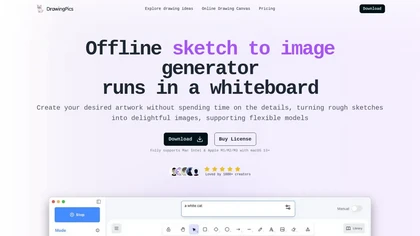
DrawingPics is an offline macOS AI art generator that turns sketches into detailed 512×512 images on a whiteboard. Using Metal GPU acceleration, it produces results in under six seconds, supports precision mode, iterative refinement, and local Stable Diffusion downloads.
Free trial
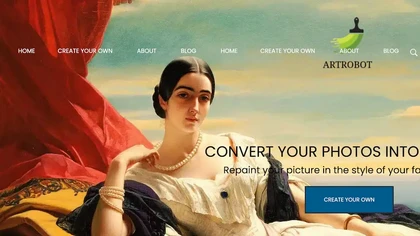
ArtRobot transforms photos into paintings or illustrations using over 150 neural‑network styles. Upload an image, pick a style, and receive an HD or 4K output in minutes—ideal for photographers, designers, and social‑media creators.
Free
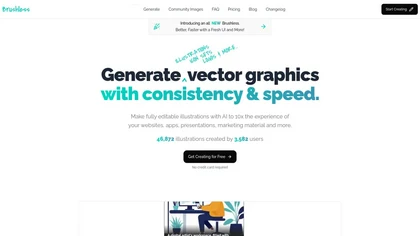
Brushless AI generates editable SVG illustrations directly inside Figma, letting designers create brand‑aligned vectors with prompt‑based controls, preset styles, and custom palettes. It offers instant previews and iterative editing for rapid UI, marketing, and content workflows.
Paid
NVIDIA Canvas is an AI-powered app that translates simple strokes into lifelike images, catering to industries like architecture, automotive, healthcare, etc. It provides cutting-edge AI technologies for deep learning, speech, conversational AI, and data analytics processing, benefiting professiona
Subscription
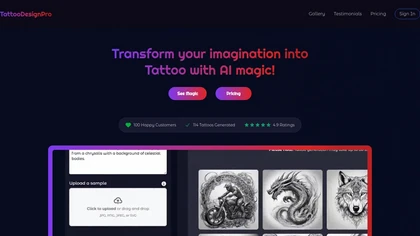
TattooDesignPro turns prompts or sketches into AI‑generated tattoo designs, offering multiple style options. Artists adjust line, shading, composition, save, compare concepts, and export for print or digital to accelerate client prep.
Free
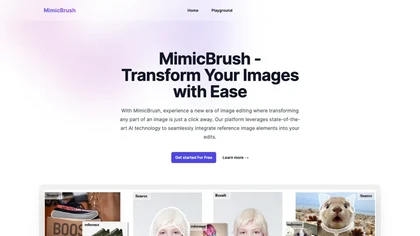
MimicBrush blends style, color, and texture from a reference image into a chosen photo area, preserving object shape for precise retouching of clothing, backgrounds, or focal points on desktop and mobile.
Freemium
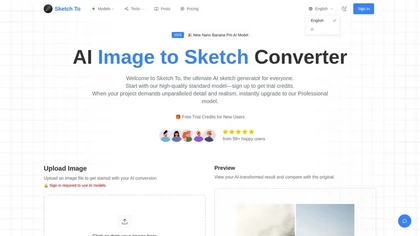
Sketch To converts photos into pencil-style sketches and reconstructs sketches into realistic images using selectable artistic styles and model-based quality settings; cloud processing yields quick previews and high-resolution downloads (JPG/PNG/WEBP) for print-ready results.
Free
- $8
Simply Draw is an educational app that enhances drawing skills through personalized learning paths, video tutorials by professional artists, and constructive feedback. It caters to all skill levels, promoting creativity and confidence in drawing.
Freemium
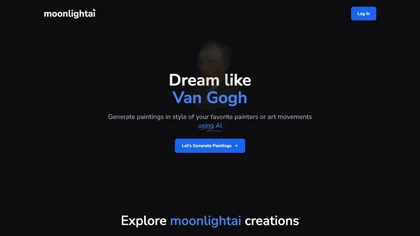
MoonlightAI creates paintings from text prompts in historical art styles—Renaissance to Modernism—mimicking brushwork and color palettes. It supports iterative refinement and lets creators keep rights for personal or commercial use.
Freemium
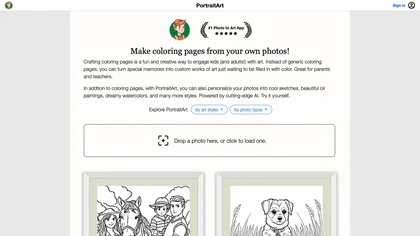
PortraitArt converts uploaded photos into custom coloring pages and diverse styles—oil, watercolor, sketch, cartoon, pop art, etc. It supports portraits, groups, pets, buildings, scenery, preserves composition, previews before download, and deletes images afterward.
Paid
- $7.99
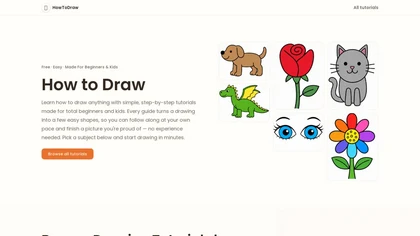
Howtodraw.ai is a guided drawing tutorial that teaches beginners and children how to sketch an open book in six simple steps. It breaks down core structure, page volume, and common pitfalls using basic shapes, with tips for coloring and variations like stacked books.
Freemium
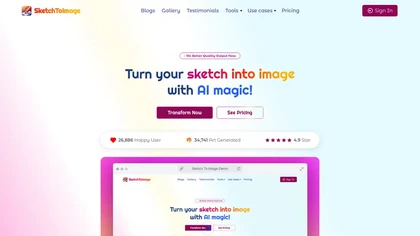
Sketch Image transforms sketches into high-quality digital art by allowing users to upload their drawings and choose from various styles. It supports upscaling, animation, and video generation, making it suitable for artists, designers, and educators.
Freemium