
Top 9 Audio Cut Alternatives in 2026
71.4% positive · 7 user reviews FreeAudio Cut is a browser-based tool for trimming and cutting audio files without installation. It supports multiple formats, processes files securely in your browser, and allows for lossless export.
We've ranked 9 Audio Cut alternatives, including 8 with a free plan. Rankings are based on feature coverage and user feedbacks.
Top-rated alternatives include Audio Cutter AI, MyEdit, and Video Cutter.
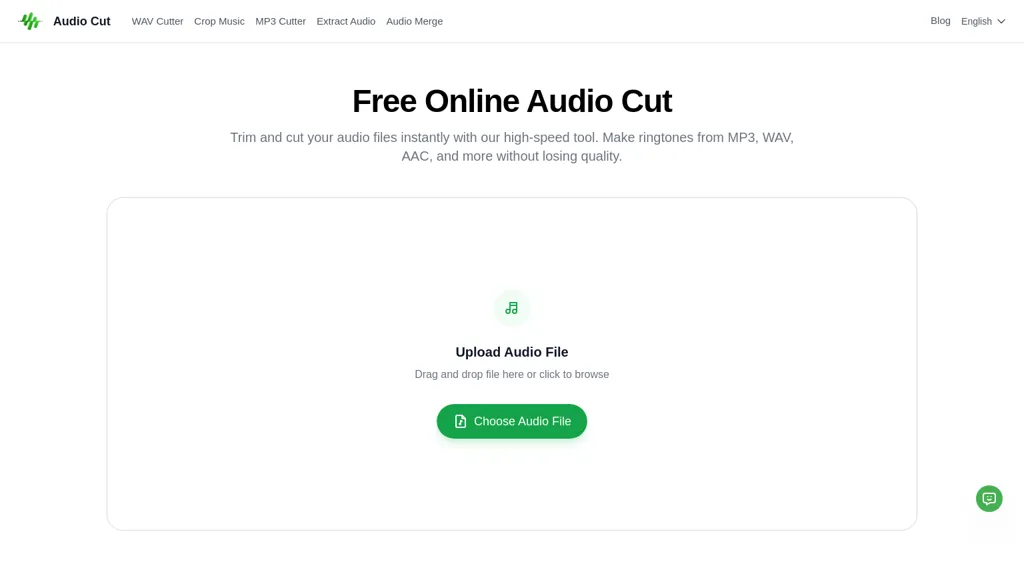
9 Audio Cut Alternatives & Competitors, Ranked by User Reviews
Click Compare on any tool to compare it side-by-side with Audio Cut.
 #1
Audio Cutter AI
#1
Audio Cutter AI
Audio Cutter AI is a browser-based tool for trimming and editing MP3, WAV, and FLAC files with AI-assisted cut point detection and precise interval selection. It enables a simple three-step workflow—upload, set trim points, and download—for creating polished audio clips without any local software.
 #2
MyEdit
#2
MyEdit
Karaoke Maker uses browser-based AI vocal isolation to turn MP3, WAV, FLAC, or M4A tracks into downloadable instrumentals. Adjust vocal bleed and transpose pitch via sliders for practice, covers, performances, or video soundtracks.
 #3
Video Cutter
#3
Video Cutter
Video Cutter is a free online tool for precise, lossless trimming and splitting of videos in multiple formats. It features a drag-and-drop interface, preserves audio and subtitles, and allows quick export and sharing of clips.
 #4
EZTrimmer
#4
EZTrimmer
EZTrimmer is a browser-based video editor for trimming, splitting, and merging clips with a timeline interface. It enables quick preparation of short-form content for platforms like TikTok and YouTube Shorts with frame-accurate cuts and drag-and-drop simplicity.
 #5
SLICETUBE
#5
SLICETUBE
SliceTube trims and downloads YouTube videos directly, offering start‑and‑end selection and export to MP4, MP3, or WEBM up to 4K. Browser‑based, watermark‑free, and privacy‑protected, it’s useful for creators and educators needing quick clips.
 #6
FreeTTS
#6
FreeTTS
FreeTTS delivers browser‑based AI audio utilities: multilingual text‑to‑speech, accurate speech‑to‑text transcription, vocal isolation, voice enhancement, precise cut/join, and format conversion (MP3, WAV, FLAC, OGG, M4A). All processing is local and files auto‑delete after 12 hours.
- Catch deals before they expire
- Unlock tools matched to you
- Show off your AI stacks
Already a member? Sign in
 #7
Vocal Remover Online
#7
Vocal Remover Online
VocalRemover is a web‑based AI tool that isolates vocals and accompaniment from audio files. It supports MP3, WAV, FLAC, MP4, MKV, and YouTube/TikTok links, and outputs stems in WAV, MP3, or FLAC for karaoke, remixing, or podcast editing.
 #8
Cleanaudio.io
#8
Cleanaudio.io
cleanaudio.io is a browser-based AI tool that removes background noise and reverb from audio and video files with one click. It instantly cleans wind, traffic, fan hum, static, pet barking, and room echo in formats like mp4, mp3, and wav for clearer speech.
 #9
YouTube MP3 Converter
#9
YouTube MP3 Converter
YouTube MP3 Converter is a free tool that lets you convert YouTube videos to high-quality MP3 files instantly without registration. Simply paste the video URL, download the audio, and enjoy ad-free conversions.
Frequently Asked Questions
Why look for Audio Cut alternatives?
Common reasons users switch from Audio Cut:
- User satisfaction: Audio Cut holds a 71.4% positive rating — some users report unmet expectations.
- Feature gaps: teams needing specific capabilities like Edit Audio may find a more focused alternative better suited to their workflow.
- Flexibility: exploring alternatives helps find tools that better match your team size, integrations, and budget.
What is the best alternative to Audio Cut?
Based on 1 user review, Audio Cutter AI (100% positive) ranks as the top Audio Cut alternative. Audio Cutter AI is a browser-based tool for trimming and editing MP3, WAV, and FLAC files with AI-assisted cut point detection and precise interval se It is available on a Freemium plan.
How do the top Audio Cut alternatives compare?
| Tool | Pricing | Starting Price | User Rating |
|---|---|---|---|
| Audio Cut this tool | Free | — | 71.4% (7) |
| Audio Cutter AI | Freemium | — | 100% (1) |
| MyEdit | Free | $4/mo | — |
| Video Cutter | Free | — | 66.7% (6) |
| EZTrimmer | Free | — | 62.5% (8) |
| SLICETUBE | Paid | $5 | 85.7% (7) |
Are there free Audio Cut alternatives?
Yes, 8 free alternatives found in our list: Audio Cutter AI, MyEdit, Video Cutter. and 5 more — use the pricing filter above to see them all.
What should I look for in a Audio Cut alternative?
- Core capabilities: confirm the tool supports Edit Audio, Trim Audio, Translate Audio.
- Pricing transparency: look for clear free plan, trial period, or tiered pricing — avoid tools that hide costs.
- User reviews: check both the satisfaction percentage and the number of reviews; a high score from few users is less reliable.
- Integrations: verify it connects with your existing stack before committing.
- Support and updates: active development and responsive support are strong signals of a maintained product.
Which Audio Cut alternative has the highest user rating?
Audio Cutter AI has the highest satisfaction score among Audio Cut alternatives, with 100% positive from 1 user review. It is available on a Freemium plan.
What are Audio Cut alternatives used for?
- Edit Audio
- Trim Audio
- Translate Audio
- Export Audio