
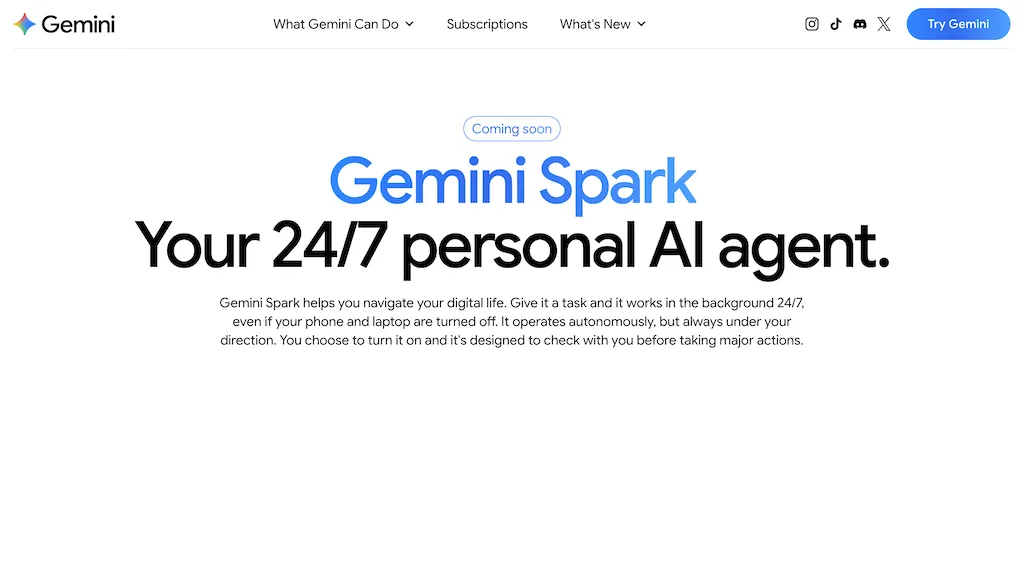
What is Gemini Spark?
Gemini Spark is a personal AI agent that runs in the background to automate tasks and manage workflows across Google Workspace.It integrates with Gmail, Calendar, Drive, Docs, Sheets, Slides, Maps and YouTube to read recent emails, extract action items, create folders, log leads and organize files.
Tasks, skills and schedules enable multi-step automations—set recurring scans, auto-draft emails using a style guide, block deep-work time and trigger actions on a schedule.Features include inbox summarization and prioritization, receipt and invoice extraction, lead logging to spreadsheets, calendar blocking, and multi-site web research and booking.
Suited for students, freelancers, small teams and project managers, it reduces repetitive work, surfaces critical updates, and keeps calendars and documents organized.Cross-app integration and background operation support email management automation, task automation, file organization and planning for personal and professional workflows.
Gemini Spark details
- Company
- Google LLC
Gemini Spark tech specs
- Works with
- Google / Gemini
- Integrations
- Google Workspace
Gemini Spark pricing
SubscriptionPricing details aren't listed here — check the official pricing page below.
Verify on the official pricing page.
View plansGemini Spark's key features
-
Background cross-app automation across Google Workspace (Gmail, Calendar, Drive, Docs, Sheets, Slides, Maps, YouTube)
-
Email management: read recent emails, inbox summarization, prioritization and action-item extraction
-
Data extraction and file organization: receipt and invoice extraction, lead logging to spreadsheets, create folders and organize files
-
Multi-step automations with tasks/skills/schedules: recurring scans, scheduled triggers, auto-draft emails using style guides, calendar blocking
-
Multi-site web research and booking
Gemini Spark use cases
-
Automatically summarize your inbox each morning with prioritized action items, draft suggested replies for quick approval, and block focused calendar time for high-priority email follow-ups across Gmail and Calendar using Gemini Spark
-
Extract receipts and invoices from email attachments, rename and organize them into designated Google Drive folders, log expenses into a consolidated Google Sheet, and run a weekly reconciliation workflow automatically
-
Capture leads from incoming emails by extracting contact and deal details, create or update entries in a shared Google Sheet or Contacts, and schedule templated follow-ups and reminders to be sent at optimal times
Gemini Spark user reviews
Would you recommend Gemini Spark?
More from this provider


Who is Gemini Spark for?
-
Content creators
-
Project managers
-
Workspace administrators
-
Students
-
Freelancers
Gemini Spark FAQ
Is Gemini Spark free?
No. Gemini Spark is a paid product and requires a paid plan to use.
Is Gemini Spark safe to use?
Gemini Spark is operated by Google LLC. Gemini Spark carries the TopAI.tools verified mark, which we award after a manual review of pricing transparency, published terms, public following and working functionality.
What are the best alternatives to Gemini Spark?
The closest alternatives to Gemini Spark are Superhuman, Carly AI, Saner.ai, Read AI and Genspark.ai. You can compare them side by side in the alternatives section further down this page.
What does Gemini Spark do with my data?
Its privacy policy states that personal data is not sold or shared for marketing purposes. Data may be shared with third-party service providers that help run the product.
Who made Gemini Spark?
Gemini Spark is built and operated by Google LLC.
Which AI models does Gemini Spark use?
Gemini Spark is built on Google / Gemini. Which models you can reach may depend on your plan.
What does Gemini Spark integrate with?
Gemini Spark connects with Google Workspace.
Compliance, privacy and billing terms are as stated in each product's own published documentation and have not been independently verified by TopAI.tools.


