
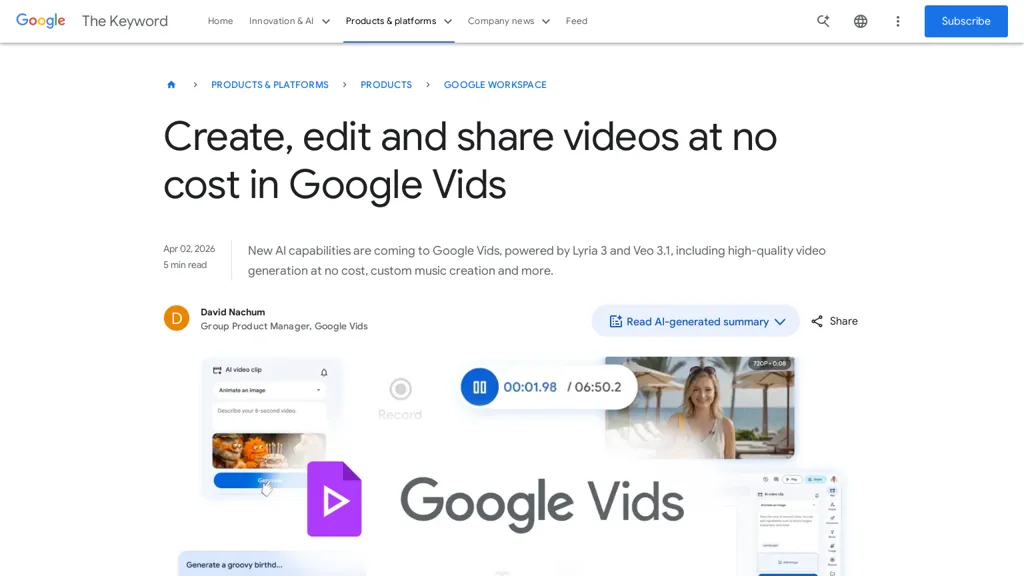
What is Google Vids?
Google Vids enables Google account holders to generate and edit videos using the Veo 3.1 video generation model.It provides custom music composition with Lyria 3 and supports AI avatars that maintain consistent faces and voices across frames.
A Chrome extension captures screen recordings and lets users publish directly to YouTube or share links to social platforms and email.Built-in editing tools and Google AI-generated summaries accelerate content production for creators, educators, marketers, and internal teams.
Integrations with Google Workspace and account controls support collaborative workflows and volume generation for workspace users.Output styles and templates convert prompts and photos into short clips, tutorials, montages, and promotional reels.
Google Vids details
- Company
- Google LLC
- Jurisdiction
- United States
- Built for
- Individuals
Google Vids tech specs
- Works with
- Google / Gemini Google / Veo
- Integrations
- Google Workspace
Google Vids pricing
FreeThis tool is free to use, with no credit card required.
Verify on the official pricing page.
Get started freeGoogle Vids's key features
-
Video generation and editing using the Veo 3.1 model
-
Custom music composition via Lyria 3
-
AI avatars that maintain consistent faces and voices across frames
-
Chrome extension for screen recording with direct publishing to YouTube and shareable links
-
Built-in editing tools, Google AI-generated summaries, and output styles/templates converting prompts and photos into short clips, tutorials, montages, and promotional reels
Google Vids use cases
-
Produce step-by-step software tutorials by capturing screens with the Chrome extension and AI screen recording, automatically generate concise video summaries and transcripts for documentation, add consistent AI avatar narration and Lyria 3-composed background music, then export templated clip sets for LMS and social publishing
-
Create polished marketing and social videos from prompt-to-video templates in Veo 3.1, apply consistent branded AI avatars across multiple clips, compose custom theme music with Lyria 3, and publish social-ready montages and short promos while collaborating in real time with teammates
-
Streamline meeting recaps and training content by recording presentations, using automated video summarization to produce highlight reels and searchable clips, convert key moments into reusable tutorial templates, and collaboratively edit and export finalized assets for company knowledge bases
Google Vids user reviews
Would you recommend Google Vids?
More from this provider


Who is Google Vids for?
-
Content creators
-
Social media influencers
-
Creative agencies
-
Marketing teams
-
Startup entrepreneurs
Google Vids FAQ
Is Google Vids free?
Yes. Google Vids is free to use and does not require a credit card.
Is Google Vids safe to use?
Google Vids is operated by Google LLC, registered in United States.
What are the best alternatives to Google Vids?
The closest alternatives to Google Vids are TryVeo3.ai, Veo3-ai.io, VideoMaker.me, www-veo3.com and V03 AI. You can compare them side by side in the alternatives section further down this page.
What does Google Vids do with my data?
Its privacy policy states that personal data is not sold or shared for marketing purposes.
Who made Google Vids?
Google Vids is built and operated by Google LLC, a company registered in United States.
Which AI models does Google Vids use?
Google Vids is built on Google / Gemini and Google / Veo. Which models you can reach may depend on your plan.
What does Google Vids integrate with?
Google Vids connects with Google Workspace.
Compliance, privacy and billing terms are as stated in each product's own published documentation and have not been independently verified by TopAI.tools.


