
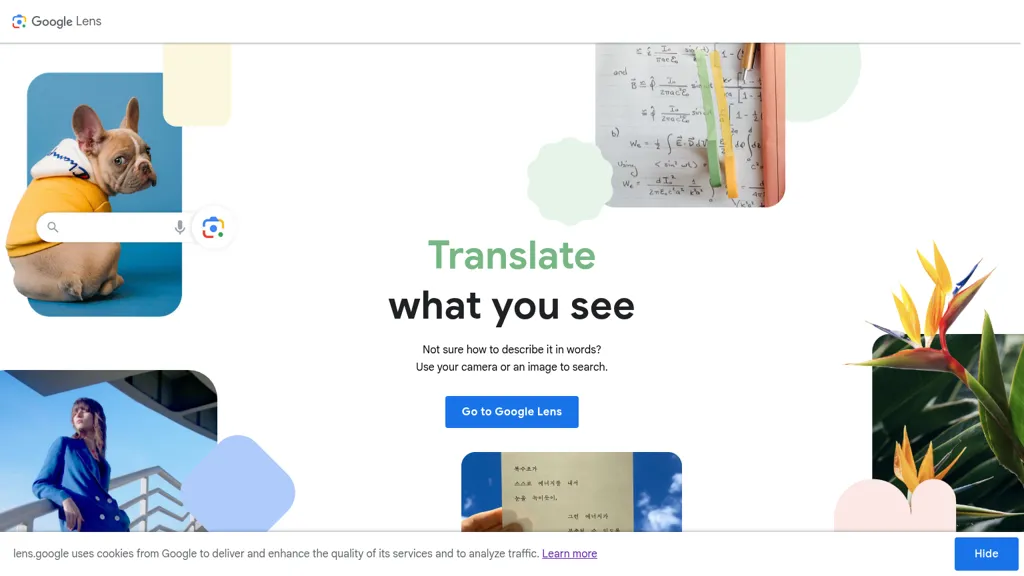
What is Lens.google?
Google Lens is a visual search tool that uses your camera or images to locate information, products, and visual matches.It supports visual shopping and home decor discovery by identifying clothing, furniture, and similar items from photos.
Lens translates text in real time across 100+ languages and copies text from images for pasting into apps or Chrome.Students can use Lens for step-by-step homework help and to find explainers, videos, and web results across math, science, and history.
Lens identifies plants, animals, landmarks, and other objects for quick reference and research.The tool integrates with the Google app, Camera, Google Photos, and Chrome and is available on Android, iOS, and in Google Images.
Lens.google details
- Company
- Google LLC
Lens.google tech specs
- Works with
- Google / Gemini
- Cloud
- Google Cloud Firebase
- Analytics
- Google Analytics
- Integrations
- Google Workspace
Lens.google pricing
FreemiumLens.google offers a free plan with paid upgrades available.
Verify on the official pricing page.
View plansLens.google's key features
-
Visual search using camera or uploaded images
-
Image-based product, clothing, and home-decor similarity search
-
OCR text extraction from images with real-time translation and cross-device copy-paste via Chrome
-
Step-by-step homework help by retrieving explainers, videos, and web results for academic problems
-
Plant and animal species identification from photos
Lens.google use cases
-
Translate and copy text from signs, menus, or documents in real time using Google Lens across 100+ languages, instantly saving translations to your clipboard or Google Docs for seamless travel and research
-
Identify products, plants, animals, and landmarks by snapping a photo with Google Lens to get shopping links, species info, care tips, or historical context, then open results in Chrome or related Google apps for deeper exploration
-
Solve homework faster by capturing equations or text with Google Lens to extract problems, receive step-by-step explanations and suggested resources, and share answers directly to Google Classroom or Google Docs
Lens.google user reviews
Would you recommend Lens.google?
More from this provider


Who is Lens.google for?
-
Shoppers
-
Researchers
-
Students
-
Language learners
-
Travelers
Lens.google FAQ
Is Lens.google free?
Partly. Lens.google has a free plan with usage limits, and paid plans unlock the full feature set.
Is Lens.google safe to use?
Lens.google is operated by Google LLC. Lens.google carries the TopAI.tools verified mark, which we award after a manual review of pricing transparency, published terms, public following and working functionality. It has a substantial audience that is independently measured month to month.
What are the best alternatives to Lens.google?
The closest alternatives to Lens.google are Image Translate AI, Canva AI, Image Translator.com, AI Cam Lens and AI Canvas. You can compare them side by side in the alternatives section further down this page.
What does Lens.google do with my data?
Its privacy policy states that personal data is not sold or shared for marketing purposes. Data may be shared with third-party service providers that help run the product.
Is there a mobile app for Lens.google?
Yes. Lens.google has a mobile app alongside its web version.
Who made Lens.google?
Lens.google is built and operated by Google LLC.
Which AI models does Lens.google use?
Lens.google is built on Google / Gemini. Which models you can reach may depend on your plan.
What does Lens.google integrate with?
Lens.google connects with Google Workspace.
Compliance, privacy and billing terms are as stated in each product's own published documentation and have not been independently verified by TopAI.tools.


