
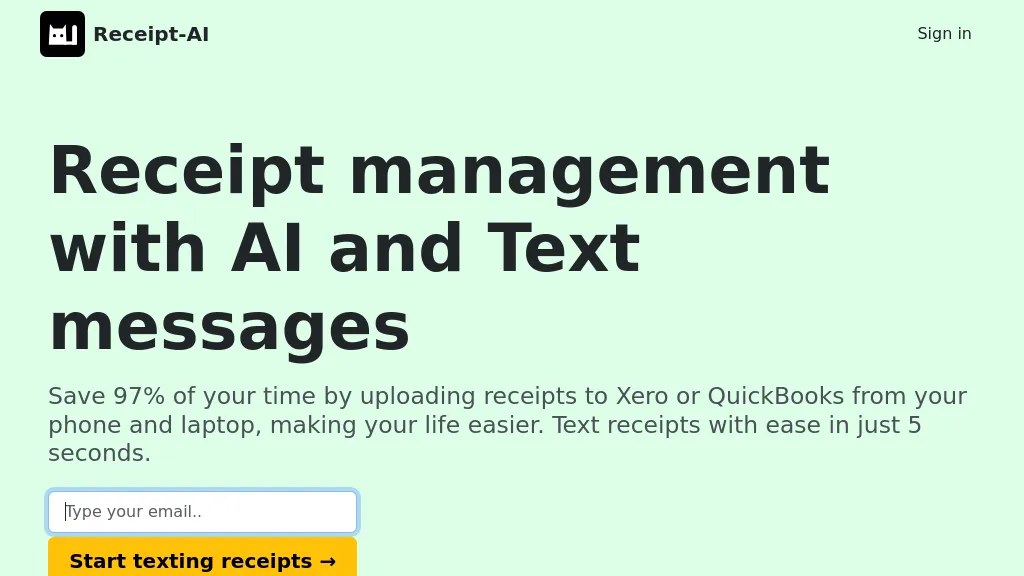
What is Receipt AI?
Receipt AI extracts key details—date, vendor, amount, and line items—from receipts captured by SMS, email, or web upload. It automatically renames, categorizes, and encrypts files, then syncs them to QuickBooks Online or Xero for immediate reconciliation.
The tool supports JPEG, PNG, PDF, TIFF, WEBP, HEIC, and HEIF formats and handles 39 languages across nine document types, including invoices and bank statements. Duplicate receipts are detected and flagged to keep accounting records clean. Users can match or approve imported expenses directly in their accounting software, eliminating manual entry and reducing reconciliation time.
Receipt AI details
- Company
- Big Green Company
- Jurisdiction
- United States, Delaware
Receipt AI pricing
FreemiumVerify on the official pricing page.
View plansReceipt AI's key features
-
One-Click Reconciliation to QuickBooks/Xero
-
Automatic extraction of date, vendor, totals
-
39-language multilingual receipt processing
-
Dynamic local currency display per country
-
Drag-and-drop receipt upload
-
Email receipt upload via address
-
Auto-gratuity detection on receipts
Receipt AI use cases
-
Automate expense tracking for freelancers: scan receipts via SMS, have Receipt AI extract amounts and categories, and auto‑sync to QuickBooks, with duplicate detection and encryption.
-
Streamline corporate travel reimbursement: employees upload multi‑language receipts, AI categorizes, encrypts, and pushes to Xero, enabling instant manager approval.
-
Reduce bookkeeping time for small businesses: use the OCR extractor to import line items, rename, and sync directly to accounting software, eliminating manual data entry.
Receipt AI user reviews
Based on 1 review, 0% of users recommend Receipt AI.
Disliked for
Would you recommend Receipt AI?
Who is Receipt AI for?
-
Small business owners
-
Finance managers
-
Finance accountants
-
Data analysts
-
E-commerce sellers
Receipt AI FAQ
Is Receipt AI free?
Partly. Receipt AI has a free plan with usage limits, and paid plans unlock the full feature set.
Is Receipt AI safe to use?
Receipt AI is operated by Big Green Company, registered in United States, Delaware.
What are the best alternatives to Receipt AI?
The closest alternatives to Receipt AI are Receiptor.ai, DocuClipper, Extracta.ai, qomplement and Booksmate. You can compare them side by side in the alternatives section further down this page.
What does Receipt AI do with my data?
Its privacy policy states that personal data is not sold or shared for marketing purposes. Data may be shared with third-party service providers that help run the product.
Who made Receipt AI?
Receipt AI is built and operated by Big Green Company, a company registered in United States, Delaware.
Compliance, privacy and billing terms are as stated in each product's own published documentation and have not been independently verified by TopAI.tools.


