
Best Image Annotation AI tools
Explore the top AI app list for Image Annotation and compare them for use cases, features and pricing. You will find Tools for annotating images with labels, bounding boxes, segmentation masks, and keypoints, facilitating training datasets for machine learning models.
See all 6 AI Tools for: Image Annotation

Roboflow streamlines computer‑vision projects by offering a low‑code pipeline for data annotation, GPU‑accelerated training, and multi‑environment deployment. It integrates with PyTorch, TensorFlow, Hugging Face, major clouds, and meets SOC2 Type 2 and HIPAA security.
8 2
Freemium

BasicAI is an end‑to‑end data annotation platform for image, video, audio, LiDAR, and text, offering AI‑powered labeling, collaborative workflows, real‑time QA, and private deployment, used by ML engineers in autonomous driving, robotics, and logistics.
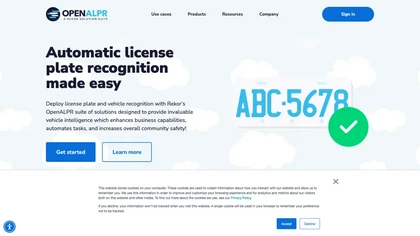
OpenALPR automates license‑plate recognition from live video and still images, delivering real‑time plate numbers, vehicle make, model, color, and direction for law enforcement, parking, property management, and security across 70 countries.

PinMy is a cross‑platform visual collaboration platform that lets teams annotate images, PDFs, and design files with text, voice, or pixel‑linked markers, share the results via email, Slack, or SMS, and track feedback history in a single, paper‑free workflow.
0 1
Freemium
AI Badge is a free icon marking AI‑generated images. Available in multiple sizes, it appears in the bottom‑right corner and can be customized via Sketch files, aiding transparent disclosure of AI content.
1 0
Free
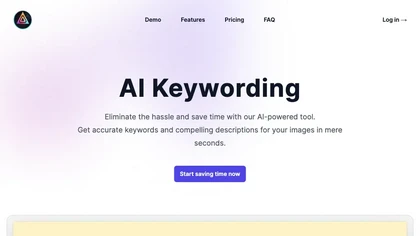
AI Keywording processes up to 10,000 images per upload, using AI to generate titles, descriptions, and keywords for stock photography. Outputs a CSV ready for stock sites or Adobe Bridge, with temporary image copies deleted after processing.
Label your data faster
We track 6 Image Annotation tools.
What it costs
$20.0
median starting price
Most start between $20.0 and $20.0.
How concentrated
The top 5 take 99.9% of the traffic here.
The top 10 take 100.0%.


Most active
 BasicAI Cloud
Use cases
Code:Image>Code
Detect:Image>Structured_Data
Automate:Image>Automation
Code:Video>Code
Detect:Video>Structured_Data
Automate:Video>Automation
Generate:Image>Structured_Data
Create:Image>Structured_Data
Convert:Image>Structured_Data
Convert:Video>Structured_Data
Figures updated 22 October 2026