
What is Gantt Chart AI?
GanttChart.AI
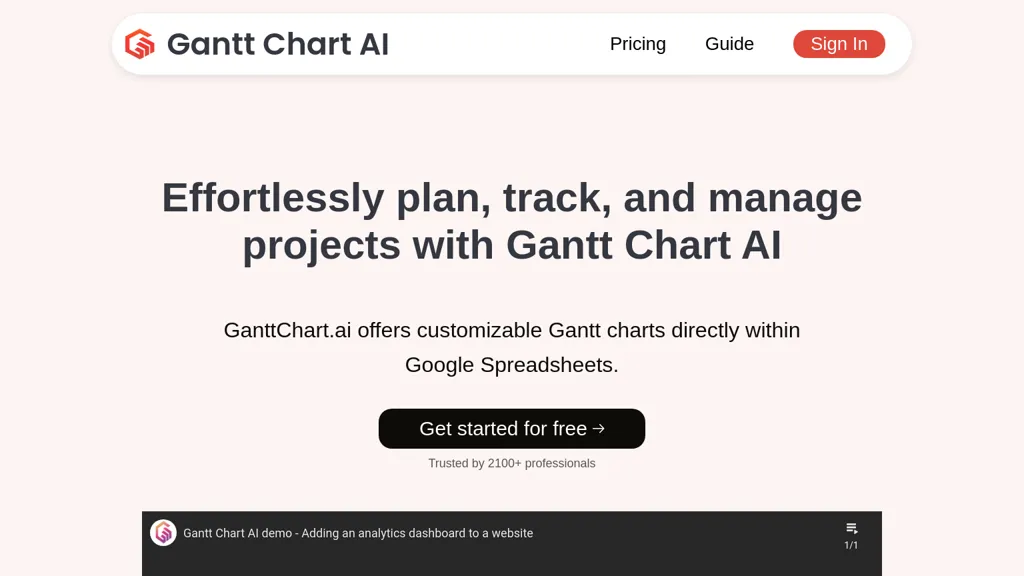
Creates full project timelines from plain‑English descriptions, automatically setting dates, dependencies, and milestones.
Offers an interactive web editor that lets users drag tasks, adjust durations, edit dependencies, and assign team members.
Integrates directly with Google Sheets for real‑time collaboration and supports exporting plans to Excel, CSV, or JSON.
Supports construction, software development, event planning, and product launch projects with clear task structures.
Provides a dashboard for accessing, downloading, and managing all created charts.
Gantt Chart AI details
- Company
- Gantt Chart AI, Inc.
- Jurisdiction
- United States
- Built for
- Individuals
Gantt Chart AI pricing
FreemiumVerify on the official pricing page.
View plansGantt Chart AI's key features
-
Generate Gantt chart from natural language
-
Quick timeline creation interface
-
Drag‑and‑drop editor for dependencies
-
Sync timelines with Google Sheets
-
Export charts to Excel, CSV, JSON
-
Full browser-based timeline editing
-
Download charts from dashboard
Gantt Chart AI use cases
-
Generate a detailed product launch timeline from a simple description, automatically set dates, dependencies, and milestones, and sync the plan with Google Sheets for seamless collaboration
-
Convert a backlog of feature requests into a Gantt chart by describing each feature in plain English, then edit durations and dependencies in a drag‑and‑drop editor, and export the final timeline to Excel for executive reports
-
Plan a marketing campaign schedule by entering campaign phases in natural language, have GanttChart.AI auto‑create tasks, assign team members, and integrate with Google Sheets to keep all stakeholders in sync
Gantt Chart AI user reviews
Would you recommend Gantt Chart AI?
Who is Gantt Chart AI for?
-
Data analysts
-
Project managers
-
Product designers
-
Business strategists
-
Spreadsheet coordinators
Gantt Chart AI FAQ
Is Gantt Chart AI free?
Partly. Gantt Chart AI has a free plan with usage limits, and paid plans unlock the full feature set. Plans include Pro at $5 and Business at $15.
Is Gantt Chart AI safe to use?
Gantt Chart AI is operated by Gantt Chart AI, Inc., registered in United States.
What are the best alternatives to Gantt Chart AI?
The closest alternatives to Gantt Chart AI are ChartAI, AI graph maker, ChartGen.ai, Graphy.app and edraw ai. You can compare them side by side in the alternatives section further down this page.
What does Gantt Chart AI do with my data?
Gantt Chart AI states that customer content may be used to train its models. Its privacy policy states that personal data is not sold or shared for marketing purposes. Data may be shared with third-party service providers that help run the product.
Who made Gantt Chart AI?
Gantt Chart AI is built and operated by Gantt Chart AI, Inc., a company registered in United States.
Compliance, privacy and billing terms are as stated in each product's own published documentation and have not been independently verified by TopAI.tools.


