
Topaz Video Enhance AI
The best 15 Topaz Video Enhance AI tools - Free & Paid
Explore 15 AI for Topaz Video Enhance AI
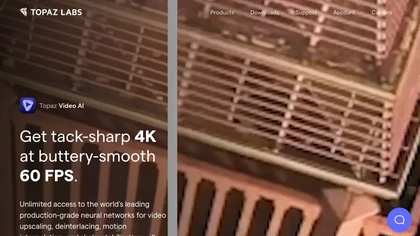
Topaz Video AI is a powerful video enhancement tool that uses AI models to upscale, deinterlace, stabilize, and interpolate frames for high-quality results.
Paid
- $99
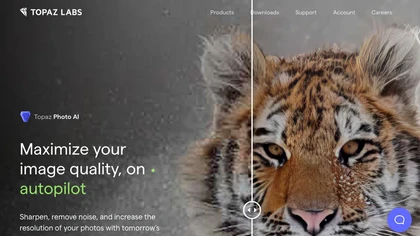
This tool uses deep learning to enhance photos by reducing noise, sharpening, upscaling, and recovering faces.
Paid
- $99
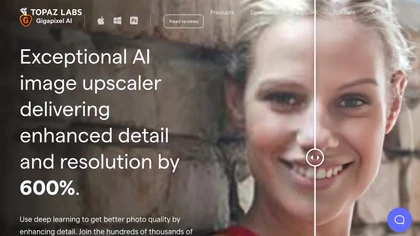
Gigapixel AI is a powerful image upscaling and detail enhancement tool that uses deep learning to increase image resolution up to 600%, improve print quality, restore old photos, and enhance natural details.
Free trial
- $99

Upload video files (MP4, MOV, MKV, M4V, AVI) and apply AI models—Face, Animation, Denoise, Low‑Light, Colorize—to improve clarity, reduce noise, brighten dark scenes, or add color. Preview changes, upscale to 4K, then download without watermarks.
Paid

TensorPix enhances SD video to 4K 60FPS, removes artifacts from VHS and old footage, offers real‑time call improvement, batch processing, API integration, and cloud GPU processing—no local install needed.
Freemium
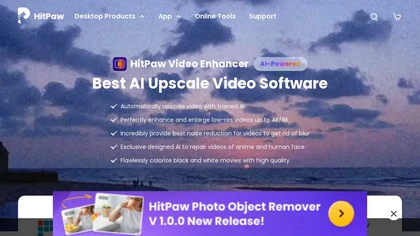
HitPaw Video Enhancer is an AI-powered tool that upscales and enhances low-resolution videos to higher resolutions and improves video quality without losing it.
Free trial

AI image enhancer that upscales up to 4×, removes noise, sharpens blur, and can enhance faces or colorize. Handles .png/.jpg/.webp/.tif/.bmp/.raw and outputs the same formats. Windows, macOS and Photoshop plugin supported.
Free trial
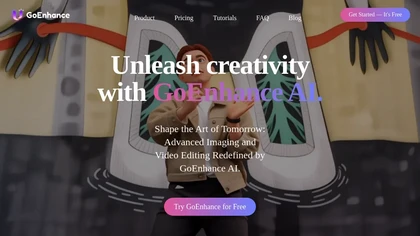
GoEnhance AI transforms text, images, and videos into 4K, 60fps clips in seconds, offering text‑to‑video, image‑to‑video, and video‑to‑video engines, face swap, lip sync, and anime‑style animations with upscaling and a talking avatar.
Freemium
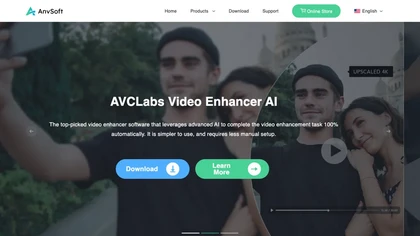
AVCLabs Video Enhancer AI uses deep learning to upscale, denoise, sharpen, colorize, and interpolate frames, automatically detecting and refining faces. It supports batch conversion, preview comparison, multiple formats, preserves frame rates, and leaves originals unaltered.
Free
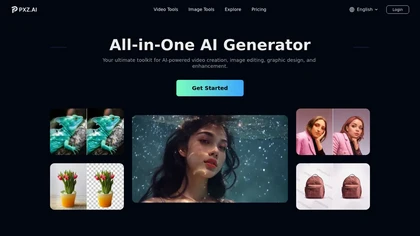
PXZ.AI is a comprehensive AI generator for creating and editing videos and images. It provides industry-leading tools for video generation, graphic design, and photo enhancement like background removal and colorization.
Freemium

videoqualityenhancer.aiai.com is an online AI tool that enhances and upscales videos using deep learning. It deblurs, denoises, stabilizes, and upscales footage to 2K/4K, with specialized models for faces, animation, text, and low-light scenes.
Free trial

AVCLabs Video Enhancer AI upsizes videos to 8K, removes noise, stabilizes footage, colorizes black‑and‑white, adds slow‑motion frames, sharpens faces, and runs locally for batch processing without cloud uploads and multiple AI modes for performance.
Subscription
- $19.95/mo

AnyEnhancer AI video enhancer upsamples footage to 4K/2K, improves color fidelity, restores facial details, denoises, and interpolates frames. It runs on Windows and macOS, supports batch processing, real‑time preview, and direct export.
Paid
Perfectly Clear Video automatically enhances each video frame, improving lighting, color balance, detail, and facial tones while correcting exposure. It offers SDKs, APIs, Docker, and CLI for integration across desktop, mobile, and cloud workflows.
Subscription
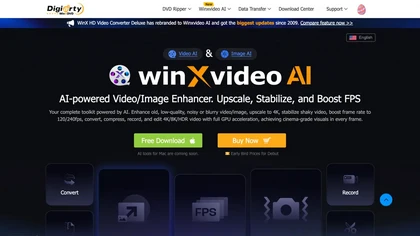
Winxvideo AI enhances videos and audio, upscaling to 4K/8K/HDR, stabilizing and interpolating frames while reducing noise. It offers batch GPU‑accelerated conversion, editing tools, 60 fps screen recording, and AI photo restoration for creators and educators.
Freemium
- $9.99/mo