
Painting Tutorials
The best 50 Painting Tutorials AI tools - Free & Paid
Explore 50 AI for Painting Tutorials
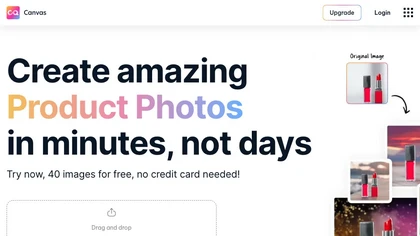
Magicstudio Canvas is an AI tool for quickly creating product photos with up to 40 free uploads in JPEG or PNG format. It offers intuitive, easy-to-use editing tools and features for profile pictures, removing backgrounds, and adding text.
Freemium
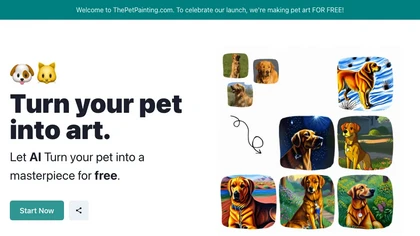
The AI Pet Art tool allows users to turn their pet photos into art for free.
Free
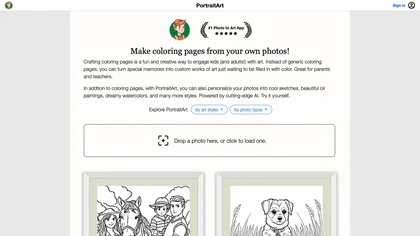
PortraitArt converts uploaded photos into custom coloring pages and diverse styles—oil, watercolor, sketch, cartoon, pop art, etc. It supports portraits, groups, pets, buildings, scenery, preserves composition, previews before download, and deletes images afterward.
Paid
- $7.99
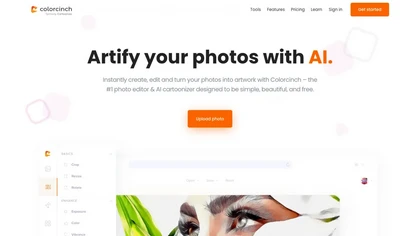
Colorcinch converts photos to cartoons, sketches, or paintings with one click, offers AI background removal, adjustable sliders, overlay effects, multi‑layer editing, high‑resolution export to JPG/PNG/PDF, all usable online/offline without login.
Free
- $8.99

Remodel AI Free turns photos or sketches into realistic interior and exterior designs in seconds, offering virtual staging, paint palettes, landscaping plans, and renderings for rooms and facades. It serves homeowners, designers, architects, and agents on all devices.
Paid
- $29/mo
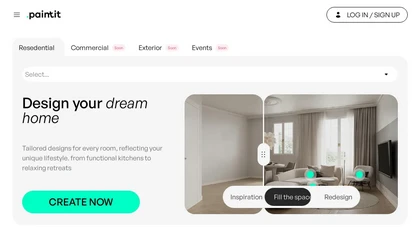
paintit.ai is an AI-driven interior design generator that changes the way you approach space design. It leverages the latest AI technology to offer personalized and innovative design solutions that capture your unique vision and style preferences.
Freemium
- $24.99/mo
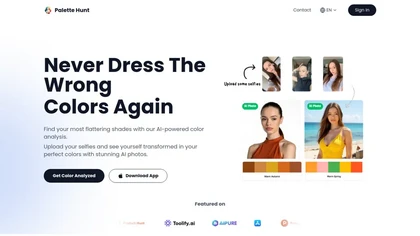
Palette Hunt is an AI tool that analyzes uploaded selfies to create personalized color palettes based on skin tones. It offers virtual try-ons and expert recommendations, helping users discover flattering shades for enhanced fashion choices.
Freemium

Picture Drawing AI transforms photos into artistic drawings in various styles, including sketches and watercolors. Users can easily upload images and generate high-resolution outputs quickly, making it useful for artists and content creators seeking unique visuals.
Freemium
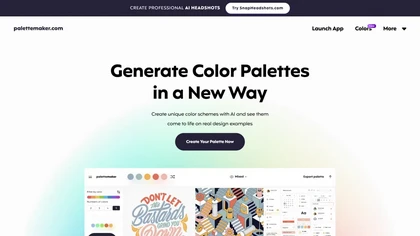
Palettemaker is an AI‑powered color palette generator that lets designers and non‑designers create, tweak, and preview color schemes in real‑world design contexts. It offers export options for Procreate, Adobe ASE, images, and CSS.
Free
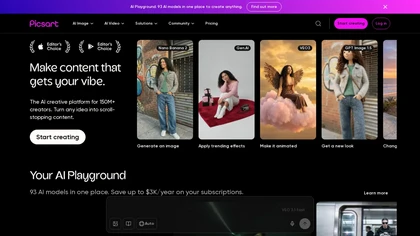
Picsart is a web and mobile photo editor and design app offering layers, filters, color correction, retouching, automatic background removal, collage and template tools, stickers and text overlays, basic social-video editing, and AI image generation with cross-device sync.
Freemium
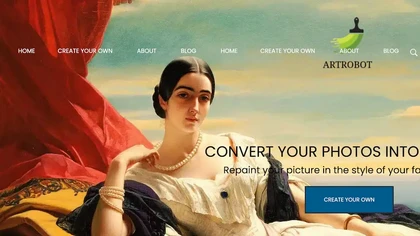
ArtRobot transforms photos into paintings or illustrations using over 150 neural‑network styles. Upload an image, pick a style, and receive an HD or 4K output in minutes—ideal for photographers, designers, and social‑media creators.
Free
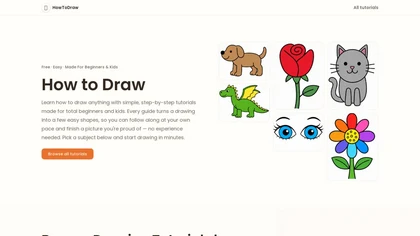
Howtodraw.ai is a guided drawing tutorial that teaches beginners and children how to sketch an open book in six simple steps. It breaks down core structure, page volume, and common pitfalls using basic shapes, with tips for coloring and variations like stacked books.
Freemium
Generates digital images from text prompts in diverse styles such as anime, cyberpunk, oil painting, and 3‑D cartoon. Users adjust seed, denoise, add reference images, select 512–1024 px resolutions, and use background removal, outpainting, headshots, or avatars.
Free
Pincel is a web‑based AI image editor offering tools for photo retouching, generative fill, background removal, and creative manipulation. It supports upscaling, virtual makeup, and quick edits across devices for designers and marketers.
Subscription
- $19/mo
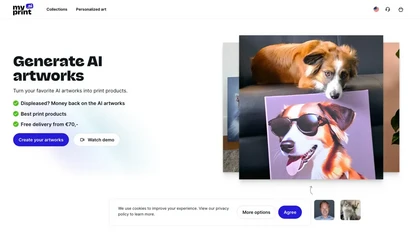
Upload at least ten photos to generate 100+ themed artworks per set. Choose styles such as watercolor, cyberpunk, graffiti, and receive 512 × 512 images, with optional 4K. Download instantly or print posters, mugs, and more worldwide.
Freemium
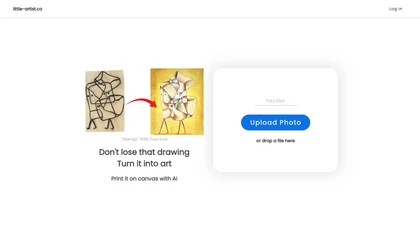
Little Artist converts children’s sketches into high‑resolution digital artwork, offering printable canvas options and a cloud gallery. With simple Google login, parents and educators can archive, share, and encourage ongoing creative growth for each child.
Freemium
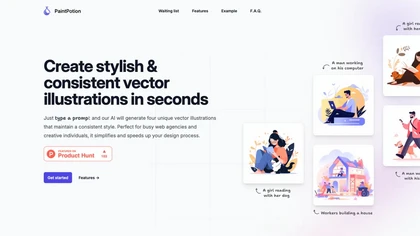
Paint Potion is an AI tool that creates consistent vector illustrations from user prompts, simplifying the design process for web agencies and creatives with customizable export and refinement options.
Freemium
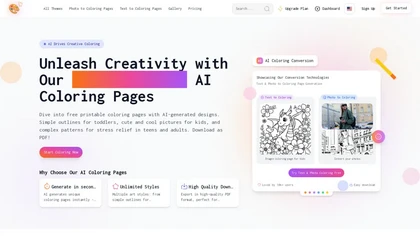
Best Coloring Pages generates free, printable AI coloring sheets for all ages. Users can upload photos or input descriptions to create custom designs, with various styles available for kids and adults in high-quality PDF format.
Free trial
- $9.99/mo
DALL·2 is an AI system that generates realistic images and art based on natural language descriptions, allowing users to edit and create variations. Safety measures are in place to prevent harmful content.
Usage based
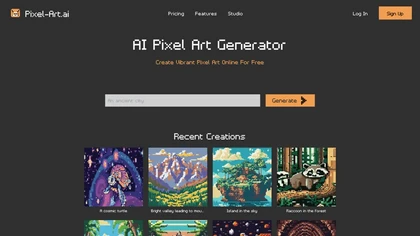
Pixel‑Art.ai is a browser-based pixel art studio that offers multiple canvases, layer and brush controls, copy/paste, AI inpainting for editing, custom canvas size, and ready‑made scenes. All creations stay private and export as PNG.
Freemium
- $0.42/mo
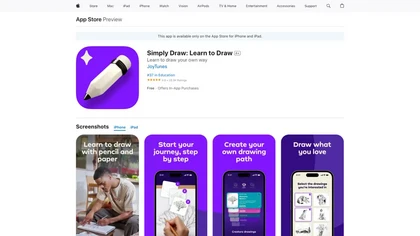
Simply Draw is an educational app that enhances drawing skills through personalized learning paths, video tutorials by professional artists, and constructive feedback. It caters to all skill levels, promoting creativity and confidence in drawing.
Freemium
Autodraw is an AI tool for quick drawing using machine learning, with a how-to section and shortcuts.
Free
TattooCanvas is an AI platform that generates custom tattoo designs from prompts. Users select style, line type, and color to receive high‑resolution artwork. The step‑by‑step interface stores creations in a cloud library for quick preview, editing, and download.
Paid
- $6
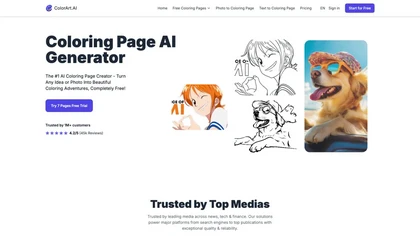
ColorArt.ai is an AI-powered tool that generates customizable coloring pages from photos and text prompts. It enhances image outlines for better quality, making it suitable for both individual and business use in creative activities.
Free trial
- $6.99/mo
StoryCanvas is a comprehensive writing tool that offers text editing, spelling correction, character development, and organizational features like boards and mind maps, supporting writers throughout the creative process and improving their work's grammar and style.
Free
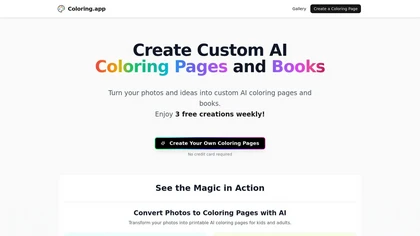
Coloring.app is an AI-powered tool that transforms photos, text prompts, or ideas into customizable coloring pages. It offers guided creation, a vast gallery of free designs, and the ability to compile personalized coloring books in digital or print formats.
Freemium
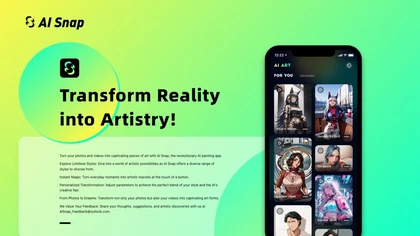
AI Snap applies AI painting techniques to photos and videos, offering a library of styles and one‑tap presets. Users can adjust brush detail, saturation, and composition for quick, on‑the‑fly visual enhancements.
Freemium
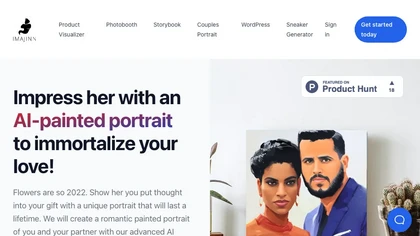
Imajinn AI provides various tools such as portrait creator, AI-paint portrait generator, custom children's book creator, AI photobooth, and print/framing options for generating unique portraits and customizing children's books.
Usage Based
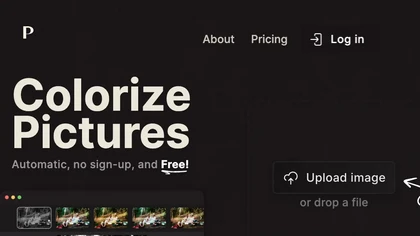
Palette automatically colorizes black‑and‑white images up to 5000 × 5000 px. Users upload single or multiple photos, choose from 150+ preset filters, and refine results with keyword‑driven adjustments to hue, saturation, and contrast. Ideal for photographers, designers, and archivists.
Free trial
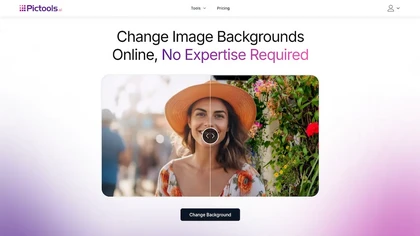
PicTools.AI is a web‑based photo editor that lets users upload images and apply changes via text prompts or over 100 one‑click AI filters—background removal, outfit changes, smile addition, restoration, and artistic styles—without design skills.
Subscription
- $23.4/mo
An online image tool with features including background removal, image resizing, text addition, color palettes, conversion, and AI-powered social media bios, market slogans, business name ideas, and hashtag generation.
Free
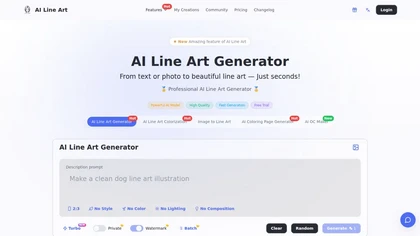
Creates print-ready line drawings and coloring pages from text prompts or photos, offering multiple styles (sketch, woodcut, continuous line, 3D), image-to-line-art colorization, prompt-based controls, batch generation, and high-resolution exports for design and illustration.
Free trial
- $8.33/mo
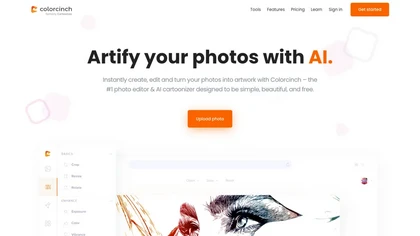
Colorcinch is an AI photo editor that instantly cartoonizes or sketches images and offers background removal, cropping, resizing, exposure and detail controls, file compression, and 400 DPI print‑ready export. Mobile app adds cartoonizing, background removal, and upscaling on the go.
Paid
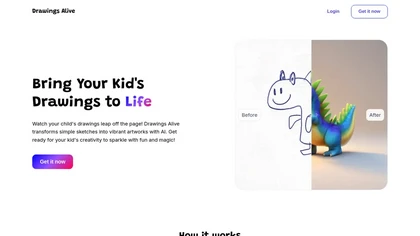
Drawings Alive turns kids’ sketches into colored images, 6‑second animated videos, and 3D models using AI. Users upload JPEG/PNG, add a brief description, and receive rendered artwork in under a minute. Outputs support AR on iOS/Android and can be printed.
Subscription
- $5/mo
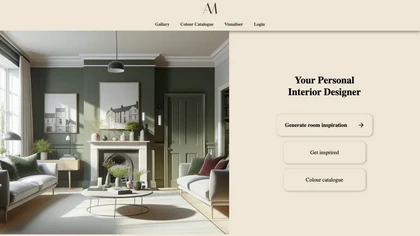
Interior Amore lets users upload a room photo and instantly see photorealistic paint previews from major brands. It compares up to ten colors, supports full room redesigns, offers before‑and‑after views, and links to retailers for purchase.
Free
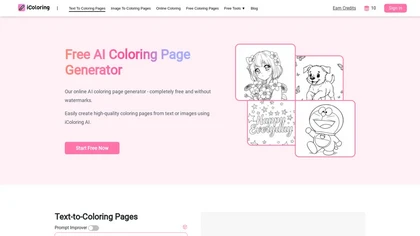
iColoring AI is a user-friendly online tool that transforms text prompts or images into customizable black-and-white coloring pages. It offers daily credits, supports multiple styles, and allows instant downloads in PNG or PDF formats for children, educators, and parents.
Free trial
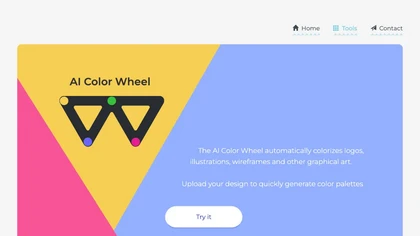
Color Wheel automatically colorizes grayscale flat graphics, generating thousands of palettes from one upload. Users tweak schemes and preview styles from Warhol to NES, saving locally with no registration for web and UI projects.
Free
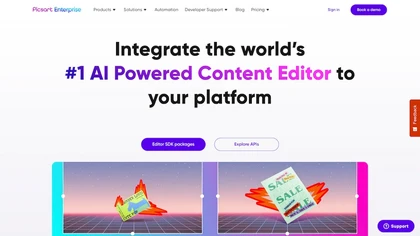
Picsart.io empowers creators and businesses with AI-driven tools for image and video editing, including background removal, generative AI features, format conversion, and video optimization, ensuring seamless workflows and user-friendly integration.
Free trial
MoonlightAI creates paintings from text prompts in historical art styles—Renaissance to Modernism—mimicking brushwork and color palettes. It supports iterative refinement and lets creators keep rights for personal or commercial use.
Freemium
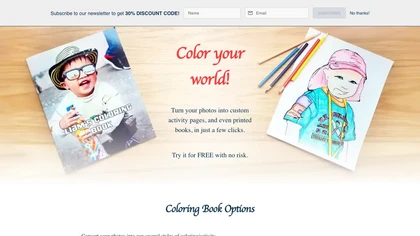
FotoMedley uses AI to transform user photos into stylized activity pages and printed books—sketches, comics, cartoons, color‑pencil, dot‑to‑dot, maze, by‑number—plus digital paintings, background removal, downloadable PDFs or custom prints today.
Paid
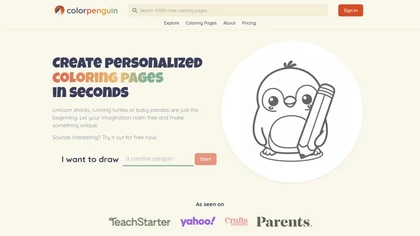
ColorPenguin is an AI tool for creating personalized coloring pages tailored to various age groups. Users can input prompts and access a large catalog of over 5,000 free downloadable pages, promoting creativity and engagement for children and educators alike.
Freemium
- $7.99/mo
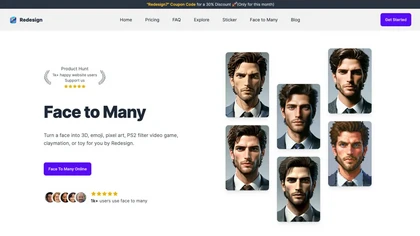
Transform face photos into artistic styles with Face Many AI. Choose from 3D, emoji, pixel art, video game, claymation, and toy styles instantly. User-friendly interface with privacy focus. Free and paid plans available.
Freemium
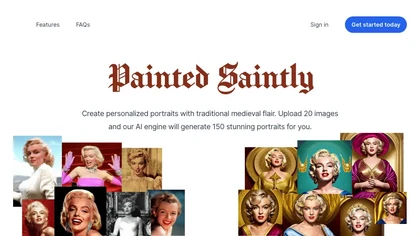
Painted Saintly turns photos into Renaissance‑style saint portraits, producing high‑resolution images in under 30 seconds. Users preview and then choose finished products like canvas prints, mugs, stickers, or ornaments, shipped worldwide.
Paid
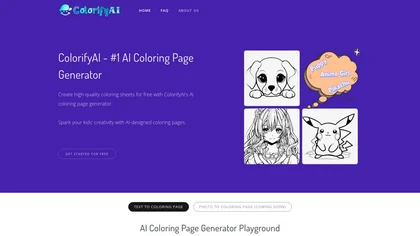
Colorify AI turns text prompts or uploaded photos into black‑and‑white coloring pages in under three seconds, offering seven art styles and multiple sizes. Users download PNG or PDF, keep a temporary history, and use files commercially without login.
Paid

ColoringStore converts text prompts, photos, or sketches into print-ready 300 DPI coloring pages in about 30 seconds, offering three art styles, adjustable line detail, PNG/PDF/SVG A4/Letter exports, and browser-based brush, fill, save, and preview tools.
Free
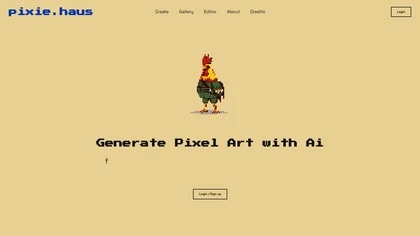
pixie.haus is an AI-powered pixel art generator that lets users create still images or animations using curated Lospec palettes, with login for saving and managing projects. It features a gallery editor and notifies users when renders are ready (~3 minutes), catering to both beginners and pros.
Freemium
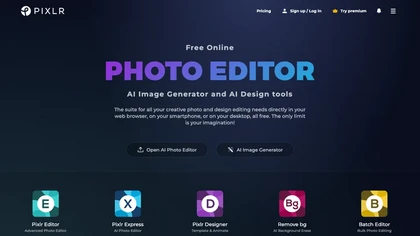
Pixlr is a browser‑based photo editor that uses AI for background removal, generative fill, and object deletion. It offers cropping, color correction, collages, templates, and social media layouts across desktop, tablet, and mobile.
Free trial
- $1.99/mo
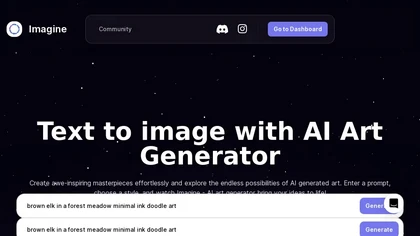
ImagineArt unifies AI‑driven image, video, and audio creation and editing, enabling prompt‑based generation, upscale tools, drag‑and‑drop video workflows, 4K cinematic rendering, and real‑time team collaboration for streamlined media production for artists, designers, and creators.
Freemium