
Lighting Adjustment AI
The best 50 Lighting Adjustment AI tools - Free & Paid
Explore 50 AI for Lighting Adjustment AI
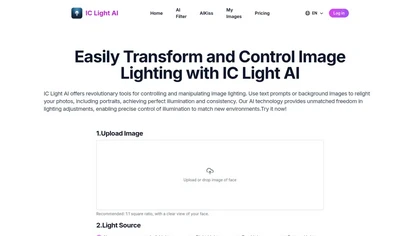
IC Light AI enhances image lighting control by allowing users to adjust illumination angles and styles for portraits. It supports various image sizes, helping photographers and e-commerce platforms to create high-quality, beautifully lit images effortlessly.
Free trial
- $14.9
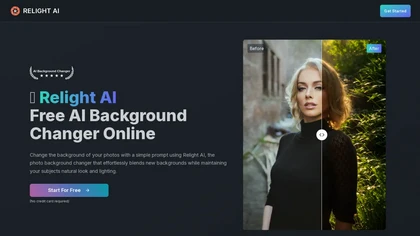
Relight AI is an online tool that effortlessly changes photo backgrounds while maintaining natural lighting and authenticity. With advanced AI algorithms, it enables users to transform images quickly and professionally without needing complex editing skills.
Freemium

ICLight Studio automatically relights photos with studio-quality lighting based on natural‑language prompts. It enhances portraits, applies preset lighting styles from daylight to studio scenes, and produces natural results in seconds, speeding up editing for photographers and designers.
Free
AI Product Shot creates photorealistic product images and ads without a studio. Users control background, lighting, and composition, referencing brand styles via the Inspire Engine. Each image is unique, enabling rapid testing and eliminating location scouting.
Subscription
- $19/mo

Luminar Neo is a powerful AI-powered photo editing software designed for photographers and content creators. It features automated AI tools for enhancement and creative effects, alongside layers and precise controls for professional-grade editing.
Freemium
NeonLights AI generates high-resolution images (up to 4K) and short cinematic videos (up to 12s), converts photos into animated effects using templates, offers multiple image/video models with guides, plus export, render and batch-processing tools.
- $6/mo
AI‑powered photo editor for macOS and Windows that supports RAW and non‑destructive editing. Offers sky replacement, depth‑based relighting, portrait retouching, object removal, batch processing, and AI presets for consistent, repeatable edits.
Paid

The AI Lab provides an advanced tool with image and facial enhancements features such as photo colorization, object and background removal, cartoon creation, retouching portraits, adjusting facial expressions, and API and platform for developers.
Free

PhotoEcom AI converts uploaded product angles into 4K, high‑quality images across studio, neon, beach, and branded backgrounds. It auto‑adjusts lighting, supports JPEG/PNG/WebP/AVIF, scales from single items to large inventories, and grants commercial ownership.
Paid
- $12
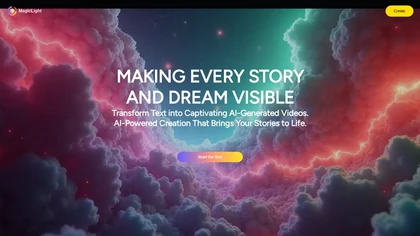
MagicLight is an AI art generator that creates long, consistent videos from text with multiple visual styles. It supports multilingual voiceovers in 10+ languages and 30+ emotional tones, available on desktop and mobile.
Free trial

Room AI is an AI interior designer that creates photo‑realistic renderings from existing images or from scratch. Users choose styles, colors, and materials, then generate multiple design concepts quickly, aiding homeowners, designers, agents, and architects.
Paid
- $2.42/mo
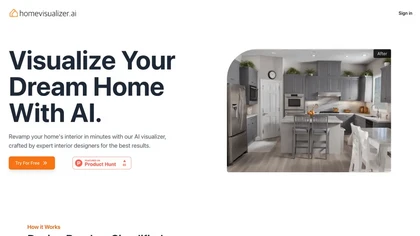
Home Visualizer AI converts photos, sketches, and elevations into photorealistic home renderings. It automatically selects styles, fuses inspirations, and refines low‑fidelity renders, enabling designers and homeowners to preview remodels quickly and securely.
Subscription
- $12/mo
AI Mastering automatically applies AI‑driven mastering to tracks, aligning levels and dynamic range to commercial standards with a limiter. Users set loudness targets, intensity, choose output formats, and benefit from drag‑and‑drop uploads and on‑screen spectrum/loudness visual feedback.
Freemium
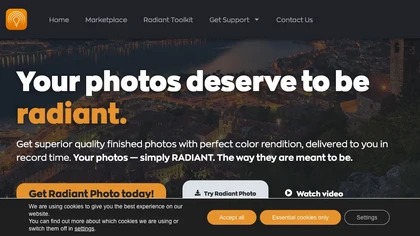
Get superior quality finished photos with perfect color rendition and fast delivery for radiant results.
Freemium

MyArchitectAI is an AI rendering software for architects and interior designers that creates photorealistic 4K renders in seconds. It supports various 3D model formats and offers features like style transfer and one-click image enhancement.
Freemium
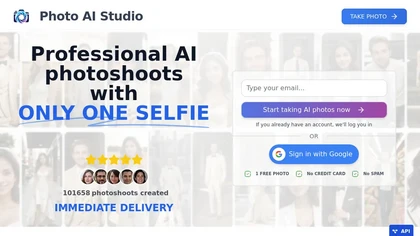
AI Photo Studio delivers AI‑powered image and video creation, including generation, background removal, virtual try‑on, style libraries, advanced editing (skin, age, expression, eye color), outpainting, thumbnails, and direct social publishing via a web interface.
Free
- $1.99

Lightning AI is a PyTorch Lightning‑based cloud platform for training, deploying, and serving models at scale. It offers GPU workspaces, managed clusters, fractional pay‑as‑you‑go GPU capacity, inference APIs, serverless deployment, security, and integration with LitServe, LitGPT, and LLMs.
Freemium
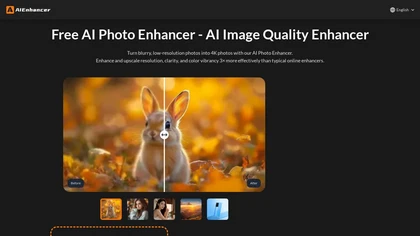
AIEnhancer.ai is a free online tool that instantly transforms blurry, low-quality images into high-resolution 4K photos. Simply upload your picture to apply AI-powered upscaling, noise reduction, and color correction, then preview and download the enhanced result.
Freemium

Remodel AI Free turns photos or sketches into realistic interior and exterior designs in seconds, offering virtual staging, paint palettes, landscaping plans, and renderings for rooms and facades. It serves homeowners, designers, architects, and agents on all devices.
Paid
- $29/mo
Phot.AI automates visual content creation—ads, video, product listings—using signal‑based creative angles and AI agents for parallel testing. It optimizes titles, bullets, images on Amazon and Shopify, delivers real‑time winner identification, and scales production with human review.
Subscription
- $40.83/mo
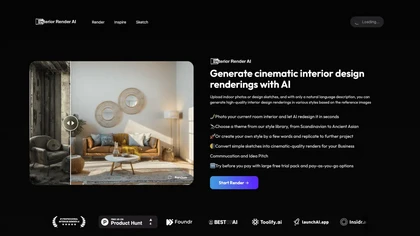
Interior Render AI creates photorealistic interior design renders from a single photo or sketch. Users upload an image, choose preset styles or craft custom designs with natural‑language prompts, producing cinematic renders that preserve room layout for staging or renovation planning.
Free trial

Luw.ai produces fast, high‑quality interior and exterior renderings from photos or sketches. Dedicated models auto‑redesign spaces, adjust lighting, suggest palettes, and offer 3D generation, furniture import, and export to CAD formats, with video flythroughs and mood‑board conversion.
Freemium
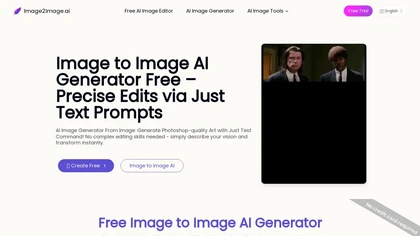
Image to Image AI is a tool that intelligently edits and transforms your photos based on simple text prompts. It allows for complex alterations like style changes, object removal, and realistic detail enhancement while maintaining consistency.
Free trial

AI Photo Studio automates e‑commerce image editing: background removal, resolution enhancement, lossless compression, profile passport creation, hairstyle preview, object cleanup, old‑photo restoration, colorization, AI fashion model generation, clothing recolor, background changes, and file convers
Free
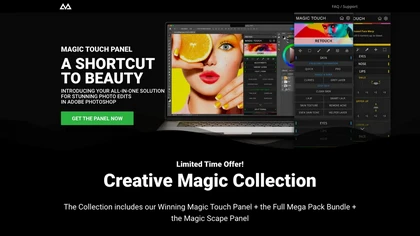
CreativeMagicPanel automates portrait retouching in Photoshop with AI face/body recognition. It offers 289+ features—skin smoothing, facial tweaks, color grading, overlays, quick presets, luminosity masks, and selection helpers—compatible with Photoshop CC 2023+ on Windows, macOS, and Apple Silicon.
Free
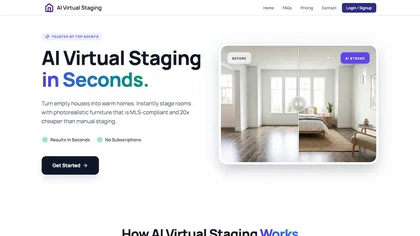
AI Virtual Staging converts property photos into high-resolution, photorealistic staged images—adding or removing furniture, applying curated interior styles, day/dusk lighting and 2D/3D floor plans—preserving layout and perspective for MLS-ready listings.
Subscription

BestPhotoAI is an AI photo studio offering over 40 tools to enhance, create, or transform images. Upload a photo, choose a style like anime or professional headshot, and receive a high-resolution edit in under an hour.
Freemium
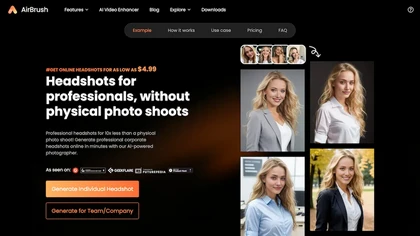
Headshot AI Generator is an AI-powered tool that quickly produces professional headshots with advanced editing capabilities. Whether you need to retouch photos, create avatars, or enhance images, this tool offers customization options and fast results, perfect for improving your online presence effo
Paid
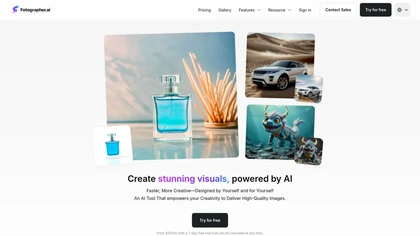
Fotographer.ai is an AI image generation tool that allows creative professionals to easily produce high-quality visuals, featuring background generation, relighting, customizable training with single images, and seamless editing capabilities for streamlined workflows.
Free trial
- $10/mo

AI image enhancer that upscales up to 4×, removes noise, sharpens blur, and can enhance faces or colorize. Handles .png/.jpg/.webp/.tif/.bmp/.raw and outputs the same formats. Windows, macOS and Photoshop plugin supported.
Free trial
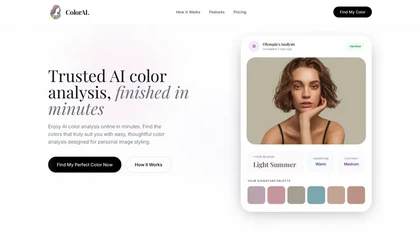
AI Color Analysis.ai is a photo-based personal color analysis tool that uses facial landmark detection and color-science algorithms to determine your seasonal palette. It provides personalized makeup, hair, and clothing recommendations with virtual try-on features for visualization.
Freemium
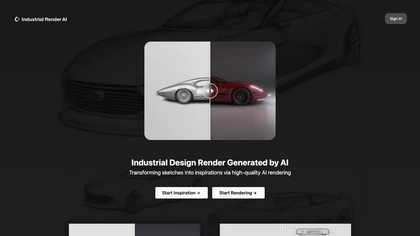
Industrial Render AI converts sketches, photos, or simple models into studio‑grade 3D renderings instantly, offering preset styles for mood and realistic CMF details like brushed aluminum or matte plastic, enabling rapid prototyping for designers.
Subscription
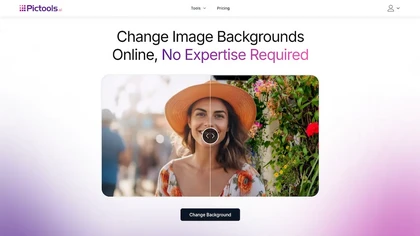
PicTools.AI is a web‑based photo editor that lets users upload images and apply changes via text prompts or over 100 one‑click AI filters—background removal, outfit changes, smile addition, restoration, and artistic styles—without design skills.
Subscription
- $23.4/mo
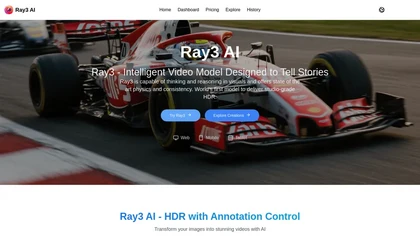
Ray3 AI is a professional video generation tool that creates studio-grade HDR videos through advanced visual reasoning. It features intuitive HDR annotation tools and a draft mode for fast, precise storytelling without complex prompts.
Freemium
AI Hairstyles lets users virtual‑try‑on realistic hairstyles from a single selfie. AI analyzes face shape to recommend styles and celebrity look‑alikes. Results load in 5–10 seconds, no registration required, and images are deleted after 30 days.
Paid
- $8
💰 Deal

aijewelrymodel.app is an AI tool that generates photorealistic, model-on jewelry images for e-commerce and social media. It uses physically based rendering to place your pieces on diverse AI models and provides listing-ready, commercially licensed images in seconds.
Free trial
- $13.3/mo
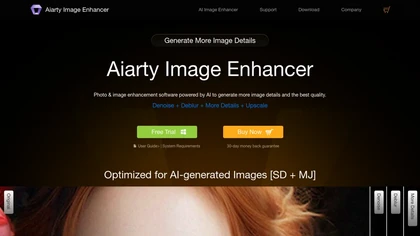
Aiarty is a desktop AI that locally enhances images and video—denoising, deblurring, upscaling to 4K–32K, HDR, batch processing, and precise matting for semi‑transparent elements—without cloud, preserving privacy. It runs on GPU, handling millions of images or 4K footage offline.
Paid
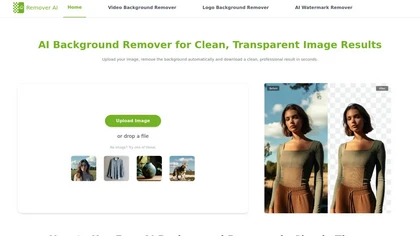
removerai.io is a web-based AI tool that automatically removes backgrounds from images, preserving fine details like hair and edges. It requires no installation, allows manual refinements, and exports high-resolution transparent PNGs for e-commerce, design, and marketing.
Free
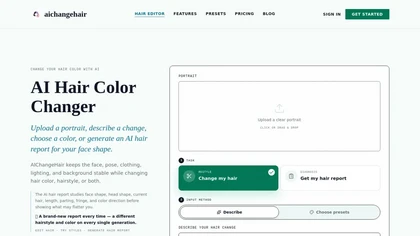
AIChangeHair is a hair editor that lets you change hair color and try new styles on portrait photos. It preserves face, pose, and background while applying colors or 180 hairstyle presets from text prompts or palettes.
Free trial
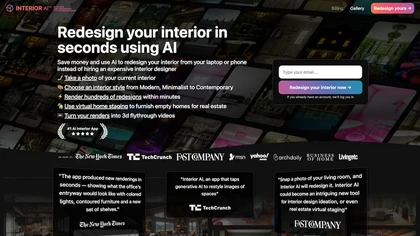
Interior AI lets users upload a room photo and receive a photorealistic redesign in under a minute. It supports style transfer, 3D vision, virtual staging, sketch conversion, and offers high‑resolution renders, 3‑D walkthroughs, and VR views for quick layout evaluation.
Paid
- $60
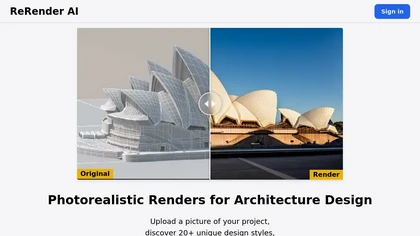
ReRender AI turns concept sketches, reference images, or 3‑D models into photorealistic interior and exterior renders. It offers multi‑angle views, sketch‑to‑image workflow, upscaling, and an API for pipeline integration, helping architects and designers.
Freemium
- $45/mo
a1.art is an online AI image and video generator offering 250,000 collections and millions of filters for rapid editing. It supports style transfer, batch processing, category search, API integration, asset logging, and high‑resolution output.
Freemium
Lensa AI is a mobile photo editor that offers one‑tap portrait retouching, automatic background and object removal, adjustable background blur with bokeh, a variety of social‑media filters, stylized avatar generation, and high‑resolution exports for iOS and Android.
Free trial
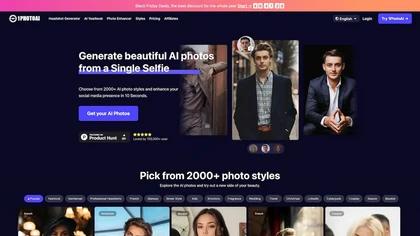
PhotoAI transforms a single selfie into high‑resolution stylized headshots, avatars, or themed images using over 2,000 preset styles. It offers fast, batch processing, AI photo enhancement, and integrates with social‑media workflows for quick profile and marketing updates.
Paid
- $20
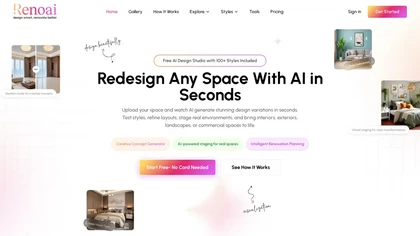
RenoAI generates style-specific interior redesigns from room photos, producing realistic renders across 50+ styles with automated furniture placement, scale-aware layouts, lighting and decluttering tools, before–after comparisons, and export-ready images for planning and presentations.
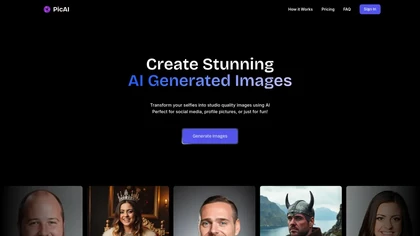
PicAI converts user selfies into studio‑grade, high‑resolution portraits using Flux‑based AI models. Users upload photos and receive photorealistic images ready for social media, marketing, or creative work, with customizable style and royalty‑free ownership.
Subscription
- $19/mo

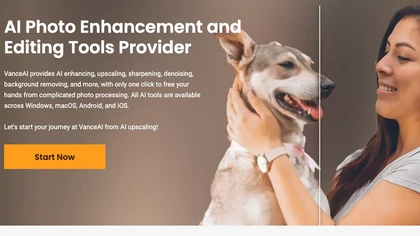
VanceAI offers AI‑driven image enhancement tools—upscaling, sharpening, denoising, background removal, restoration, and cartoonization. Supports batch processing and a Windows desktop app, enabling quick, detail‑preserving edits for photographers, designers, and e‑commerce sellers.
Free trial