
Grid Image Splitter
The best 6 Grid Image Splitter AI tools - Free & Paid
Explore 6 AI for Grid Image Splitter
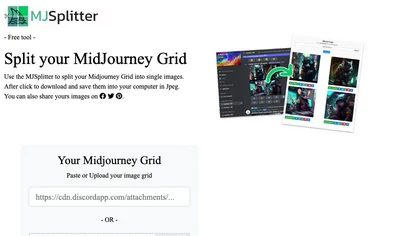
MJ Splitter quickly separates MidJourney grid images into individual high‑quality files, preserving original resolution. Upload via URL or drag‑and‑drop; all processing is local, and files can be downloaded as JPEGs or a ZIP. Suitable for artists, marketers, and designers.
Free

PhotoGrid is a browser‑based AI photo editor that offers one‑click enhancement, background removal, and upscaling. It lets users build collages from 20,000 templates, add stickers, text, custom backgrounds, and convert images into short video clips.
Subscription
- $2.83/mo
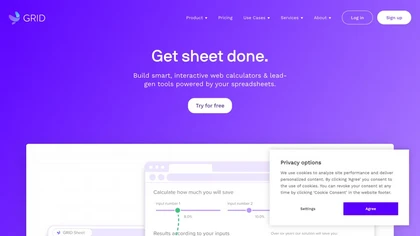
GRID embeds a native spreadsheet engine in apps for real‑time calculation and data management. With optional editor/viewer UI, it supports AI/LLM integration, improves reliability, scales workflows, streamlines development, and offers a familiar spreadsheet experience.
Free
Splitter.ai automatically separates audio into 5‑stem (vocals, drums, bass, piano, other) or 2‑stem (vocal, instrumental) tracks, removes reverb, and processes YouTube and cloud uploads. It offers an API for developers and supports producers, DJs, forensic, and karaoke use.
Free
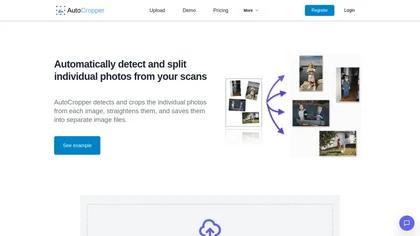
AutoCropper uses AI to detect, crop, and straighten photos from scans, handling JPEG, PNG, TIFF, and PDF in batches. It splits images into full‑quality files, lets you resize or tag crops, all in the browser with full privacy.
Freemium
- $18
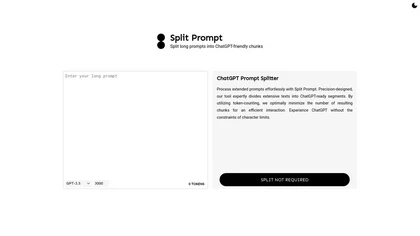
Split Prompt automatically segments long prompts into token‑compliant chunks for GPT‑3.5/GPT‑4, preventing truncation and ensuring full context delivery. It offers adjustable chunk sizes, token previews, and batch processing, speeding iteration for writers, developers, and researchers.
Freemium