
What is Split Prompt?
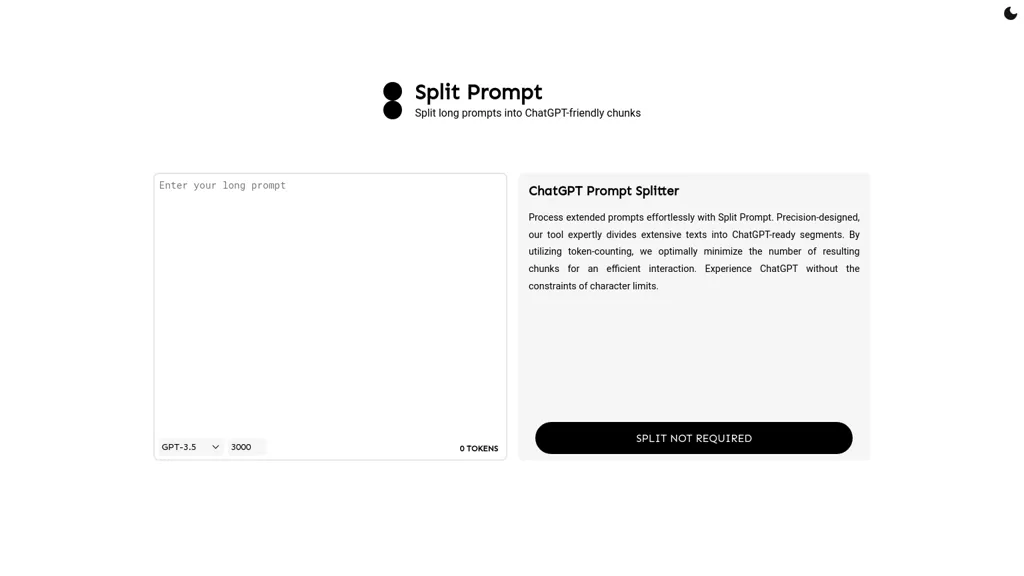
Split Prompt divides lengthy prompts into ChatGPT‑ready chunks using token‑counting, minimizing the number of segments needed for GPT‑3.5 or GPT‑4 interactions. It automatically respects the model’s token limits, preventing truncation and ensuring complete context delivery.
The tool lets users set custom chunk sizes and preview token usage, aiding efficient prompt design for writers, developers, and researchers. By eliminating manual trimming, it speeds up iteration cycles and reduces errors caused by character constraints.
Split Prompt pricing
FreemiumSplit Prompt offers a free plan with paid upgrades available.
Verify on the official pricing page.
View plansSplit Prompt's key features
-
Splits long prompts into chunks
-
Utilizes token-counting for optimality
-
Supports GPT-3.5 and GPT-4
-
Minimizes resulting chunk count
-
Removes character limit constraints
-
Processes extended prompts effortlessly
Split Prompt use cases
-
Draft a multi-chapter e-book, automatically segmenting each chapter into token-compliant chunks with Split Prompt so GPT-4 can generate the narrative sequentially without losing context
-
Create a comprehensive FAQ database for a SaaS platform, using Split Prompt to batch-process thousands of user inquiries, ensuring every prompt remains within GPT-4’s token limits for rapid and accurate response generation
-
Optimize a large-scale research analysis by feeding extensive literature reviews through Split Prompt, splitting each review into token-friendly segments that GPT-4 can synthesize into concise, unbiased summaries without truncation
Split Prompt user reviews
Would you recommend Split Prompt?
Who is Split Prompt for?
-
Content creators
-
Product designers
-
Writers
-
E-commerce sellers
-
Researchers
Split Prompt FAQ
Is Split Prompt free?
Partly. Split Prompt has a free plan with usage limits, and paid plans unlock the full feature set.
What are the best alternatives to Split Prompt?
The closest alternatives to Split Prompt are ChatGPT Prompt Generator, Chatgpt Work, FlowGPT, ChatCut and Prompt Builder. You can compare them side by side in the alternatives section further down this page.


