
Best User Testing AI tools
Explore the top AI app list for User Testing and compare them for use cases, features and pricing. You will find Tools for AI-driven user testing that simulate user interactions, analyze feedback, and optimize product usability.
See all 13 AI Tools for: User Testing

UserCue offers AI‑moderated interviews that gather data from up to 1,000 participants in one hour. It customizes agents within 24 hours, distributes via a single link, and delivers structured reports minutes after the deadline.
1 1
Freemium
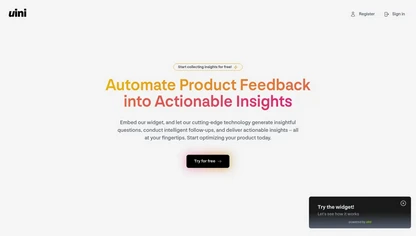
uini is an AI tool that automates real-time feedback collection through a website widget, providing customizable surveys and insights to help product managers and UX designers align their projects with user needs efficiently.
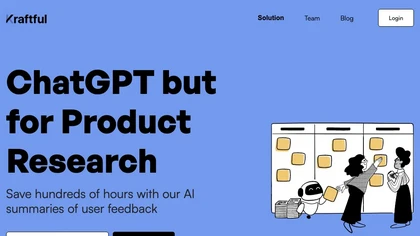
Collects feedback from 30+ sources, automatically classifies requests, complaints, and themes, and provides full‑context views. AI‑driven surveys adapt questions, translate answers, export user stories to Jira or Linear, track trends, and deliver Slack updates.
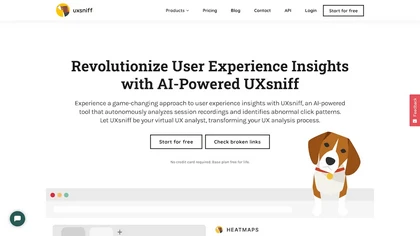
UXsniff automatically tracks UX changes by analyzing heatmaps and session recordings, comparing pre‑ and post‑release behavior. It flags layout, copy, and component updates linked to key metrics, offers impact reports, rage‑click detection, and historical A/B comparison using real user data.
3 3
Paid
- $19
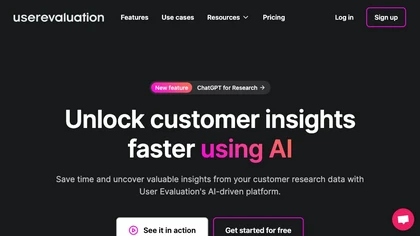
User Evaluation is an AI‑driven platform that transcribes audio/video in 57 languages, tags and analyzes responses, and delivers actionable insights via dynamic reports and a multimodal chat. It supports secure storage, Kanban organization, and integration with design and analytics tools.
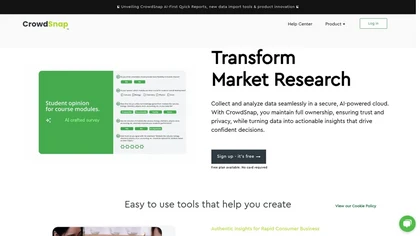
CrowdSnap Protect uses AI to generate survey questions, detect bots, verify identities via blockchain Proof of Humanity, and offers dashboards with export options (CSV, SPSS, Excel, JSON). It supports text, audio, image inputs and meets GDPR standards on Azure.
2 0
Freemium
- $99/mo
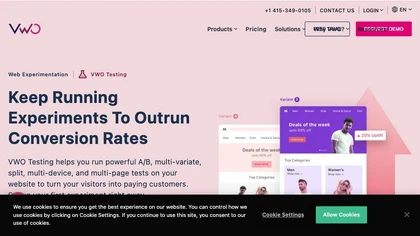
VWO Testing is an experimentation platform for A/B, multivariate, split‑URL, and feature tests across web, mobile, and server code. It delivers real‑time analytics, Bayesian SmartStats, AI‑generated variations, and seamless integration with major analytics tools.
17 8
Free trial
Sprig is an AI-powered customer insights tool that helps teams understand and optimize their product experience. With Sprig, you can capture user insights through surveys, replays, and in-product studies, and analyze the data using AI-generated insights.
1 0
Freemium
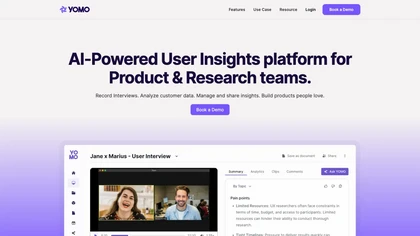
Yomo AI is an AI-enhanced user insights platform simplifying user research processes. It provides interview recording, transcription, analysis tools, project organization, and data export integrations, enabling teams to derive valuable insights for informed product decisions.
0 1
Freemium
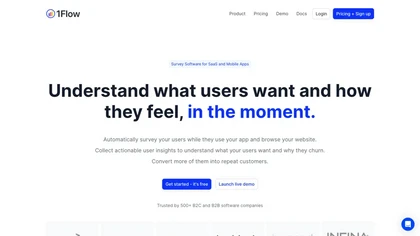
1Flow delivers real‑time in‑product surveys that capture NPS, CSAT, CES, and custom data. AI auto‑generates tailored surveys, while SDKs and integrations with Segment, Amplitude, HubSpot enable seamless deployment and data flow.
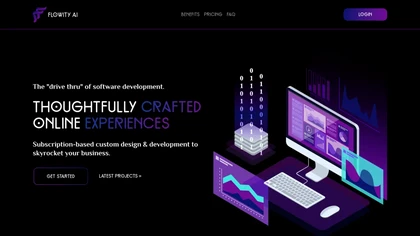
Flowity AI ingests support threads, feedback, surveys, and notes to identify friction, risk, and opportunity signals. It clusters and prioritizes actions, cutting analysis from hours to minutes, and delivers continuous alerts to help leaders make faster, aligned decisions.
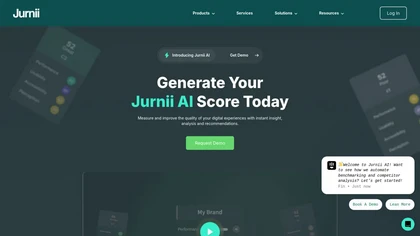
Jurnii AI automates competitor benchmarking and UX audits by analyzing 400 data points. It identifies usability pain points, assesses customer experience maturity, and offers tailored recommendations to enhance digital customer experiences efficiently.
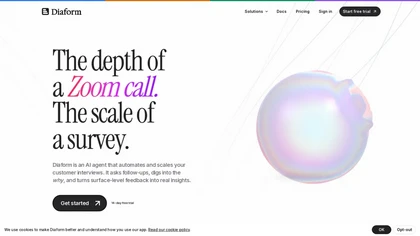
Diaform is an AI interviewer that automates customer interviews via natural voice and text sessions in the browser. It uses adaptive branching and follow-up probes to turn conversations into structured data, transcripts, and actionable insights for product and research teams.
Find user problems before they find you
We track 13 User Testing tools.
13
Tools
30.8%
Have API ↗
What it costs
$19.0
median starting price
Most start between $17.84 and $69.0.
How concentrated
The top 5 take 97.6% of the traffic here.
The top 10 take 100.0%.


Built on
Models these tools say they run on
GPT 2
Claude 1
Use cases
Extract:Text>Structured_Data
Summarize:Text>Text
Transcribe:Audio>Text
Analyze:Text>Text
Generate:Text>Text
Extract:Text>Text
Analyze:Text>Structured_Data
Generate:Text>Structured_Data
Deploy:Code>Text
Benchmark:Text>Structured_Data
Figures updated 29 October 2026