
Top 22 Open Notebook Alternatives in 2026
No user reviews yet FreemiumOpen Notebook is a self-hosted, open-source notebook for private LLM workflows, supporting over 16 AI providers. It enables multi-modal content management, vector search, and contextual chat with full data sovereignty for research and development teams.
We've ranked 22 Open Notebook alternatives, including 21 with a free plan. Rankings are based on feature coverage and user feedbacks.
Top-rated alternatives include Lmstudio.ai, SurfSense, and LLMWare.ai.
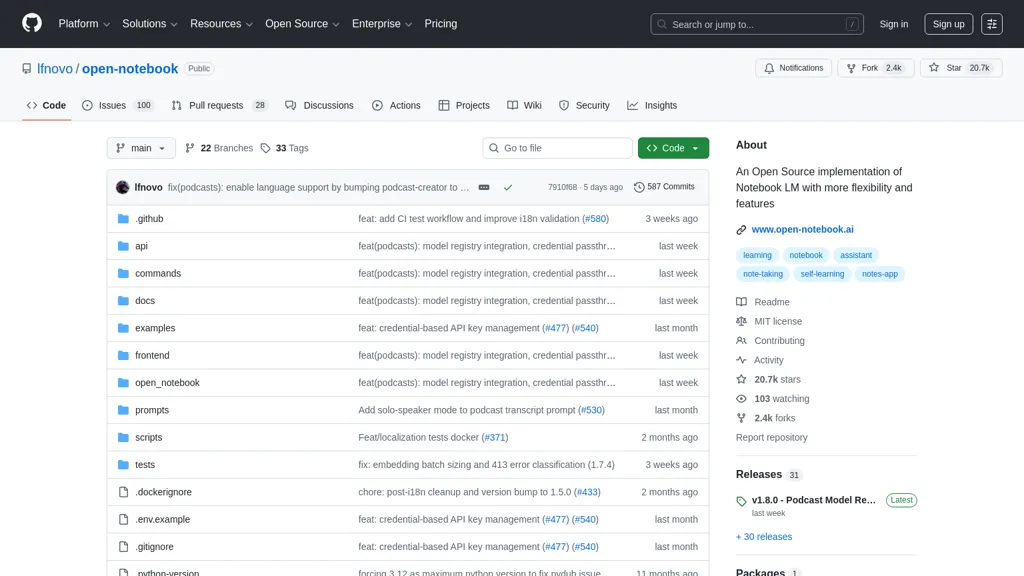
22 Open Notebook Alternatives & Competitors, Ranked by User Reviews
Click Compare on any tool to compare it side-by-side with Open Notebook.
 #1
Lmstudio.ai
#1
Lmstudio.ai
LM Studio runs open‑source large language models locally on Mac (M‑series), Windows, and Linux, enabling private, offline inference. It offers command‑line and headless deployment, server‑side API, SDKs, a model hub, and LM Link for remote model access.

SurfSense is an open-source team collaboration tool built as an alternative to NotebookLM, connecting LLMs to internal knowledge sources for real-time chat, research, and workflow automation with cited answers.
 #3
LLMWare.ai
#3
LLMWare.ai
LLMWare AI installs a lightweight client on PCs, providing instant access to 100+ AI models optimized for Intel and Qualcomm hardware. It supports RAG, auto‑tunes weights, runs locally without Wi‑Fi, and offers an admin console for monitoring, scaling, and audit logs.
 #4
PaperClip
#4
PaperClip
paperclip is an open-source, self-hosted AI orchestration platform for creating and managing autonomous companies and agent teams—providing role-based hiring, goal-driven task delegation, budgeting, audit trails, multi-tenant deployment, extensible LLM integrations, and monitoring dashboards.
 #5
LLMChat
#5
LLMChat
LLMChat is an AI chat tool that offers a beta version experience with diverse AI models, personalized memory, custom assistant creation, and privacy-focused locally stored conversations. Explore features like plugin integration, tailored preferences, and prompt examples for various tasks.
 #6
Code Snippets AI
#6
Code Snippets AI
Code Snippets AI indexes full codebases to deliver contextual insights, auto‑generated comments, and precise snippet recommendations. It tracks LLM usage, supports multi‑model chat, offers role‑based collaboration, and integrates with macOS and Windows via API.
- Catch deals before they expire
- Unlock tools matched to you
- Show off your AI stacks
Already a member? Sign in
 #7
Msgmate
#7
Msgmate
Open‑Chat is a self‑hostable, decentralized chat platform that supports both proprietary and open‑source AI models. It provides a full chat API, runs LLMs on local GPUs, lowers latency, enhances privacy, and deploys easily on personal or cloud servers.
 #8
Lemonade AI
#8
Lemonade AI
Lemonade is a self-hosted local AI platform offering GUI, CLI, REST API and SDKs to host and run multimodal models (text, image, code, speech), manage model lifecycle, benchmark inference, deploy on-prem agents, and keep data local.
 #9
Ollama.ai
#9
Ollama.ai
Llama is a local AI tool that enables users to create customizable and efficient language models without relying on cloud-based platforms, available for download on MacOS, Windows, and Linux.
 #10
Odysseus
#10
Odysseus
Odysseus is a privacy-first, self-hosted AI workspace for running and serving local LLMs, autonomous agents, and multi-turn chat, offering model management, hardware-aware serving, built-in tools, persistent memory, research workflows, and integrations.
 #11
Kodus
#11
Kodus
Open‑source AI code‑review platform that plugs into GitHub, GitLab, Bitbucket, and Azure DevOps at the pull‑request level. Model‑agnostic, it runs custom rule sets, tracks technical debt, and delivers real‑time metrics without storing source code.
 #12
AIChat.fm
#12
AIChat.fm
Multimodal AI workspace integrating ChatGPT, Claude, Gemini, Grok and Husky to create and edit text, images, audio, and video, compare multiple models, build custom agents with memory, index web/Telegram for enhanced search, and support team workflows.
 #13
LLMStack
#13
LLMStack
LLMStack is an open‑source platform that lets developers build AI agents and workflows without coding, supports multiple model providers, imports data from web, PDFs, audio, cloud services, and offers a collaborative React UI with granular permissions.
 #14
LLMWizard
#14
LLMWizard
LLMWizard offers access to multiple AI models like GPT-4o and DALL-E 3, enabling users to automate tasks across coding, legal work, and content creation. The platform supports real-time comparison of AI responses for diverse insights.
 #15
Sparrow Studio
#15
Sparrow Studio
Sparrow Intelligence builds and deploys AI‑native systems—LLM apps, copilots, autonomous agents, and SaaS platforms—using retrieval‑augmented generation, vector databases, and cloud‑native backends. Their end‑to‑end process includes discovery, iterative build, and scaling with observability, cost monitoring, and compliance oversight.
 #16
Oobabooga
#16
Oobabooga
The text-generation-webui is a Gradio-based web UI for Large Language Models, supporting various backends and multiple interface modes. It allows quick model switching, extension integration, and dynamic LoRA loading for custom training.
 #17
Osmantic ODS
#17
Osmantic ODS
ODS is an on-premises AI server for PC, Mac, and Linux offering local LLM inference, model management, agents, chat/voice UI, RAG with local document search, image pipelines, integrations (Ollama, ComfyUI, n8n), and operational tooling for private deployments.
 #18
TextGen - oobabooga
#18
TextGen - oobabooga
Open-source desktop app for running local LLMs on Windows/macOS/Linux, supporting text and multimodal inputs, file attachments, multiple model backends with hot-switching, chat/instruction modes, prompt-engineering tools, API/tool-calling, extensibility, and conversation branching.
 #19
OpenHuman
#19
OpenHuman
OpenHuman is an open-source personal AI framework for private, on‑premises deployments and local model execution, providing an agent framework, prompt management, local speech (Whisper/Piper), integrations, Docker/one‑click deployment, and developer tooling.
 #20
Ollm
#20
Ollm
Ollm.com is a confidential AI gateway providing a single API to route across hundreds of LLM models and providers. It ensures enterprise security with zero data retention, confidential computing, and centralized key management for private, compliant AI workloads.
 #21
Secret Llama
#21
Secret Llama
Secret Llama is a private browser-based chatbot that stores data locally, ensuring enhanced privacy. It supports offline use after initial model download and functions on Chrome and Edge with GPU support, encouraging community contributions for ongoing improvements.
 #22
Pocket LLM
#22
Pocket LLM
Pocketllm is an AI-powered personal document search engine that allows you to easily search and retrieve information from thousands of pages of PDFs and documents. It offers semantic search capability, fine-tuning search results and summarizing results.
Frequently Asked Questions
Why look for Open Notebook alternatives?
Common reasons users switch from Open Notebook:
- Feature gaps: teams needing specific capabilities like Organize Documents may find a more focused alternative better suited to their workflow.
- Flexibility: exploring alternatives helps find tools that better match your team size, integrations, and budget.
What is the best alternative to Open Notebook?
Based on 25 user reviews, Lmstudio.ai (56% positive) ranks as the top Open Notebook alternative. LM Studio runs open‑source large language models locally on Mac (M‑series), Windows, and Linux, enabling private, offline inference. It offers command It is available on a Free plan.
How do the top Open Notebook alternatives compare?
| Tool | Pricing | Starting Price | User Rating |
|---|---|---|---|
| Open Notebook this tool | Freemium | — | — |
| Lmstudio.ai | Free | — | 56% (25) |
| SurfSense | Free | — | 83.3% (12) |
| LLMWare.ai | Freemium | — | — |
| PaperClip | Free | — | 100% (3) |
| LLMChat | Free | — | 66.7% (6) |
Are there free Open Notebook alternatives?
Yes, 21 free alternatives found in our list: Lmstudio.ai, SurfSense, LLMWare.ai. and 18 more — use the pricing filter above to see them all.
What should I look for in a Open Notebook alternative?
- Core capabilities: confirm the tool supports Organize Documents, Analyze Audio, Generate Audio.
- Pricing transparency: look for clear free plan, trial period, or tiered pricing — avoid tools that hide costs.
- User reviews: check both the satisfaction percentage and the number of reviews; a high score from few users is less reliable.
- Integrations: verify it connects with your existing stack before committing.
- Support and updates: active development and responsive support are strong signals of a maintained product.
Which Open Notebook alternative has the highest user rating?
PaperClip has the highest satisfaction score among Open Notebook alternatives, with 100% positive from 3 user reviews. It is available on a Free plan.
What are Open Notebook alternatives used for?
- Organize Documents
- Analyze Audio
- Generate Audio
- Automate Workflows
- Extract Texts