
What is Lmstudio.ai?
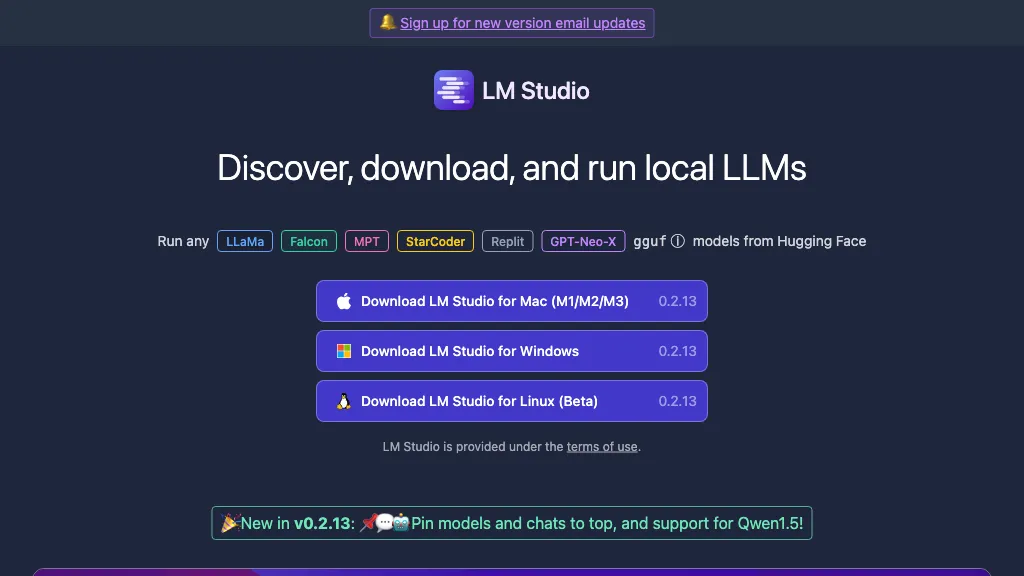
LM Studio runs large language models locally on Mac (M‑series), Windows, and Linux, enabling private inference without internet access.It supports a wide range of open‑source LLMs, including gpt-oss, Qwen3, Gemma3, and DeepSeek, and can be installed from the command line for headless deployment on servers or CI pipelines.
The llmster core allows server‑side use of LM Studio without a graphical interface, making it suitable for automated workflows and scalable deployments.Developers can integrate LM Studio through its JavaScript and Python SDKs, which provide an OpenAI‑compatible API for seamless model calling.
The LM Link extension connects remote instances of LM Studio, letting users load and run models as if they were local, which is useful for distributed experimentation.Command‑line tools (lms) and a model hub give quick access to model metadata and updates, facilitating efficient model management.
Lmstudio.ai details
- Company
- Element Labs, Inc.
- Jurisdiction
- New York
- Built for
- Individuals
- Data residency
- United States (US-based)
Lmstudio.ai tech specs
- Works with
- Meta DeepSeek Z.ai Kimi
Lmstudio.ai pricing
FreeThis tool is free to use, with no credit card required.
Verify on the official pricing page.
Get started freeLmstudio.ai's key features
-
Private secure AI on infrastructure
-
Local LLM deployment across organization
-
Enterprise-grade controls for models
-
Secure AI workflows enabled
-
Team organization support
Lmstudio.ai use cases
-
Run sensitive financial data summarization locally on Mac without exposing data to cloud services, leveraging LM Studio’s private offline inference
-
Deploy a headless language model server on a Linux machine to power a real‑time translation microservice, accessed via the LM Studio API without any frontend
-
Connect multiple on‑premise machines through LM Link to tap into a high‑capacity remote model hub, scaling inference across a hybrid local‑remote architecture
Lmstudio.ai user reviews
Based on 25 reviews, 56% of users recommend Lmstudio.ai, rated highly for value for money.
Liked for
Disliked for
Would you recommend Lmstudio.ai?
Who is Lmstudio.ai for?
-
Machine learning engineers
-
Data scientists
-
Machine learning researchers
-
Learning students
-
Learning hobbyists
Lmstudio.ai FAQ
Is Lmstudio.ai free?
Yes. Lmstudio.ai is free to use and does not require a credit card.
Is Lmstudio.ai safe to use?
Lmstudio.ai is operated by Element Labs, Inc., registered in New York. Lmstudio.ai carries the TopAI.tools verified mark, which we award after a manual review of pricing transparency, published terms, public following and working functionality. It has a substantial audience that is independently measured month to month.
Is Lmstudio.ai good?
Lmstudio.ai has a 56% recommendation rate from 25 reviewers on TopAI.tools. Reviewers rate it highest on value for money and quality of results.
What are the best alternatives to Lmstudio.ai?
The closest alternatives to Lmstudio.ai are Ollama.ai, Llama.cpp and Unsloth Studio. You can compare them side by side in the alternatives section further down this page.
What does Lmstudio.ai do with my data?
Lmstudio.ai states that customer content is not used to train its models. Its privacy policy states that personal data is not sold or shared for marketing purposes. Data may be shared with third-party service providers that help run the product. Customer data is held in United States (US-based).
Does Lmstudio.ai have an API?
Yes. Lmstudio.ai offers an API, so you can call it from your own applications instead of using the interface directly.
Who made Lmstudio.ai?
Lmstudio.ai is built and operated by Element Labs, Inc., a company registered in New York.
Which AI models does Lmstudio.ai use?
Lmstudio.ai is built on Meta, DeepSeek, Z.ai and Kimi. Which models you can reach may depend on your plan.
Compliance, privacy and billing terms are as stated in each product's own published documentation and have not been independently verified by TopAI.tools.


