
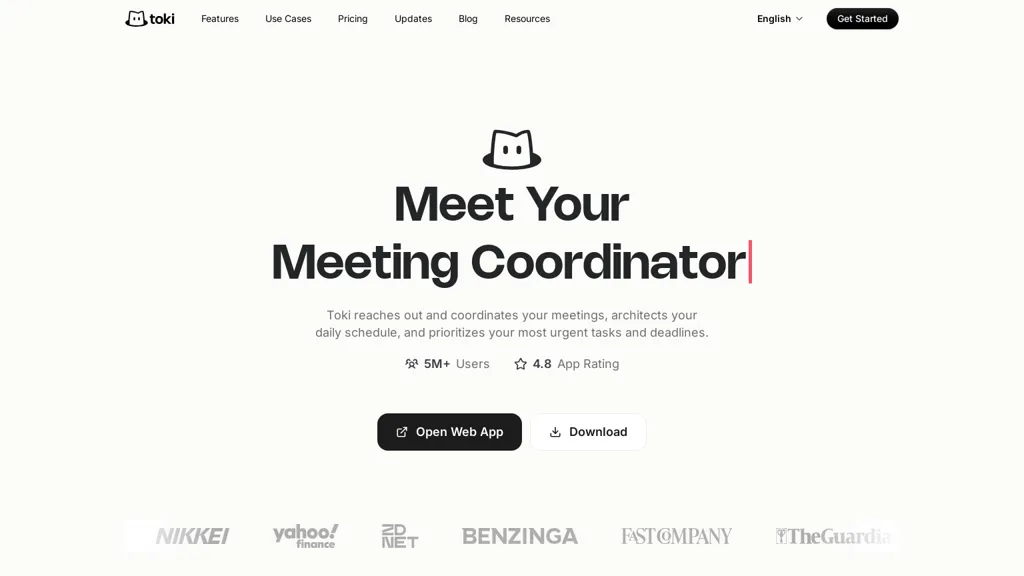
What is Toki?
Toki is an AI calendar assistant that coordinates meetings, identifies attendee availability, and creates events from natural-language requests.
It captures multi-modal inputs—text, voice notes, images, and emails—and converts them into scheduled actions and reminders.
Features include multi-calendar sync, scheduling links, conflict-resolution suggestions, adaptive reminders with escalation (CallMe), and to-do tracking.
Proactive planning tools organize daily schedules, balance focused work and urgent tasks, and provide daily and weekly time insights.
Triggers monitor deadlines, prices, or release dates and generate alerts or automatic follow-ups.
Integrations with major calendars and devices consolidate schedules and reduce manual coordination.
Toki pricing
FreemiumToki offers a free plan with paid upgrades available. Plans start from $9.90/mo.
Verify on the official pricing page.
View plansToki's key features
-
Natural-language meeting scheduling with attendee availability detection and event creation
-
Multi-modal input capture (text, voice notes, images, emails) converted into scheduled actions and reminders
-
Multi-calendar synchronization and integrations with major calendars and devices
-
Scheduling links and conflict-resolution suggestions
-
Adaptive reminders with escalation (CallMe), to-do tracking, and automated triggers/follow-ups for deadlines, prices, or release dates
Toki use cases
-
Convert natural-language emails, voice notes, or images into scheduled meetings and reminders across work and personal calendars using Toki, letting it automatically resolve conflicts, propose optimal times, and keep all calendars synced so you never double-book.
-
Delegate meeting coordination by forwarding scheduling emails or speaking availability to Toki — it negotiates times across participants via integrations, sends adaptive reminders and escalation notifications, and captures follow-up to-dos from conversations.
-
Use Toki for proactive planning by setting triggers and rules to auto-create recurring planning sessions, block focus time across multiple calendars, surface conflicts with smart rescheduling suggestions, and convert tasks or images into actionable calendar items.
Toki user reviews
Would you recommend Toki?
Who is Toki for?
-
Executives
-
Managers and team leads
-
Executive assistants and schedulers
-
Sales and business development professionals
-
Recruiters and hiring managers
-
Product managers
-
Project managers
-
Freelancers and consultants
-
Small business owners and founders
-
Event planners and coordinators
-
Remote and distributed team members
-
Students and academics
Toki FAQ
Is Toki free?
Partly. Toki has a free plan with usage limits, and paid plans unlock the full feature set. Paid plans start at $9.90/mo.
What are the best alternatives to Toki?
The closest alternatives to Toki are Motion AI, Carly AI, Clockwise, Read AI and Coco AI. You can compare them side by side in the alternatives section further down this page.


