
What is SVGconverter AI?
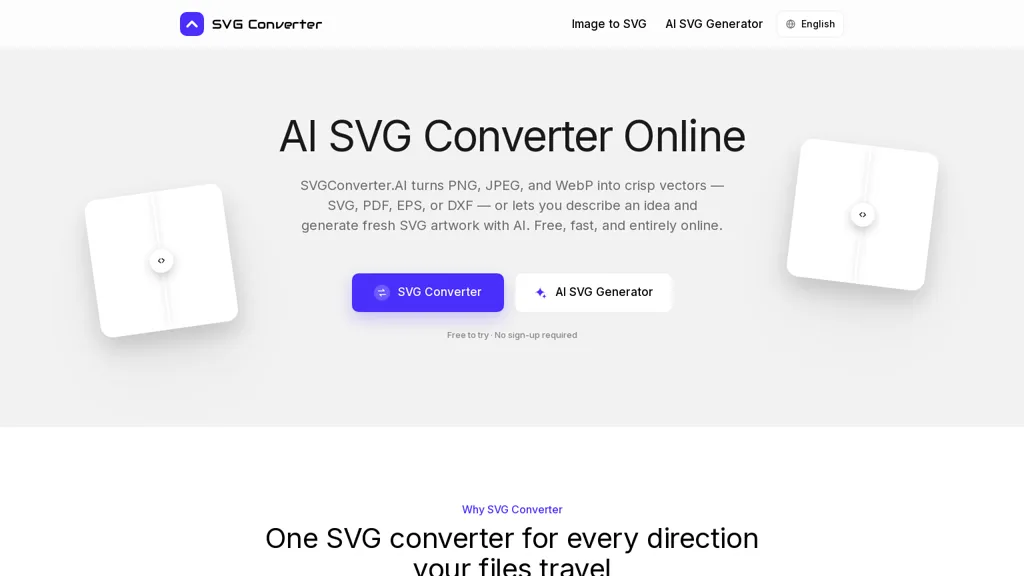
SVG Converter (svgconverter.ai) converts raster images - PNG, JPEG, WebP - to scalable SVG vectors and converts vector files back to raster formats.Upload PNG/JPG/WebP to export SVG, PDF, EPS, and DXF, or upload SVG/PDF/EPS/DXF to export PNG, JPG, GIF, WebP, and AVIF.
AI-assisted vectorization can generate SVG artwork from text prompts and produces layered, editable vectors with sensible paths, node structure, and clustered color palettes for logos and icon sets.The browser-based tool runs on macOS, Windows, Linux, ChromeOS and mobile devices with no installation required.
Export options align with web, print, embroidery, laser cutting and CAD workflows so files are ready for animation, production, or shop use.Outputs preserve sharp edges and scalable detail for high-resolution printing and precise CNC/CAD applications, and vector files remain compatible with Illustrator, Figma, Inkscape and CAD editors for further editing.
SVGconverter AI details
- Built for
- Individuals
SVGconverter AI tech specs
- Payment Processors
- Stripe
- Integrations
- Figma
SVGconverter AI pricing
FreeThis tool is free to use, with no credit card required.
- Auto-renewal
- Yes
Verify on the official pricing page.
Get started freeSVGconverter AI's key features
-
Convert PNG/JPEG/WebP raster images to SVG, PDF, EPS, and DXF vectors
-
Convert SVG/PDF/EPS/DXF vector files to PNG, JPG, GIF, WebP, and AVIF raster formats
-
AI-assisted vectorization from text prompts producing layered, editable SVGs with sensible paths, node structure, and clustered color palettes
-
Browser-based, cross-platform operation on macOS, Windows, Linux, ChromeOS and mobile with no installation required
-
Export and output options for web, print, embroidery, laser cutting and CAD workflows; outputs preserve sharp edges/scalable detail and remain compatible with Illustrator, Figma, Inkscape and CAD editors
SVGconverter AI use cases
-
Convert low-resolution PNG/JPEG/WebP logos and illustrations into clean, scalable SVGs with AI-assisted vectorization, then export optimized SVG/PDF/EPS for web and high-resolution print without recreating artwork from scratch
-
Turn typographic concepts or brand slogans into layered, editable vector text using the Text-to-SVG generator, refine paths for precision and export DXF/EPS/CAD files ready for CNC, laser cutting, and sign fabrication
-
Prepare designs for apparel, embroidery, and laser engraving by converting raster images to high-resolution, color-separated layered vectors and exporting optimized SVG/PDF/EPS files compatible with embroidery machines, laser cutters, and print production
SVGconverter AI user reviews
Based on 2 reviews, 100% of users recommend SVGconverter AI, rated highly for ease of use.
Liked for
Would you recommend SVGconverter AI?
Who is SVGconverter AI for?
-
Graphic designers
-
Illustrators
-
Product designers
-
Web designers
-
Front-end developers
SVGconverter AI FAQ
Is SVGconverter AI free?
Yes. SVGconverter AI is free to use and does not require a credit card.
What are the best alternatives to SVGconverter AI?
The closest alternatives to SVGconverter AI are AI Vector.ai, Vectorizer AI, Vectorizer.io, VectorArt.ai and Canva AI. You can compare them side by side in the alternatives section further down this page.
What does SVGconverter AI do with my data?
SVGconverter AI states that customer content is not used to train its models. Its privacy policy states that personal data is not sold or shared for marketing purposes. Data may be shared with third-party service providers that help run the product.
Does SVGconverter AI auto-renew or offer refunds?
SVGconverter AI subscriptions renew automatically until you cancel.
What does SVGconverter AI integrate with?
SVGconverter AI connects with Figma.
Compliance, privacy and billing terms are as stated in each product's own published documentation and have not been independently verified by TopAI.tools.


Works like a charm. Quick and easy really.