
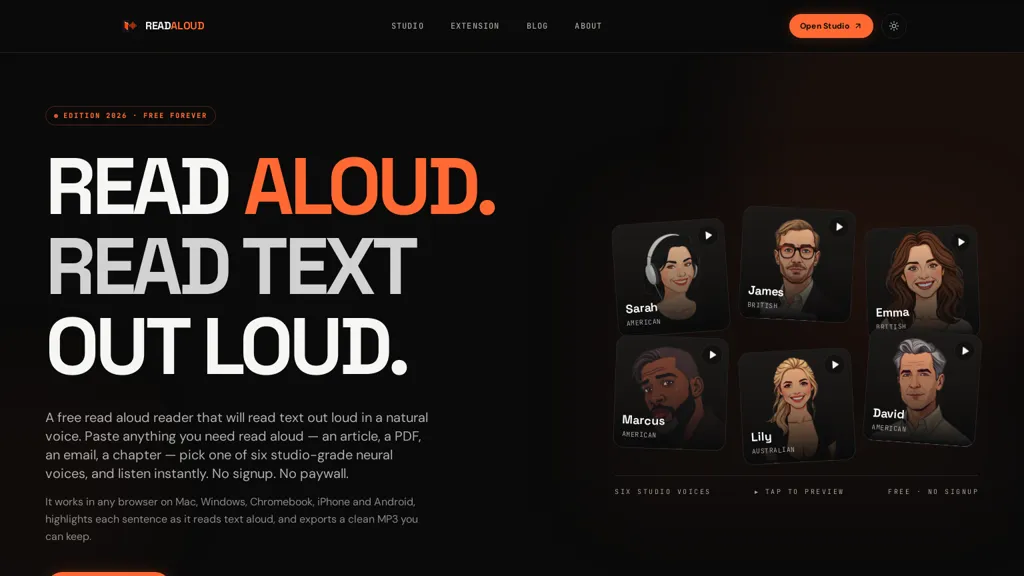
What is ReadAloud ?
ReadAloud Reader converts pasted or imported text into speech using multiple neural text-to-speech voices.It runs entirely in the browser and highlights each sentence during playback for synchronized reading.
Playback speed is adjustable and generated audio can be exported as downloadable MP3 files for offline listening.A browser extension enables reading of web pages or selected text without leaving the tab.
The studio workspace offers a distraction-free reader with voice selection and one-click audio export.The tool accepts long text inputs per session and produces speech output quickly for fast text-to-speech conversion.
ReadAloud details
- Company
- Vioneapp LLC
- Jurisdiction
- State of Wyoming, United States
- Built for
- Individuals
ReadAloud pricing
FreeThis tool is free to use, with no credit card required.
Verify on the official pricing page.
Get started freeReadAloud 's key features
-
Neural text-to-speech conversion with multiple voices
-
Runs entirely in the browser (client-side)
-
Sentence-by-sentence synchronized highlighting during playback
-
Adjustable playback speed
-
Export generated audio as downloadable MP3 files
ReadAloud use cases
-
Convert long articles, research papers, or e-books into natural-sounding audio using Read Aloud Reader's neural voices, follow along with sentence highlighting during playback, adjust speed for faster consumption, and export chapters as one-click MP3s for offline study or commuting
-
Produce professional voiceovers for podcasts, video scripts, and presentations by importing text into the studio workspace, choosing from multiple neural voices and fine-tuning speed and emphasis, then export polished MP3 files ready for editing or publishing
-
Improve accessibility and comprehension on websites and educational platforms by installing the browser extension to read web pages aloud with synchronized sentence highlighting, helping visually impaired users and language learners engage with long-form content in real time
ReadAloud user reviews
Based on 1 review, 100% of users recommend ReadAloud , rated highly for quality results.
Liked for
Would you recommend ReadAloud ?
Who is ReadAloud for?
-
Students
-
Writers and authors
-
Editors and proofreaders
-
Journalists and bloggers
-
Podcasters and audio creators
-
Content creators and marketers
-
Researchers and academics
-
Language learners
-
Teachers and educators
-
People with visual impairments
-
People with dyslexia or reading difficulties
-
Busy professionals and commuters
ReadAloud FAQ
Is ReadAloud free?
Yes. ReadAloud is free to use and does not require a credit card.
Is ReadAloud safe to use?
ReadAloud is operated by Vioneapp LLC, registered in State of Wyoming, United States.
What are the best alternatives to ReadAloud ?
The closest alternatives to ReadAloud are NaturalReader, Readpdfaloud, Readvox, Free Text-To-Speech and Speechify. You can compare them side by side in the alternatives section further down this page.
What does ReadAloud do with my data?
ReadAloud states that customer content is not used to train its models. Its privacy policy states that personal data is not sold or shared for marketing purposes. Data may be shared with third-party service providers that help run the product.
Who made ReadAloud ?
ReadAloud is built and operated by Vioneapp LLC, a company registered in State of Wyoming, United States.
Compliance, privacy and billing terms are as stated in each product's own published documentation and have not been independently verified by TopAI.tools.


