
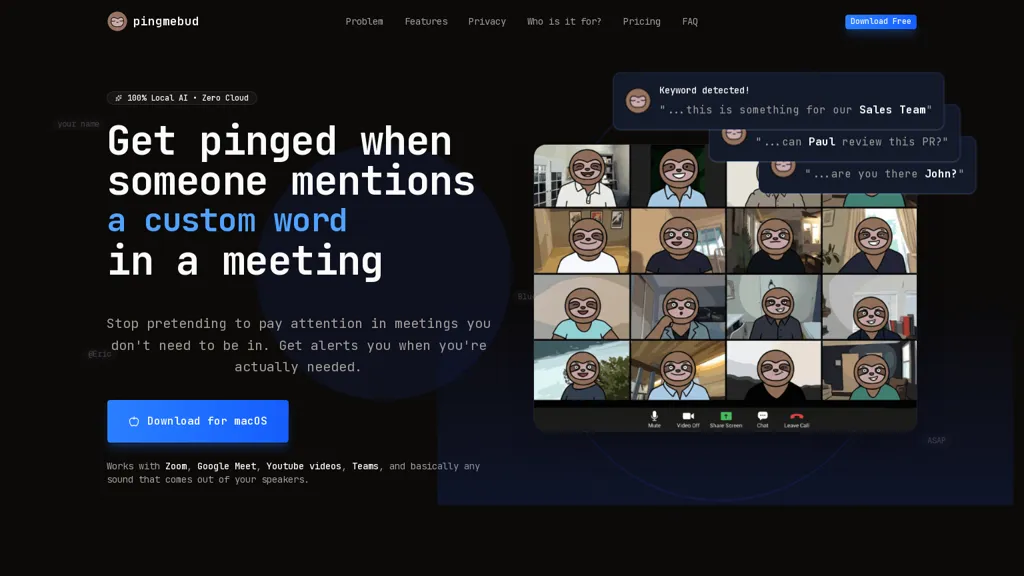
What is PingMeBud?
Pingmebud monitors meeting audio on macOS and sends real-time, keyword-based alerts when names, teams, projects or urgent terms are mentioned.
Local AI transcription runs on Apple Silicon (M1–M4) with selectable models for on-device, offline speech-to-text processing.
Works with Zoom, Google Meet, Microsoft Teams, Discord, YouTube and other VOIP apps by capturing speaker audio without joining calls as a participant.
Features include smart keyword matching (variations and synonyms), pause/silence detection, native macOS notifications and optional visual full-screen alerts.
Privacy-first design keeps all audio processing and session memory in RAM on-device, with no cloud uploads, no account required and no telemetry.
Menu-bar controls provide quick start/stop monitoring and keyword management without opening the full app window.
Intended users include remote workers, developers, meeting-heavy teams and multi-meeting professionals who need focused, relevant notifications and reduced meeting noise.
PingMeBud pricing Free trial
Verify on the official pricing page.
Start free trialPingMeBud user reviews
Would you recommend PingMeBud?
PingMeBud's key features
-
Real-time, keyword-based monitoring of meeting audio on macOS with alerts
-
On-device, offline speech-to-text transcription using local AI models on Apple Silicon (M1–M4) with selectable models
-
Captures speaker audio from Zoom, Google Meet, Microsoft Teams, Discord, YouTube and other VOIP apps without joining calls
-
Smart keyword matching (variations and synonyms), pause/silence detection, native macOS notifications and optional full-screen visual alerts
-
Privacy-first on-device processing keeping audio and session memory in RAM with no cloud uploads, no account required and no telemetry
PingMeBud use cases
-
Receive discreet, real-time alerts when your name, team, or urgent keywords are spoken across Zoom, Meet, Teams and Discord using Pingmebud’s Apple Silicon on-device transcription, so you can stay focused and jump into conversations without sending audio to the cloud
-
Automatically surface critical terms like 'incident', 'escalate' or 'deadline' during multi-platform calls via the menu-bar controls and voip audio capture, enabling rapid triage and teammate routing while keeping all processing local
-
Create private, searchable meeting highlights and action-item cues by detecting phrases such as 'assign', 'todo' or 'follow up' in real time across meetings, compiling next-step reminders without exposing audio off your Mac
Who is it for?
-
Software developers
-
Project managers
-
Team leads
-
Salespeople
-
Customer support representatives


