
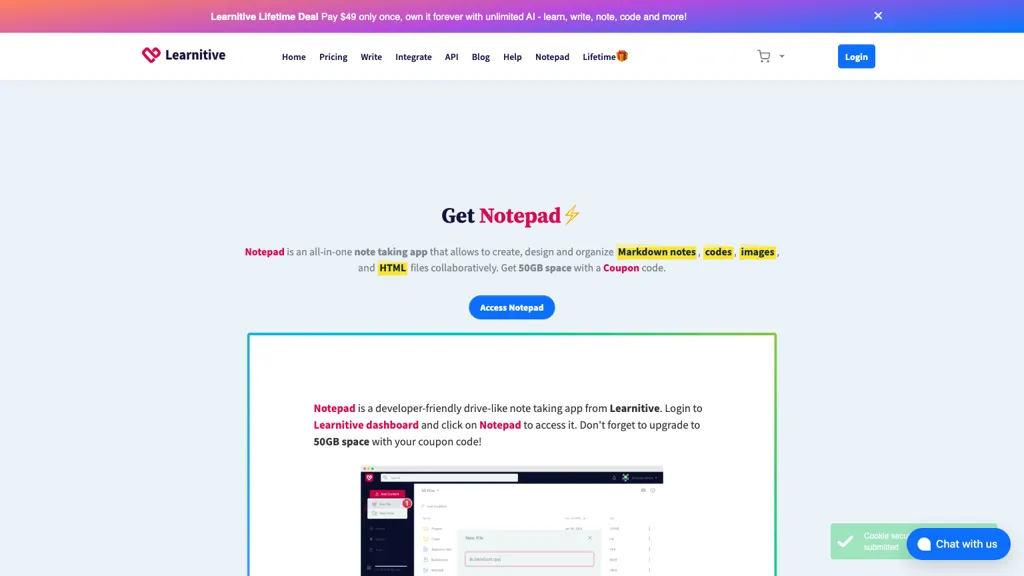
What is Notepad?
Notepad is an all‑in‑one note‑taking app that supports Markdown, code, images, web pages, and PDF files in a single interface. The editor automatically selects the appropriate tool based on the file extension, providing a Markdown editor for .md and .
txt files, a code IDE for .cpp, .py, .js, and other languages, and an HTML builder for .htm and .html. Built on open‑source components such as TUI Editor, Judge0, BuilderJS, and FabricJS, it offers features like syntax‑highlighted code execution, drag‑and‑drop visual web design, photo manipulation, and PDF annotation.
Data can be stored locally in a secure database or synchronized to up to 50 GB of cloud storage, giving users control over where their files reside. The platform runs in any modern web browser on macOS, Windows, or mobile devices, and also provides a native Windows app for offline use.
Notepad details
- Built for
- Individuals
Notepad tech specs
- Works with
- OpenAI / GPT
- Integrations
- WordPress
Notepad pricing
FreemiumVerify on the official pricing page.
View plansNotepad's key features
-
Auto-detect editor per file type
-
Unlimited AI assistance words
-
50GB cloud storage with coupons
-
Code IDE with Judge0 support
-
FabricJS photo editor with filters
-
Visual & Codepen web builder
-
Portable desktop app with local DB
Notepad use cases
-
Build a dynamic portfolio website in Notepad by writing Markdown and instantly rendering it as polished HTML, using drag‑and‑drop image placement and PDF export for a professional showcase
-
Collaborate on code snippets in real‑time with syntax‑highlighted execution, annotate PDFs on the fly, and sync the entire workspace across devices for seamless study or team projects
-
Compose research notes in PDF, embed live code blocks, annotate with comments, then export the whole document to Markdown for version‑controlled collaboration in Git
Notepad user reviews
Would you recommend Notepad?
Who is Notepad for?
-
Product designers
-
Content creators
-
E-commerce sellers
-
Digital marketers
-
Note-taking enthusiasts
Notepad FAQ
Is Notepad free?
Partly. Notepad has a free plan with usage limits, and paid plans unlock the full feature set. Plans include Learn30 at $9 and Lifetime deal at $49.
What are the best alternatives to Notepad?
The closest alternatives to Notepad are MarkItDown, Znote ai, MyMind, Craft and Noteey. You can compare them side by side in the alternatives section further down this page.
What does Notepad do with my data?
Its privacy policy states that personal data is not sold or shared for marketing purposes.
Does Notepad have an API?
Yes. Notepad offers an API, so you can call it from your own applications instead of using the interface directly.
Which AI models does Notepad use?
Notepad is built on OpenAI / GPT. Which models you can reach may depend on your plan.
What does Notepad integrate with?
Notepad connects with WordPress.
Compliance, privacy and billing terms are as stated in each product's own published documentation and have not been independently verified by TopAI.tools.


