
What is Craft?
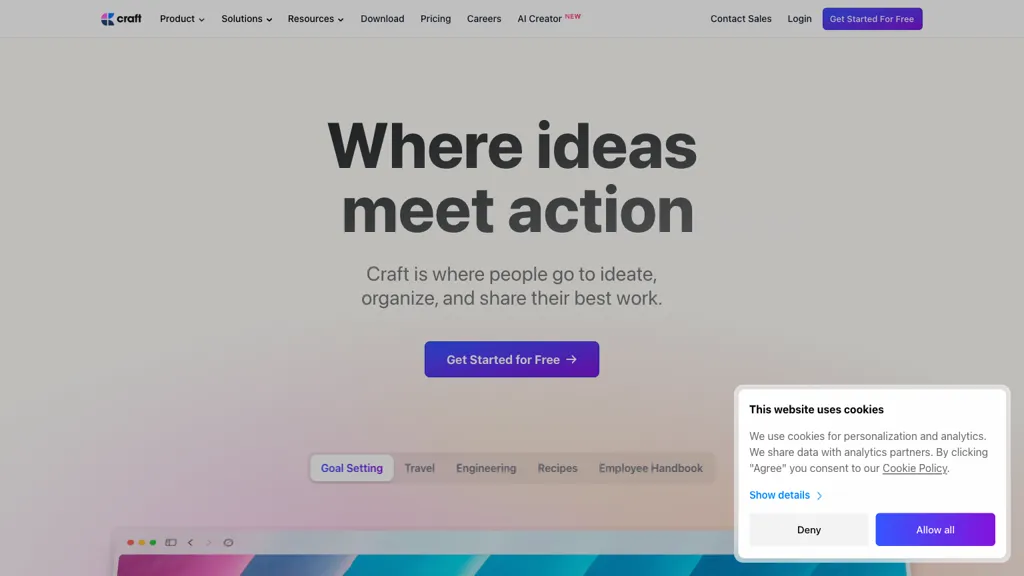
Craft is a multi‑function workspace for drafting, organizing, and publishing content. It synchronizes documents, tasks, calendar items, and whiteboards across iPhone, iPad, Mac, Windows, Android, and Vision Pro, allowing users to capture ideas instantly and refine them later.
Embedded task links keep action items within notes, while collections, folders, and tags provide structured data organization. Built‑in AI assists with writing and editing, and Craft supports integrations with tools such as Claude, ChatGPT, Code, Visual Studio Code, and Apple Shortcuts to extend workflow.
Craft pricing
SubscriptionVerify on the official pricing page.
View plansCraft's key features
-
Edit documents via conversation
-
Create new documents and folders
-
Organize content across workspace
-
Background processing while inactive
-
Clear back-and-forth conversation display
Craft use cases
-
Draft and publish a company blog post using Craft's pre-built templates, with AI assistance to generate SEO‑friendly content and auto‑schedule publication in the calendar, all while syncing notes across devices
-
Manage a multi‑phase product launch by embedding tasks, deadlines, and whiteboard sketches directly into a shared workspace; use Craft's integration with ChatGPT to auto‑generate status updates that are pushed to Slack via Apple Shortcuts
-
Write and maintain technical documentation inside VS Code, then export it from Craft to a structured website, using the AI writing assistant to paraphrase for readability and automatically update the calendar with release dates
Craft user reviews
Based on 22 reviews, 73% of users recommend Craft, rated highly for ease of use.
Liked for
Disliked for
Would you recommend Craft?
Who is Craft for?
-
Project managers
-
Team leaders
-
Operational staff
-
Product designers
-
Content creators
Craft FAQ
How much does Craft cost?
Craft is a paid product with no free plan. Plans include Plus at $8.0/mo, Family at $15.0/mo and Team at $50.0/mo.
Is Craft safe to use?
Craft carries the TopAI.tools verified mark, which we award after a manual review of pricing transparency, published terms, public following and working functionality. It has a substantial audience that is independently measured month to month.
Is Craft good?
Craft has a 73% recommendation rate from 22 reviewers on TopAI.tools. Reviewers rate it highest on ease of use and value for money.
What are the best alternatives to Craft?
The closest alternatives to Craft are Reflect AI, Goodnotes, Genspark.ai, Saga AI and Writingmate.ai. You can compare them side by side in the alternatives section further down this page.
Does Craft have an API?
Yes. Craft offers an API, so you can call it from your own applications instead of using the interface directly.
Is there a mobile app for Craft?
Yes. Craft has a mobile app alongside its web version.


