
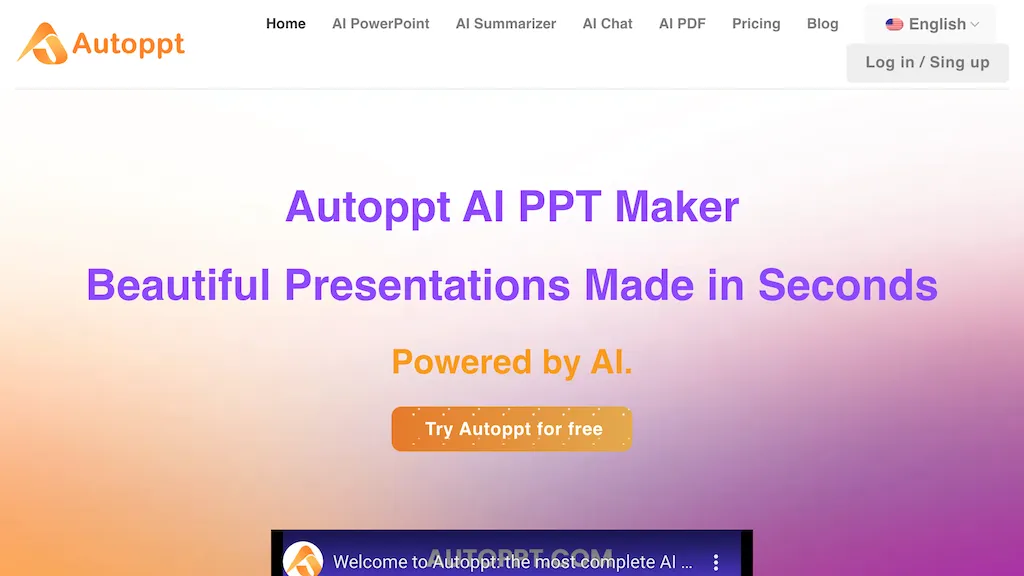
What is Autoppt?
AI Powerpoint Maker by AutoPPT is the ultimate solution for creating stunning presentations in seconds, powered by AI technology. Simply enter your topic, and the AI PowerPoint generator will instantly create beautifully designed slideshows. You can also upload documents like Word or PDF files to use extensive PowerPoint templates for generating AI presentations effortlessly. With AutoPPT, there's no need for design skills as it matches your thoughts and converts documents into AI slides with just a single click. The tool supports 100+ languages, allowing you to deliver responsive content across screens and engage audiences worldwide. Experience the magic of artificial intelligence in PowerPoint presentations with AutoPPT.
Autoppt details
- Built for
- Individuals
Autoppt tech specs
- Works with
- OpenAI / GPT
- Payment Processors
- PayPal
- Integrations
- Google Workspace
Autoppt pricing
Free trialVerify on the official pricing page.
Start free trialAutoppt's key features
-
Instant creation of beautifully designed slideshows
-
Upload and use Word or PDF files for generating AI presentations
-
Conversion of documents into AI slides with a single click
-
Support for 100+ languages for responsive content delivery
-
Instant mindmap generator
Autoppt use cases
-
Quickly generate professional PowerPoint presentations for business meetings or academic presentations with AutoPPT, saving time and effort in designing slides from scratch
-
Enhance team collaboration by easily converting team documents and reports into visually appealing slideshows using AutoPPT, ensuring a consistent and polished presentation style across projects
-
Effortlessly localize presentations into multiple languages for international audiences by leveraging AutoPPT's AI-powered language support, enabling effective communication and engagement across diverse cultures
Autoppt user reviews
Based on 18 reviews, 83% of users recommend Autoppt, rated highly for ease of use.
Liked for
Disliked for
Would you recommend Autoppt?
Who is Autoppt for?
-
Content creators
-
Business owners
-
Presenters
-
Designers
-
Marketers
Autoppt FAQ
Is Autoppt free?
Not permanently. Autoppt gives you a free trial, after which a paid plan is required. Plans include Pro month at $19.99/mo, Unlimited month at $39.99/mo, Pro year at $12.49/mo ($239.88 billed yearly) and Unlimited year at $24.99/mo ($479.88 billed yearly).
Is Autoppt safe to use?
Autoppt carries the TopAI.tools verified mark, which we award after a manual review of pricing transparency, published terms, public following and working functionality. It has a substantial audience that is independently measured month to month.
Is Autoppt good?
Autoppt has an 83% recommendation rate from 18 reviewers on TopAI.tools. Reviewers rate it highest on ease of use and quality of results.
What are the best alternatives to Autoppt?
The closest alternatives to Autoppt are PPT.AI, SlidesAI, AI PPT Maker, PresentationsAI and Smallppt. You can compare them side by side in the alternatives section further down this page.
What does Autoppt do with my data?
Its privacy policy states that personal data is not sold or shared for marketing purposes.
Which AI models does Autoppt use?
Autoppt is built on OpenAI / GPT. Which models you can reach may depend on your plan.
What does Autoppt integrate with?
Autoppt connects with Google Workspace.
Compliance, privacy and billing terms are as stated in each product's own published documentation and have not been independently verified by TopAI.tools.


