
What is SlidesAI?
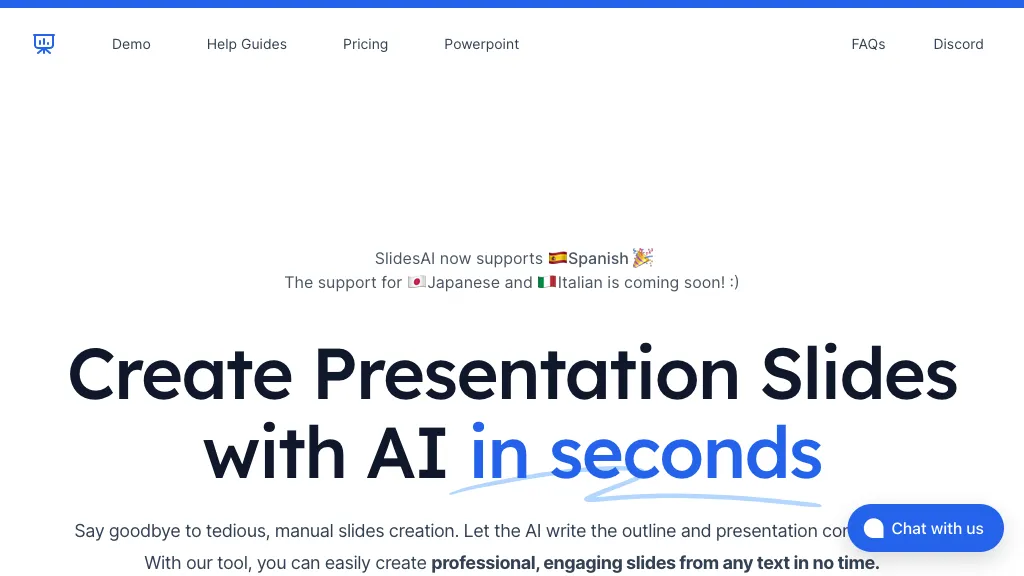
SlidesAI is an AI‑driven presentation tool that works directly within Google Slides and Microsoft PowerPoint. It converts text, lecture notes or brief prompts into structured slide decks, automatically selecting layouts, adding headings, bullet points, and optional images.
Users can adjust tone, depth, and visual style in real time, and the interface supports more than 100 languages. The tool offers a library of over 150 professional templates and an AI image generator that supplies royalty‑free visuals, all without requiring design expertise.
SlidesAI’s ChatGPT integration lets users chat with the assistant to refine content, rephrase sentences, or create slide outlines. After generation, presentations can be edited, shared, or downloaded in PPTX, PDF, or other common formats. The application is useful for educators, students, and business professionals who need to produce clear, polished slides quickly.
SlidesAI details
- Company
- Zesterv FZE LLC
- Jurisdiction
- United Arab Emirates
- Built for
- Businesses and teams
SlidesAI tech specs
- Works with
- OpenAI / GPT
- Payment Processors
- Paddle
SlidesAI pricing
Freemium- Refund window
- 2 days
Verify on the official pricing page.
View plansSlidesAI's key features
-
AI-generated slide creation from text
-
Structured lesson outline generation
-
Theme selection with AI visuals
-
Customizable branding and age tailoring
-
Interactive quiz slide creation
-
Compatible with Google Slides & PowerPoint
-
Supports 100+ languages
SlidesAI use cases
-
Craft an investor pitch deck for a startup in multiple languages, with SlidesAI auto‑selecting a clean, data‑driven template, inserting charts and AI‑generated images, all in Google Slides without any design expertise.
-
Build a training module for a global HR team, using SlidesAI to generate a 20‑slide PowerPoint in 8 languages, automatically formatting headings, bullet points, and inserting relevant AI images for each concept, enabling instant localization and consistent branding.
-
Produce a conference presentation on emerging tech, having SlidesAI outline the content from a simple prompt, select a modern template, and embed AI‑generated visuals, delivering a polished deck in minutes ready for Google Slides collaboration and real‑time editing.
SlidesAI user reviews
Based on 18 reviews, 72% of users recommend SlidesAI, rated highly for quality results.
Liked for
Disliked for
Would you recommend SlidesAI?
Who is SlidesAI for?
-
Content creators
-
Digital designers
-
Business owners
-
Marketing managers
-
Education administrators
SlidesAI FAQ
Is SlidesAI free?
Partly. SlidesAI has a free plan with usage limits, and paid plans unlock the full feature set. Plans include Pro at $7.22 and Premium at $14.44.
Is SlidesAI safe to use?
SlidesAI is operated by Zesterv FZE LLC, registered in United Arab Emirates. SlidesAI carries the TopAI.tools verified mark, which we award after a manual review of pricing transparency, published terms, public following and working functionality. It has a substantial audience that is independently measured month to month.
Is SlidesAI good?
SlidesAI has a 72% recommendation rate from 18 reviewers on TopAI.tools. Reviewers rate it highest on quality of results and ease of use.
What are the best alternatives to SlidesAI?
The closest alternatives to SlidesAI are PresentationsAI, SlideAI, Slides.bot, Autoppt and Instant AI for Google Slides. You can compare them side by side in the alternatives section further down this page.
What does SlidesAI do with my data?
Its privacy policy states that personal data is not sold or shared for marketing purposes. Data may be shared with third-party service providers that help run the product.
Does SlidesAI auto-renew or offer refunds?
SlidesAI states a 2-day refund window.
Who made SlidesAI?
SlidesAI is built and operated by Zesterv FZE LLC, a company registered in United Arab Emirates.
Which AI models does SlidesAI use?
SlidesAI is built on OpenAI / GPT. Which models you can reach may depend on your plan.
Compliance, privacy and billing terms are as stated in each product's own published documentation and have not been independently verified by TopAI.tools.


