
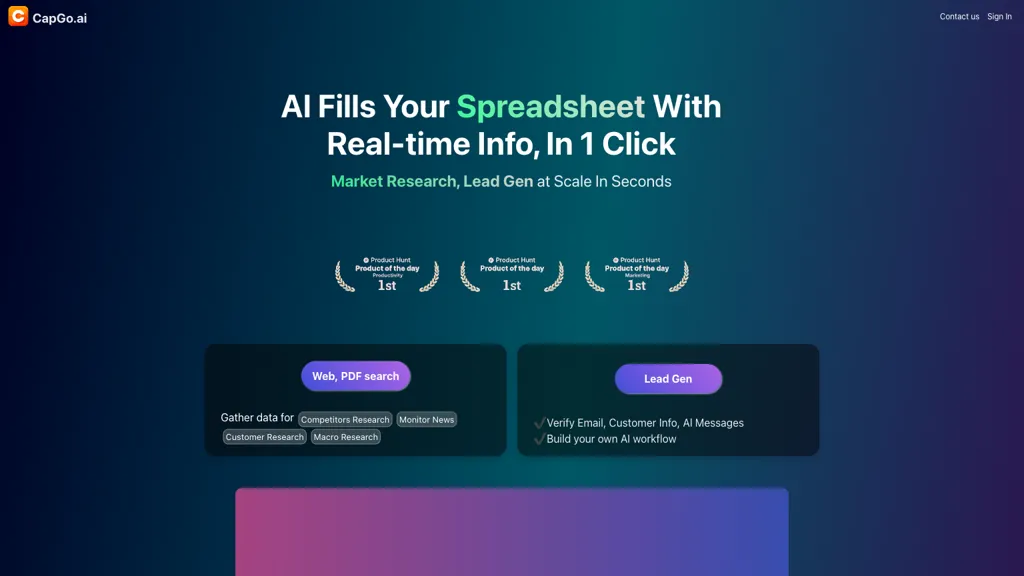
What is CapGo.AI?
CapGo AI is an AI‑driven content automation platform that generates and optimizes SEO and GEO pages, social media posts, and email campaigns from a single spreadsheet. Users select a template, input keywords or prompts, and the AI produces thousands of unique, keyword‑optimized pages in minutes.
The tool automatically creates meta tags, internal links, and content variations that align with search intent, ensuring consistency across large content sets. Generated content can be exported as CSV, HTML, or directly uploaded to major CMS platforms such as WordPress, Shopify, Webflow, Wix, and Squarespace.
CapGo AI also supports bulk scheduling and publishing to social channels including LinkedIn, X, Reddit, and Medium. The workflow is designed for marketers, agencies, and e‑commerce teams who need scalable, data‑driven content production without coding.
CapGo.AI pricing
FreemiumVerify on the official pricing page.
View plansCapGo.AI's key features
-
Generate SEO & GEO content scale
-
Schedule multi-channel content in bulk
-
Template-driven page creation with metadata automation
-
Export CSV for direct CMS integration
-
Instant publish to web and social
-
Parallel processing for fast output
CapGo.AI use cases
-
Generate thousands of SEO‑optimized product pages from a single spreadsheet and export them directly to Shopify, then schedule bulk social posts to promote each product launch.
-
Create a monthly email campaign for a niche newsletter by feeding CapGo with keyword lists, producing tailored email bodies and subject lines, then export to CSV for import into Mailchimp.
-
Build a multilingual blog content library by entering topics in a spreadsheet, letting CapGo auto‑generate meta tags, alt text, and multiple language variations, then push to WordPress and schedule social shares via the built‑in scheduler.
CapGo.AI user reviews
Based on 1 review, 100% of users recommend CapGo.AI, rated highly for quality results.
Liked for
Would you recommend CapGo.AI?
Who is CapGo.AI for?
-
Market researchers
-
Marketing automation marketers
-
Data analysts
-
Sales teams
-
Business strategists
CapGo.AI FAQ
Is CapGo.AI free?
Partly. CapGo.AI has a free plan with usage limits, and paid plans unlock the full feature set. Plans include Pro at $58/mo × 12 and Max at $114/mo × 12.
What are the best alternatives to CapGo.AI?
The closest alternatives to CapGo.AI are SEO.ai, SEO Writing AI, numerous, SEO Content AI and BlogSEO. You can compare them side by side in the alternatives section further down this page.


